
Call: 07971191699
 Send Inquiry
 Send Inquiry
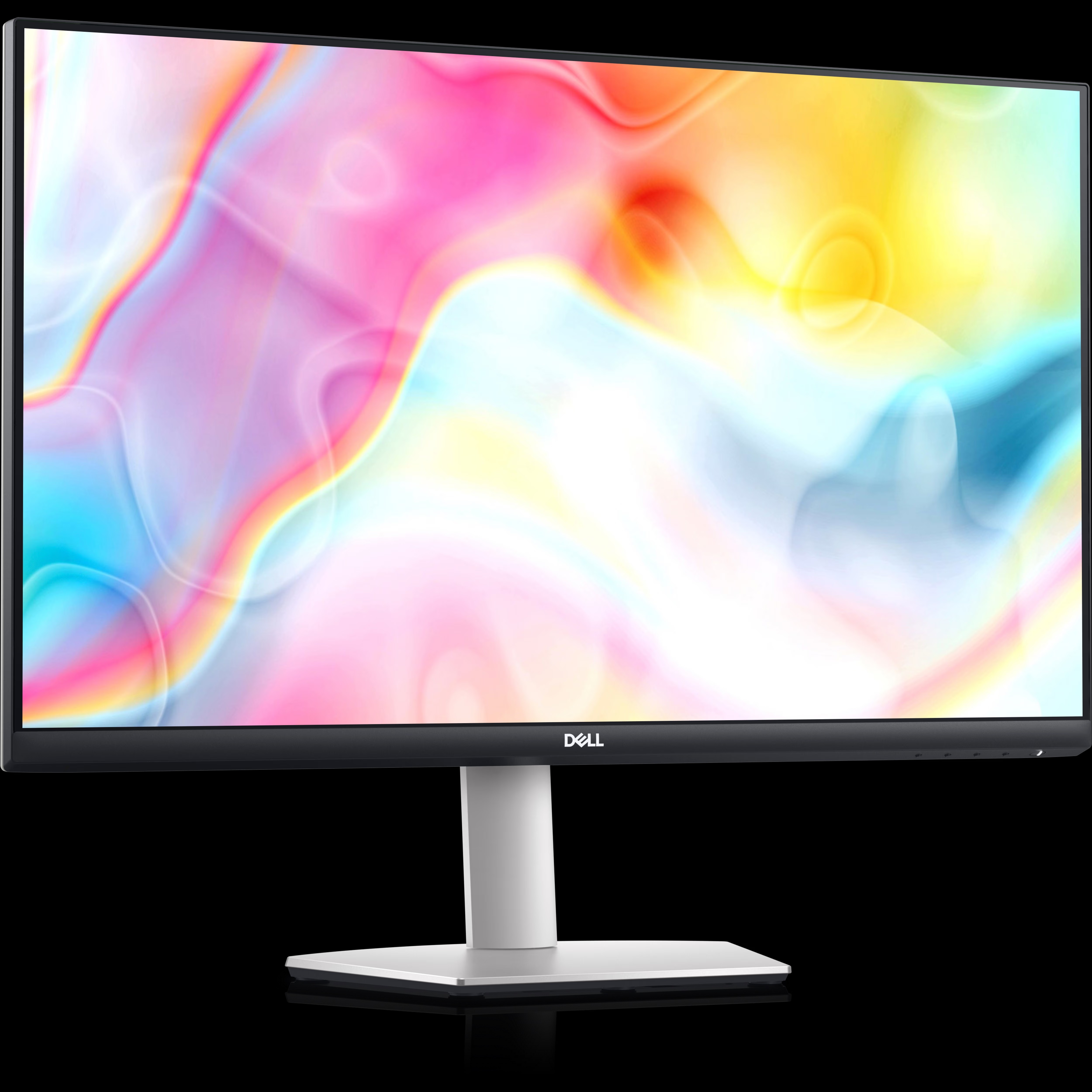
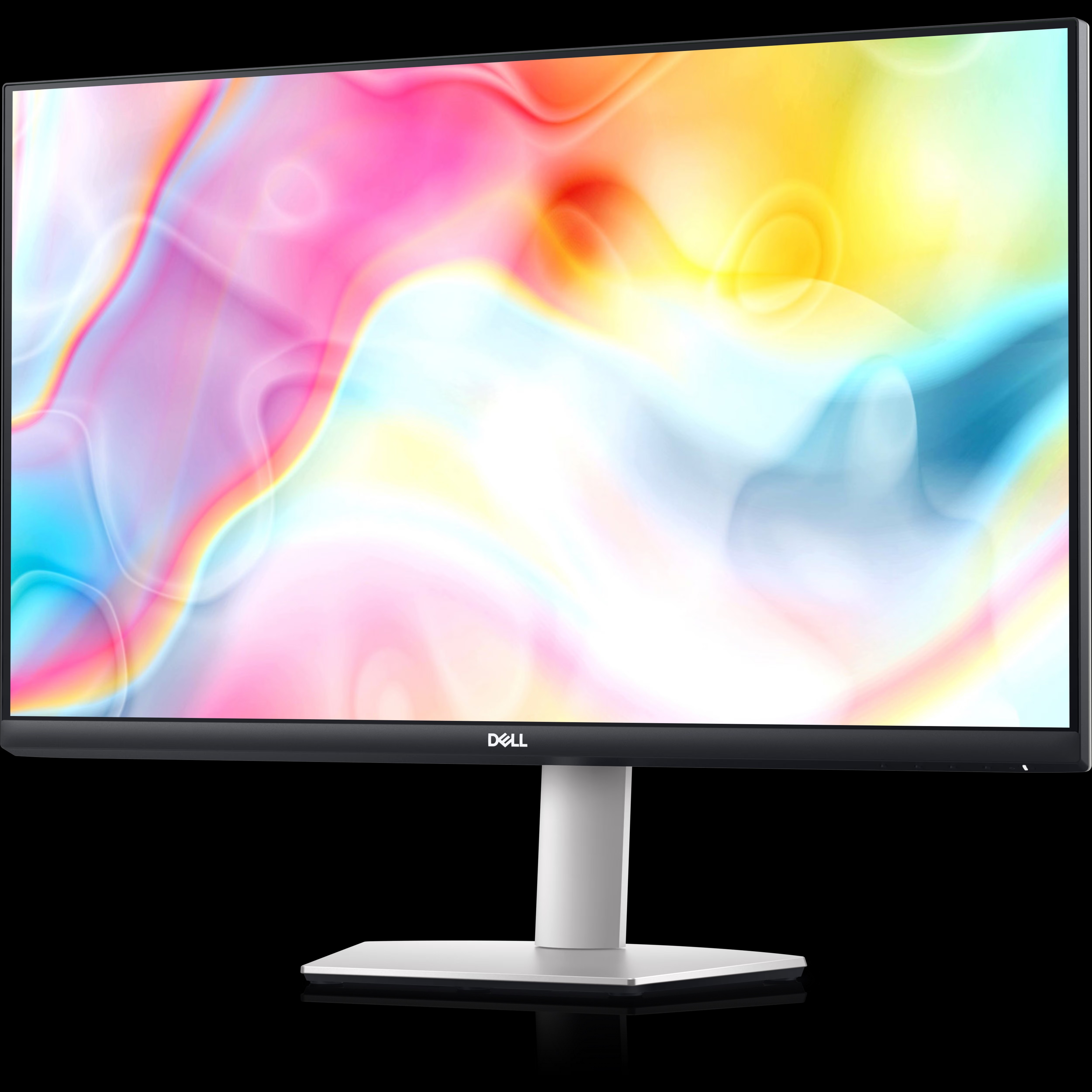
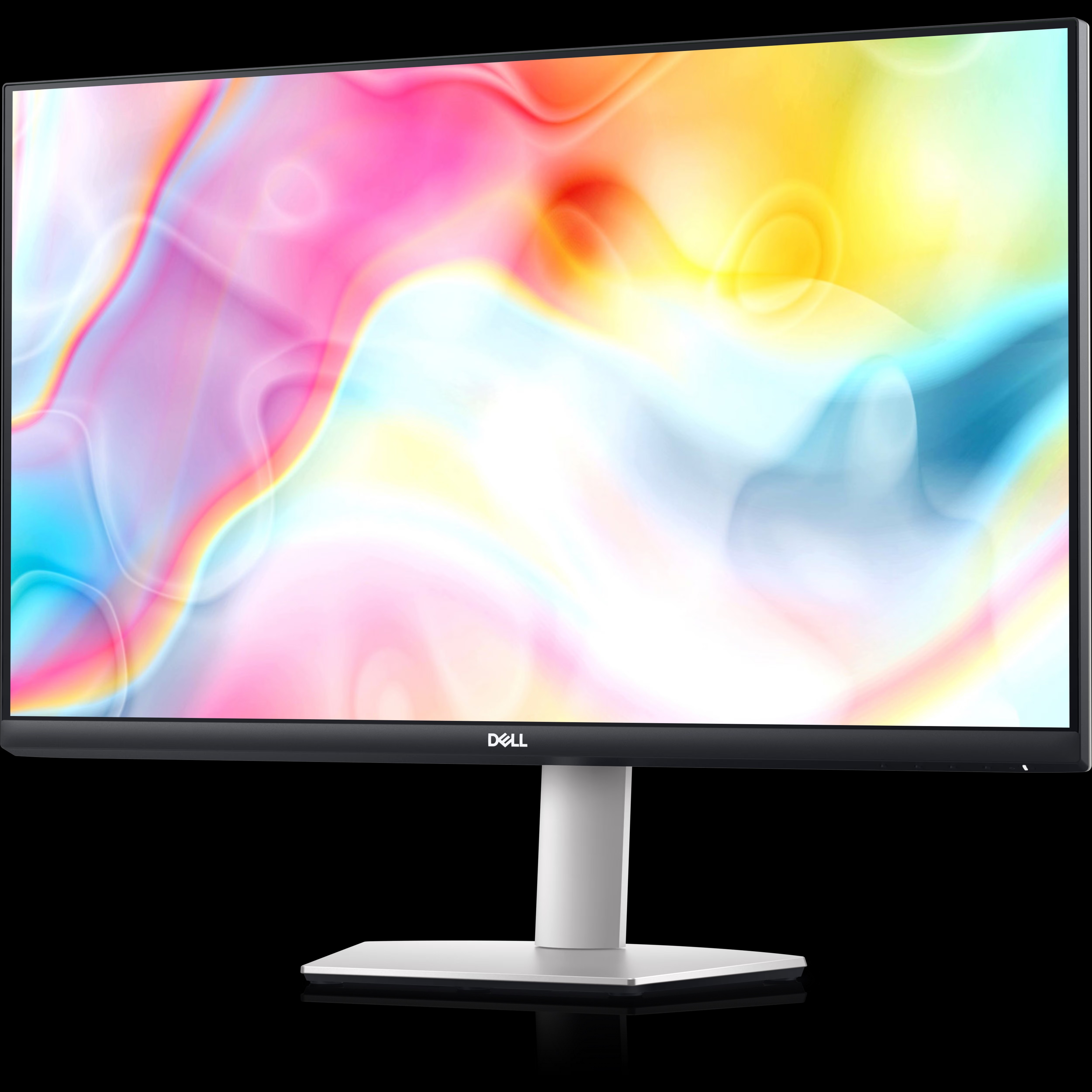
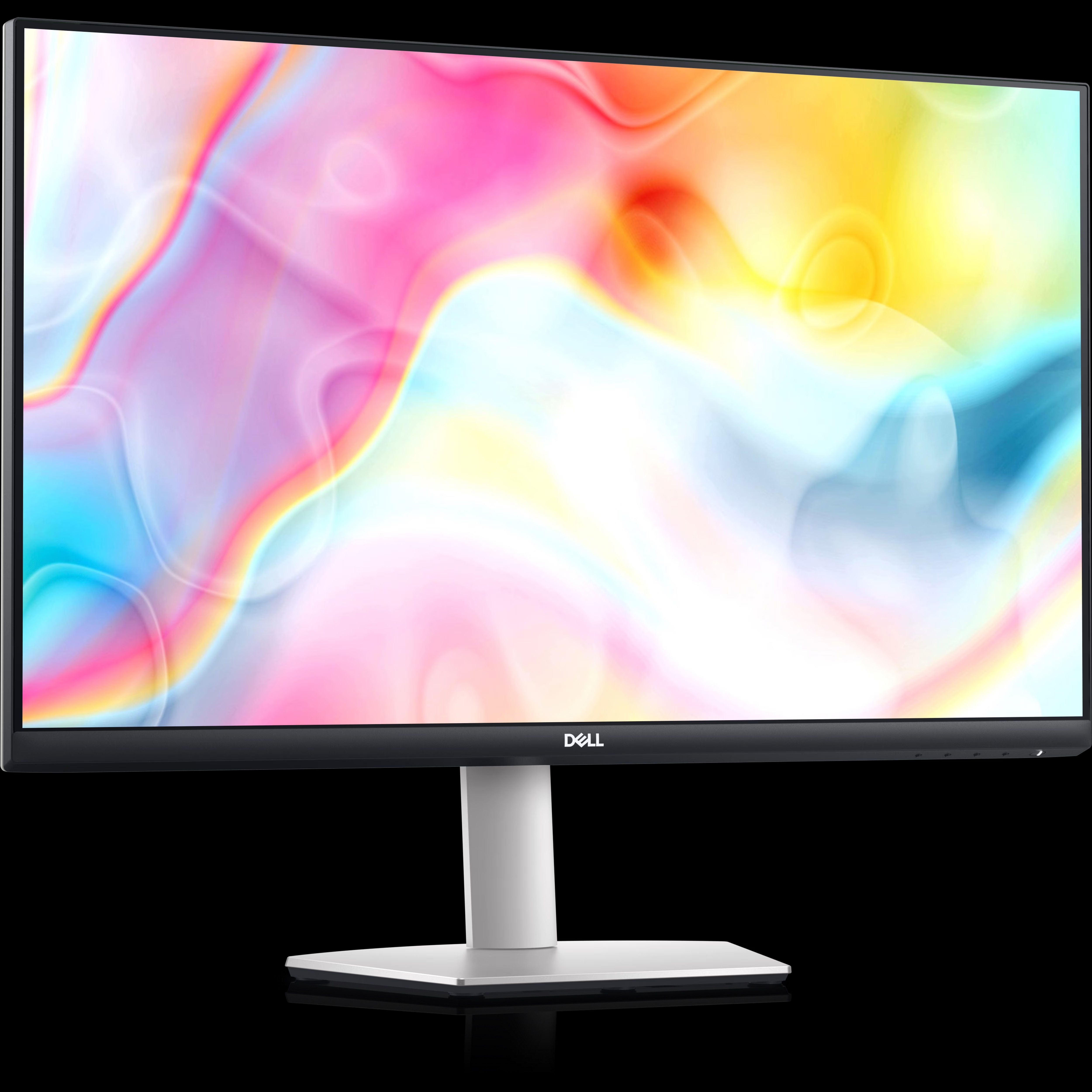
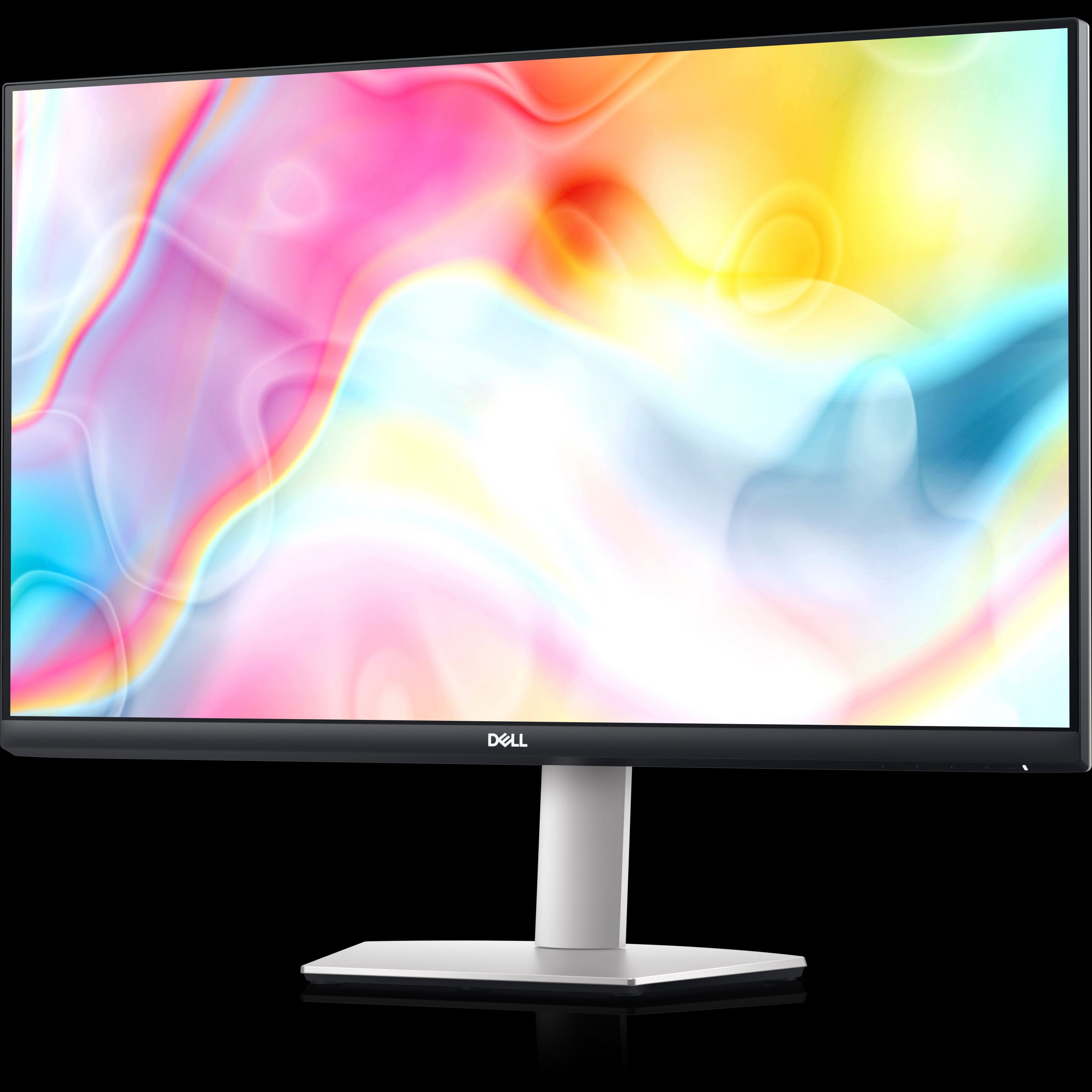
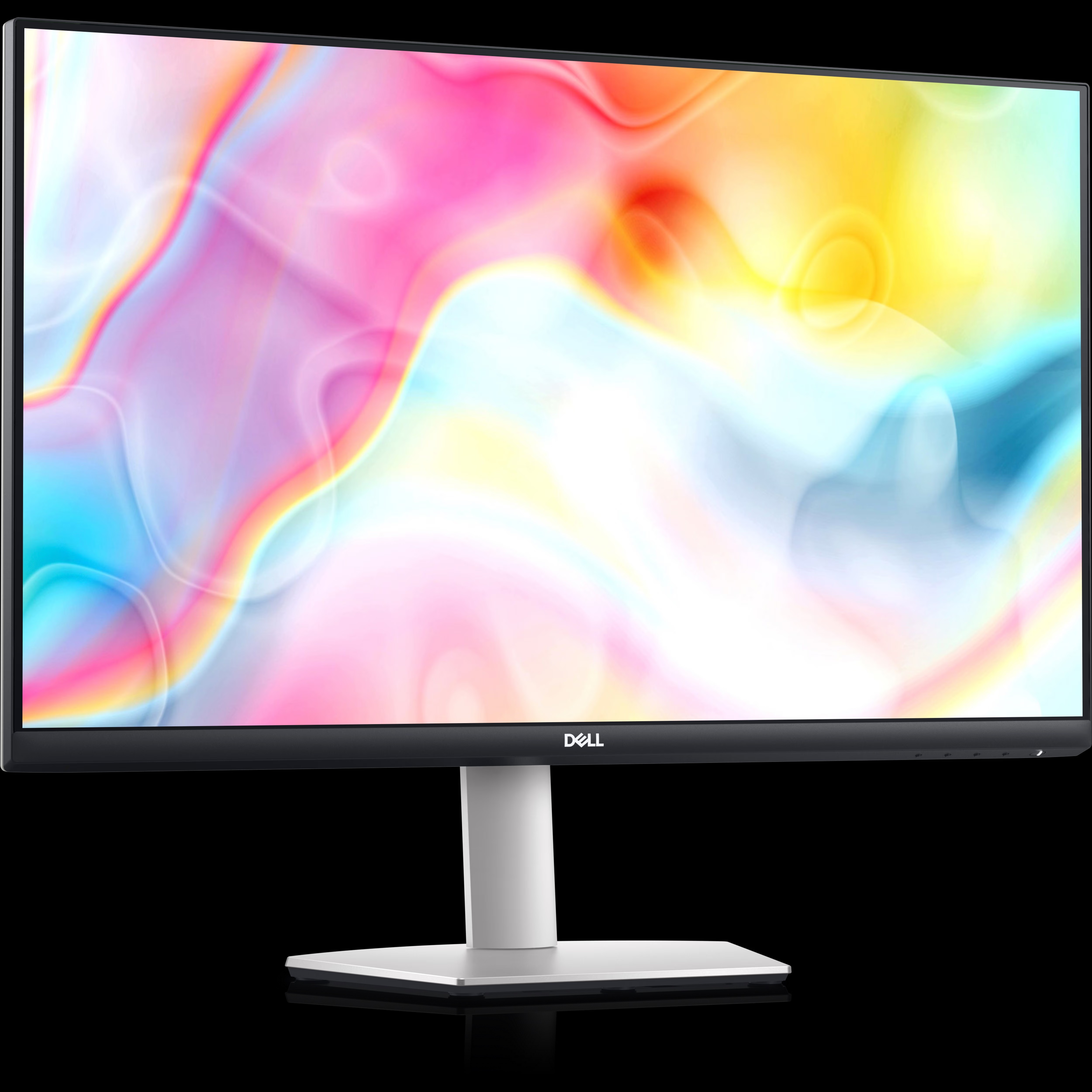
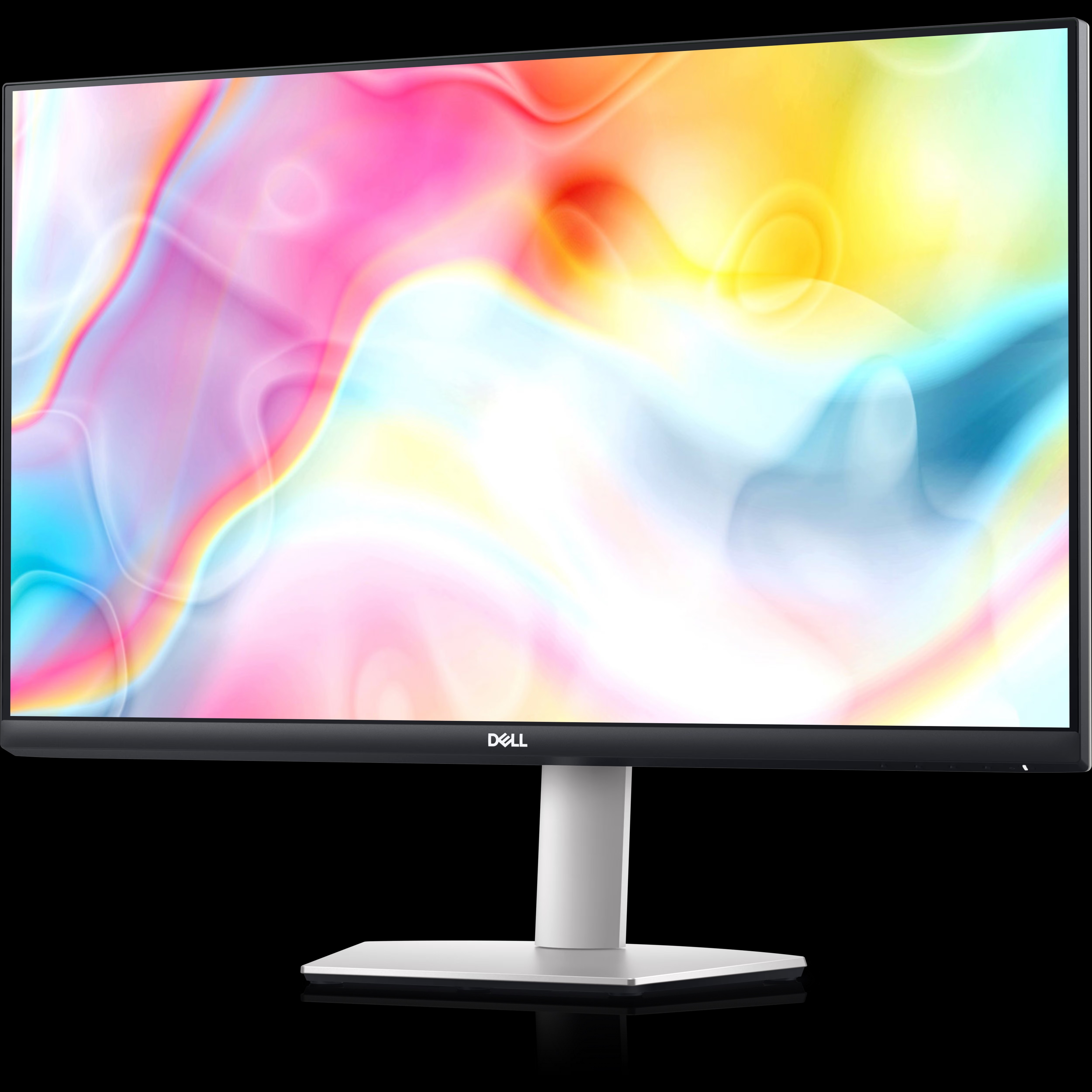
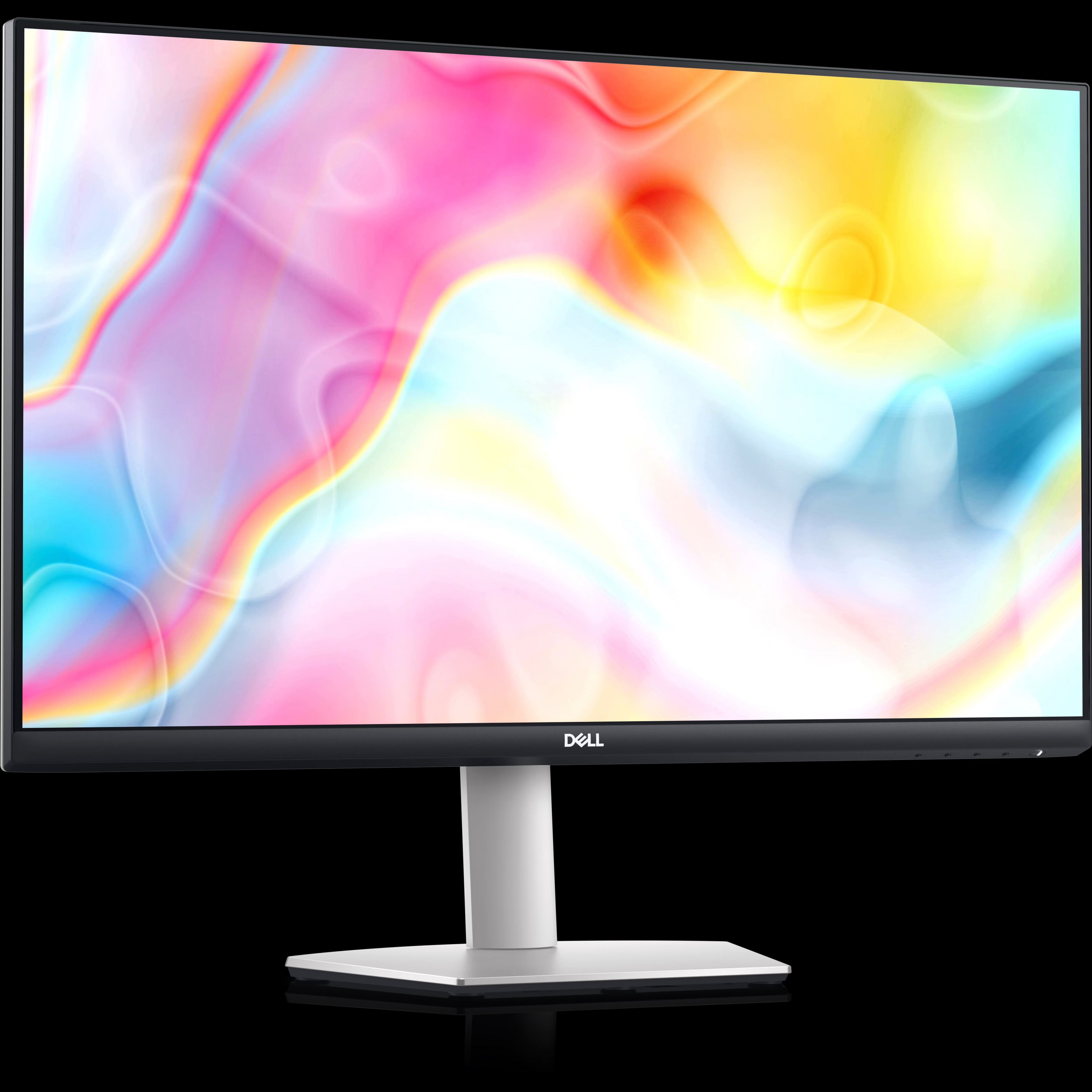
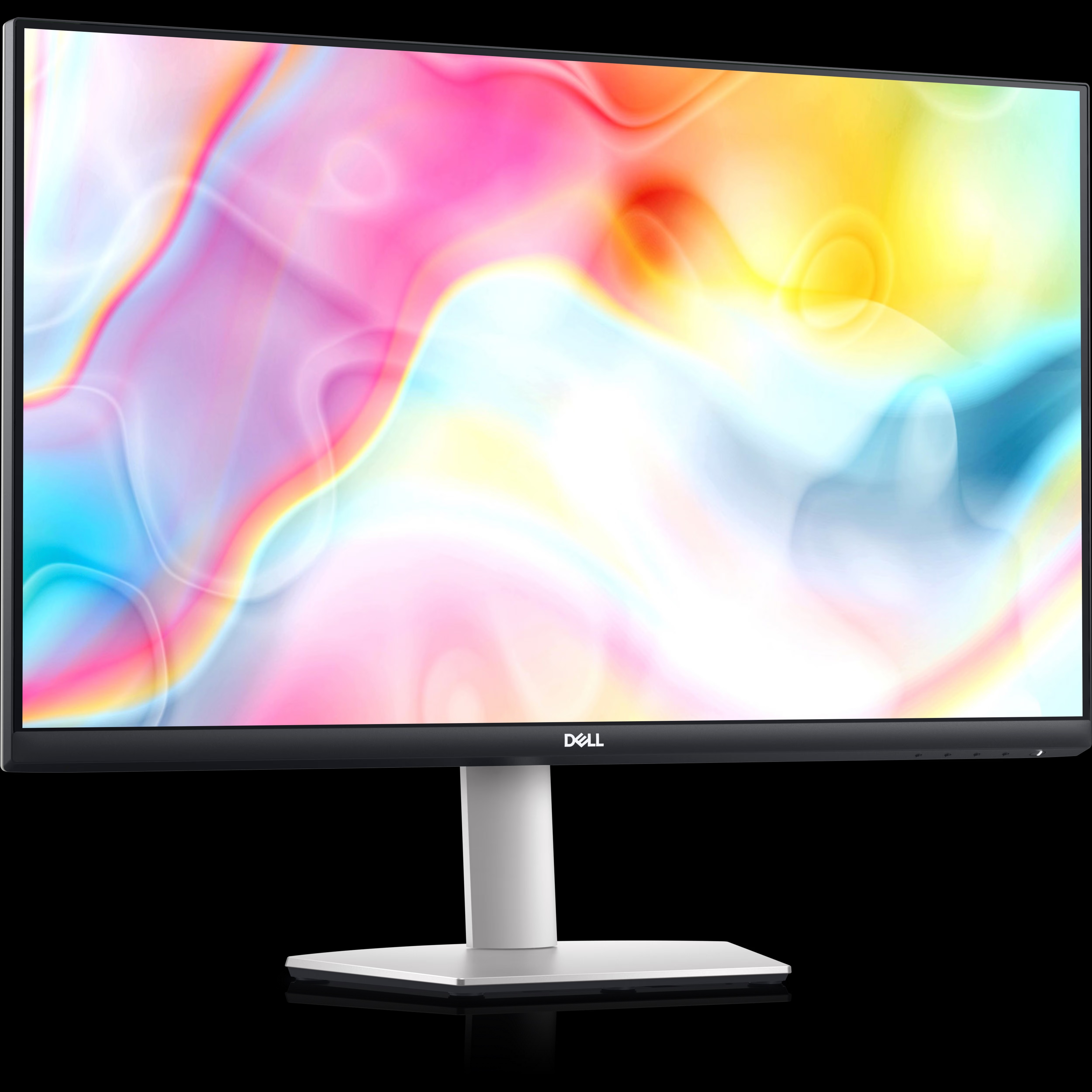
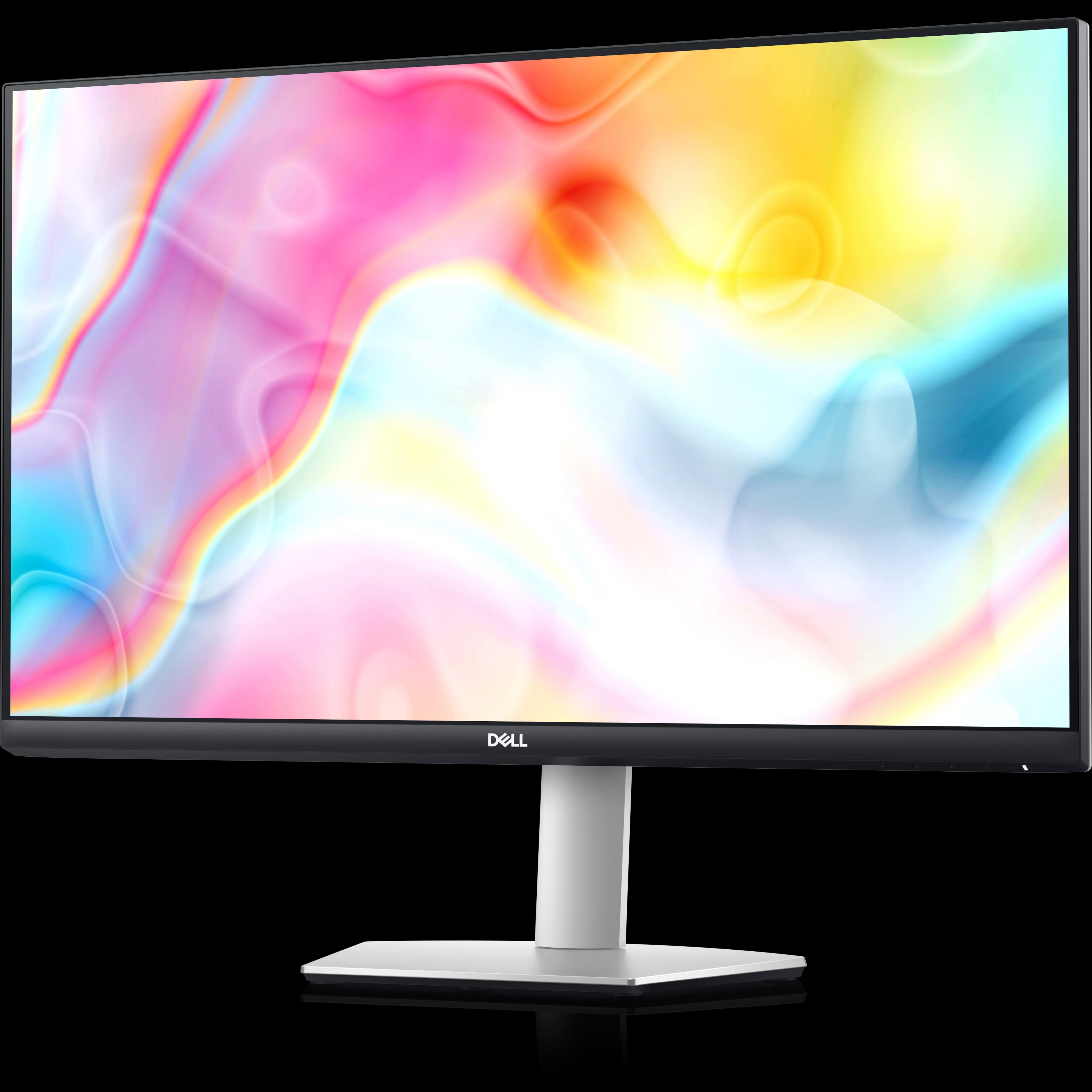
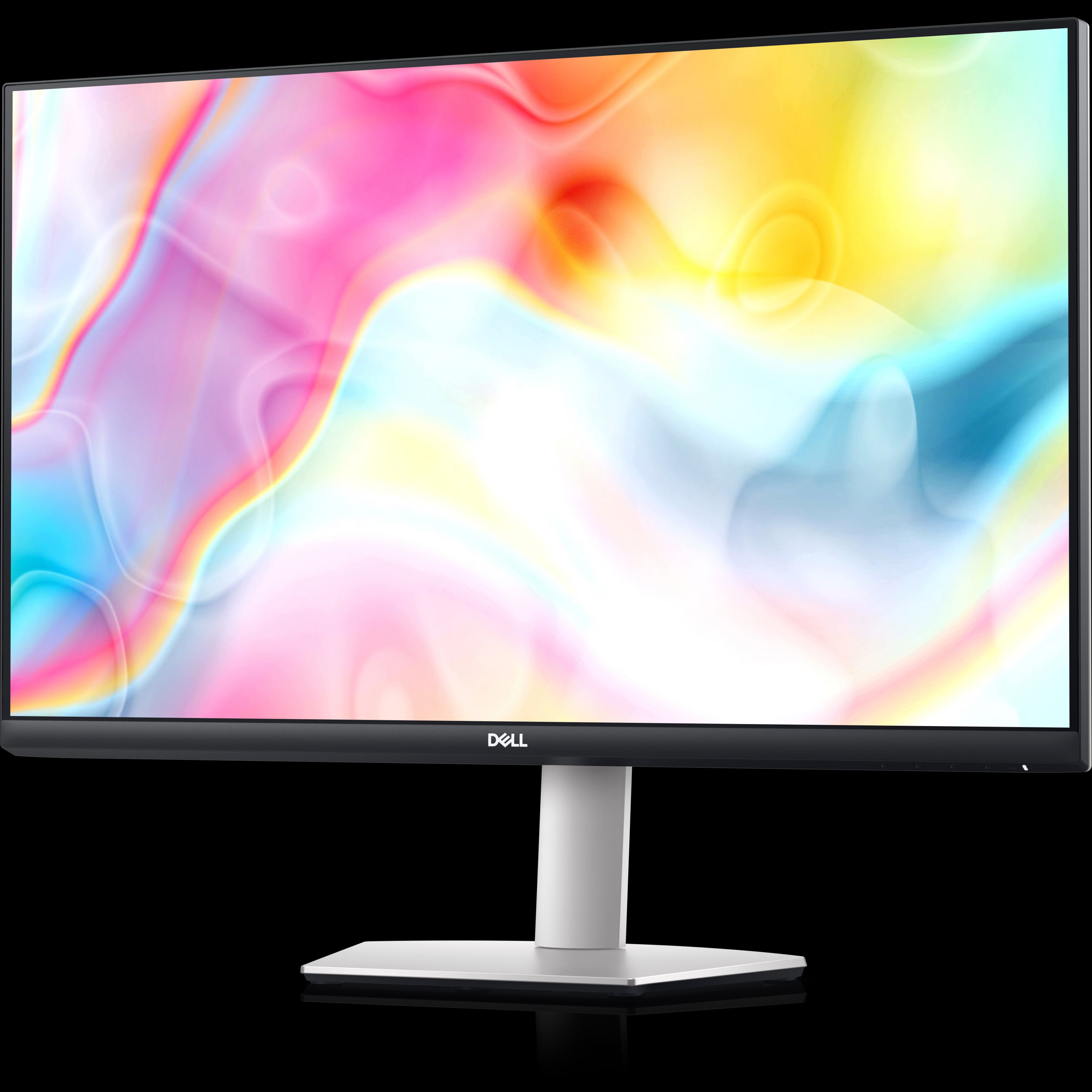
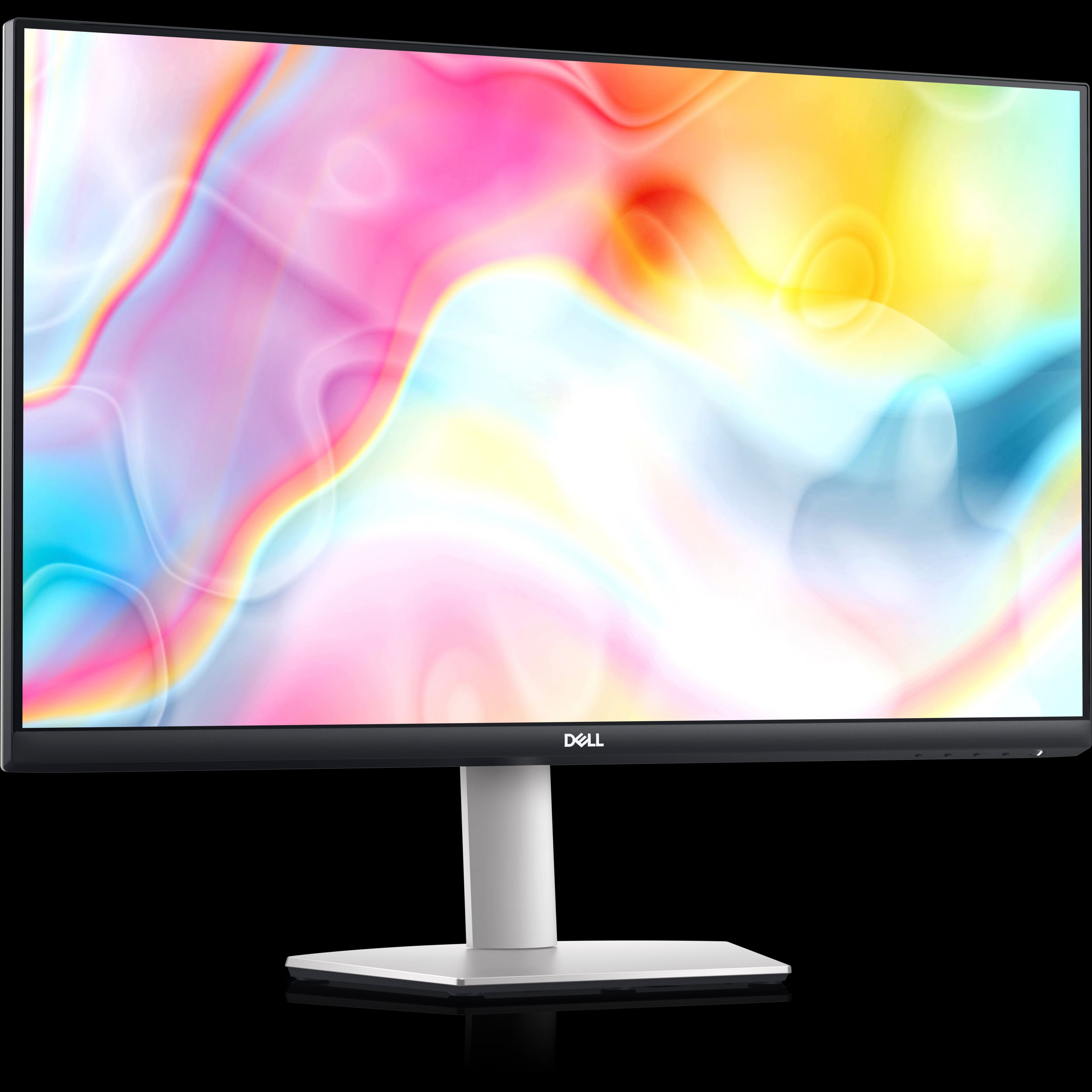
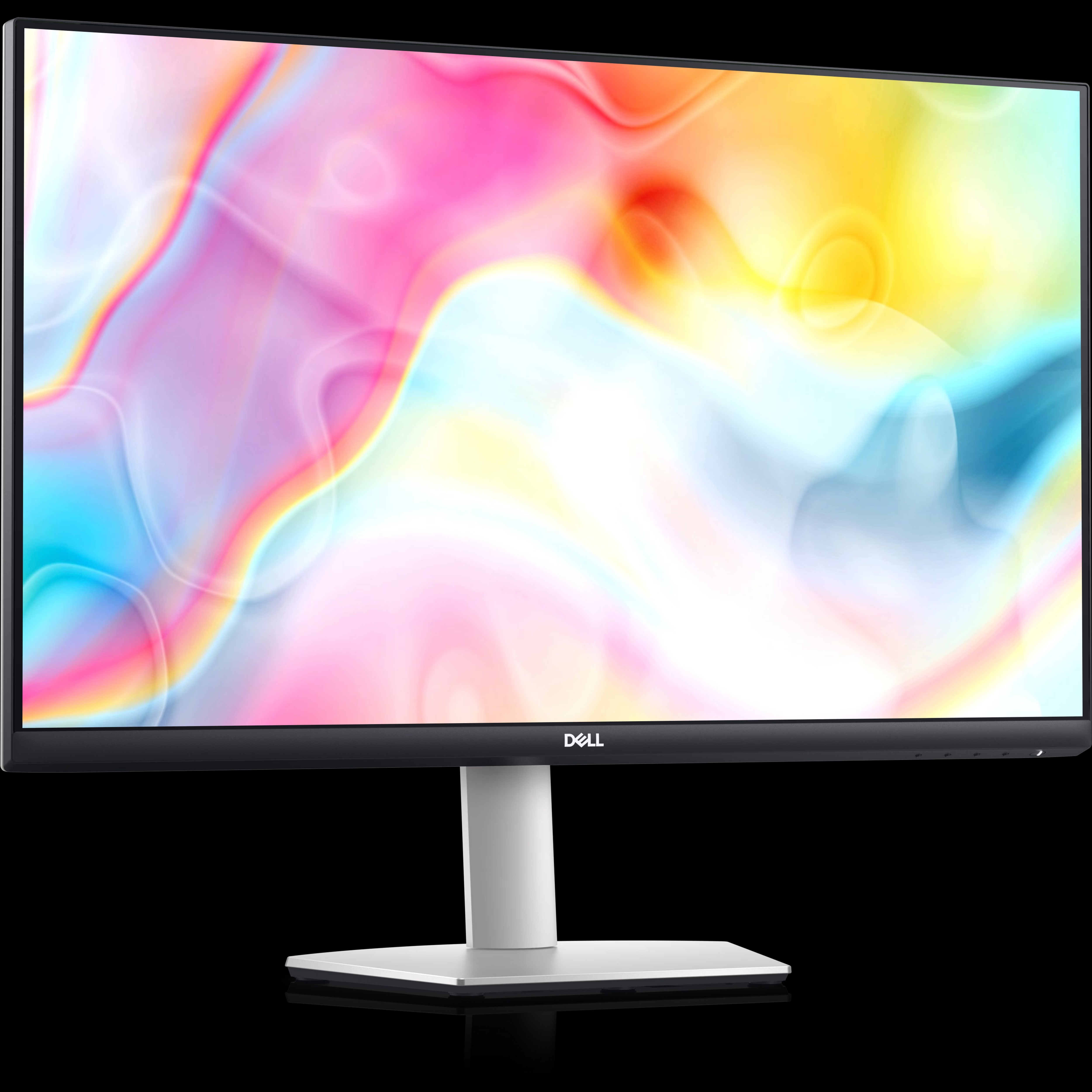
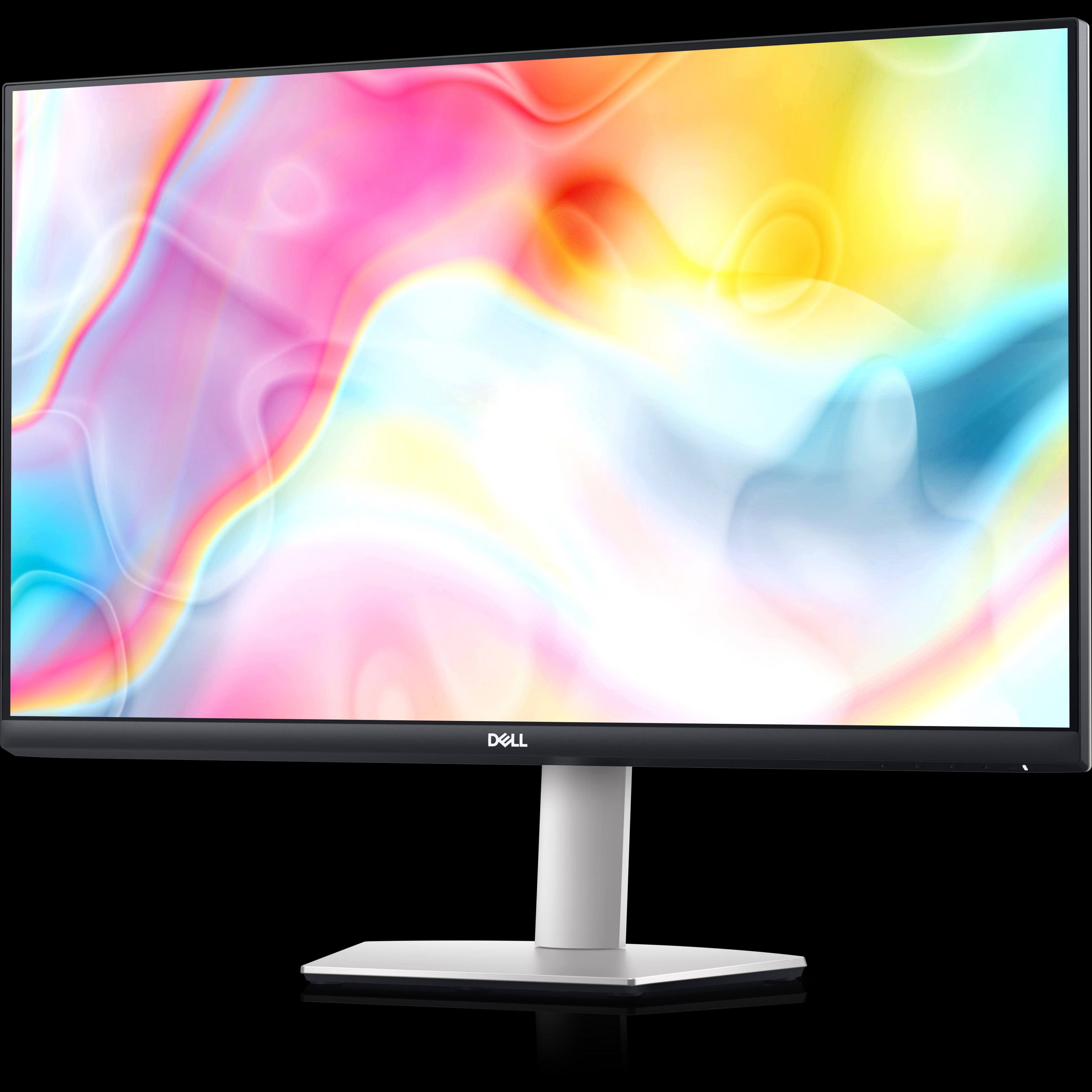
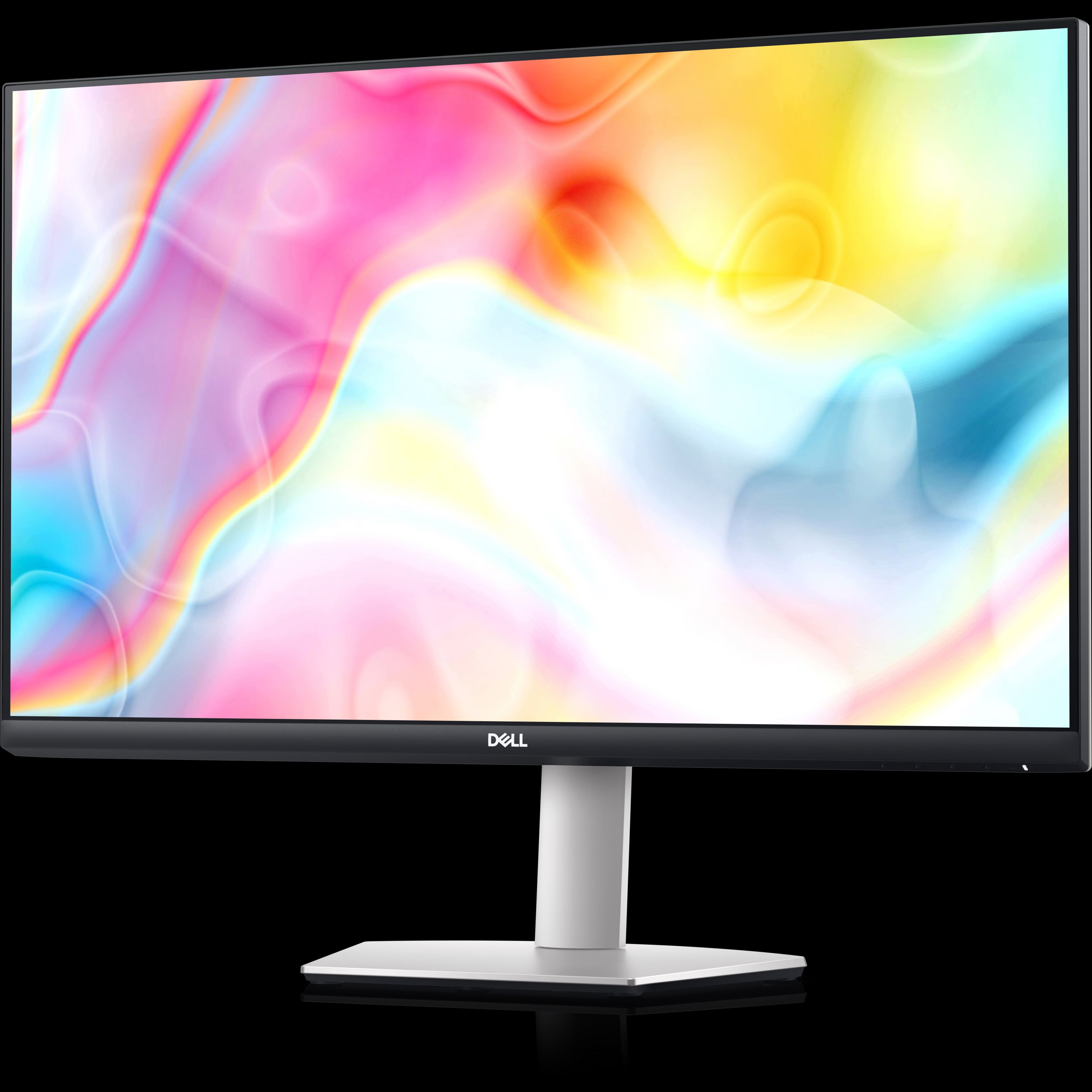
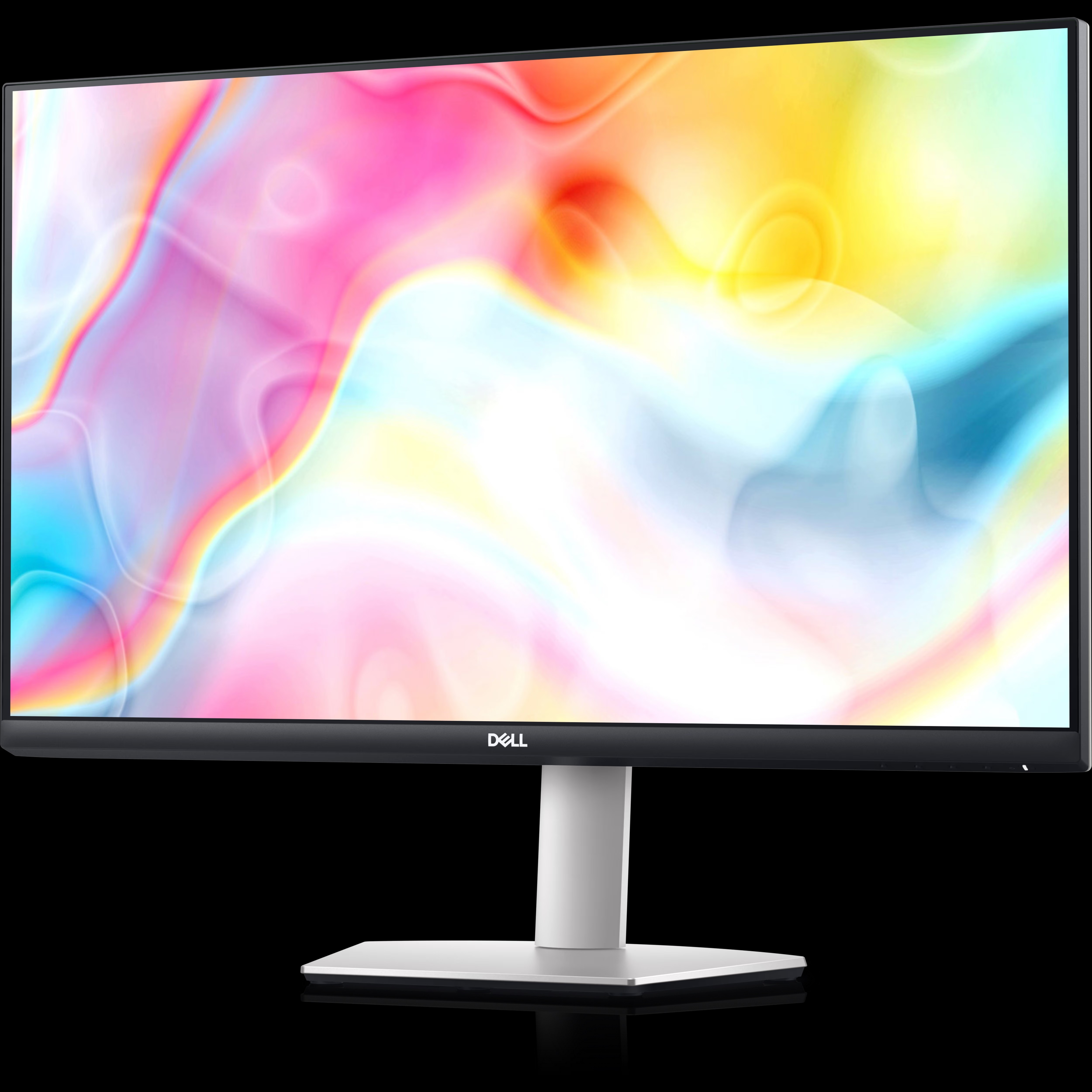
Dell 27 4K UHD USB-C Monitor - S2722QC
Price 38000 INR/ Unit
MOQ : 1 Piece
Dell 27 4K UHD USB-C Monitor - S2722QC Specification
- Screen Resolution
- 3840 x 2160 (4K UHD)
- Screen Size
- 27 Inch
- Weight
- Monitor only: approx. 5.93 kg
- Monitor
- Dell 27 4K UHD USB-C Monitor - S2722QC
- Connectivity Options
- USB-C, HDMI, Audio Line-Out
- Warranty Period
- 3 Years
- Contrast Ratio
- 1000:1
- Viewing Angle
- 178° / 178°
- Aspect Ratio
- 16:9
- Panel Type
- IPS
- Adjustability
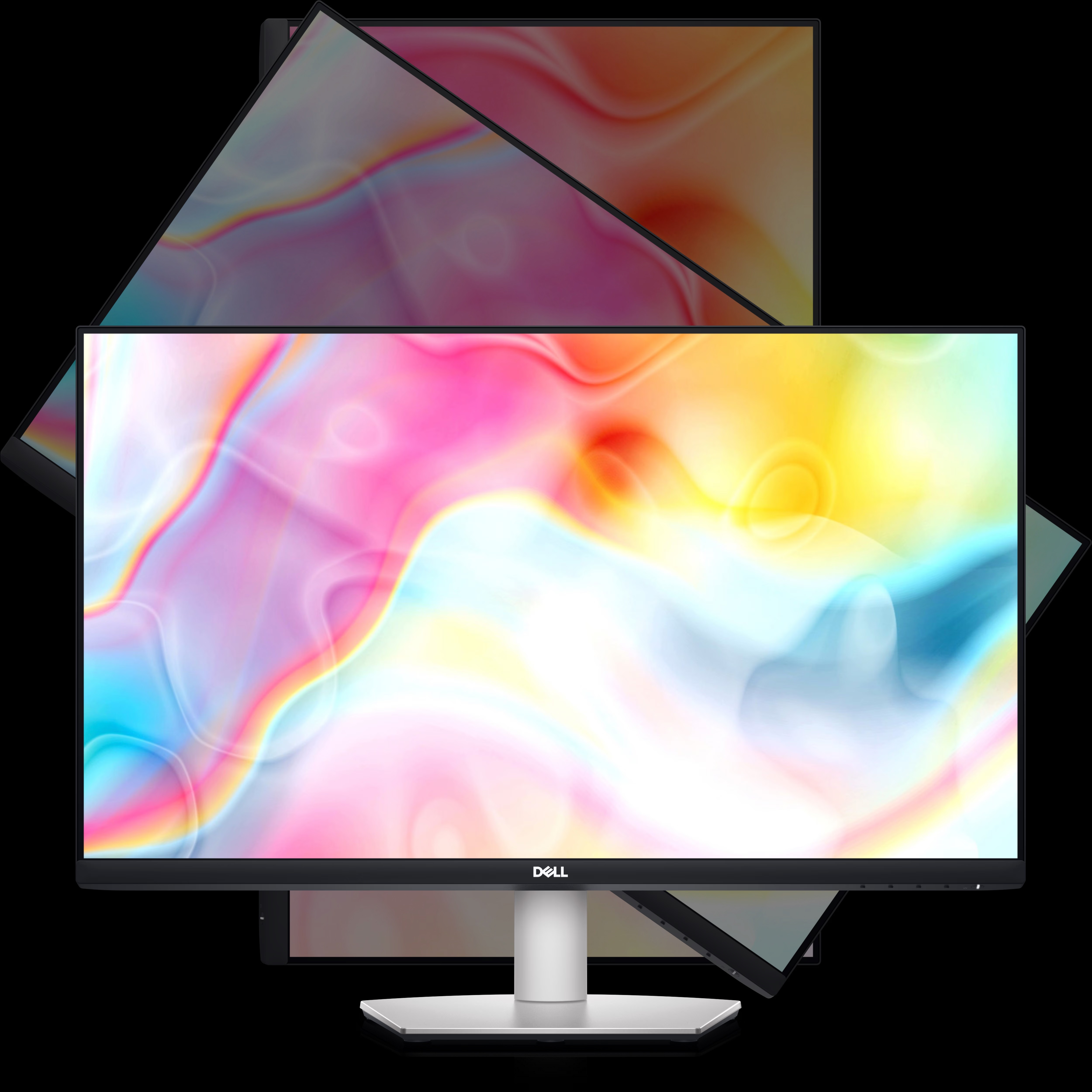
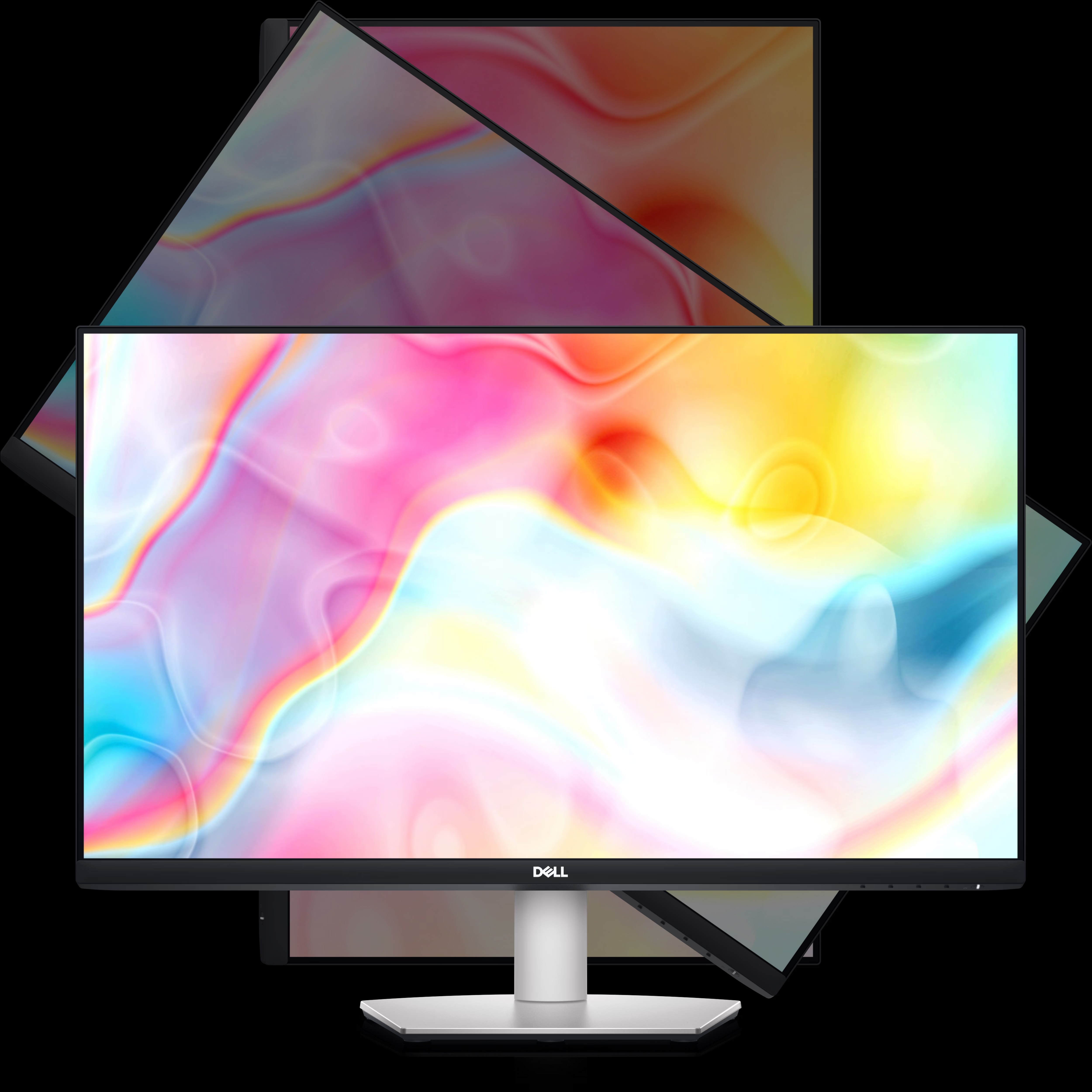
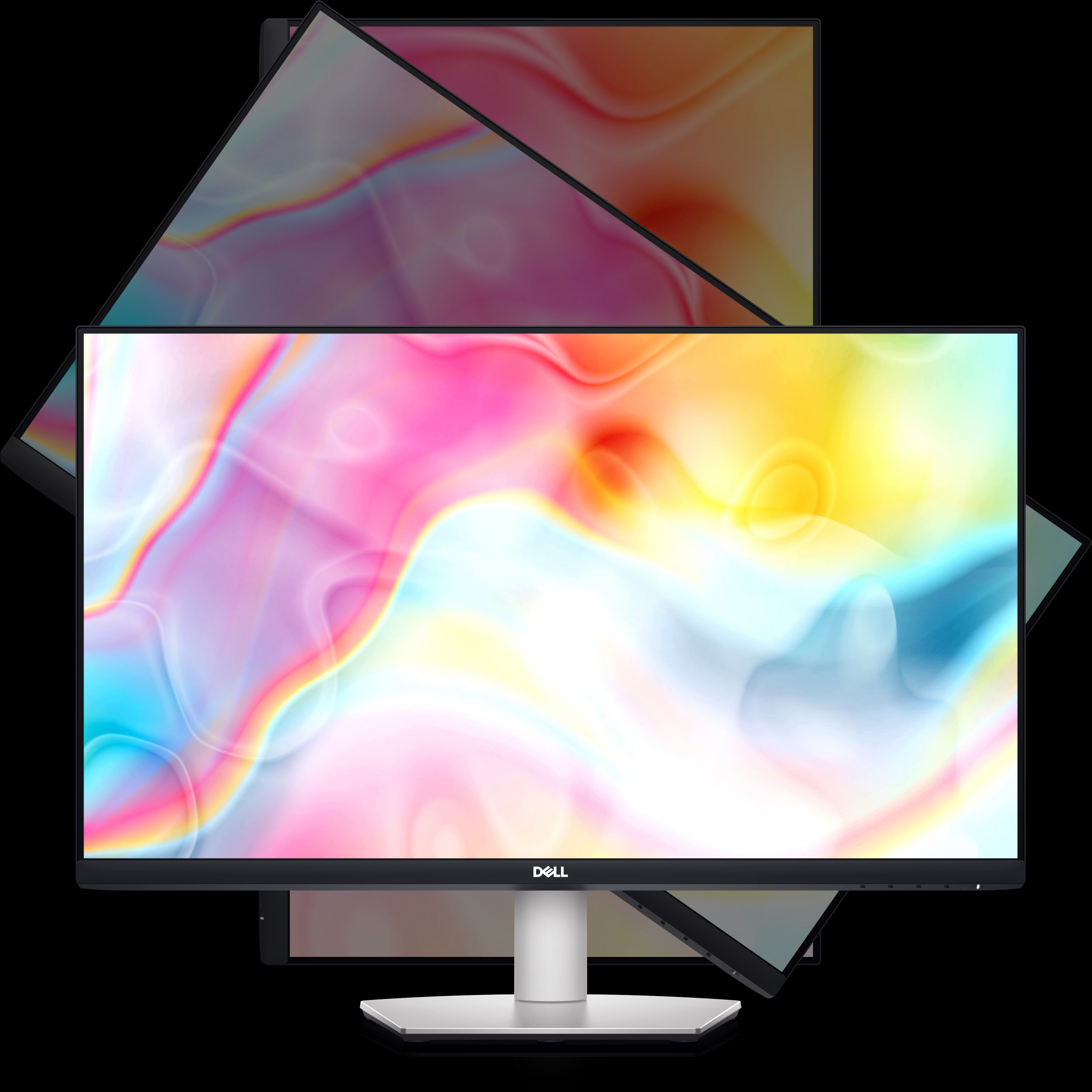
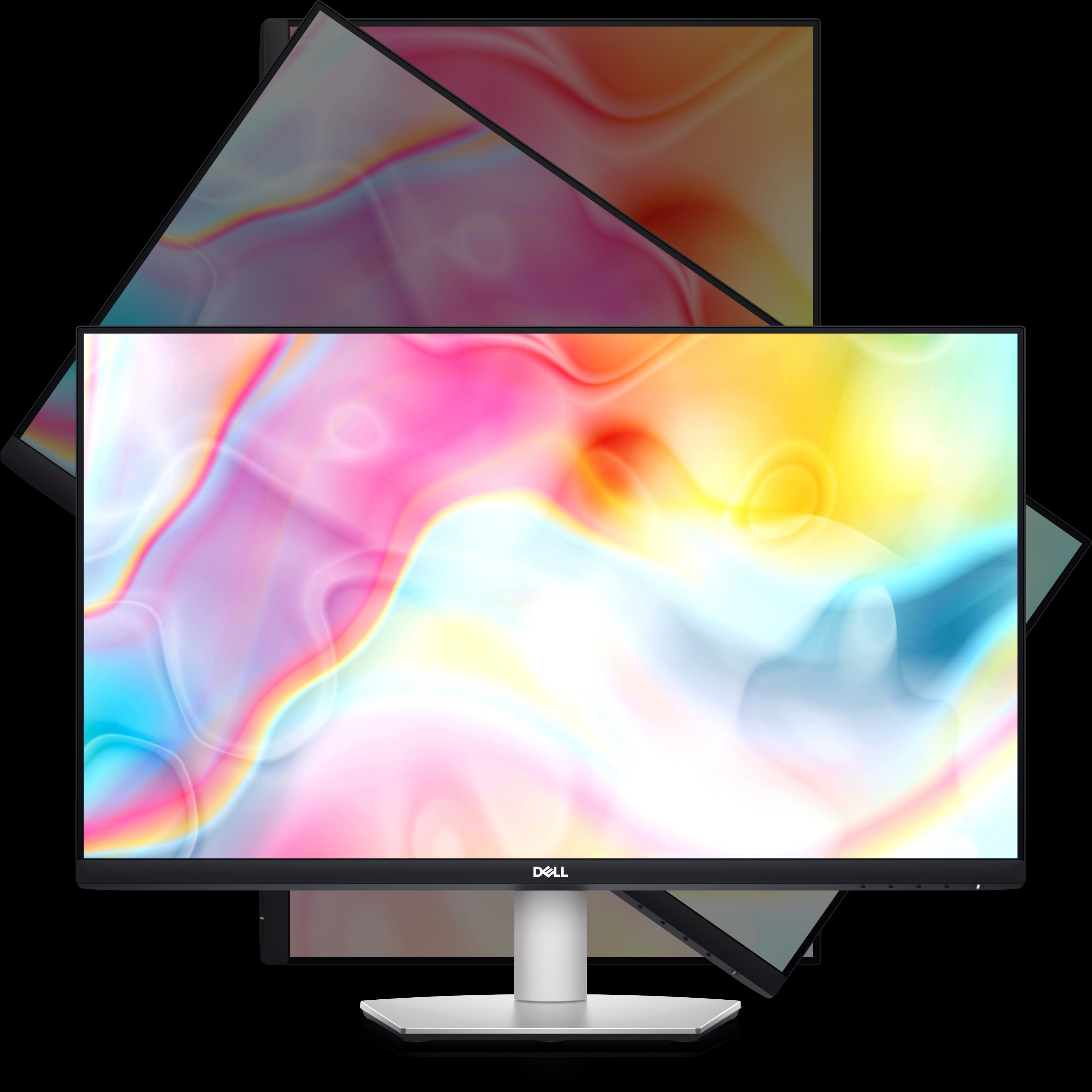
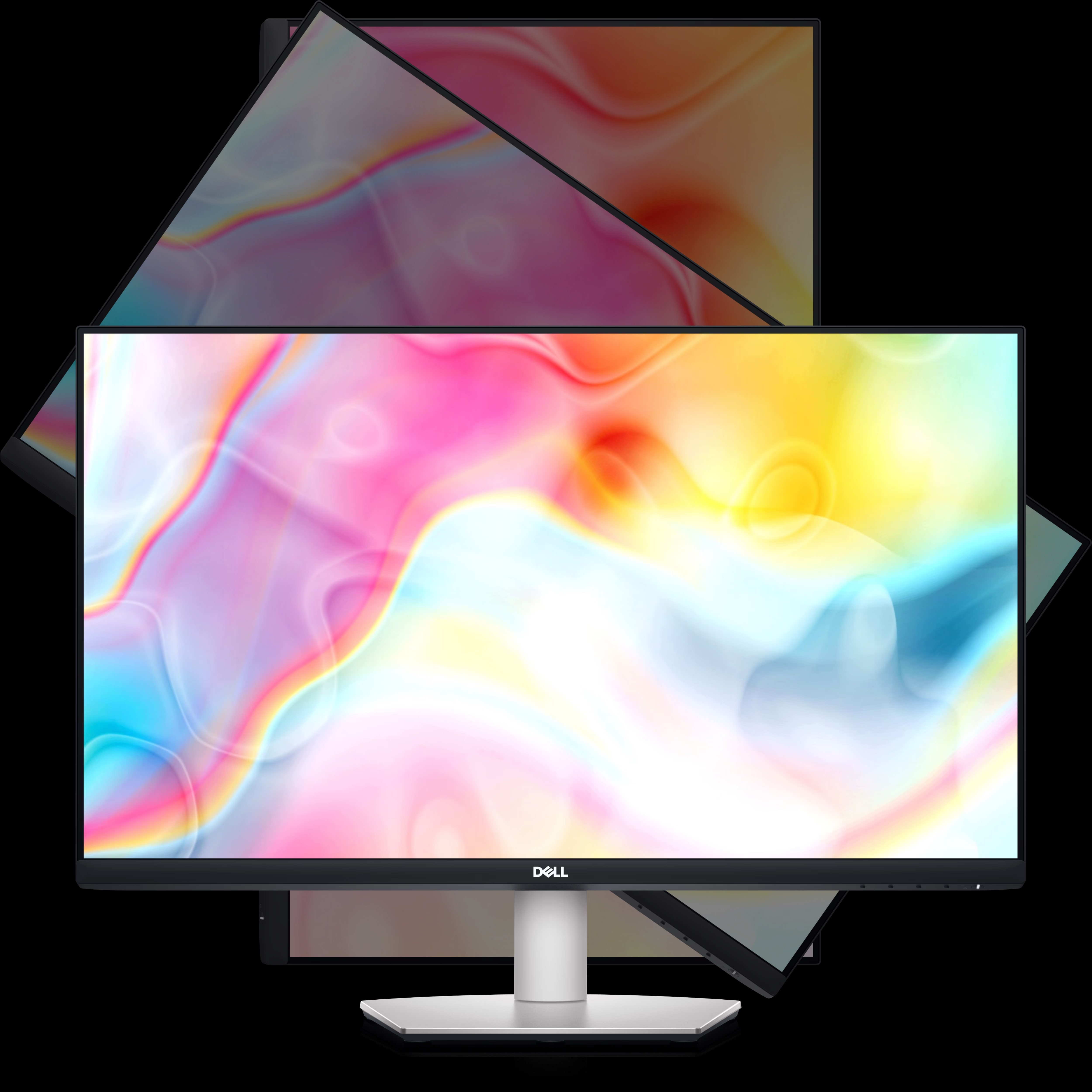
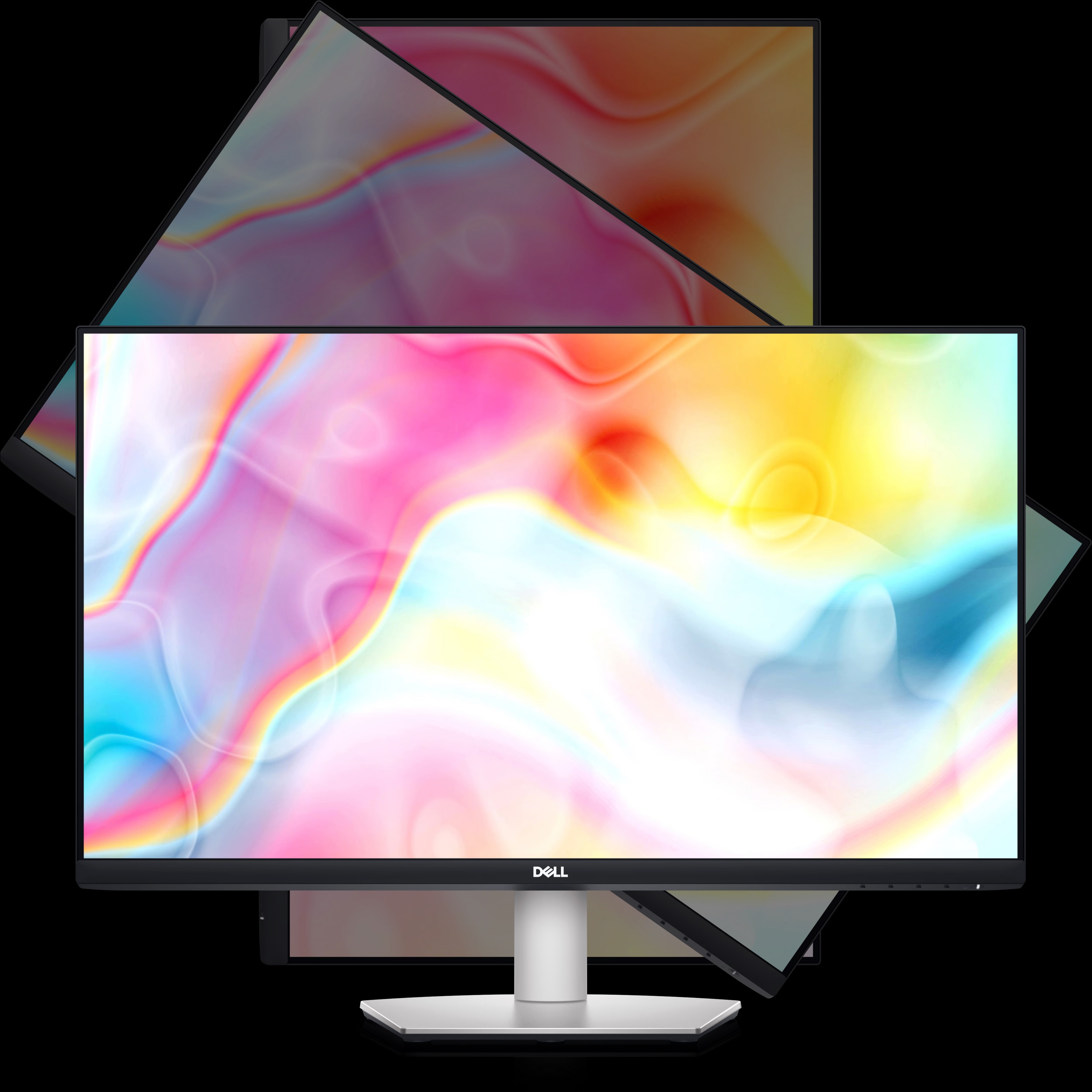
- Height, Tilt, Swivel, Pivot
- Included Accessories
- Power Cable, USB-C Cable
- Refresh Rate
- 60 Hz
- VESA Mount Compatibility
- 100 x 100 mm
- Power Consumption
- 20.3 W (typical); 206 W (maximum)
- Color Support
- 1.07 Billion Colors
- USB Ports
- 1 x USB-C (Power Delivery up to 65W), 2 x HDMI 2.0, 1 x Audio Line-out (3.5mm)
- Color Gamut
- 99% sRGB
- Brightness
- 350 cd/m² (typical)
- Response Time
- 4 ms (Gray to Gray) (Extreme) / 8 ms (Gray to Gray) (Typical)
About Dell 27 4K UHD USB-C Monitor - S2722QC
Dell 27 4K UHD USB-C Monitor - S2722QC
Connectivity Options
Ports & Slots
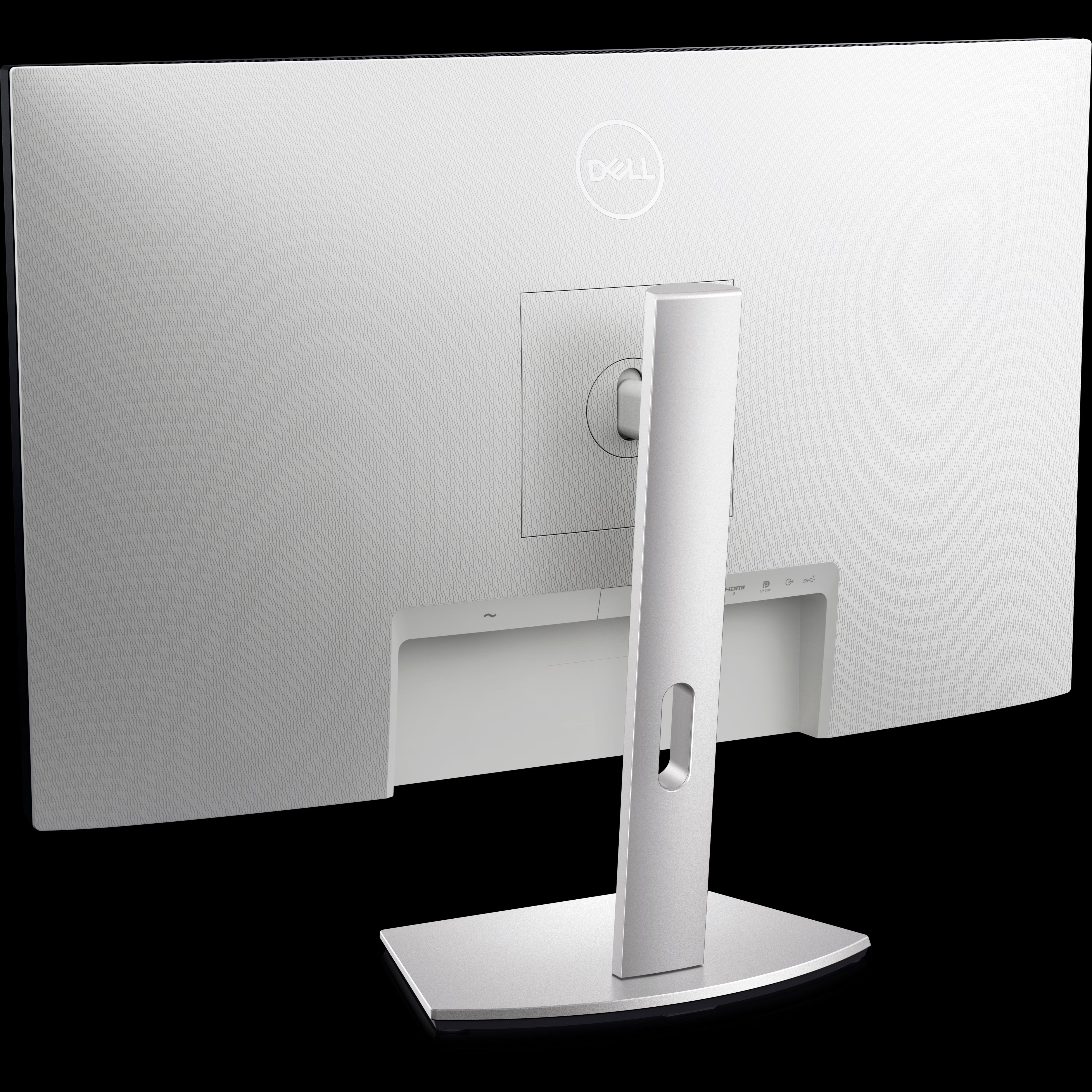
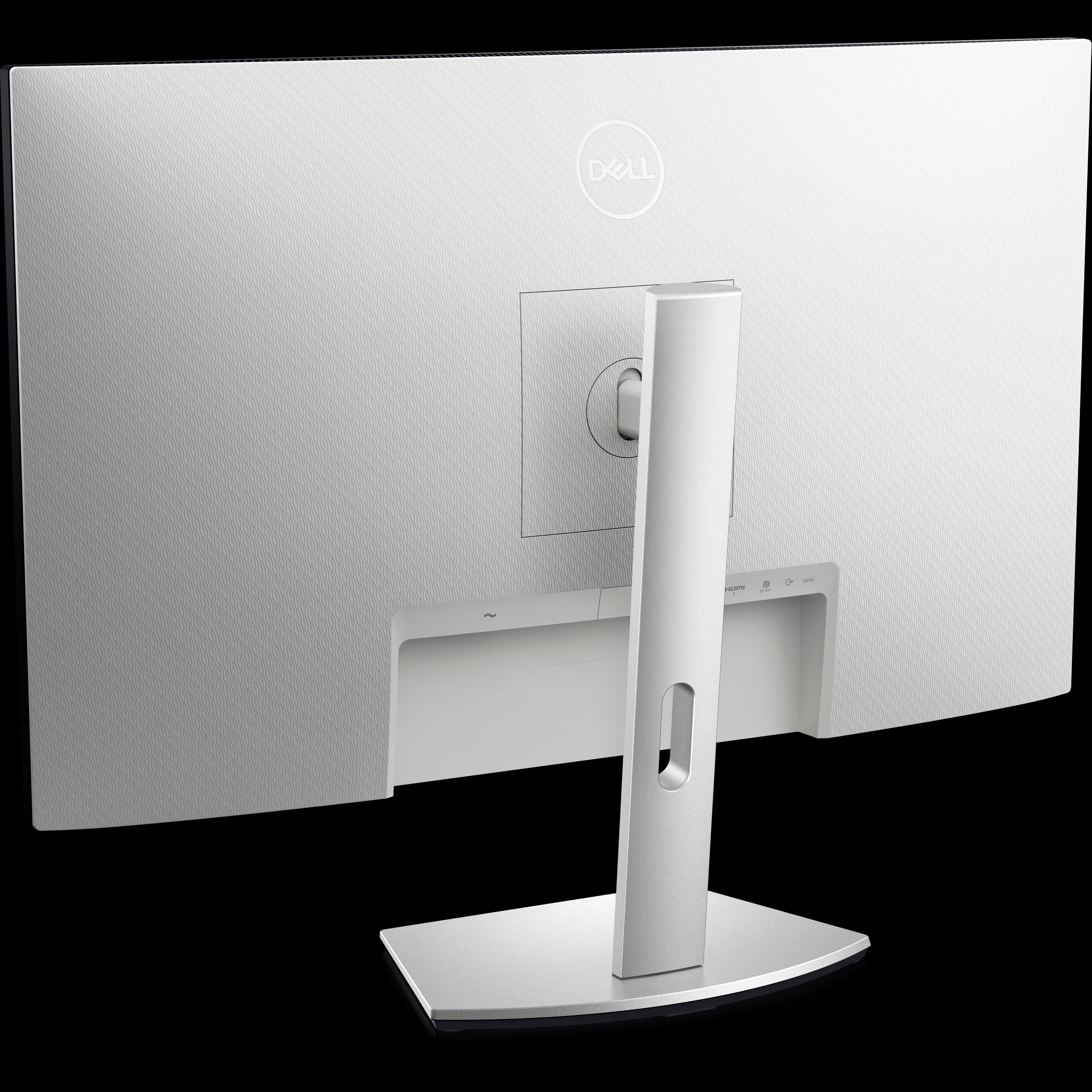
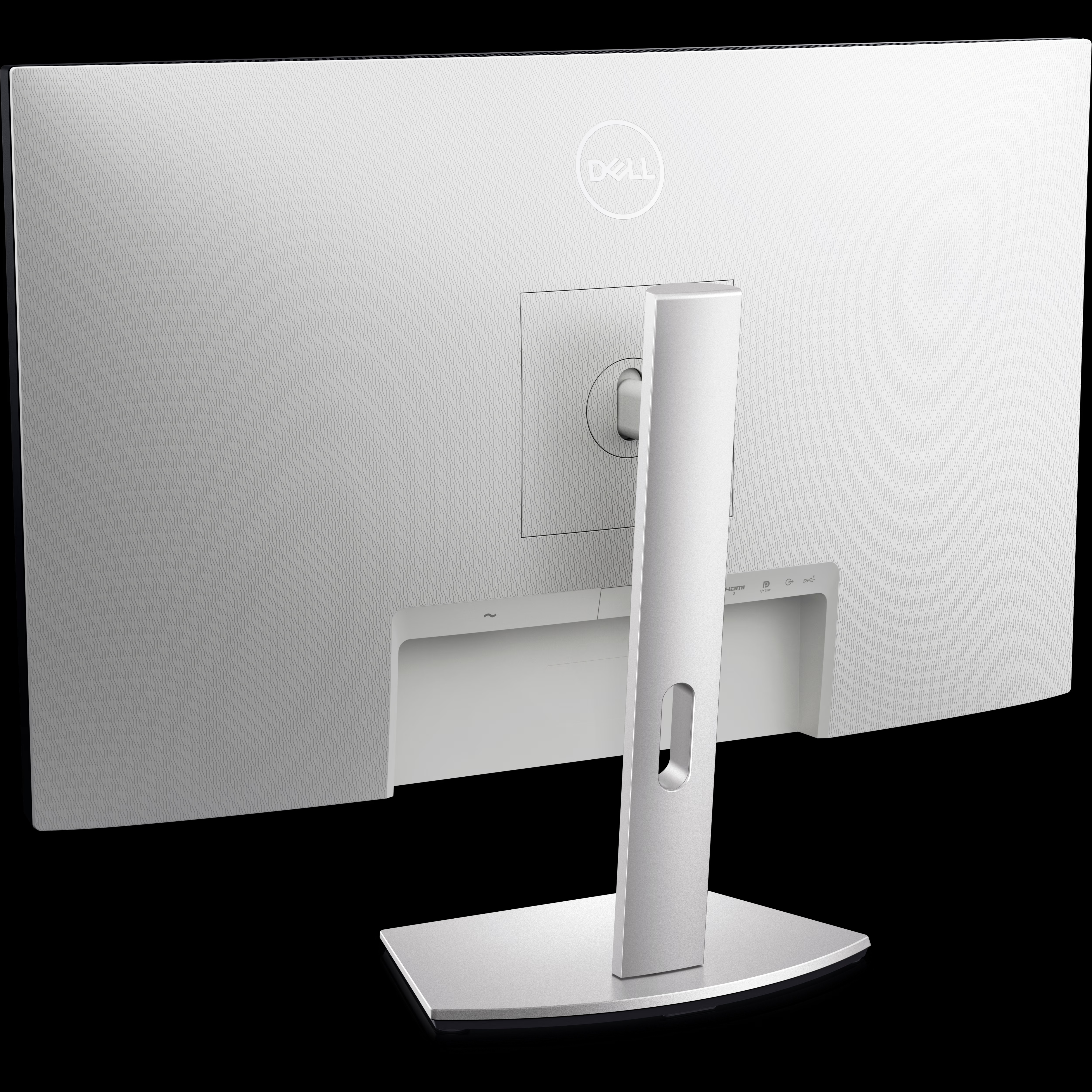
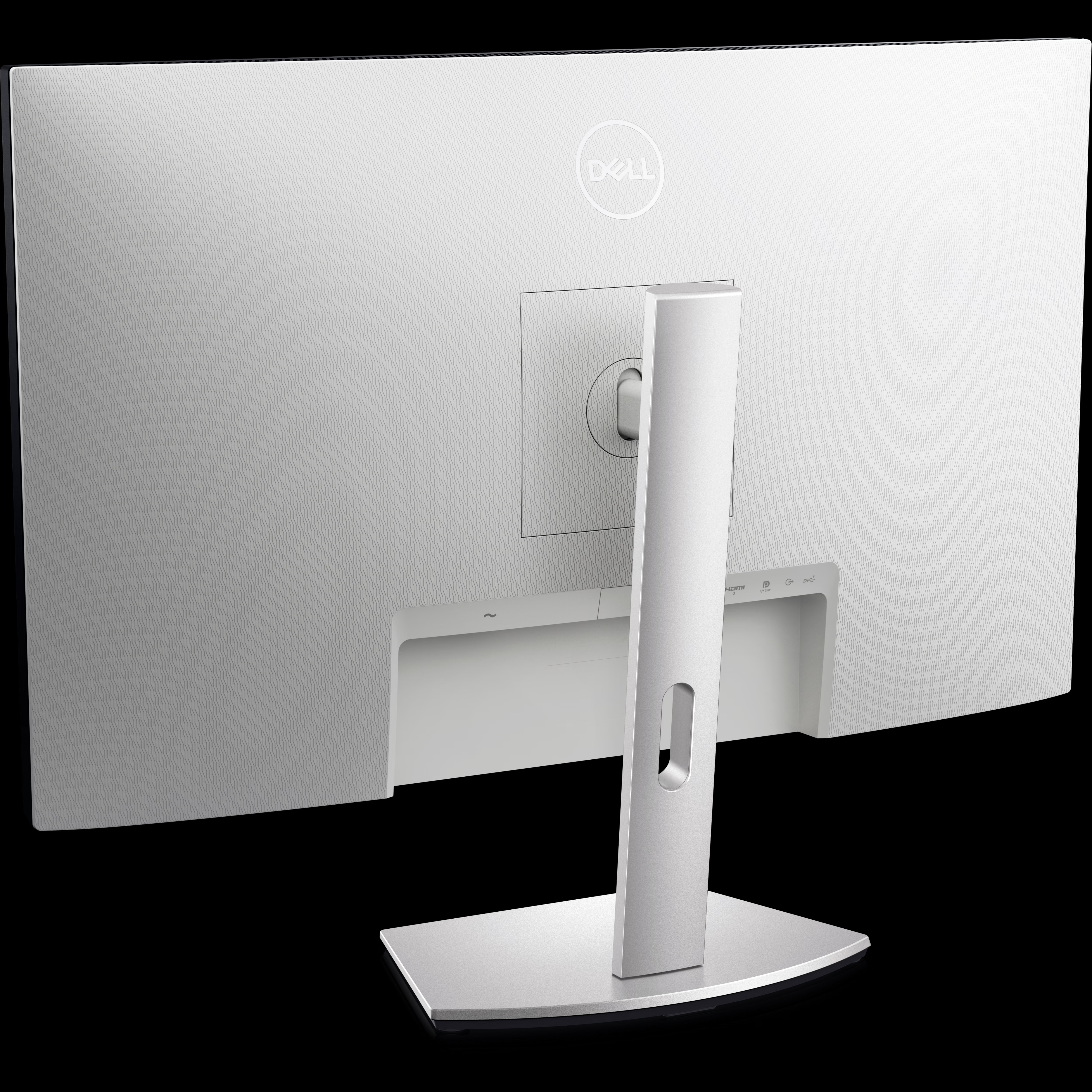
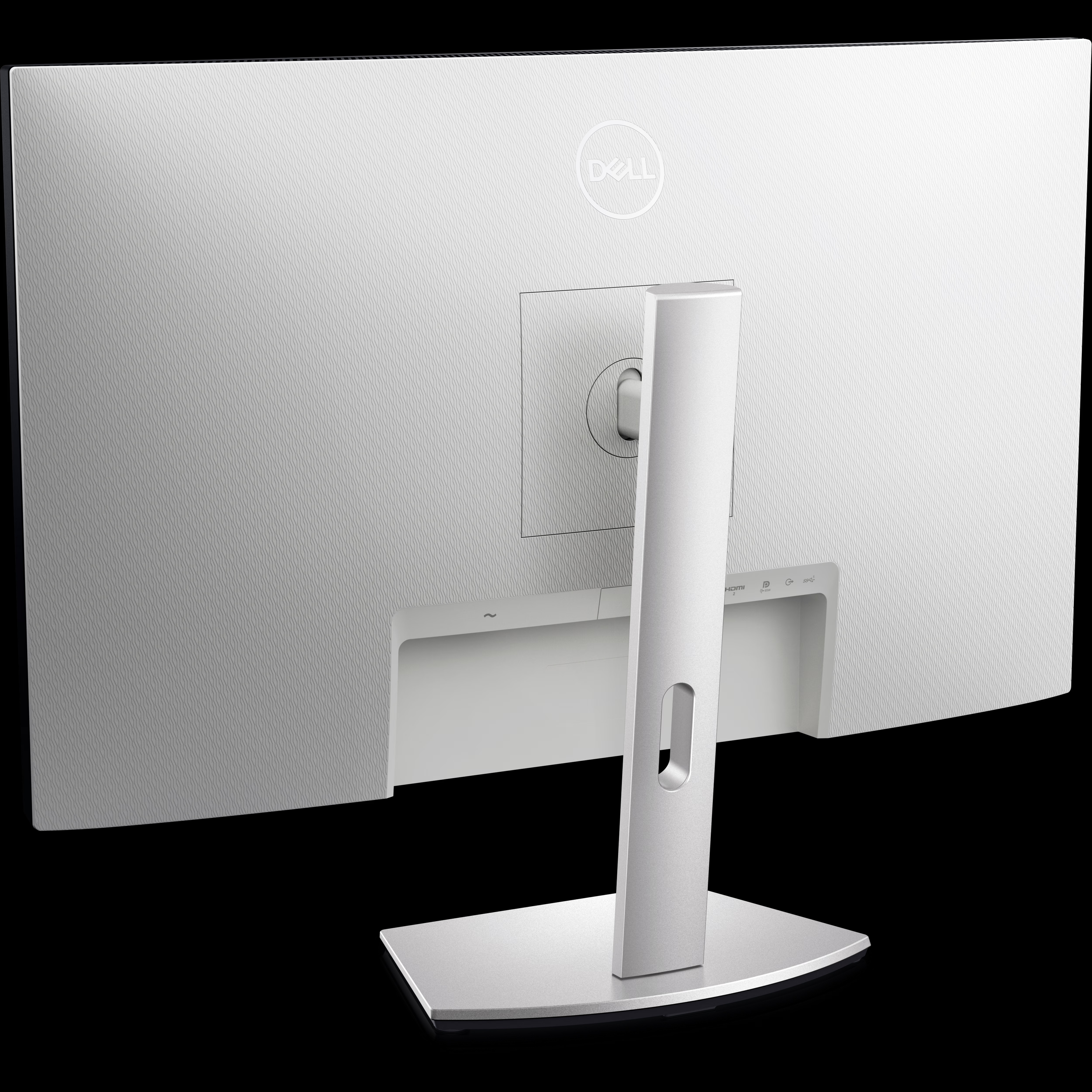
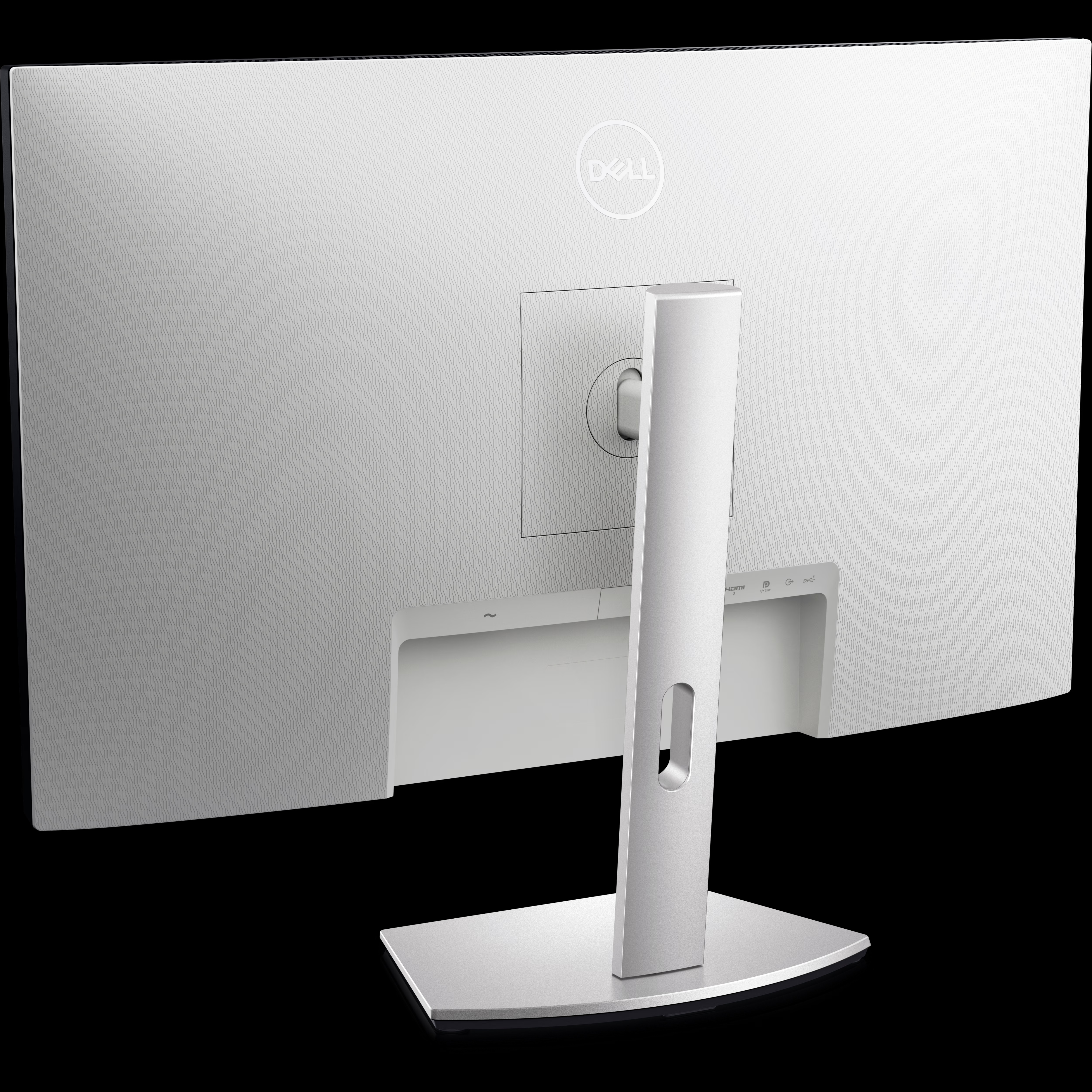
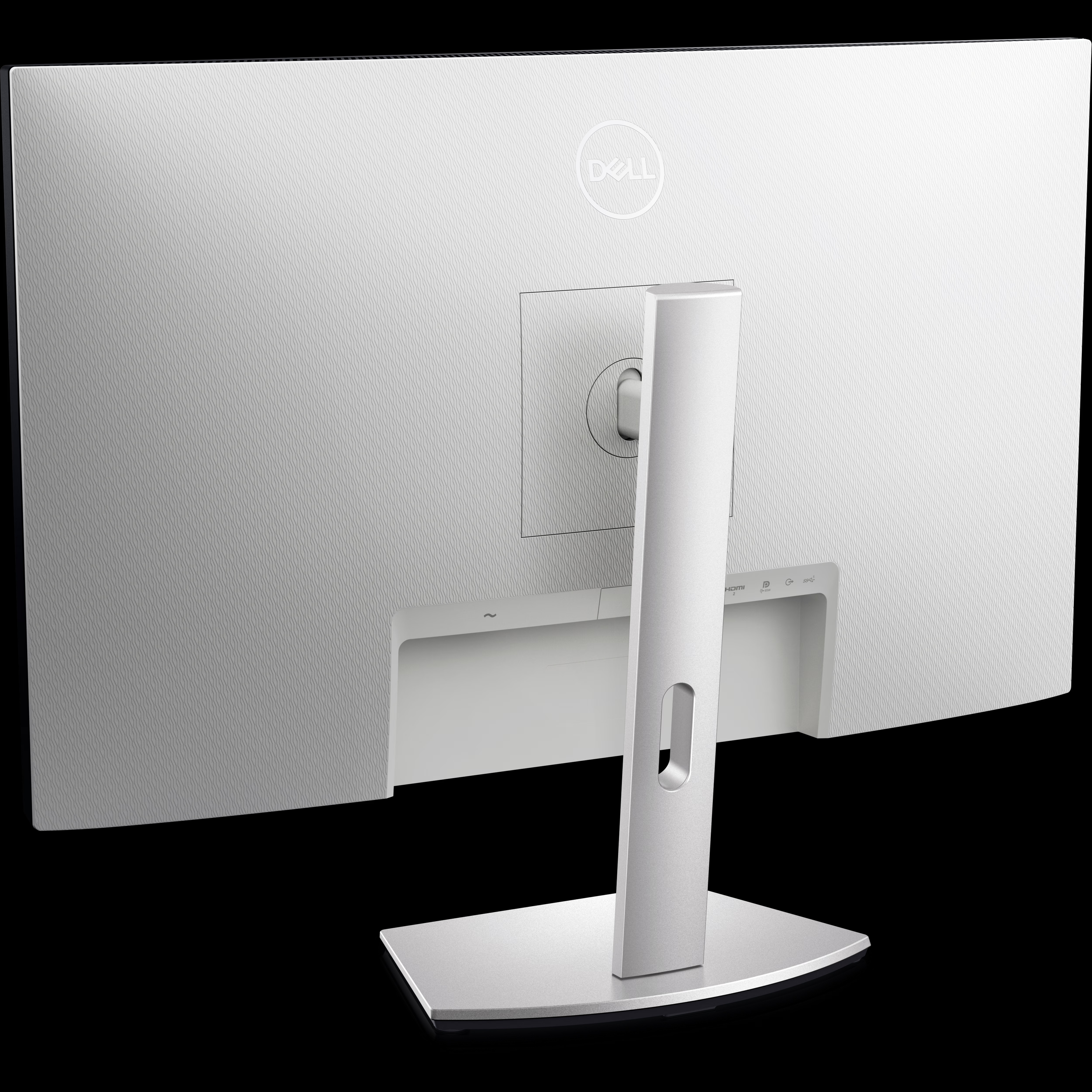
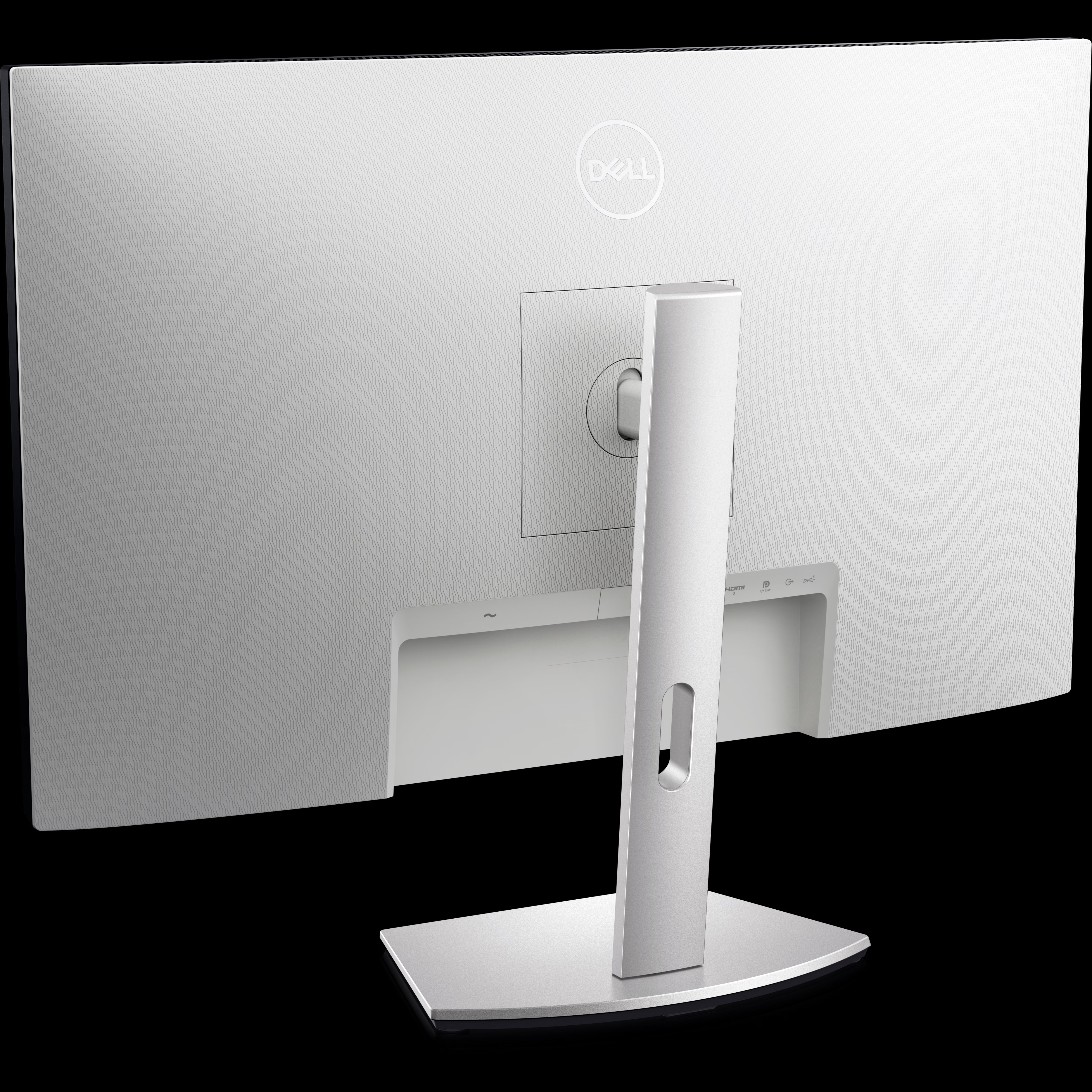
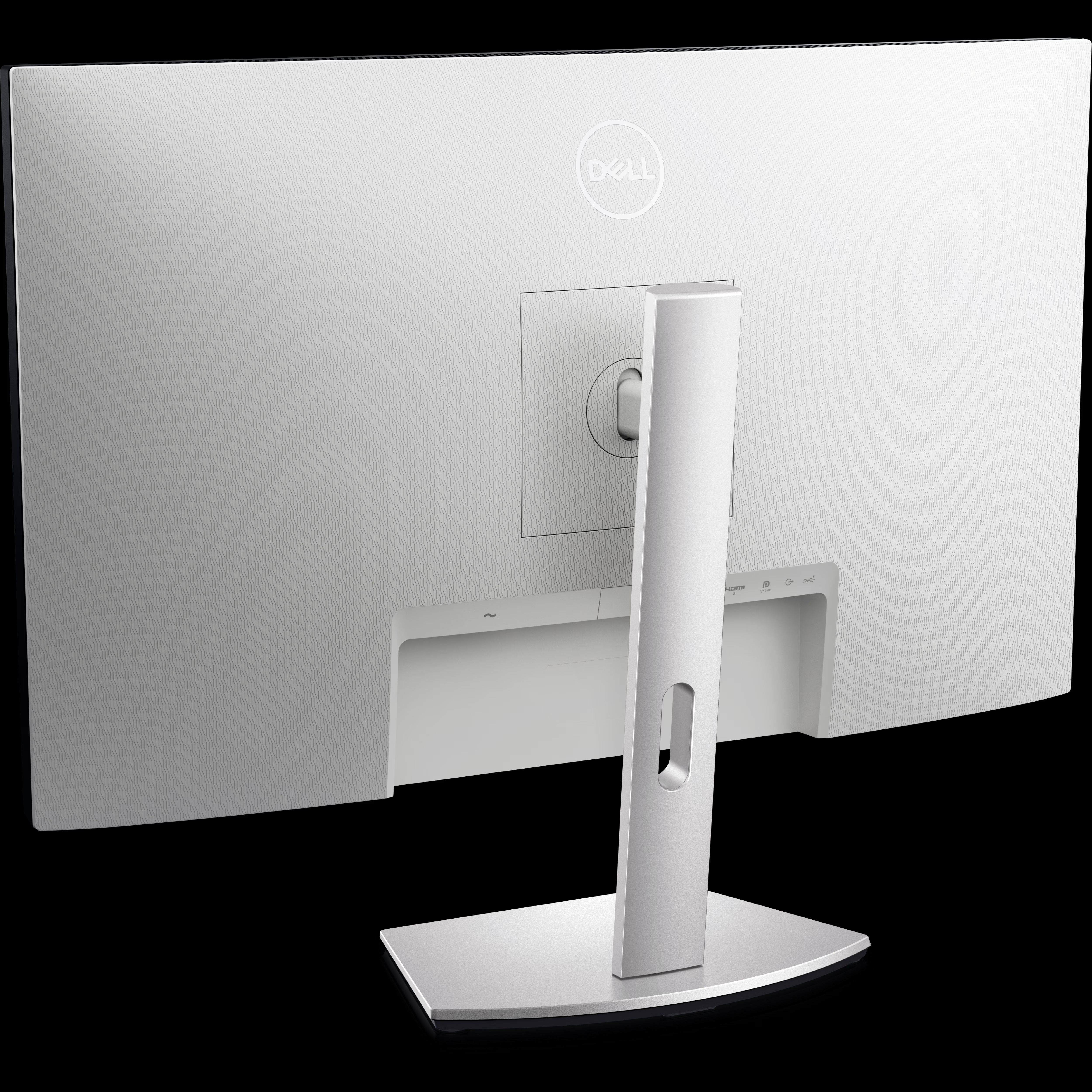
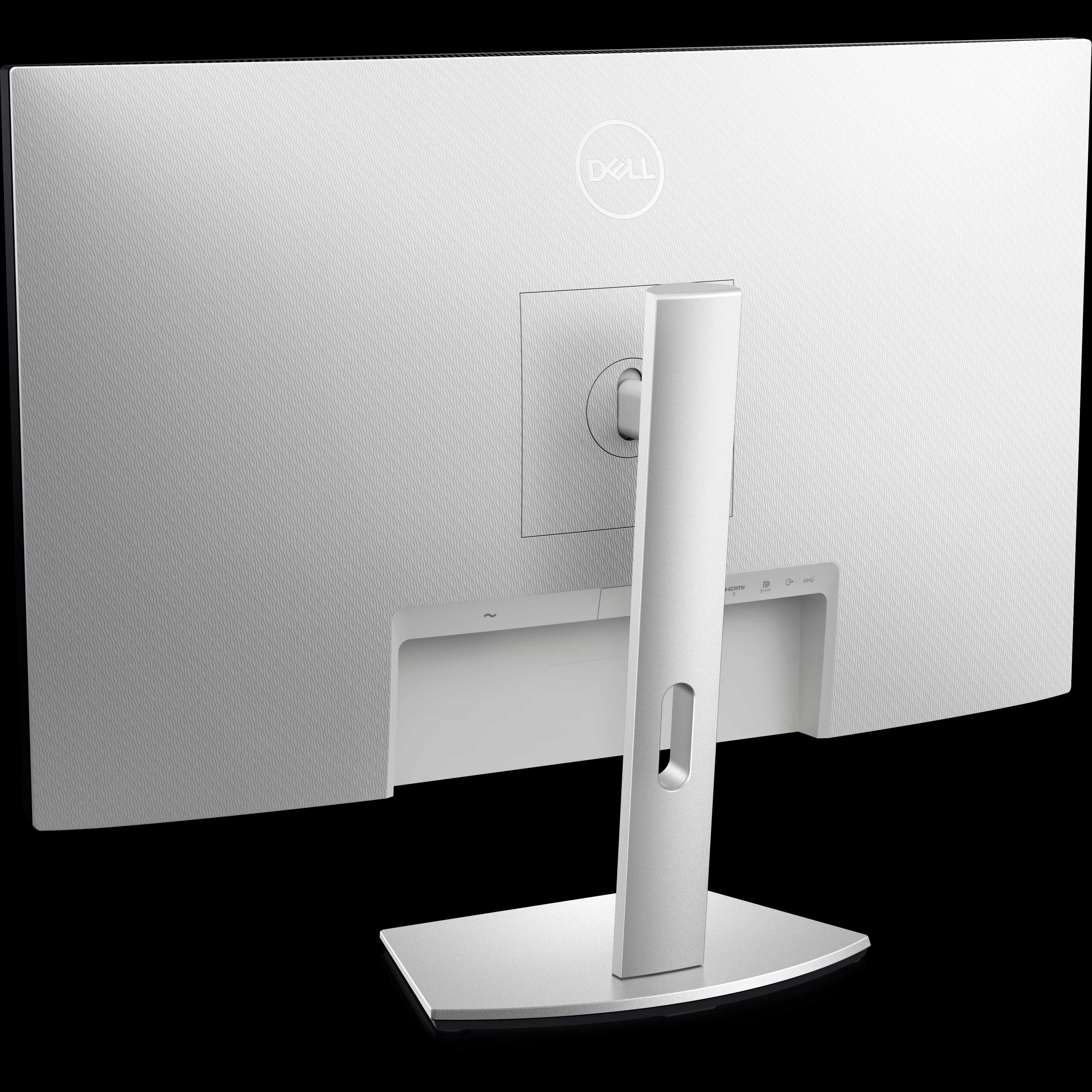
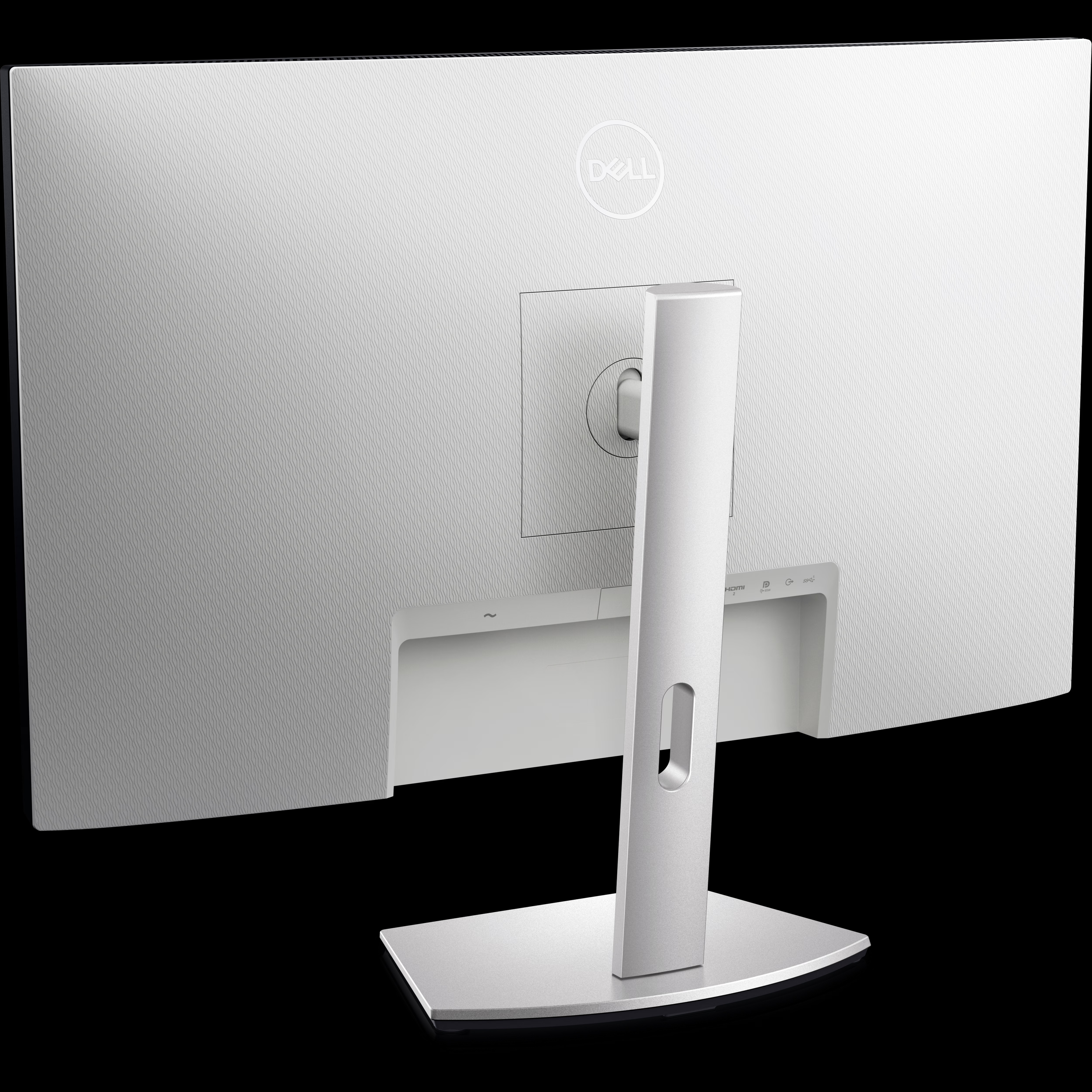
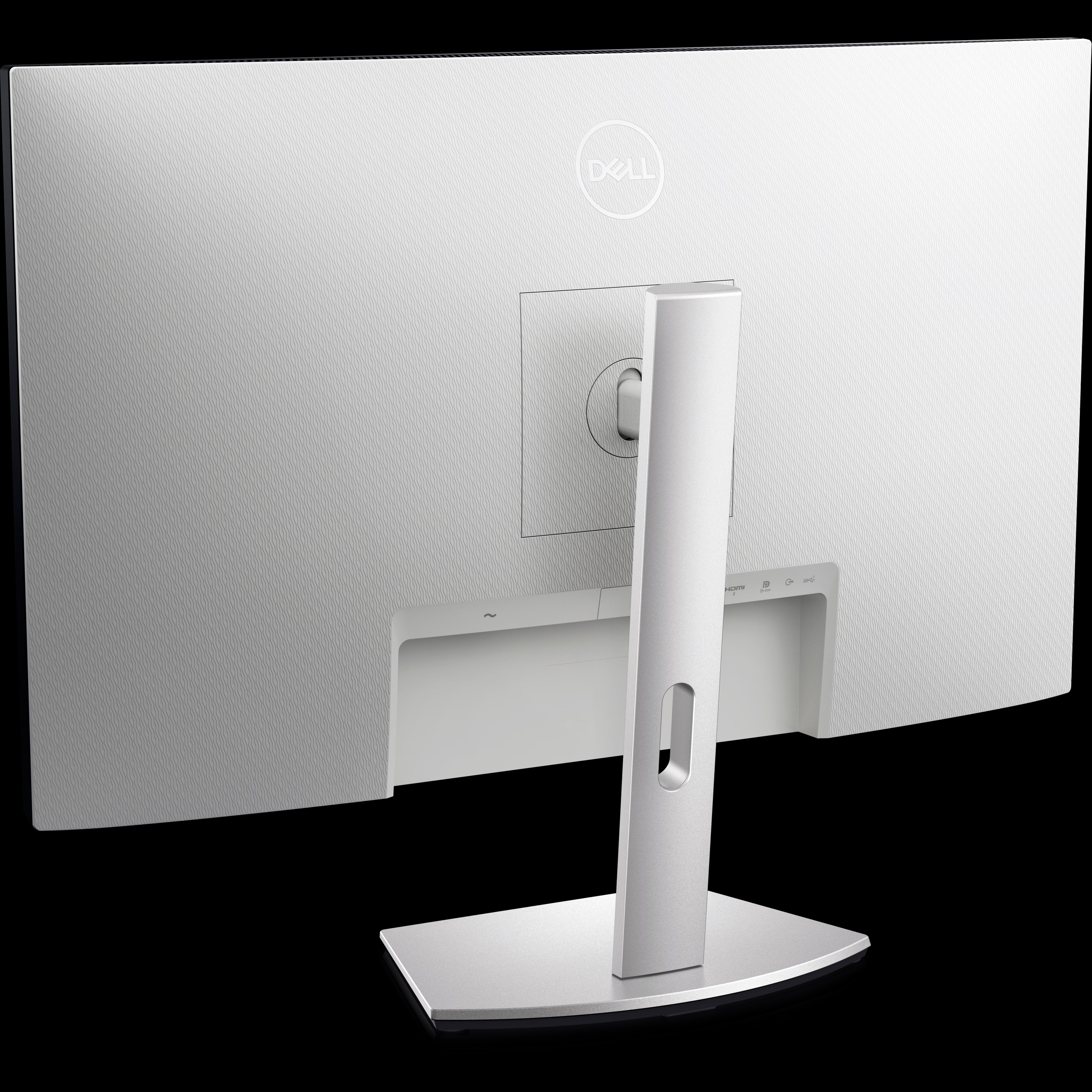
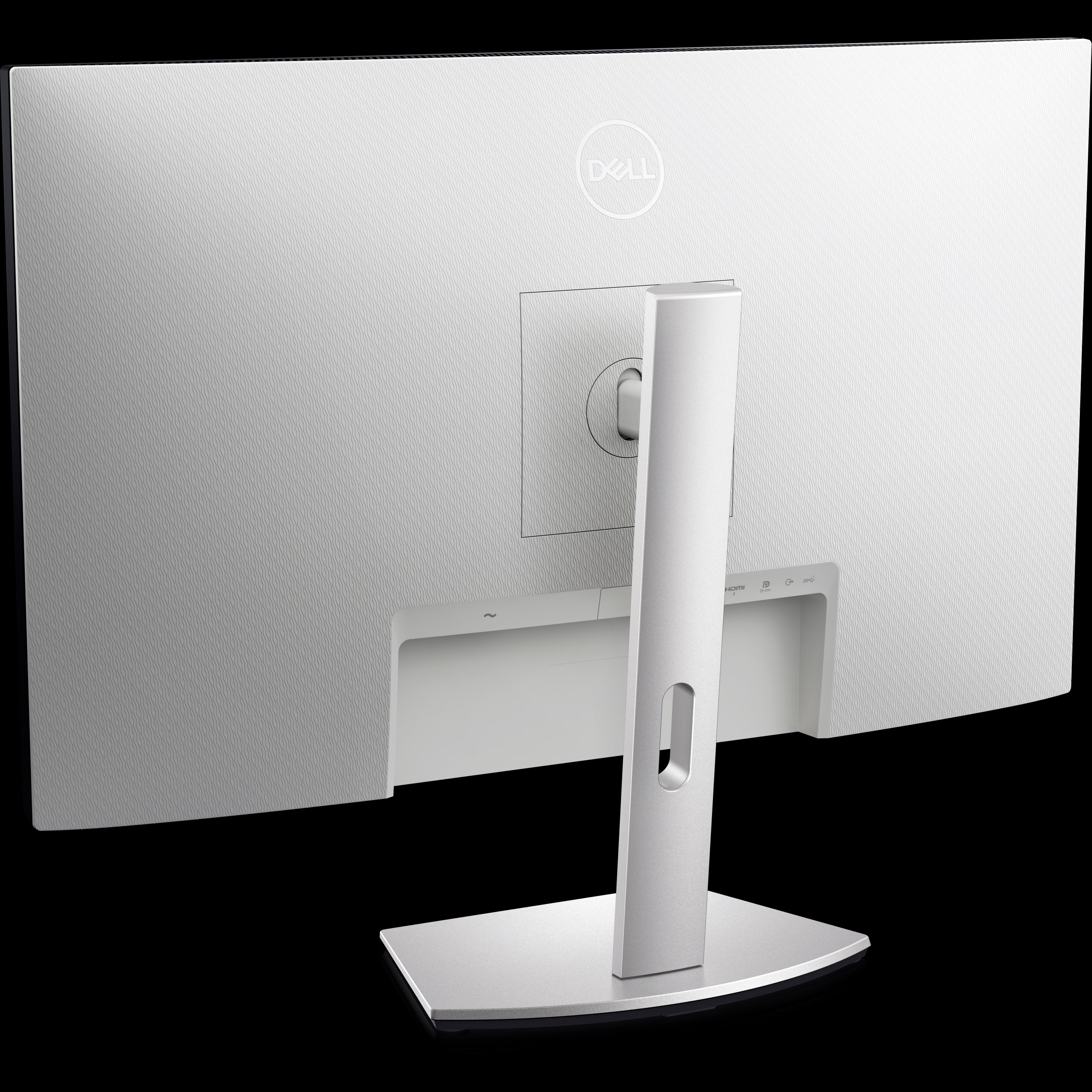
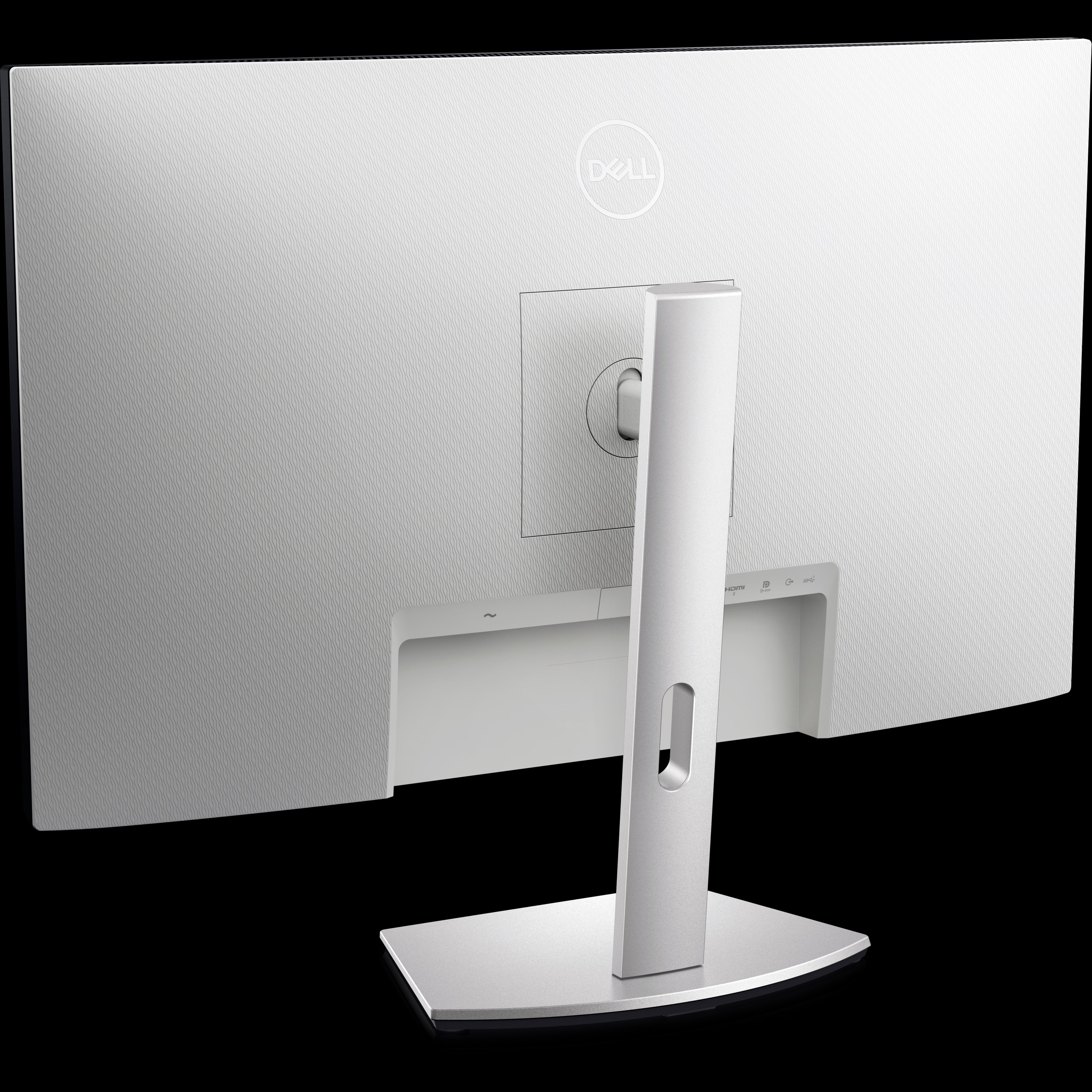
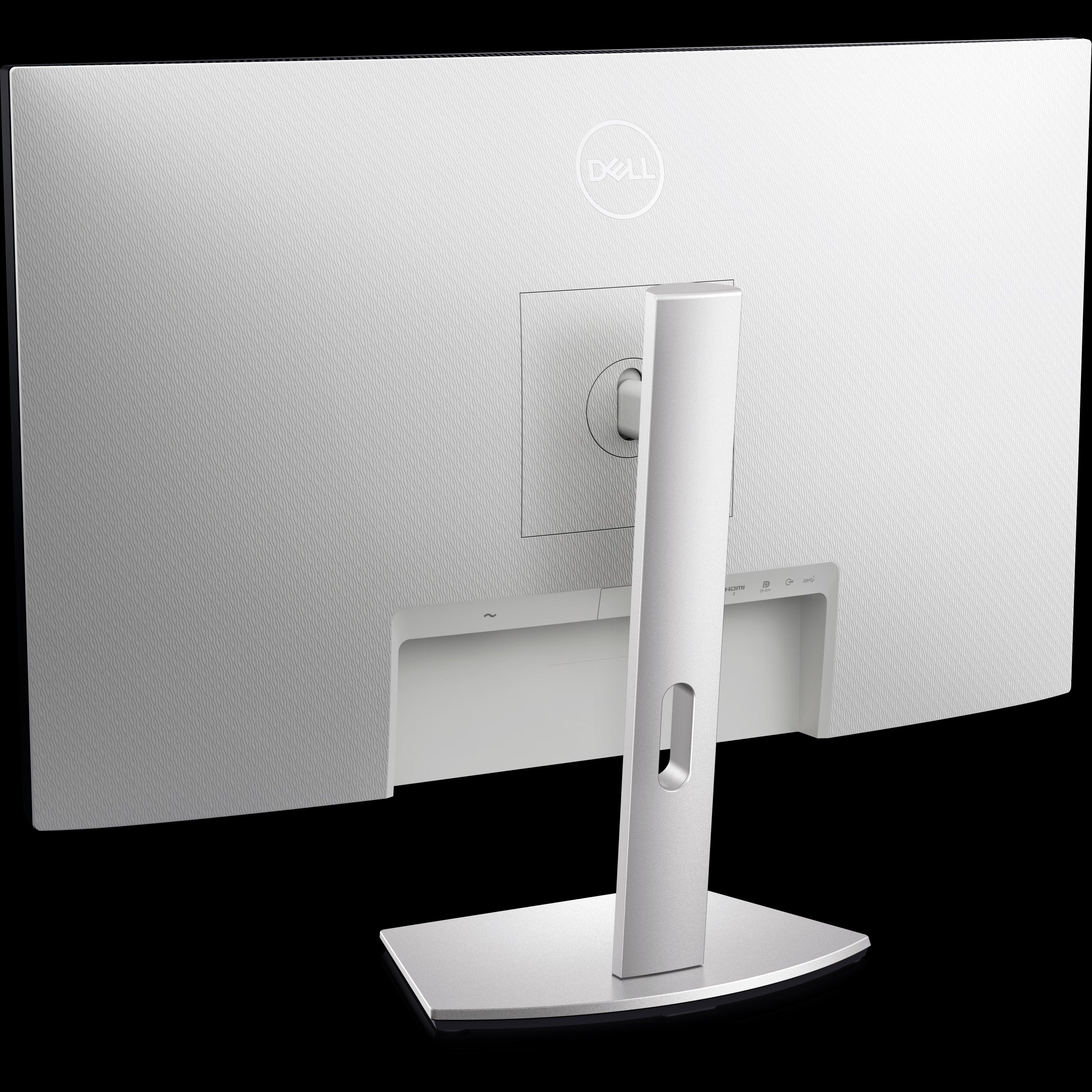
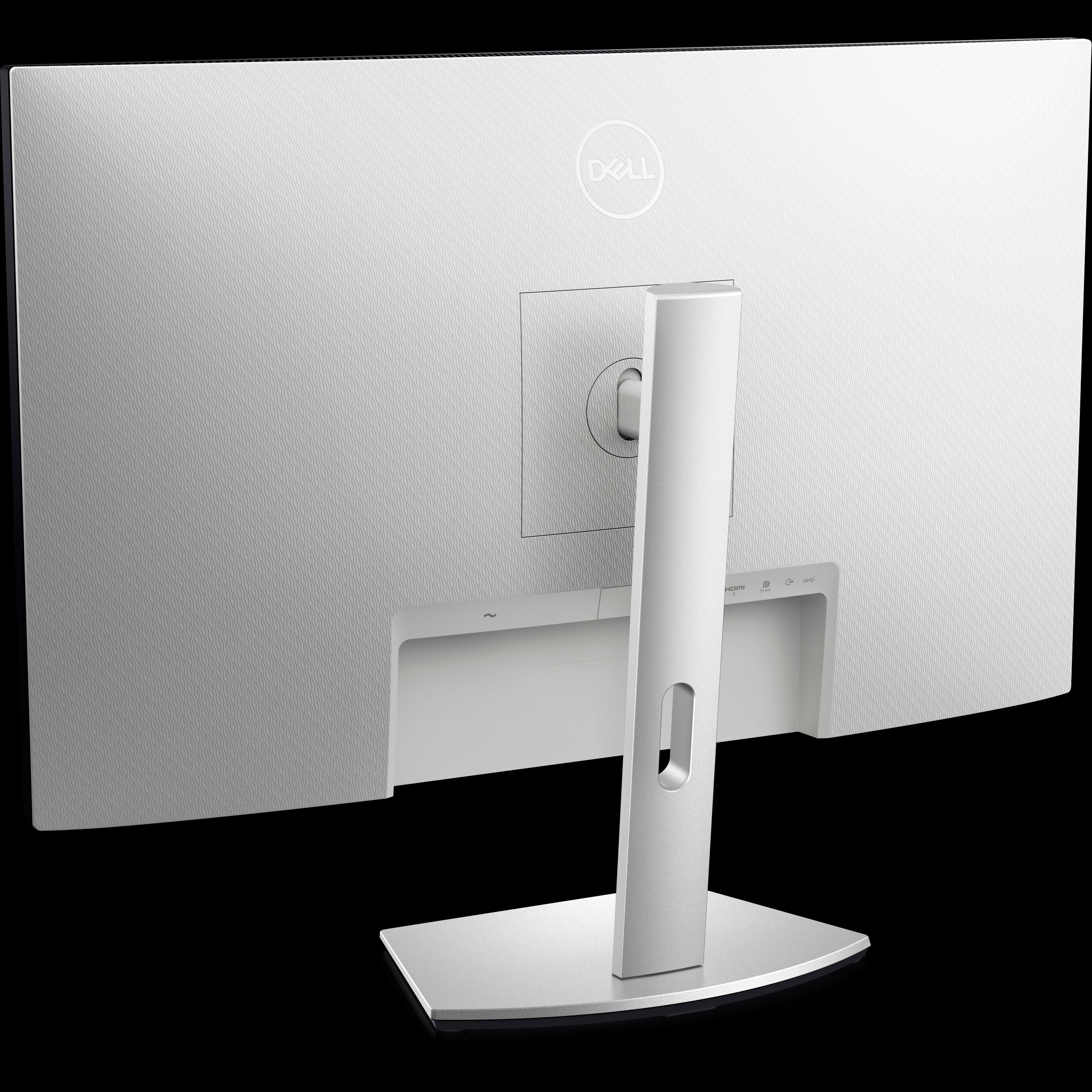
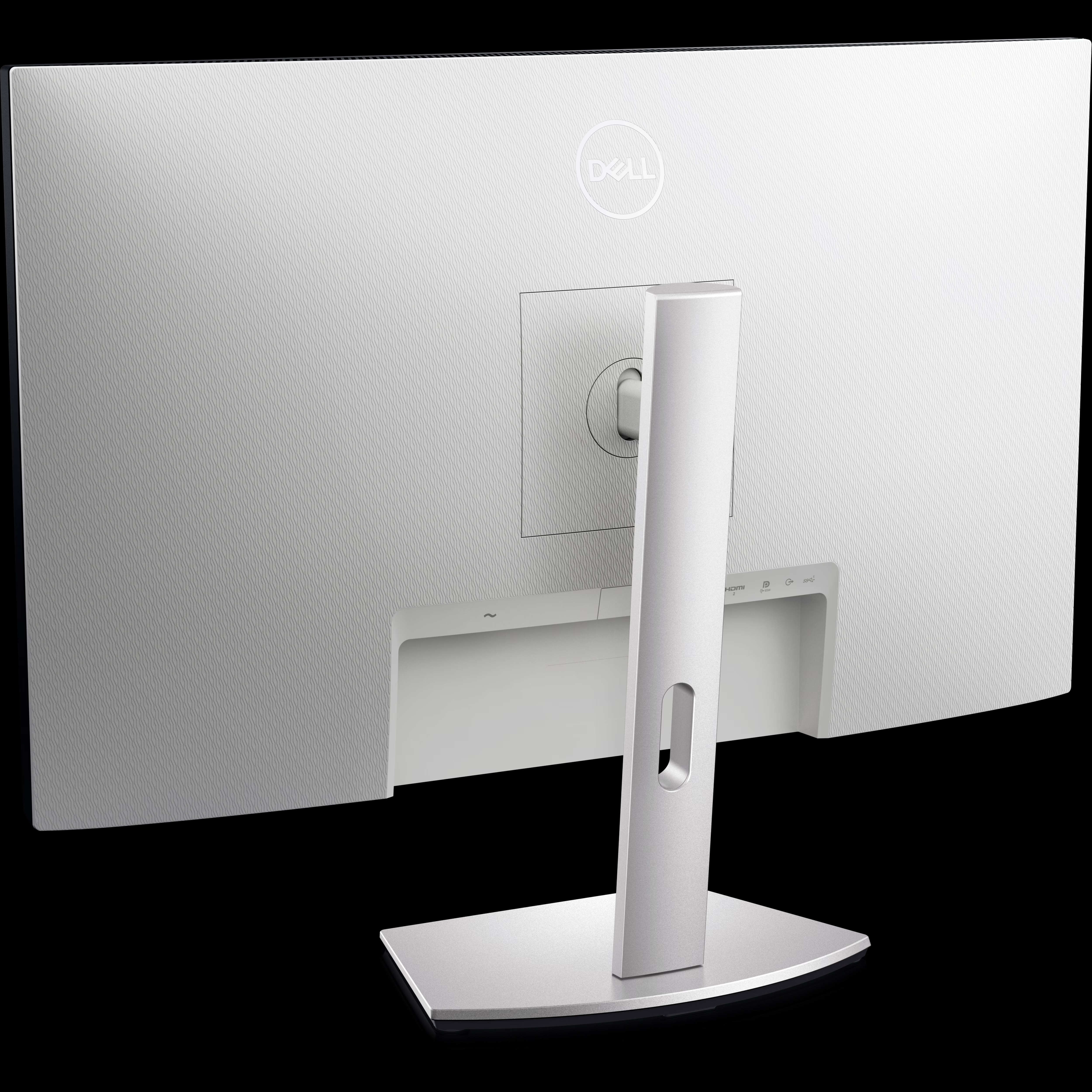
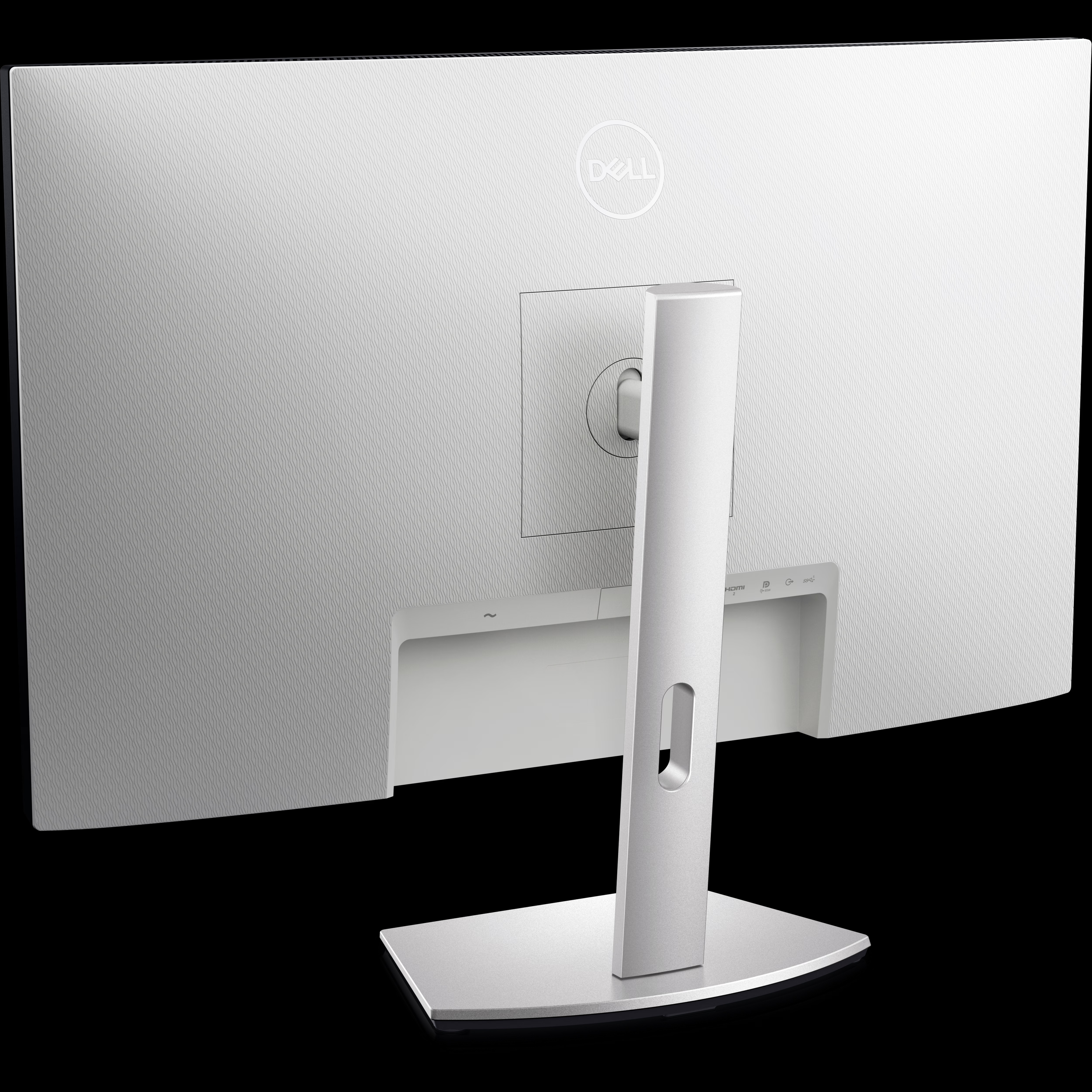
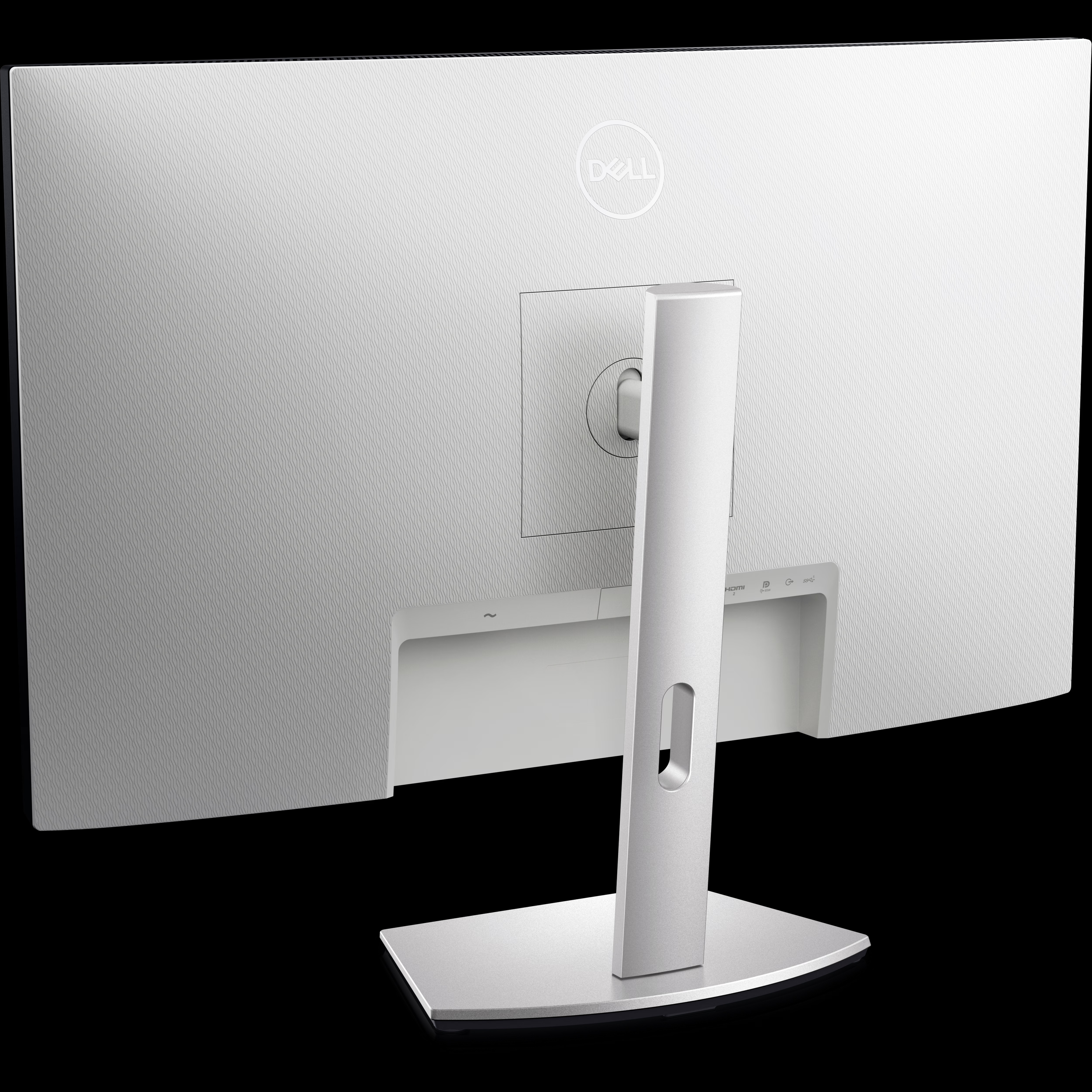
1. Security-lock slot | 2. Power connector | 3. HDMI 2.0 ports (2) | 4. USB Type-C upstream port (Alternate mode with DisplayPort 1.4, Power Delivery up to 65 W) | 5. Audio line-out port | 6. SuperSpeed USB 5 Gbps (USB 3.2 Gen 1) Type-A port | 7. Speakers (2) | 8. SuperSpeed USB 5 Gbps (USB 3.2 Gen 1) with BC 1.2 charging
Cables Included
1. Power Cable | 2. USB-C Cable (USB 3.2 Gen 1 Type C -DP/PowerDelivery)
LED-backlit LCD monitor / TFT active matrix
*Specs for the monitor have been revised from Oct '22.
1. Security-lock slot | 2. Power connector | 3. HDMI 2.0 ports (2) | 4. USB Type-C upstream port (Alternate mode with DisplayPort 1.4, Power Delivery up to 65 W) | 5. Audio line-out port | 6. SuperSpeed USB 5 Gbps (USB 3.2 Gen 1) Type-A port | 7. Speakers (2) | 8. SuperSpeed USB 5 Gbps (USB 3.2 Gen 1) with BC 1.2 charging
Cables Included
1. Power Cable | 2. USB-C Cable (USB 3.2 Gen 1 Type C -DP/PowerDelivery)
Display Type
Diagonal Size
27"
Adaptive-Sync Technology
AMD FreeSync
Built-in Devices
USB-C hub
Panel Type
IPS
Aspect Ratio
16:9
Native Resolution
4K 3840 x 2160 at 60 Hz
Pixel Pitch
0.1554 mm
Pixel Per Inch
163
Brightness
350 cd/m2
Contrast Ratio
1000:1
Colour Support
1.07 billion colours
Colour Gamut
99% sRGB
Response Time
4 ms (grey-to-grey extreme)
Horizontal Viewing Angle
178
Vertical Viewing Angle
178
Screen Coating
Anti-glare 3H hardness
Backlight Technology
WLED edgelight backlight
Features
LED edgelight system, Color Gamut 99% sRGB, BFR/PVC-free, Mercury free, arsenic-free glass, Dell Easy Arrange, ComfortView Plus*, Low Blue Light technology, 3-sided bezeless*Specs for the monitor have been revised from Oct '22.
Dimensions (WxDxH)
61.16 cm x 17.47 cm x 40.01 cm - with stand
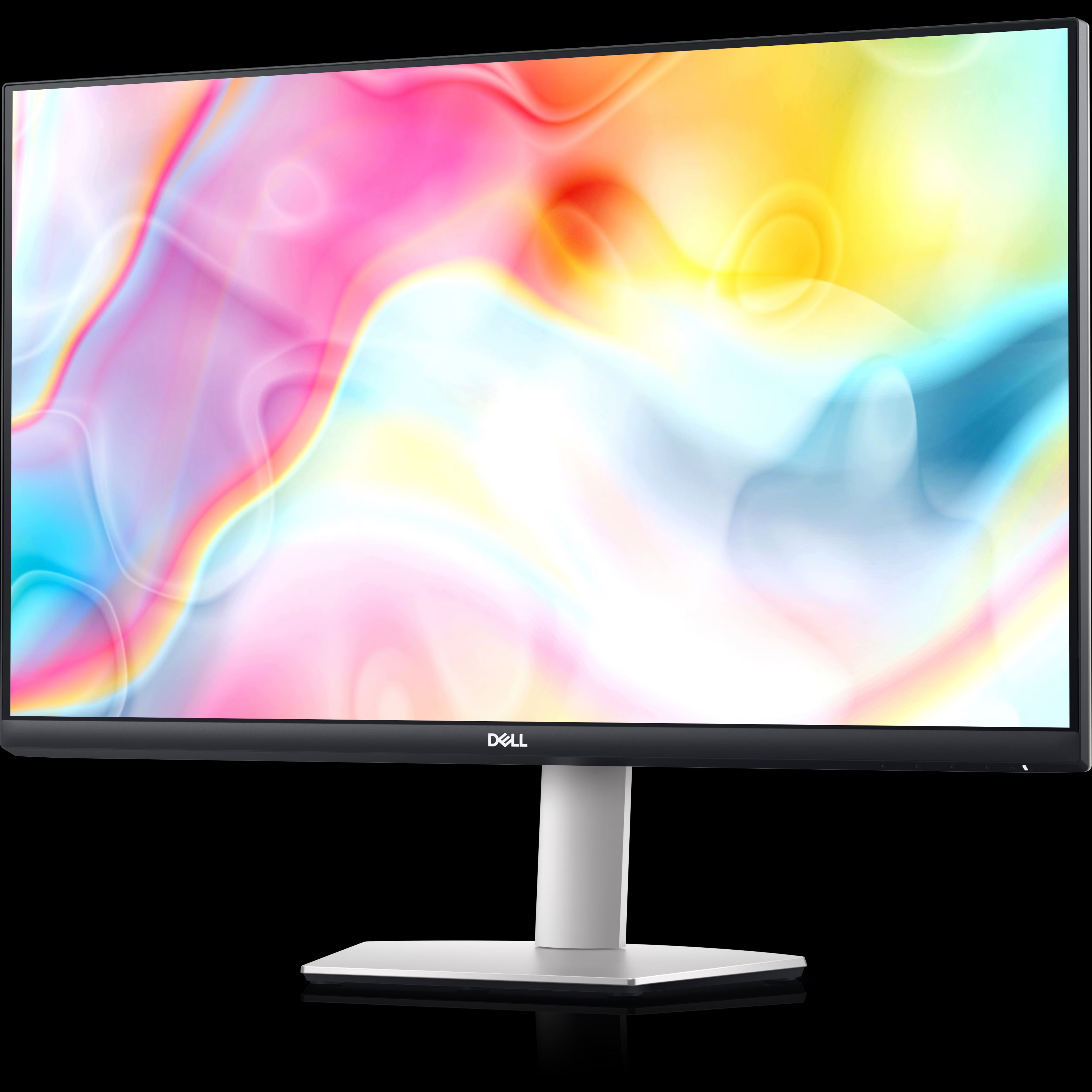
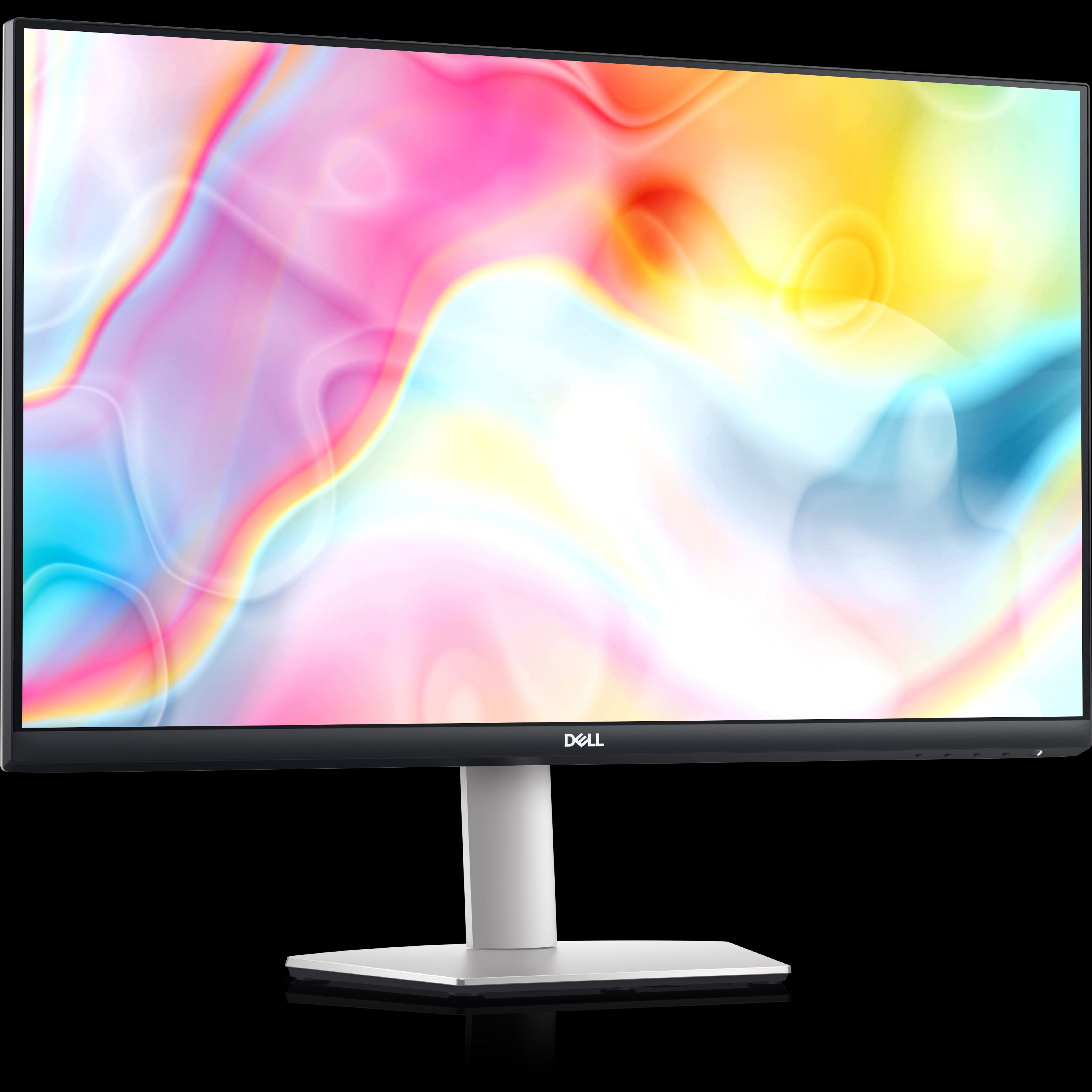
Immersive 4K Visuals with IPS Technology
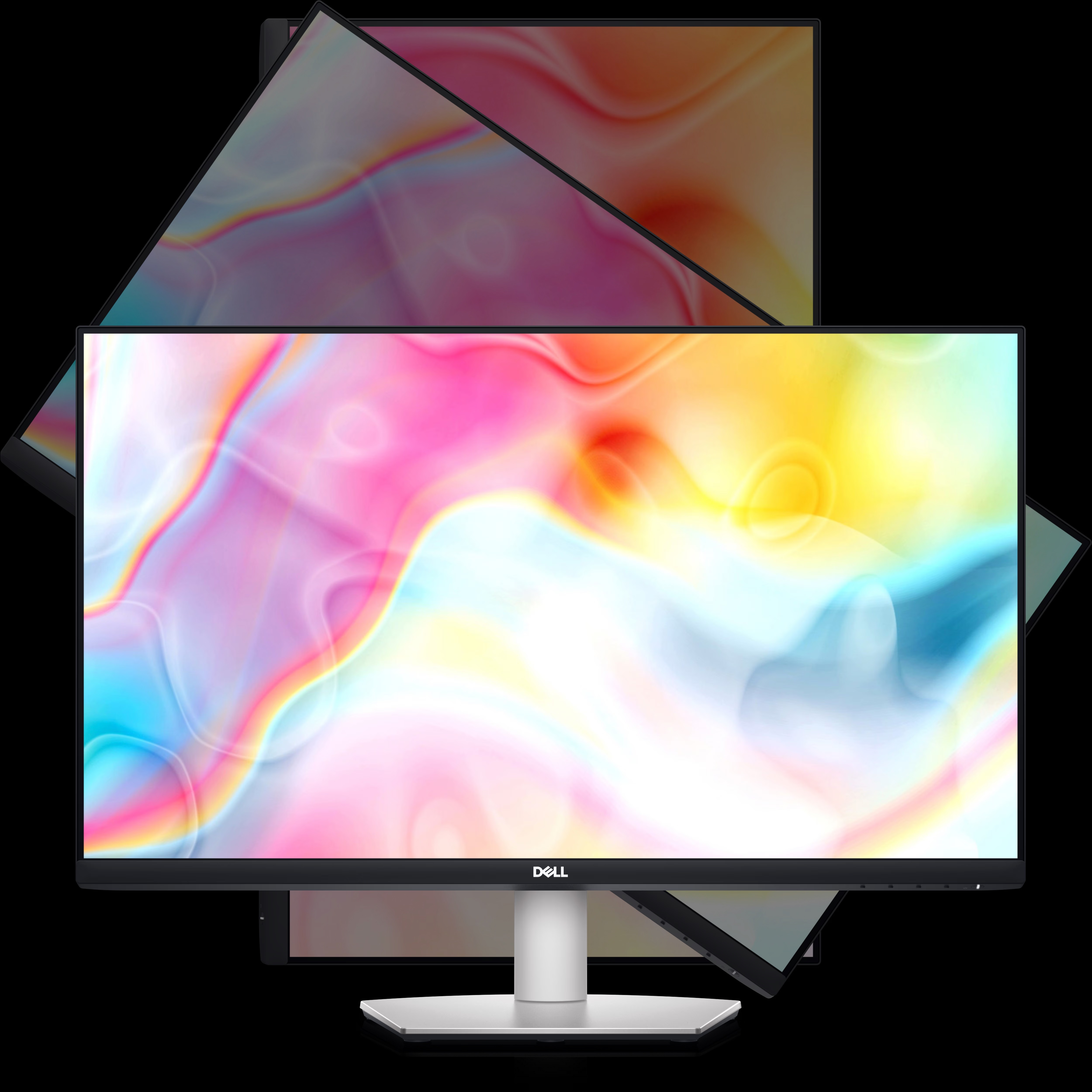
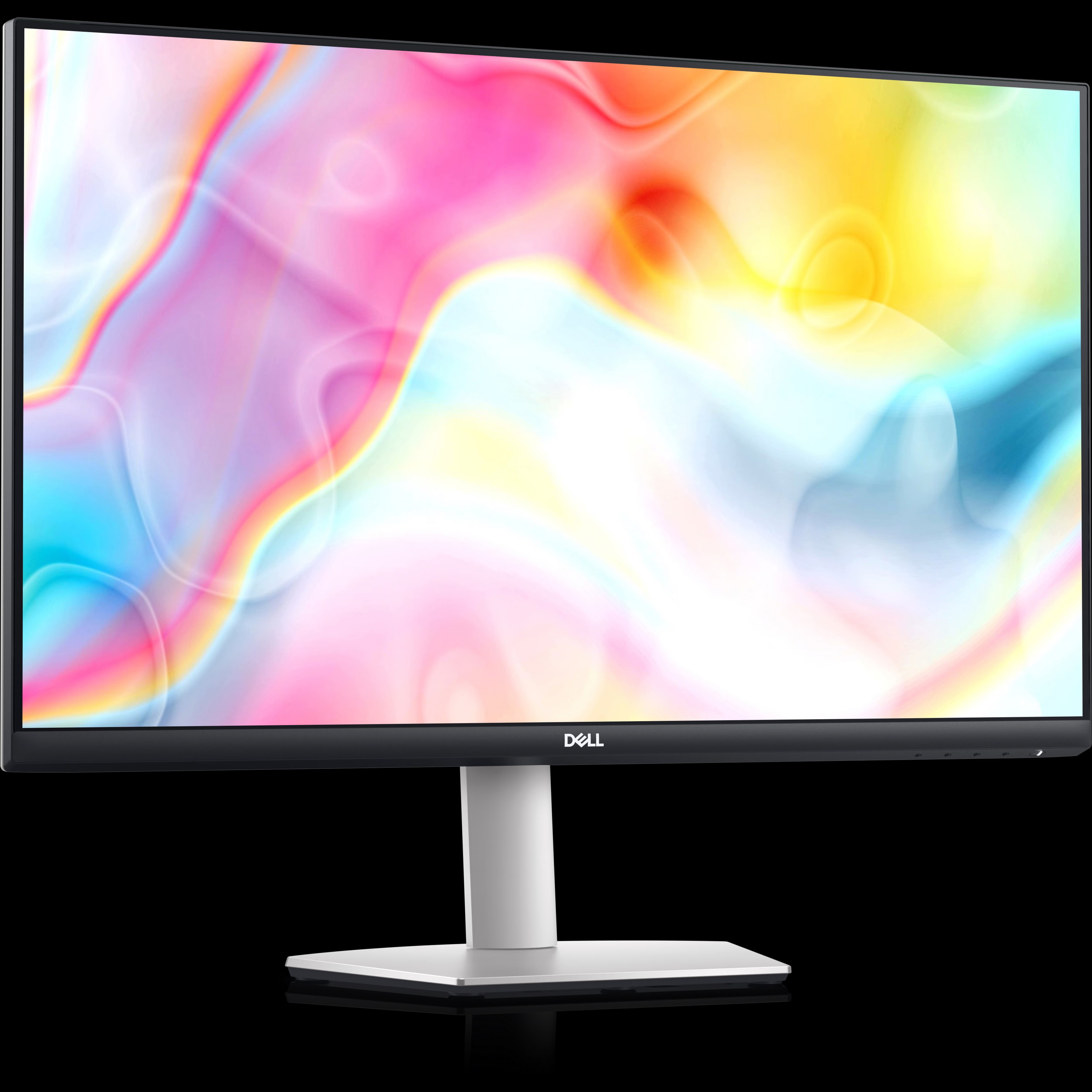
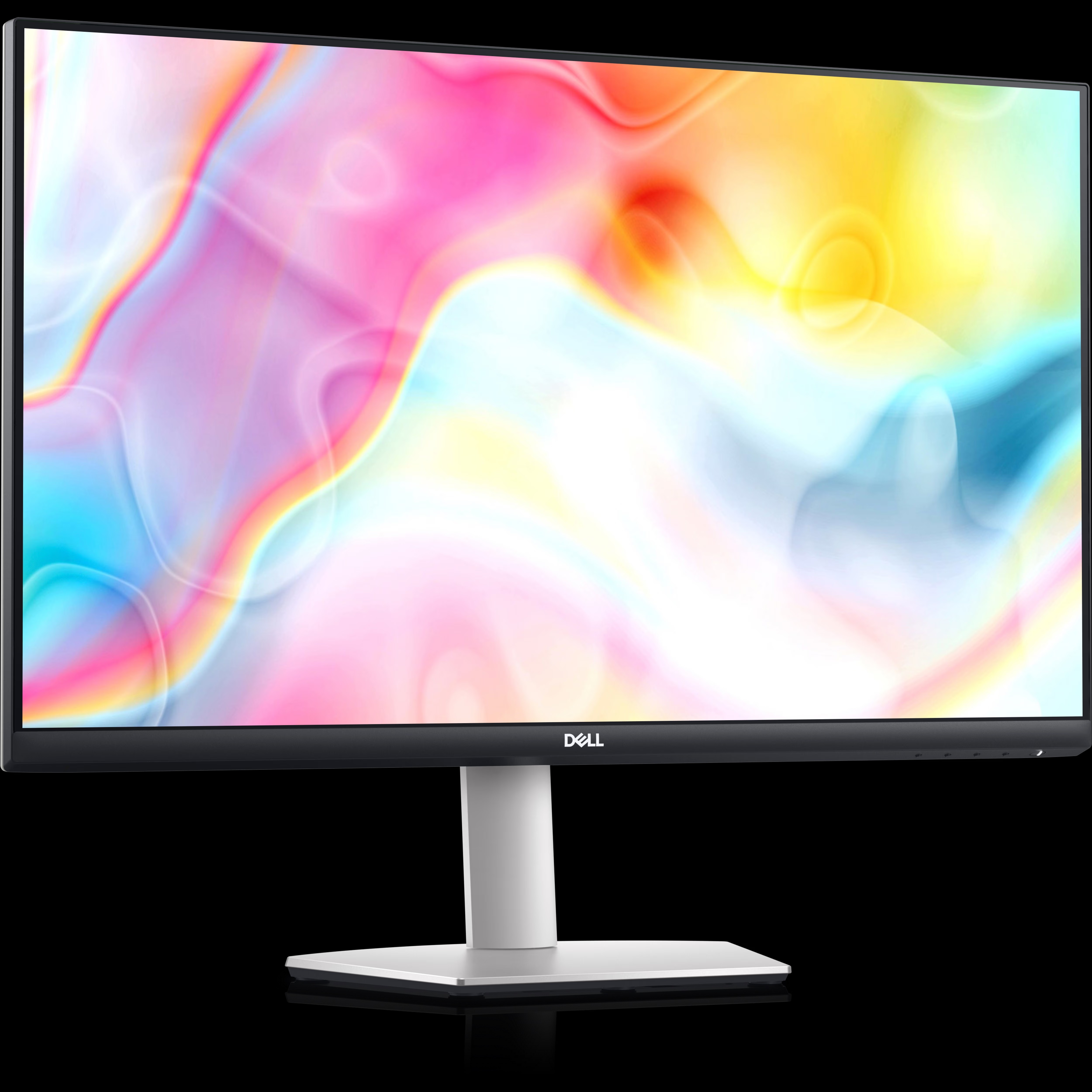
Experience remarkable clarity and vibrant colors thanks to the S2722QC's 27-inch 4K UHD display, IPS panel technology, and support for over 1 billion colors. The wide 178/178 viewing angle ensures images remain sharp and consistent from any perspective, perfect for creative tasks, videos, and multitasking.
Effortless USB-C Connectivity & Charging
Simplify your workspace with a single USB-C connection supporting data transfer, audio, video, and up to 65W power delivery-ideal for charging and connecting compatible laptops. Additional HDMI inputs and audio line-out offer flexible options for multiple devices and peripherals.
Designed for Ergonomic Comfort
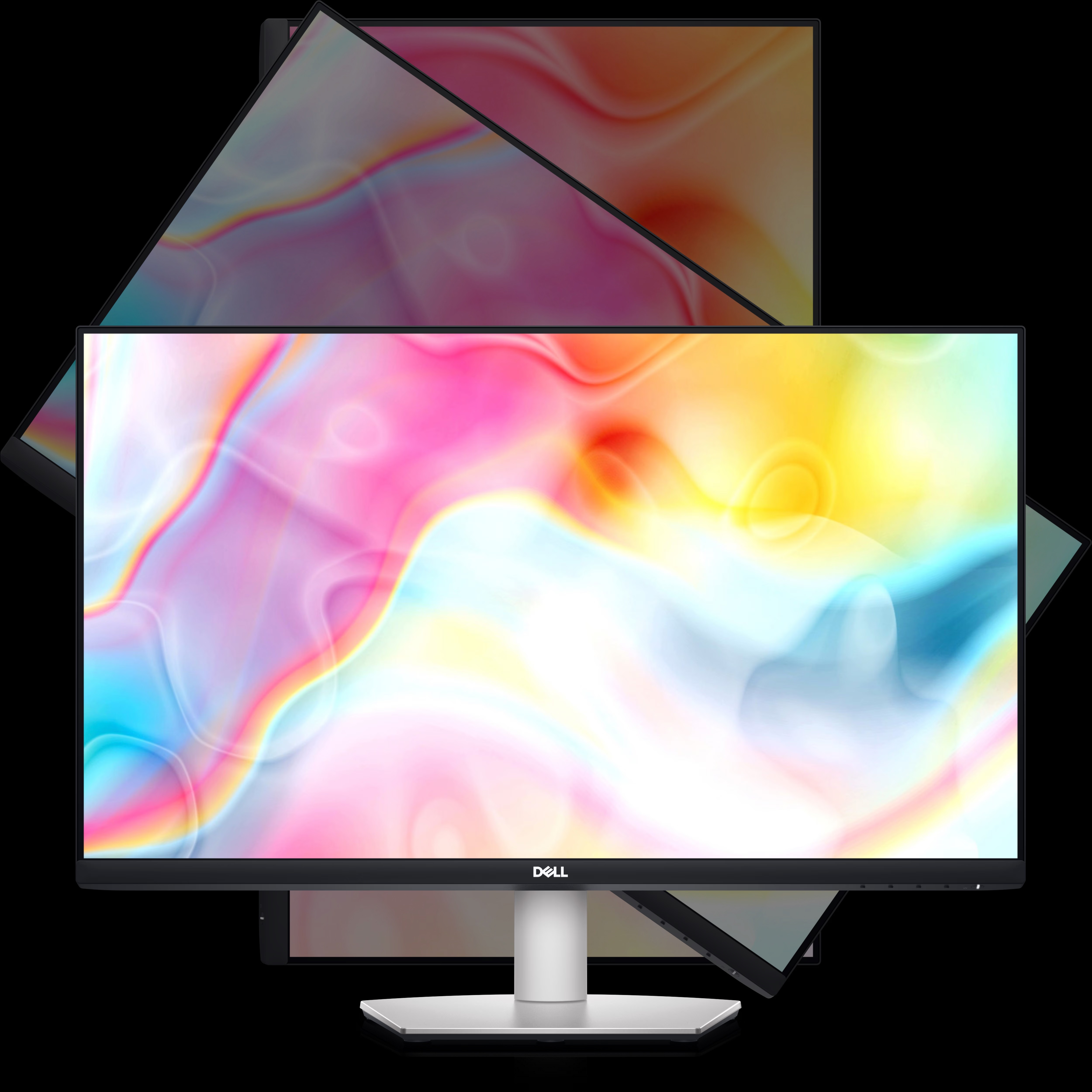
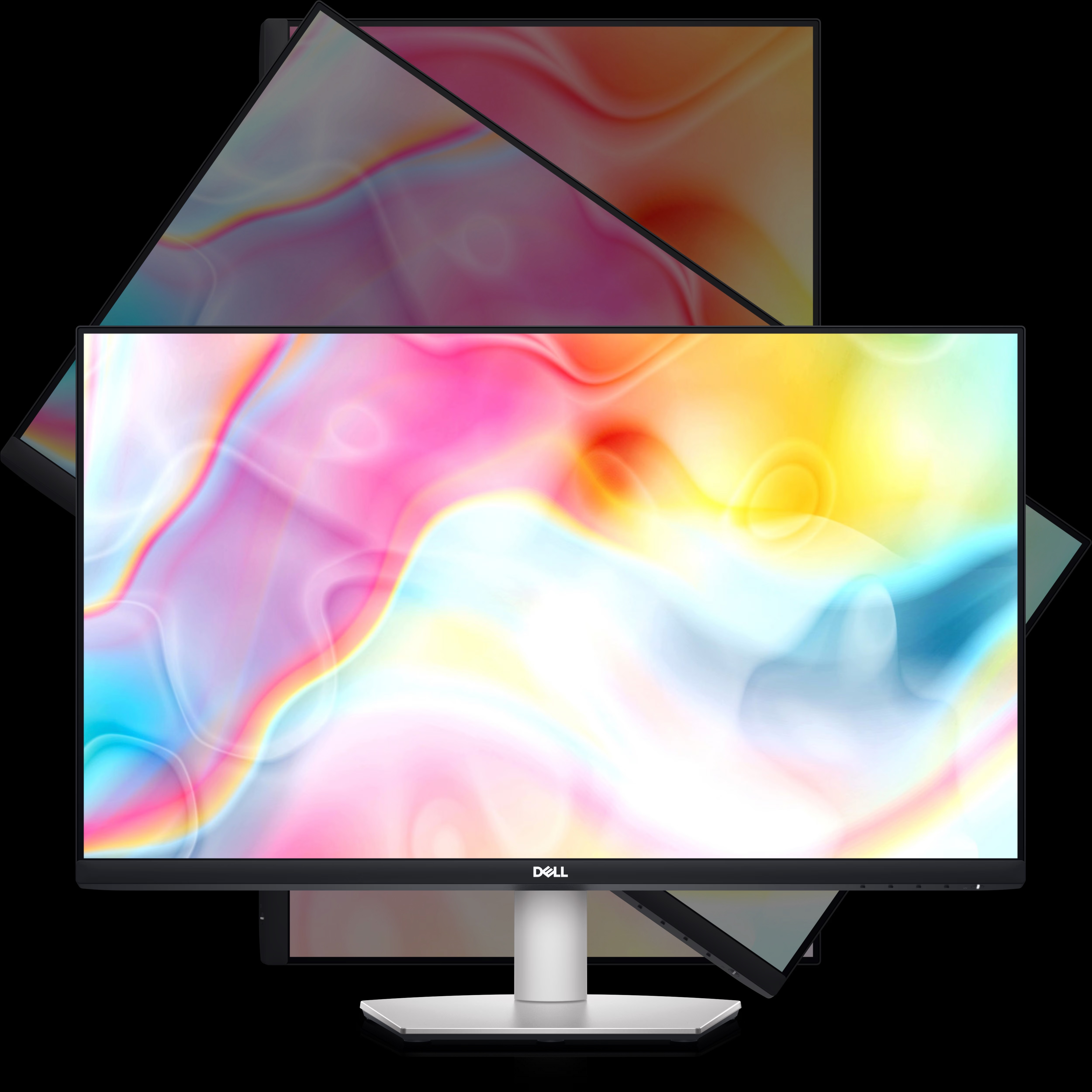
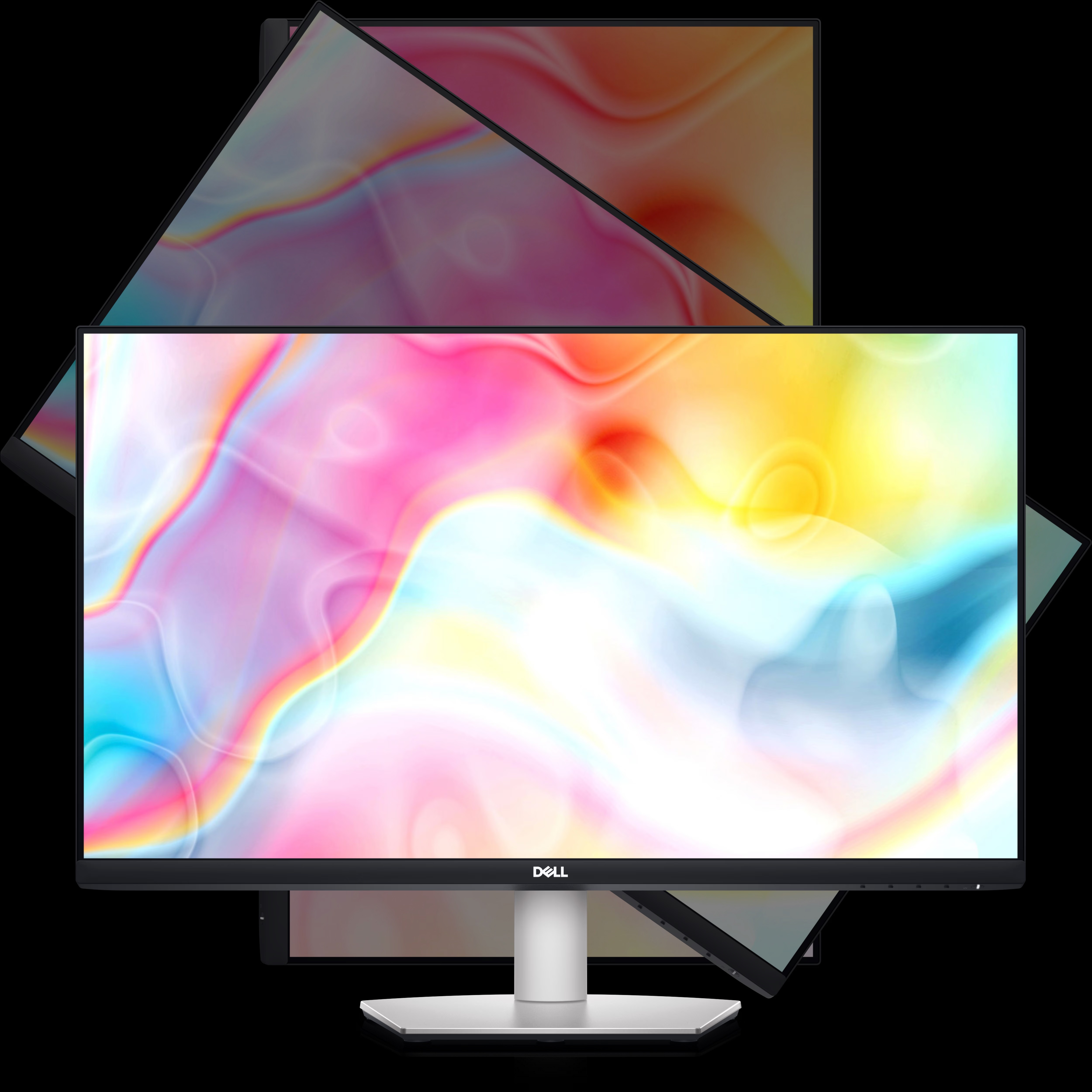
Tailor the monitor's position to your preference with height, tilt, swivel, and pivot adjustments. The S2722QC is also VESA-compatible, making wall or arm mounting straightforward. All these features help reduce fatigue and improve productivity during long hours of use.
FAQ's of Dell 27 4K UHD USB-C Monitor - S2722QC:
Q: How do I connect my laptop to the Dell S2722QC monitor using USB-C?
A: To connect your laptop, use the included USB-C cable and plug it into the monitor's USB-C port. This single cable transmits video, audio, and data while also charging your laptop (up to 65W), provided your device supports USB-C DisplayPort Alt Mode and Power Delivery.Q: What benefits does the IPS panel offer on the Dell S2722QC monitor?
A: The IPS (In-Plane Switching) panel provides wide 178 viewing angles, consistent colors, and accurate image reproduction. This makes it suitable for tasks like photo editing, graphic design, and watching multimedia content where color accuracy is critical.Q: Where can I mount the Dell S2722QC monitor?
A: The monitor supports VESA 100 x 100 mm mounting, making it compatible with a wide range of wall mounts and monitor arms. Simply use the appropriate VESA-compatible hardware to install the monitor on your preferred mount.Q: What adjustability options does the Dell S2722QC offer for ergonomic use?
A: The S2722QC allows you to customize your viewing experience with height adjustment, tilt, swivel, and pivot functions. These ergonomic adjustments help maintain a comfortable viewing posture, reducing neck and eye strain during extended use.Q: When should I use the USB-C port versus HDMI on this monitor?
A: Use the USB-C port when you want a single-cable setup that handles video, audio, data, and charges your laptop (up to 65W). HDMI ports are ideal for connecting devices like desktops, media players, or consoles that don't support USB-C DisplayPort Alt Mode.Q: What is the warranty period for the Dell S2722QC in India?
A: The Dell S2722QC monitor comes with a 3-year warranty in India, covering manufacturing defects and providing reliable after-sales service through Dell's authorized service providers.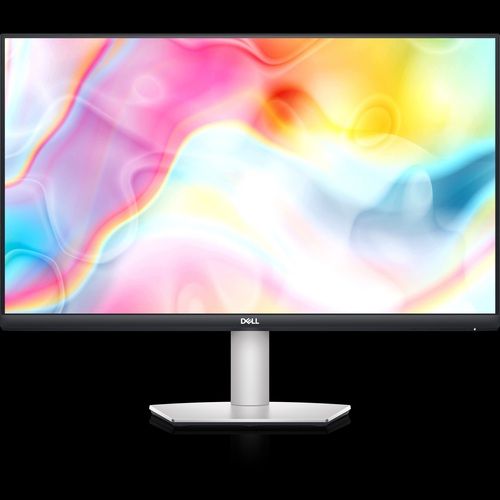
Tell us about your requirement

Price:
Quantity
Select Unit
- 50
- 100
- 200
- 250
- 500
- 1000+
Additional detail
Mobile number
Email

More Products in HP MONITOR Category
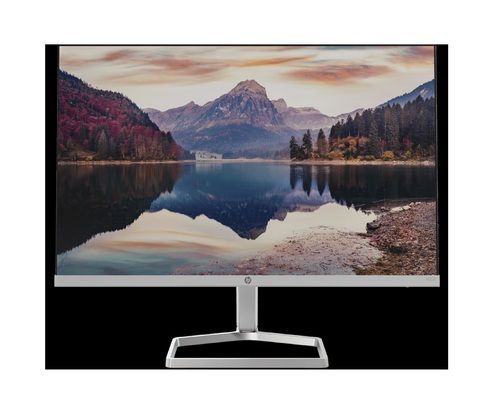
HP M22f FHD Monitor
Price 10690 INR / Box
Minimum Order Quantity : 1 Piece
Monitor : OTHER, HP M22f FHD Monitor
Keyboard : Other, Not Included
Screen Size : 21.5 Inches (54.48 cm)
Weight : 2.2 kg (approx.)

Contact Details
HD INFOSYS & AUTOMATION
GST : 24ATMPR4329N1Z2
- Darshnam Trade Center-1, 24-Second Floor, Near Hotel Surya Palace, Sayajigunj,Vadodara - 390007, Gujarat, India
- Phone :07971191699
 Send Inquiry
Developed and Managed by Infocom Network Private Limited.
