
Call: 07971191699
 Send Inquiry
 Send Inquiry
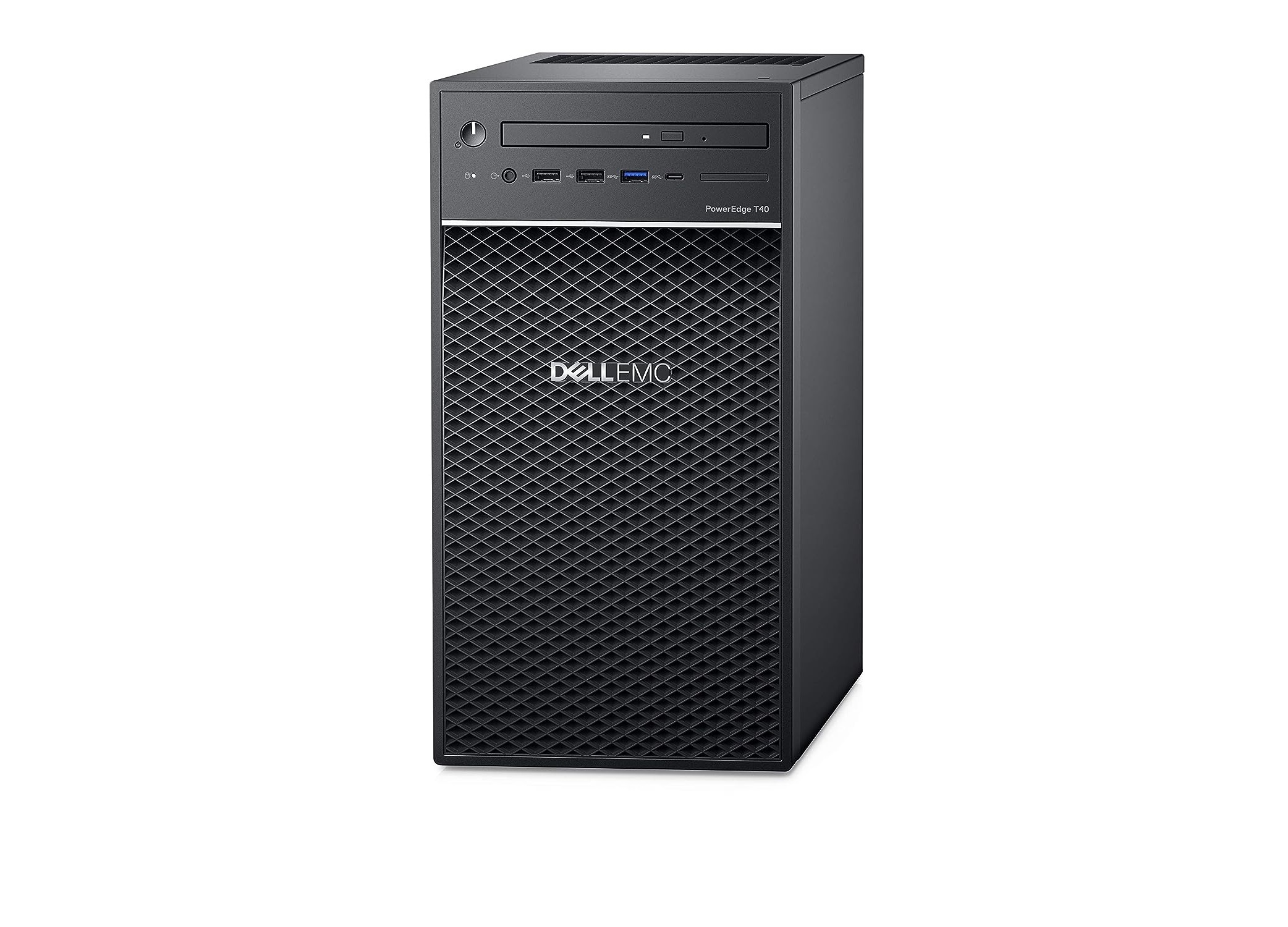
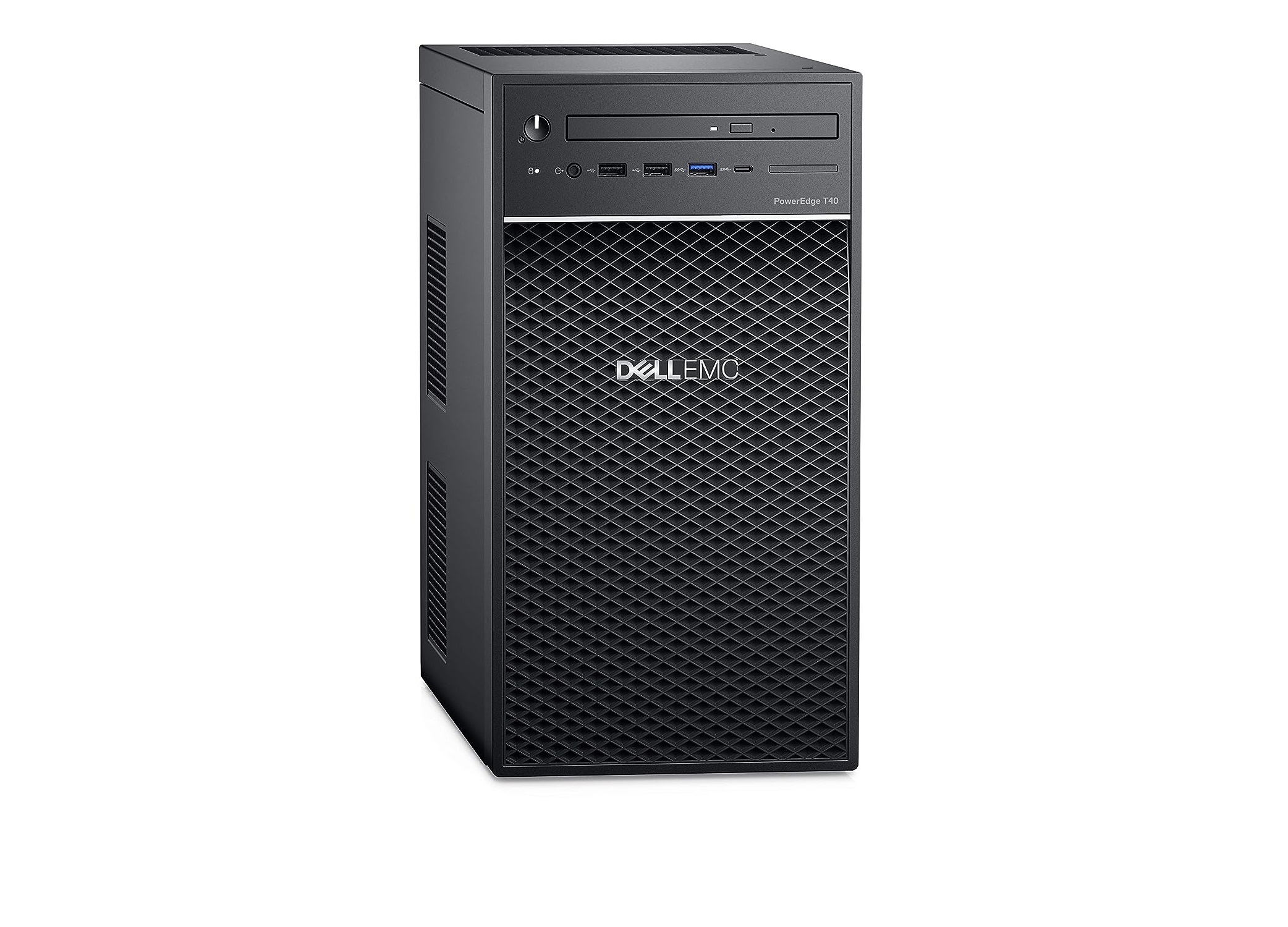
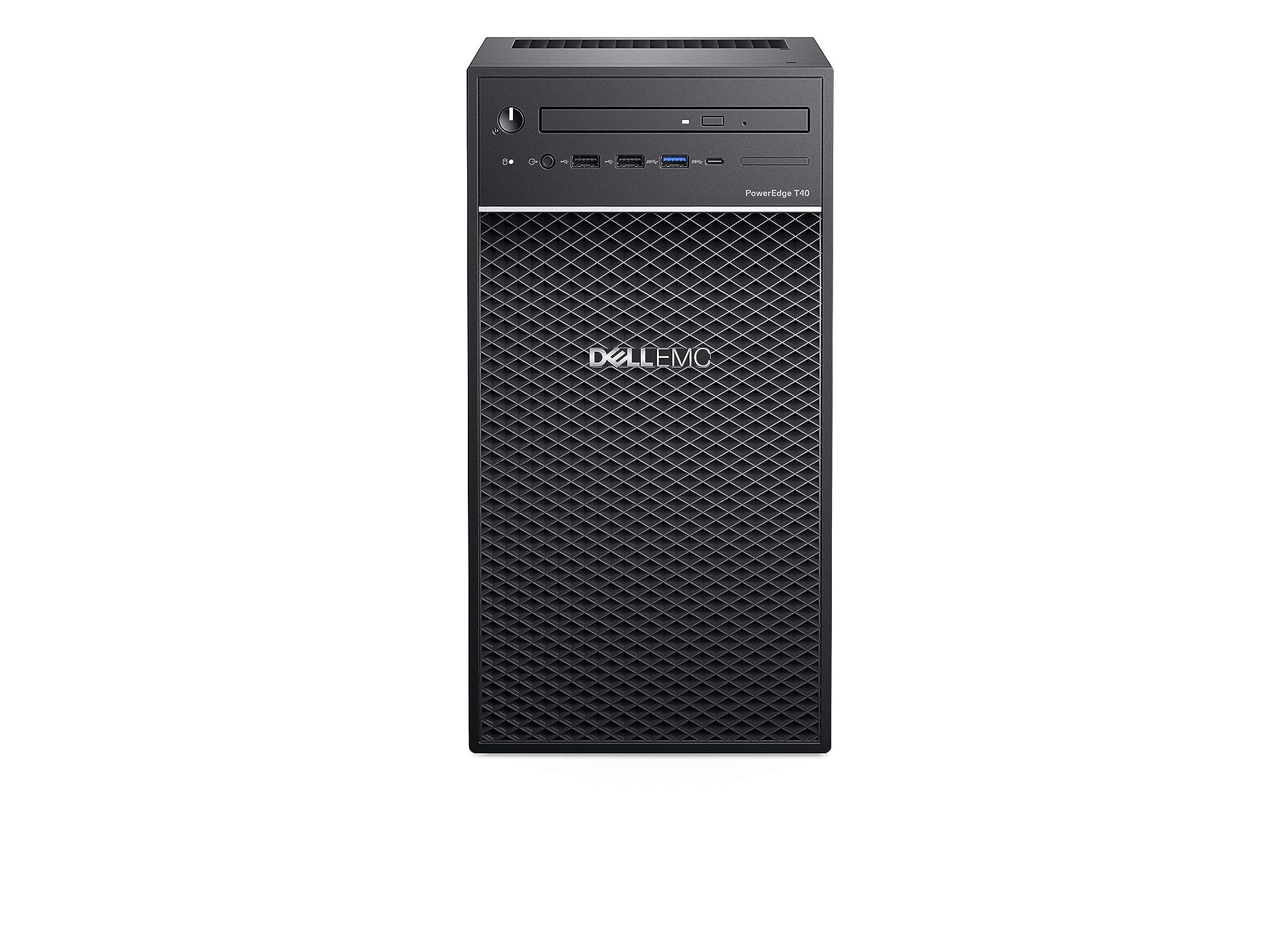
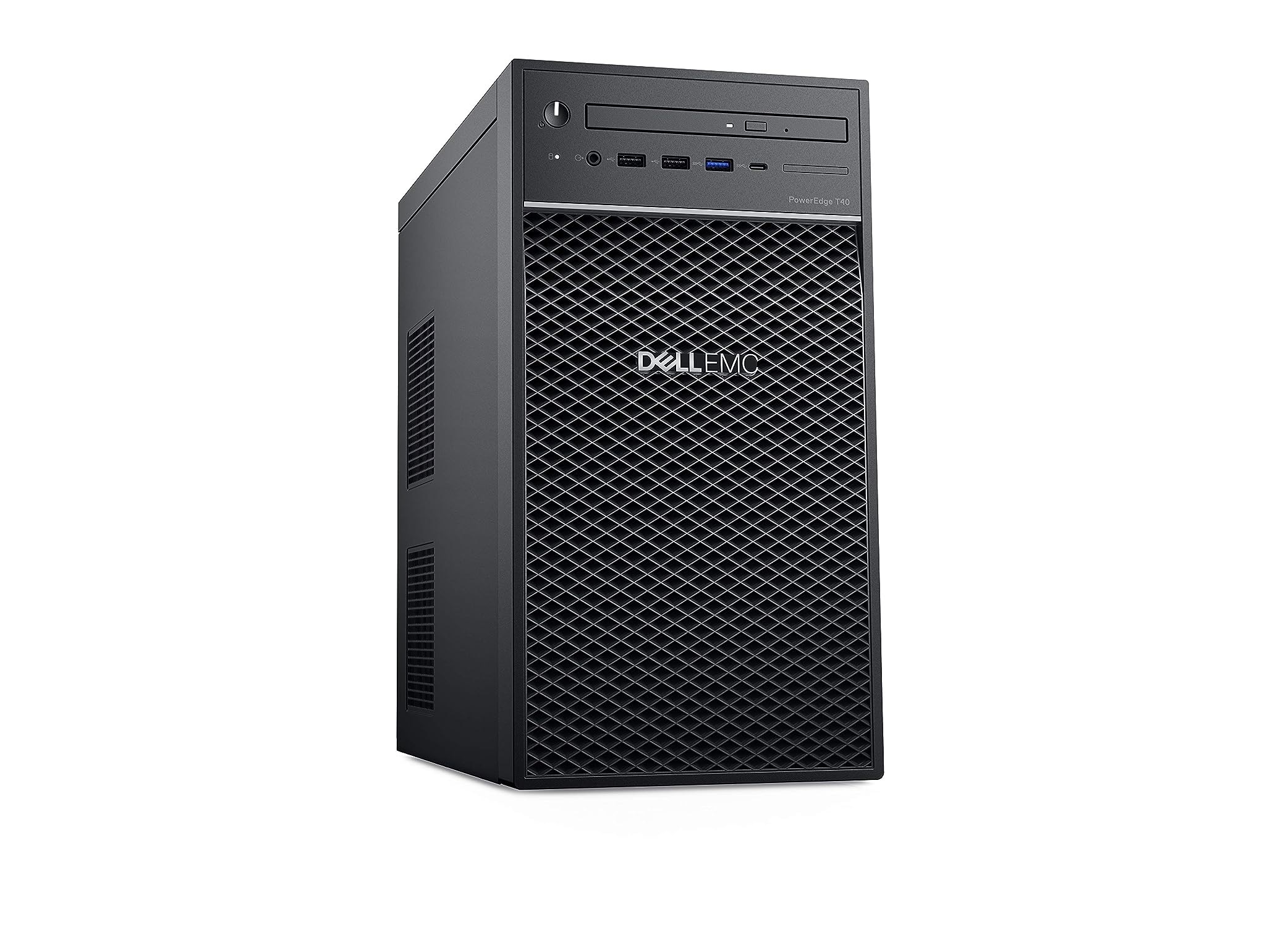
Dell PowerEdge T40 Tower Server
Price 64000 INR/ Number
MOQ : 100 Units
Dell PowerEdge T40 Tower Server Specification
- Weight
- 8 kg approx.
- WiFi
- Optional (via PCIe add-on)
- Processor Main Frequency
- 3.5 GHz (Turbo up to 4.7 GHz)
- Cache
- 8 MB Intel Smart Cache
- Bluetooth
- Yes
- Processor Type
- Intel Xeon E-Series
- Monitor
- Not Included
- CPU
- Intel Xeon E-2224G (3.5GHz, 4 Core)
- Chipset
- Intel C246
- Graphics
- Integrated Intel UHD Graphics P630
- Memory
- 8GB DDR4 (1 x 8GB UDIMM)
- Memory Speed
- 2666 MT/s
- Memory Upgradable upto
- 64GB (4 DIMM slots)
- ODD
- DVD+/-RW
- HDD
- 1TB 7200RPM SATA
- LAN
- Gigabit Ethernet (1 x RJ45)
- Mouse
- USB Optical Mouse
- Keyboard
- USB Keyboard
- OS
- No preinstalled OS (FreeDOS)
- Connectivity Options
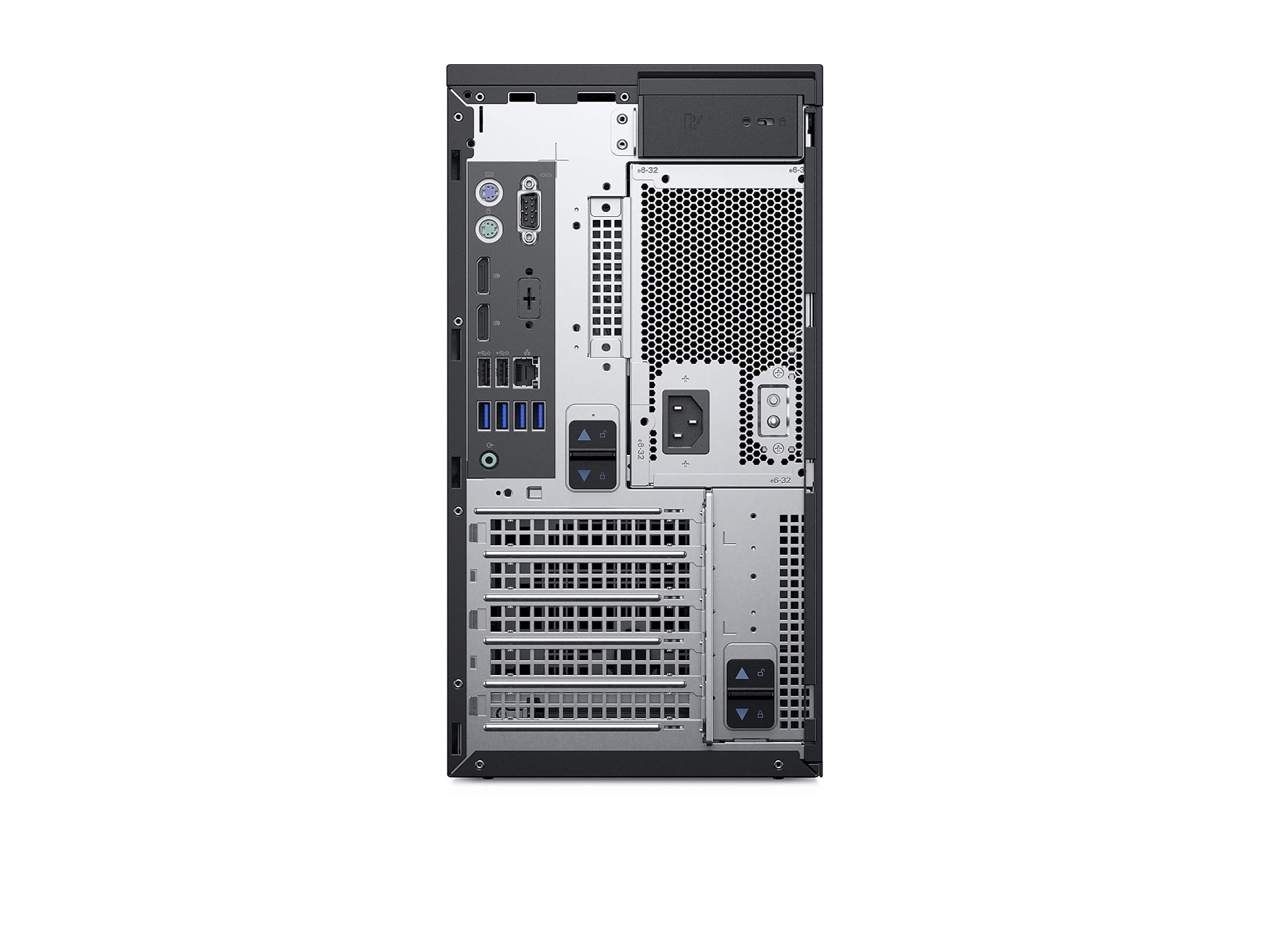
- 6 x USB 3.1 Gen1; 2 x USB 2.0; HDMI; DisplayPort; VGA
- Warranty Period
- Onsite Warranty - 3 years
- Security
- Kensington Lock Slot; TPM 2.0
- Dimensions (HxWxD)
- 35.96 x 17.6 x 33.54 cm
- Supported RAID Levels
- RAID 0/1/10
- Audio
- Integrated HD Audio
- Expansion Slots
- 1 x PCIe x16 Gen3, 2 x PCIe x1 Gen3
- Form Factor
- Mini-Tower
- Operating Temperature
- 10°C to 35°C (50°F to 95°F)
- Drive Bays
- 2 x 3.5" HDD or 4 x 2.5" HDD/SSD
- Power Supply
- 300W non-redundant
Dell PowerEdge T40 Tower Server Trade Information
- Minimum Order Quantity
- 100 Units
- Payment Terms
- Cash on Delivery (COD), Cash Advance (CA), Cash in Advance (CID), Cheque
- Packaging Details
- box
- Main Domestic Market
- Gujarat
About Dell PowerEdge T40 Tower Server
Dell PowerEdge T40 Tower Server, Intel Quad-Core Xeon E-2224G Processor 3.5GHz, 16GB DDR4 RAM, 1TB 7.2K RPM HDD, 3 Yr. Warranty
| Digital Storage Capacity | 1 TB |
| Hard Disk Interface | Serial ATA |
| Connectivity Technology | USB |
| Brand | Dell |
| Special Feature | Fast Speed |
| Hard Disk Form Factor | 3.5 Inches |
| Hard Disk Description | Mechanical Hard Disk |
| Colour | Black |
| Hard Disk Size | 1 TB |
| Hard Disk Rotational Speed | 7200 RPM |
Compact Form Factor with Flexible Expansion
Designed in a mini-tower format, the PowerEdge T40 provides ample room for expansion with one PCIe x16 Gen3 and two PCIe x1 Gen3 slots. Drive bays allow for either two 3.5" HDDs or four 2.5" HDDs/SSDs, giving you flexibility for storage upgrades. Its relatively small footprint and integrated HD audio make it suitable for offices and limited workspace environments.
Performance and Reliability for Business Demands
Equipped with an Intel Xeon E-2224G processor and 8GB DDR4 memory, the T40 delivers robust computing power. Connectivity is comprehensive-including Gigabit Ethernet, HDMI, DisplayPort, VGA, six USB 3.1 Gen1, and two USB 2.0 ports-ensuring seamless integration with your devices. The 3-year onsite warranty underscores Dell's commitment to reliable business support.
Advanced Security and Data Protection Solutions
Security on the PowerEdge T40 includes TPM 2.0 for hardware encryption and a Kensington lock slot for physical protection. The server supports RAID levels 0, 1, and 10, helping businesses safeguard critical data and optimize performance. Optional WiFi and Bluetooth via PCIe add-ons increase convenience for secure wireless connectivity.
FAQ's of Dell PowerEdge T40 Tower Server:
Q: How can I upgrade the memory in the Dell PowerEdge T40 server?
A: The T40 comes with 8GB DDR4 memory installed in one of four DIMM slots. To increase memory capacity, you can add up to four UDIMM modules for a maximum of 64GB. Access the slots by opening the chassis and installing compatible DDR4 UDIMM modules at 2666 MT/s.Q: What type of storage drives does the T40 support and how can I expand them?
A: You can configure the T40 with either two 3.5" HDDs or up to four 2.5" HDD/SSD drives, based on your storage requirements. Expansion is straightforward-open the drive bays to install additional SATA drives according to the supported sizes.Q: When is it beneficial to use RAID options on this server?
A: Implementing RAID 0, 1, or 10 on the T40 helps enhance data protection, performance, and reliability. RAID is beneficial when managing critical business data or aiming to increase storage redundancy and speed depending on operational needs.Q: Where can I purchase the Dell PowerEdge T40 server in India?
A: You can obtain the T40 from authorized Dell service providers, suppliers, and traders across India. It's recommended to buy from reliable businesses that offer valid warranties and post-sale support.Q: What is the process to connect WiFi or Bluetooth to the T40?
A: Since WiFi and Bluetooth are optional, you need to install compatible PCIe add-on cards into the available expansion slots. Once installed, configure the drivers to enable wireless connectivity.Q: How does the onsite warranty benefit my business operations?
A: The Dell PowerEdge T40 includes a 3-year onsite warranty, ensuring prompt technical support and services. This minimises downtime and maintains system performance, which is vital for business continuity.Q: Can I use the server immediately with an existing operating system?
A: The T40 ships with FreeDOS and does not include a preinstalled OS. To use it for business tasks, you will need to install your preferred operating system, such as Windows Server or Linux, before deploying your applications.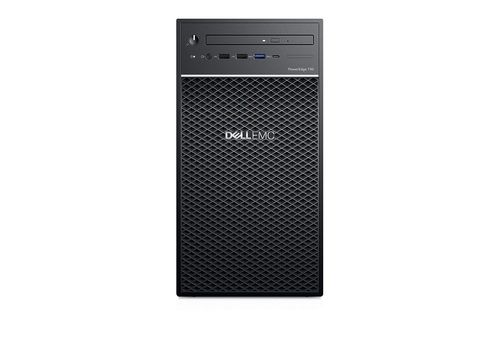
Tell us about your requirement

Price:
Quantity
Select Unit
- 50
- 100
- 200
- 250
- 500
- 1000+
Additional detail
Mobile number
Email

More Products in Desktop Computer Category
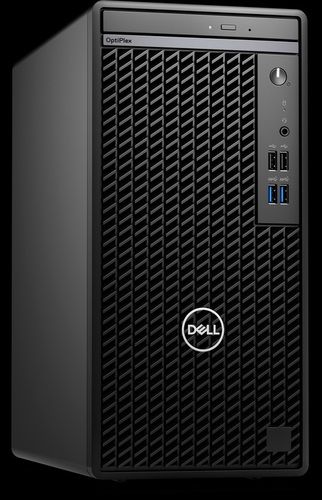
OptiPlex 7010 Tower
Price 59500 INR / Unit
Minimum Order Quantity : 1 Piece
CPU : Intel Core i53470 3.20 GHz
Memory Speed : 1600 MHz
Memory : 4GB DDR3 RAM
Screen Size : 18.5 inches (Monitor)
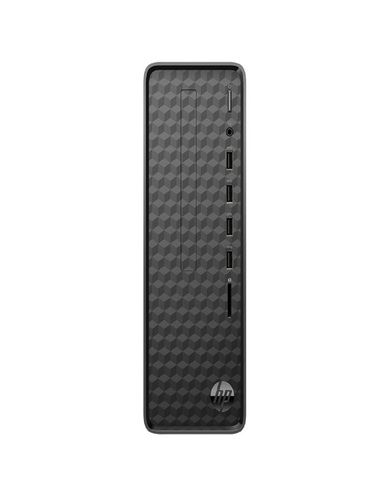
HP Slim Tower 12th Gen Intel Core i3-12100
Price 45000 INR / Piece
Minimum Order Quantity : 100 Units
CPU : HP Slim Tower 12th Gen Intel Core i312100
Memory Speed : 8GB RAM/512GB SSD
Memory : 8GB RAM/512GB SSD Gigabyte (GB)
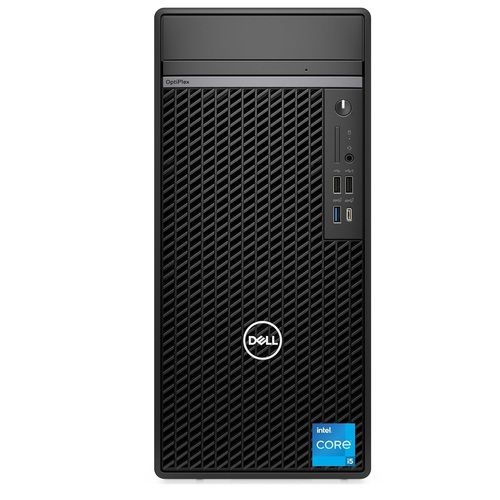
Dell OptiPlex 7010 Mini Tower DESKTOP COMPUTER
Price 48000.00 INR / Number
Minimum Order Quantity : 1 Number
CPU : Intel Core i5 12th Gen | 8 GB DDR4 | 512 GB SSD |
Memory Speed : 8GB
Memory : 8GB Gigabyte (GB)
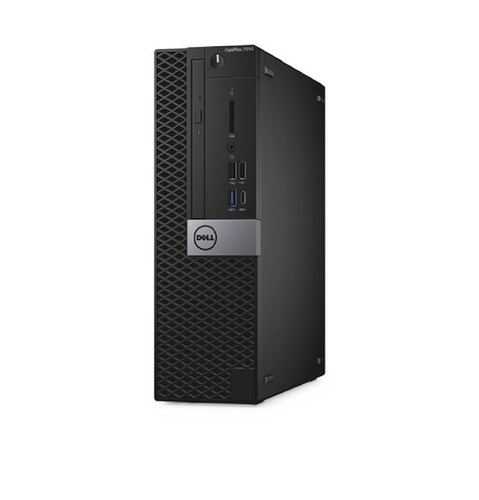
Dell Optiplex 7050 SFF Desktop 7th Generation Wi-Fi
Price 15500 INR / Piece
Minimum Order Quantity : 1 Unit
CPU : Core i3, Core i5, and Core i7
Memory Speed : 4 GB
Memory : 4 GB DDR4 RAM (Can be upgraded at extra cost) Gigabyte (GB)

Contact Details
HD INFOSYS & AUTOMATION
GST : 24ATMPR4329N1Z2
- Darshnam Trade Center-1, 24-Second Floor, Near Hotel Surya Palace, Sayajigunj,Vadodara - 390007, Gujarat, India
- Phone :07971191699
 Send Inquiry
Developed and Managed by Infocom Network Private Limited.
