
Call: 07971191699
 Send Inquiry
 Send Inquiry
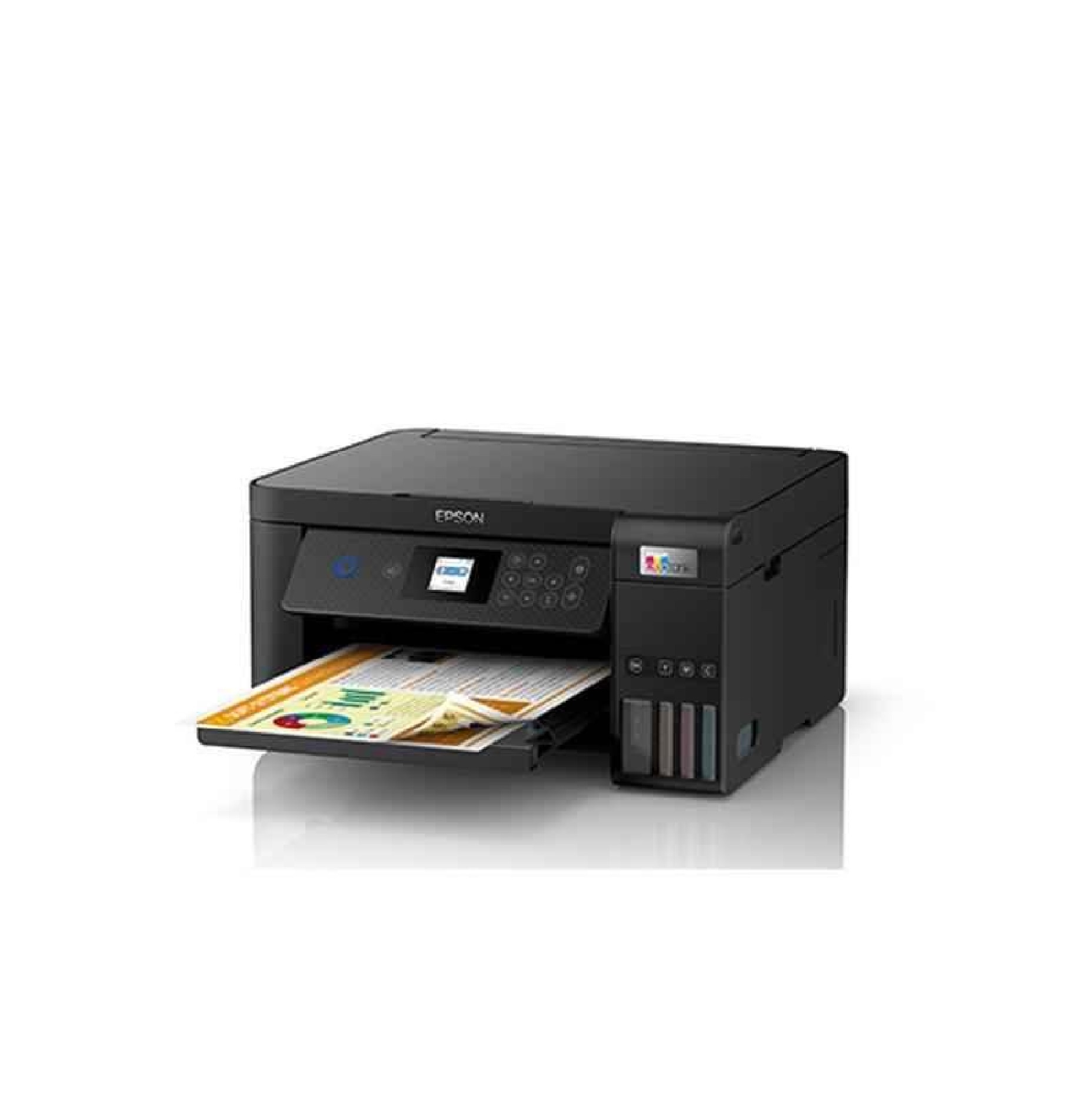
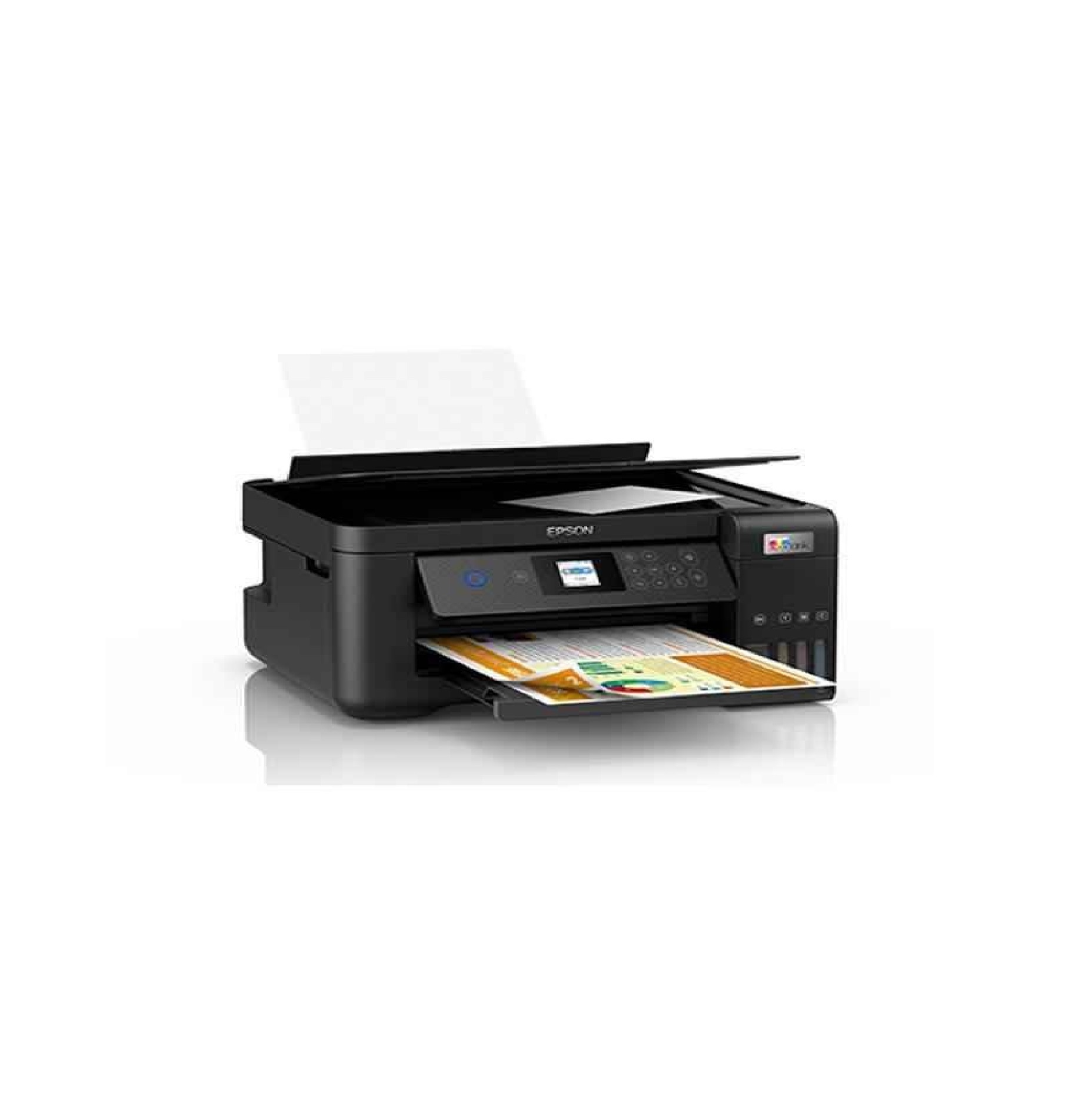
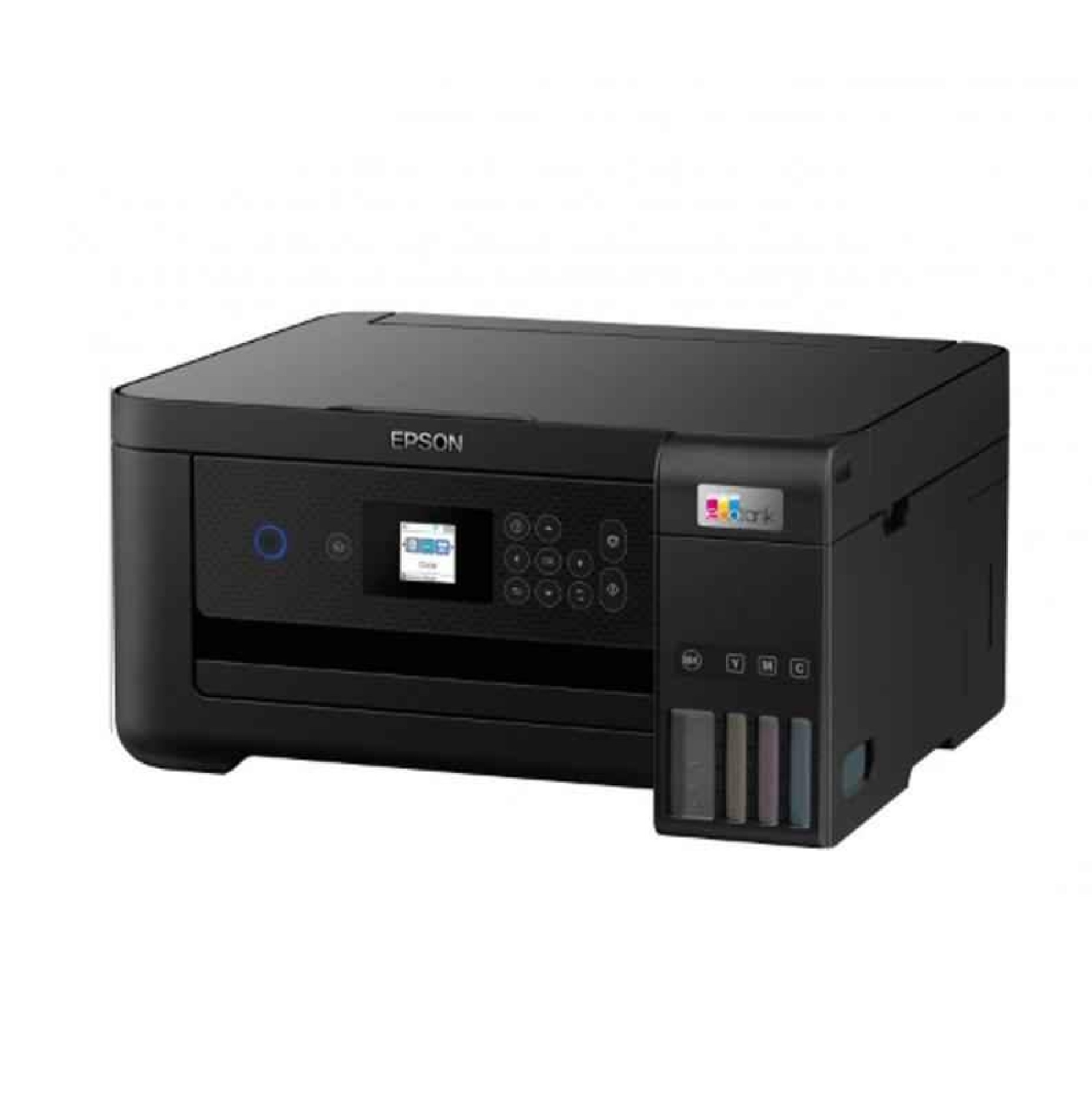
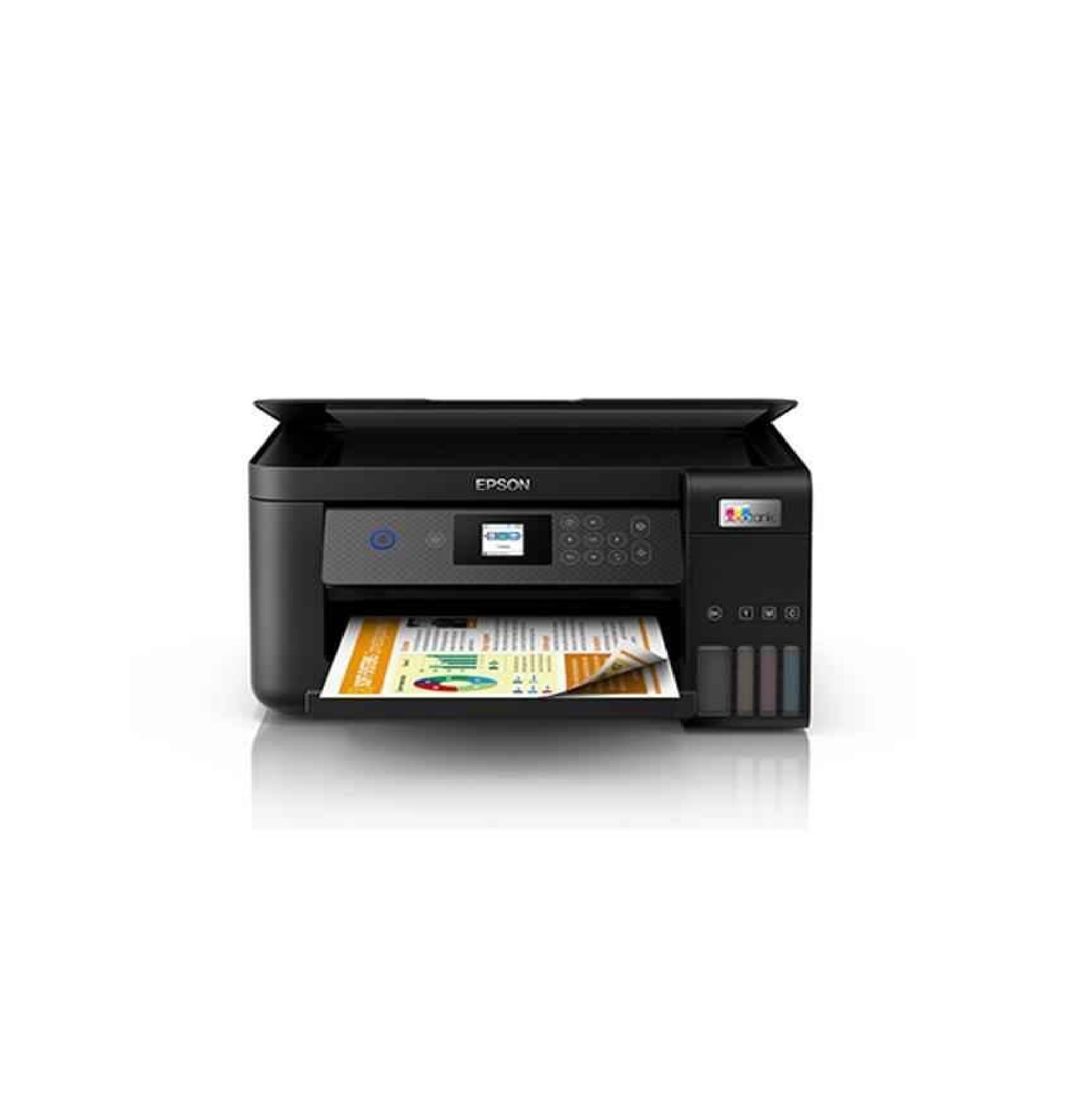
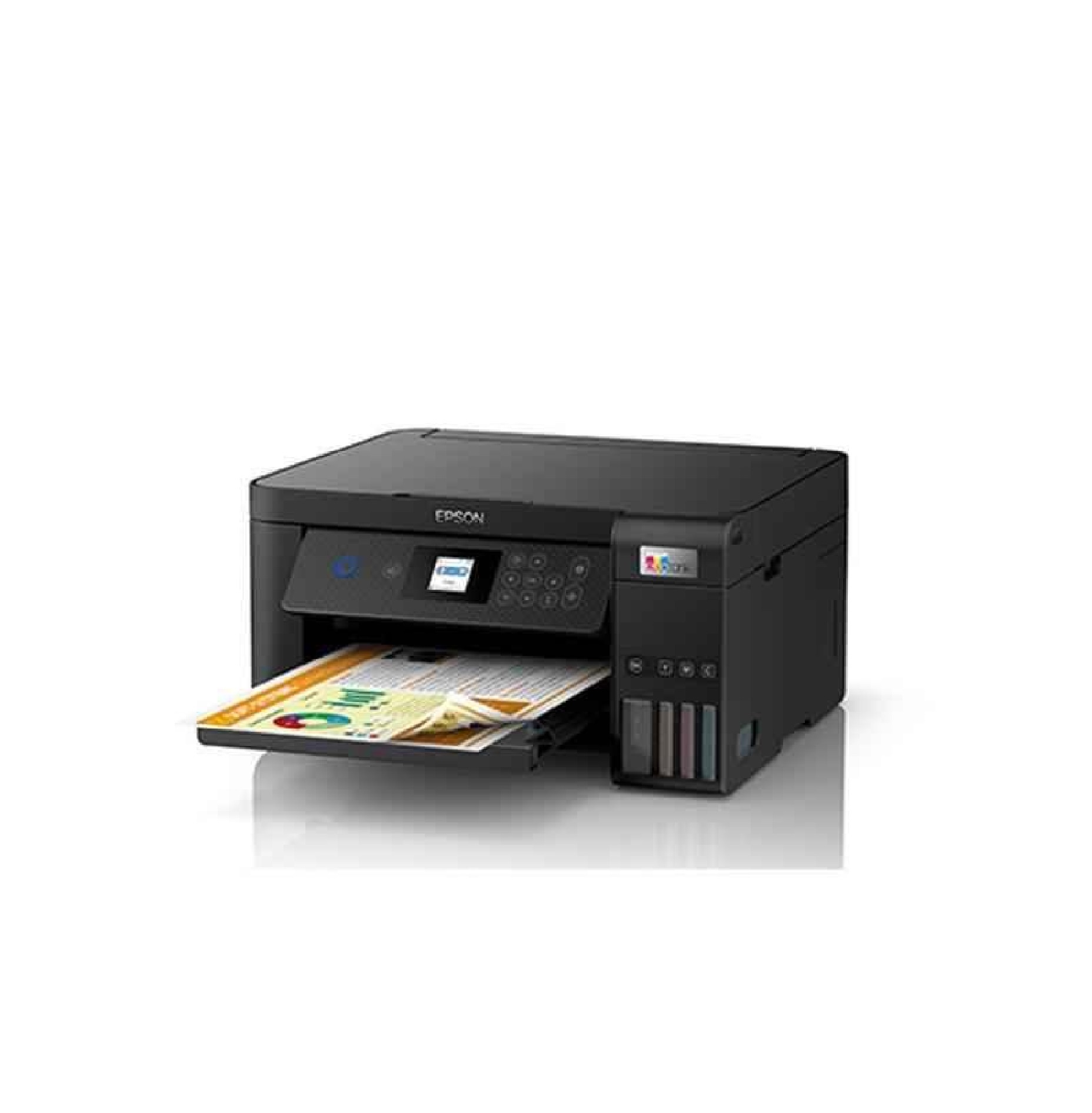
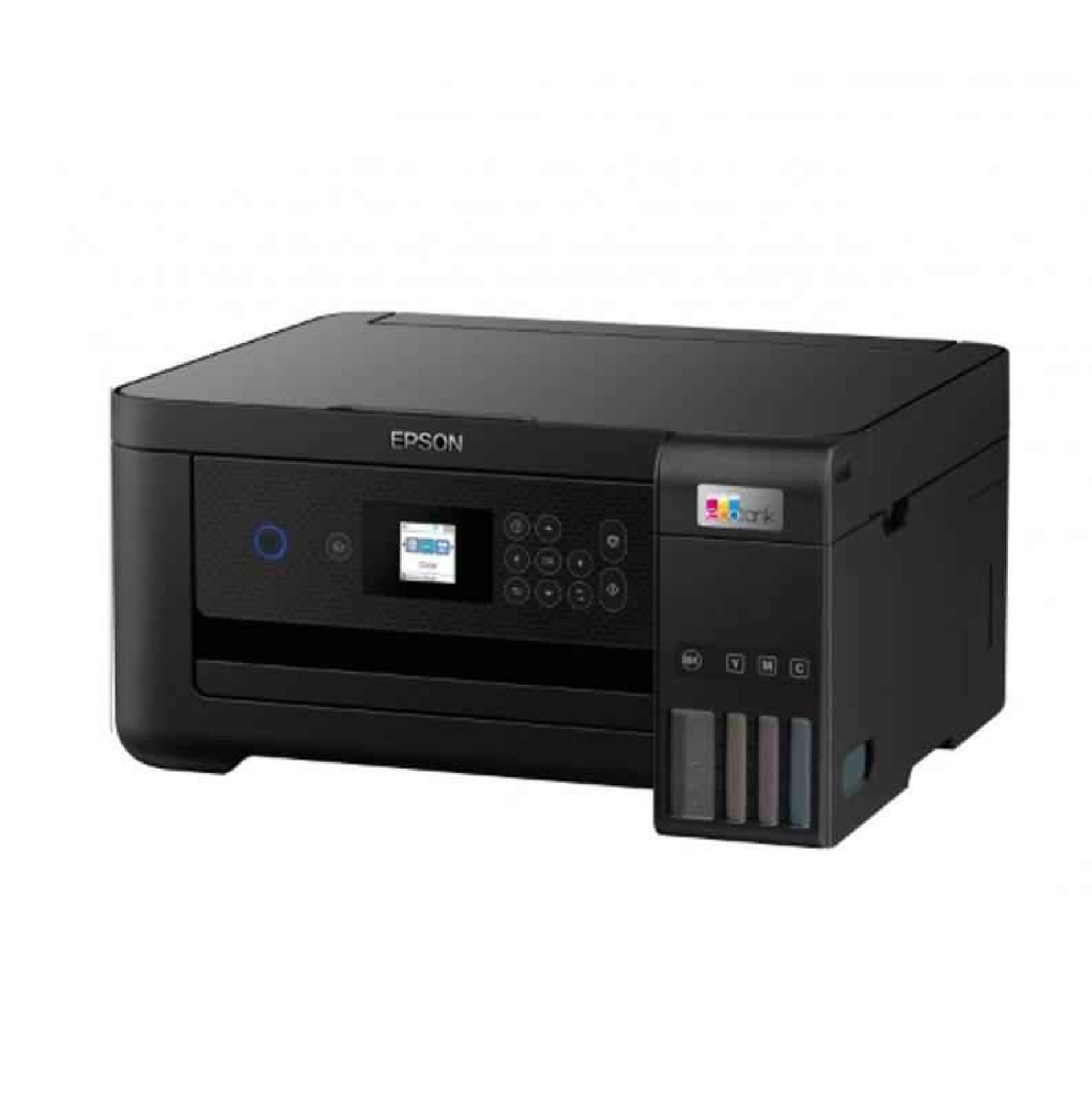
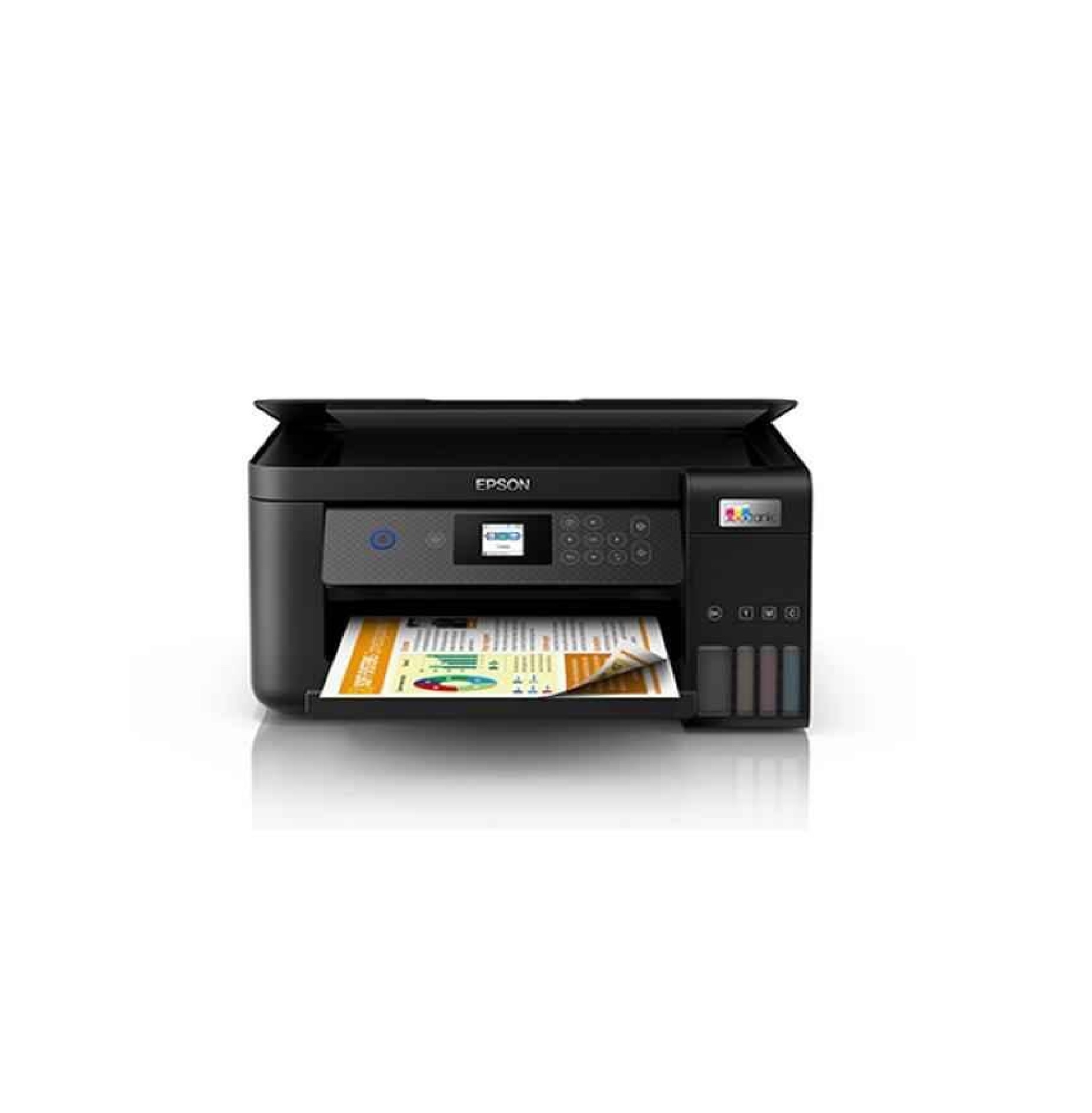
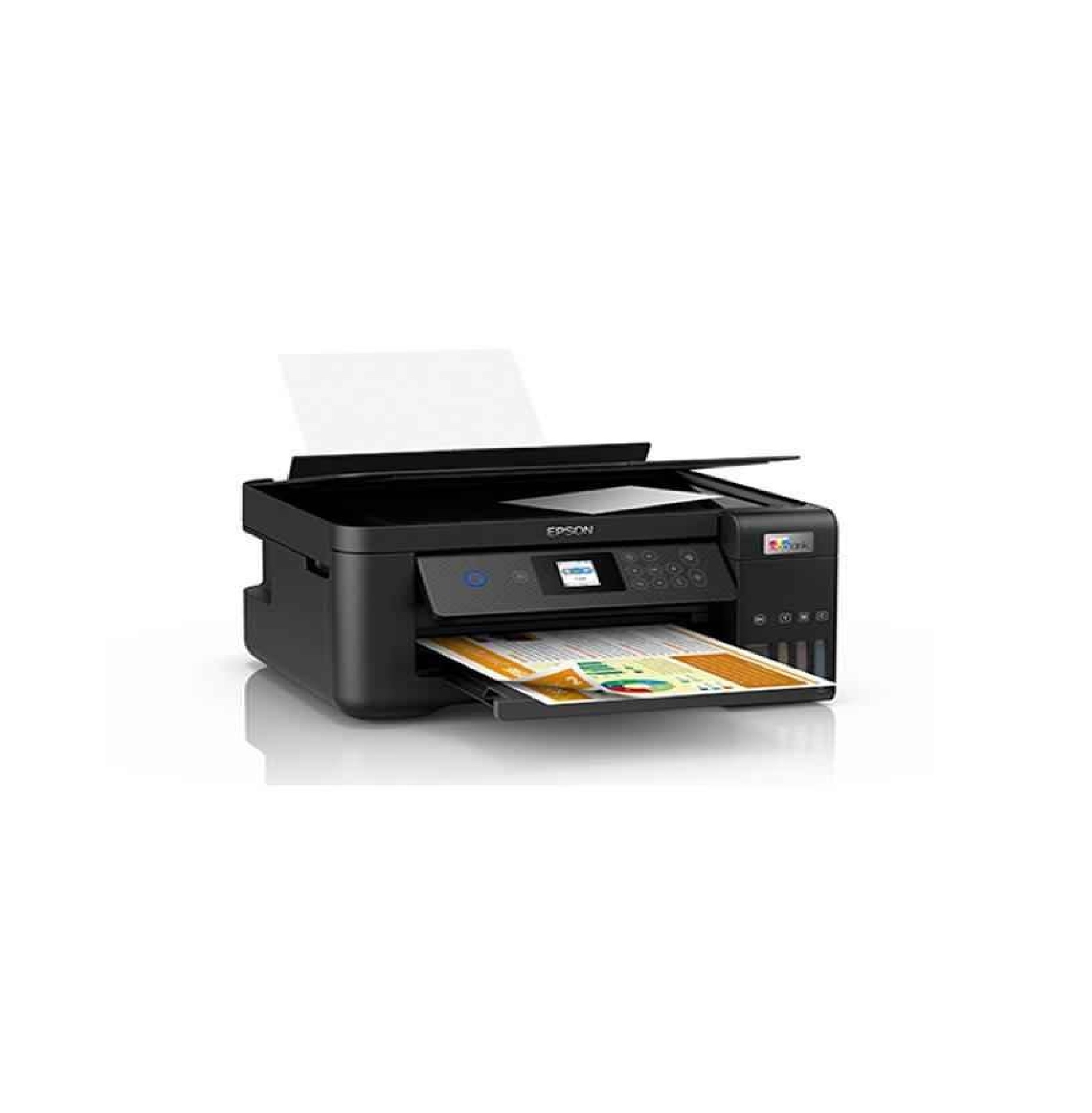
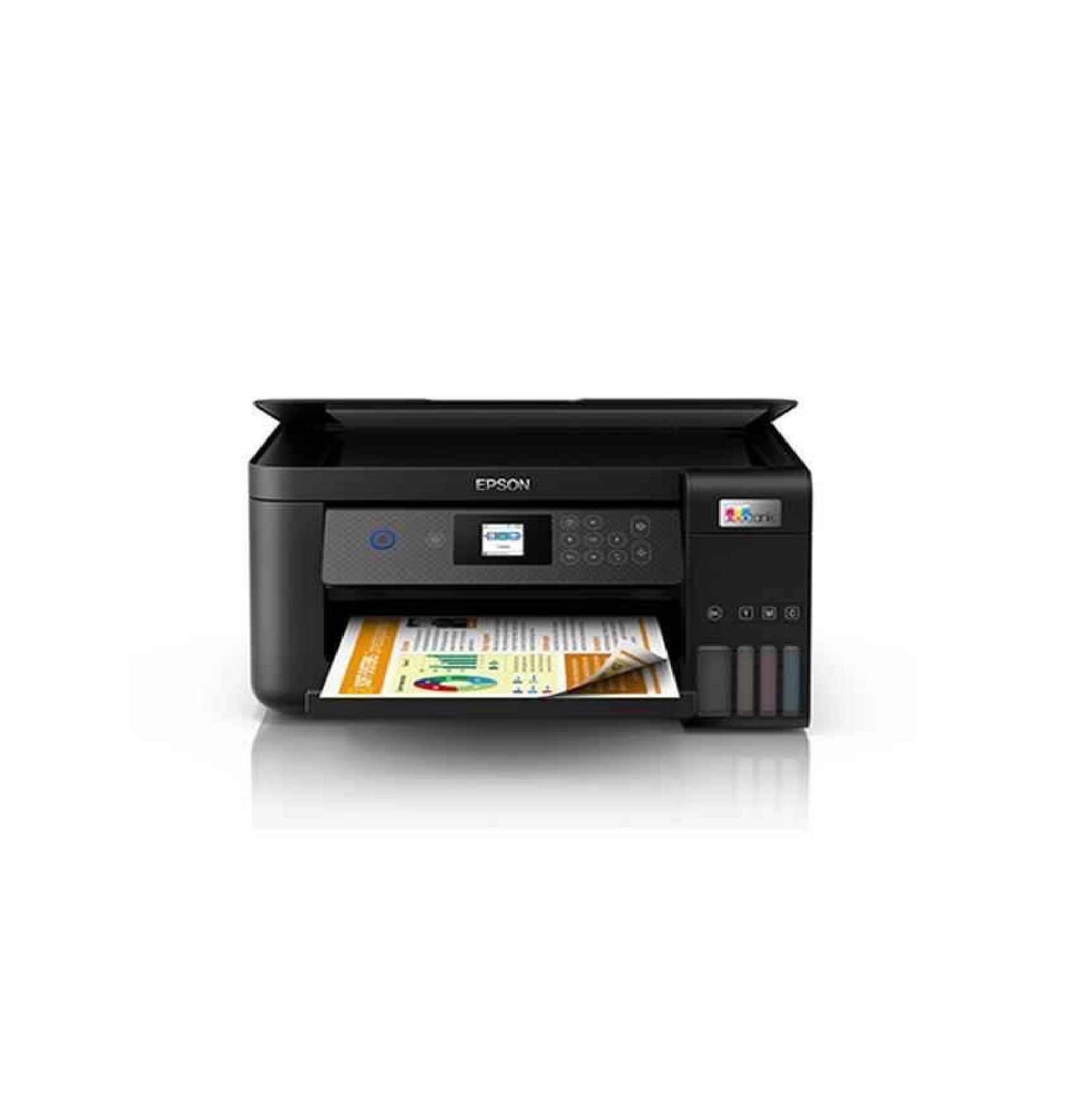
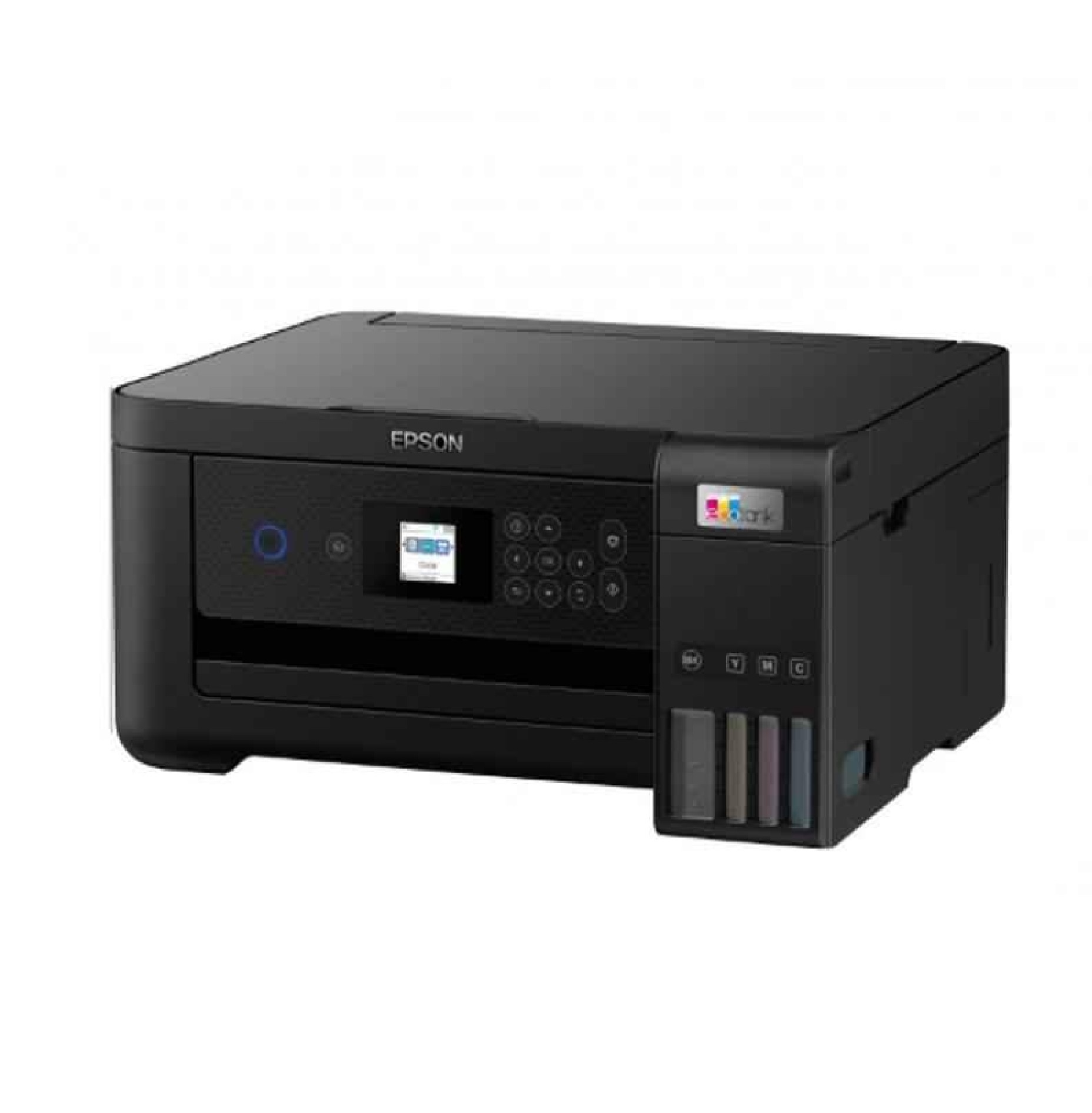
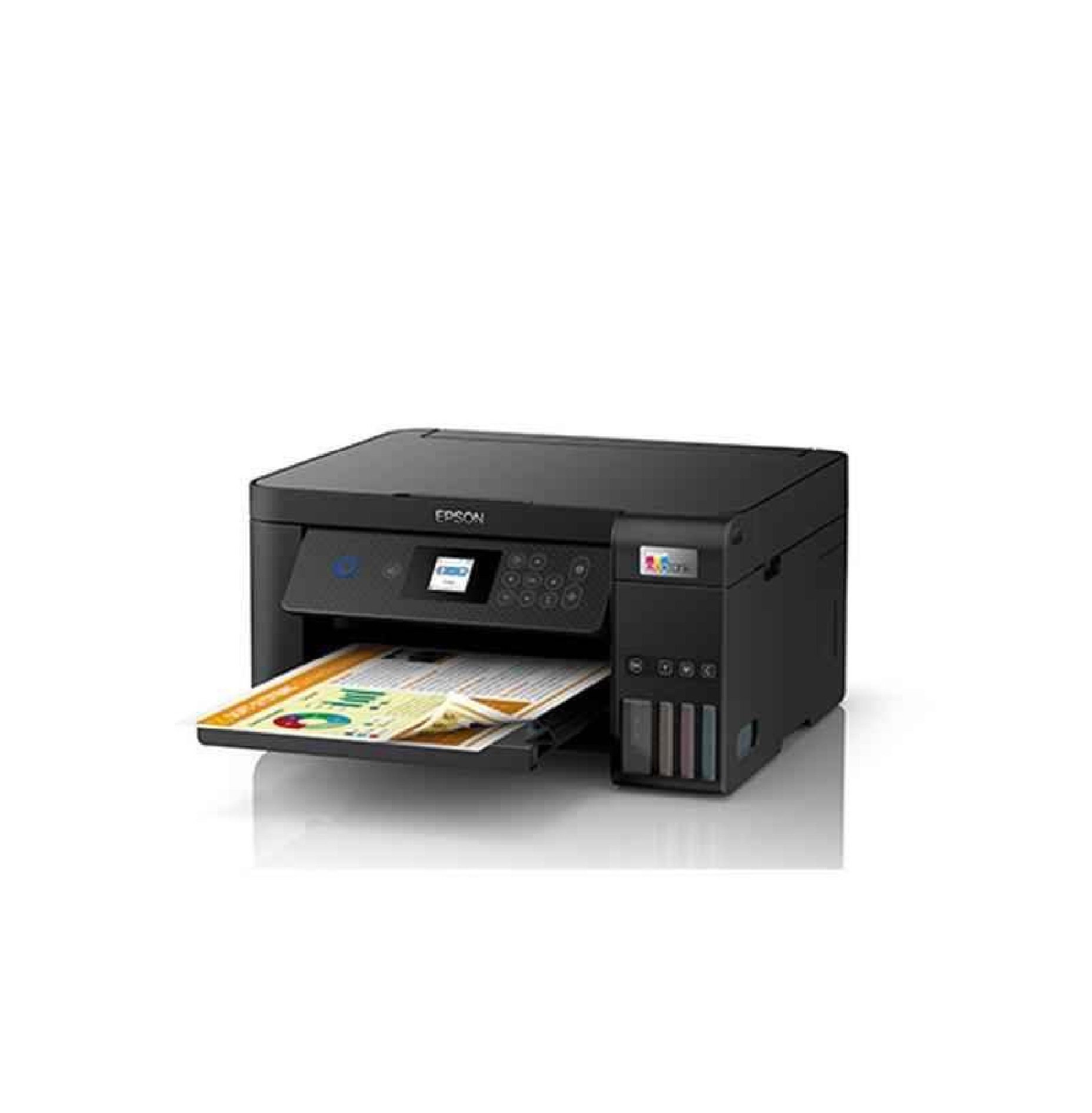
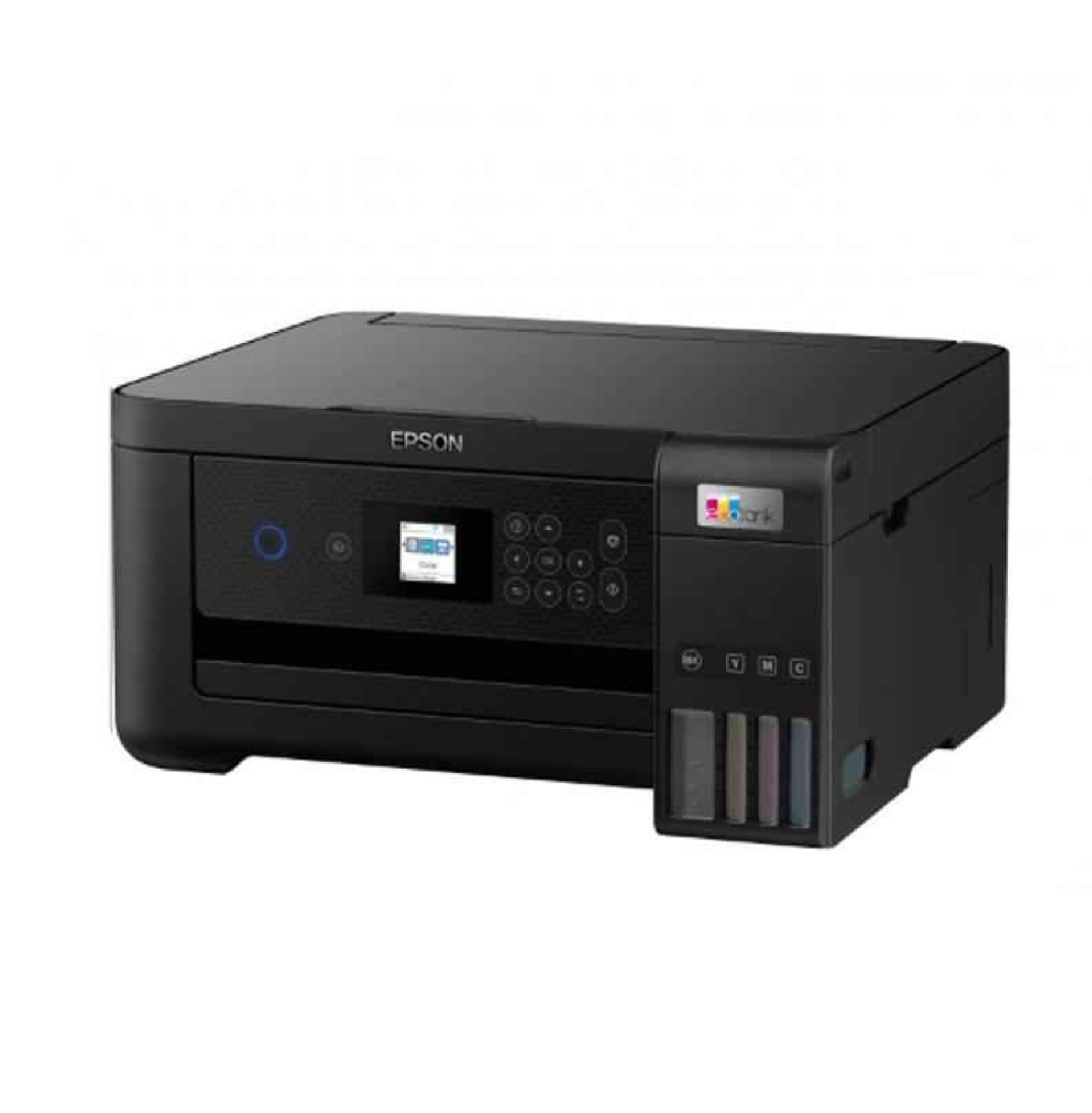
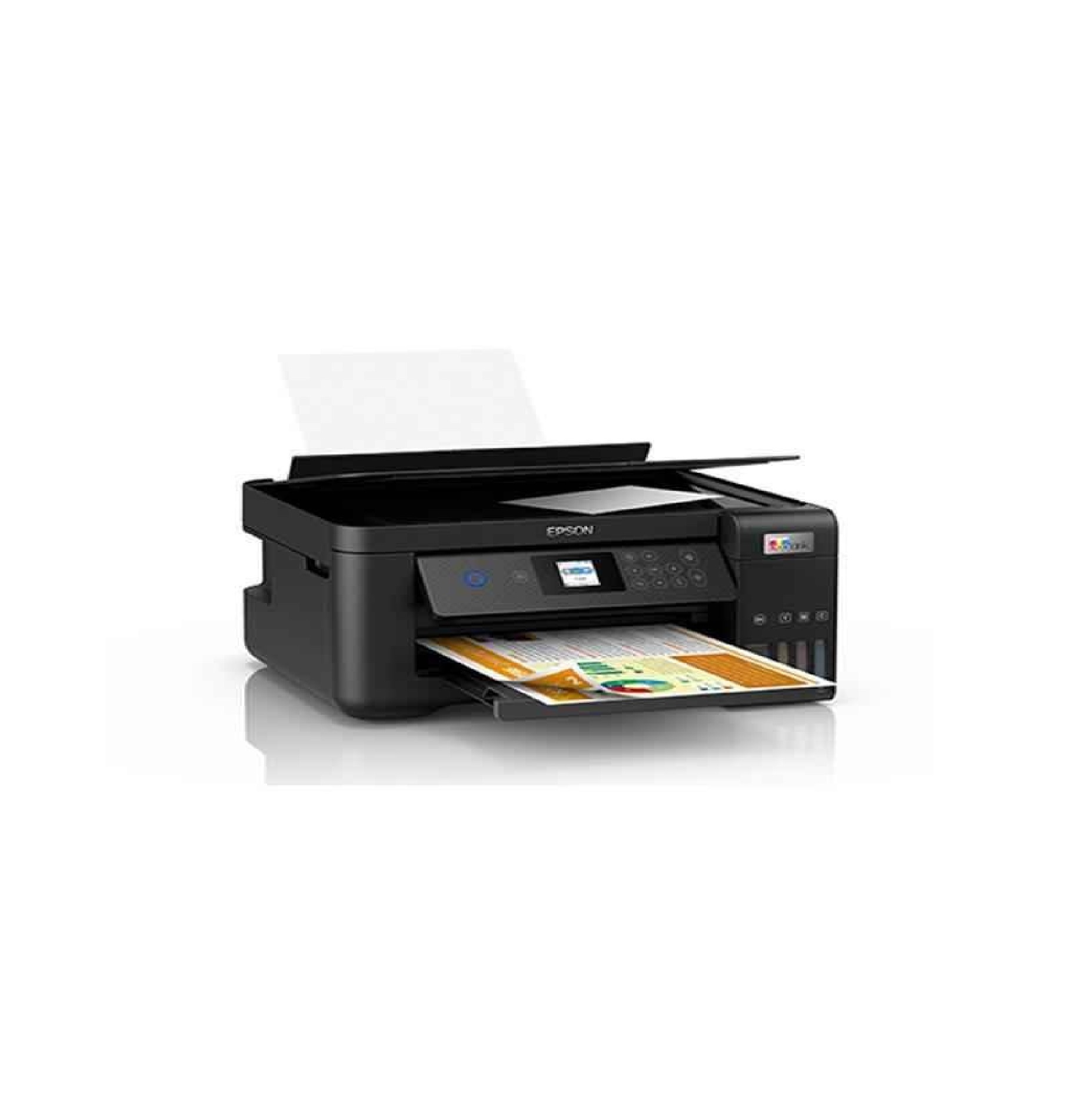
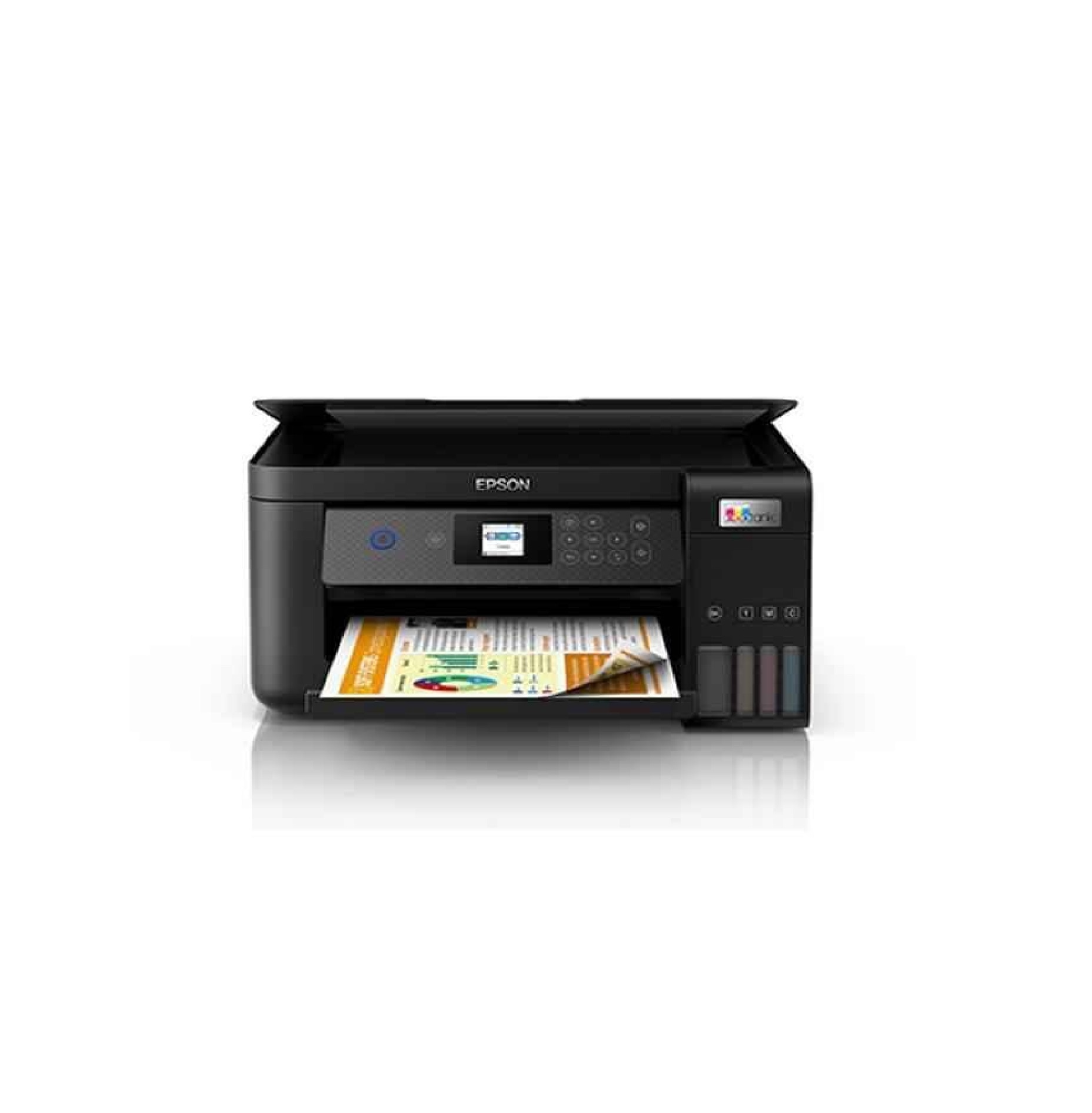
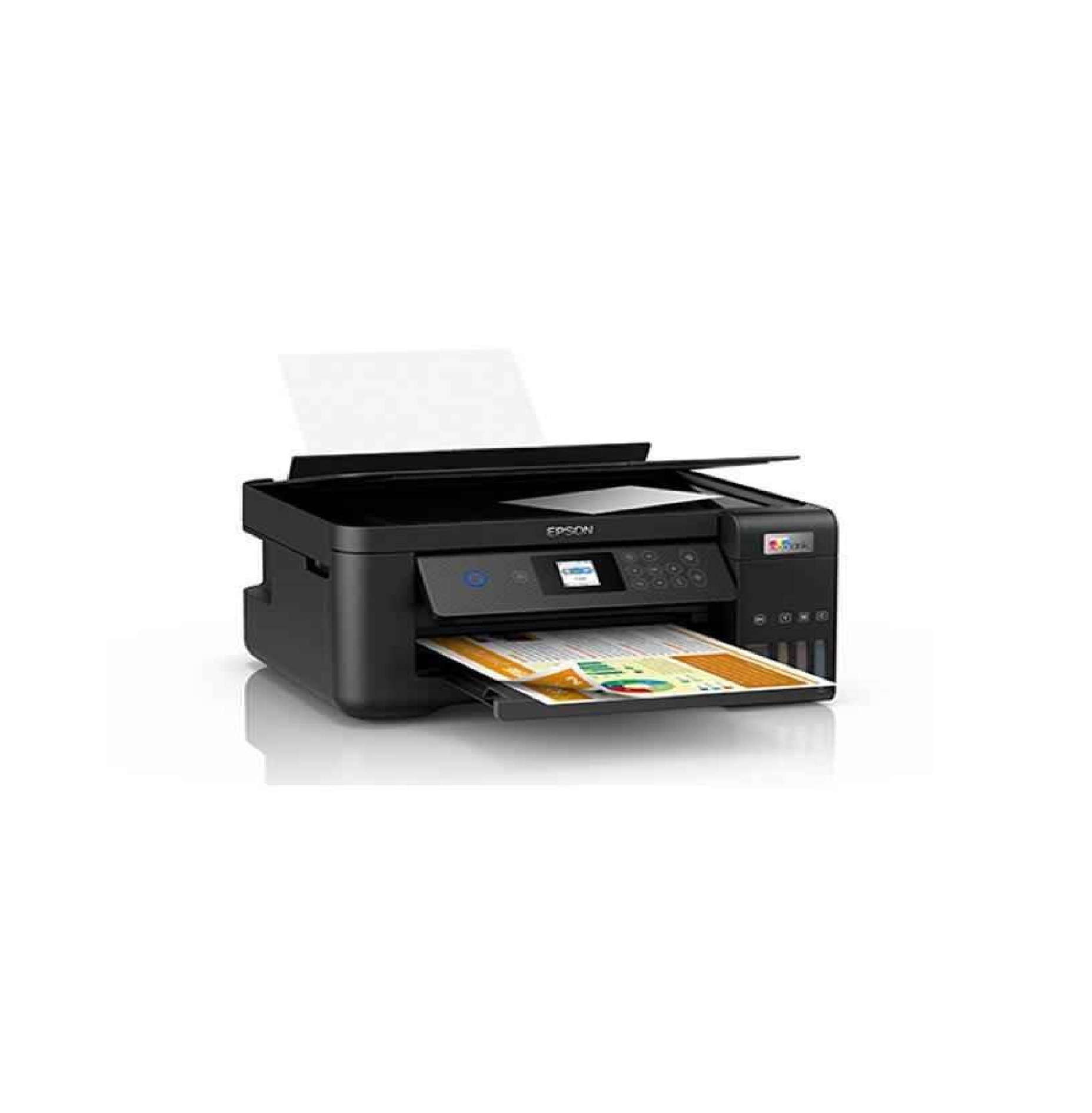
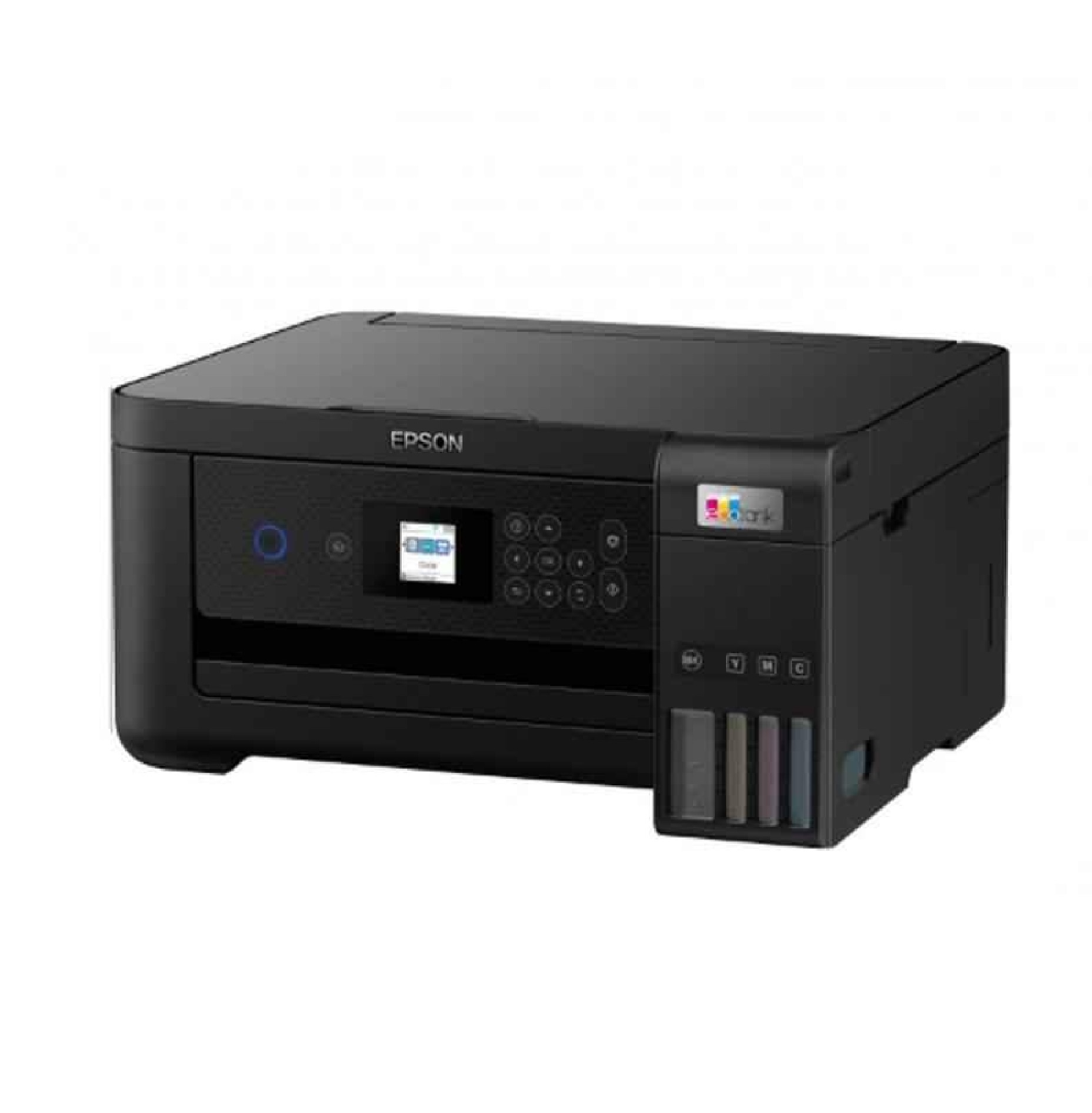
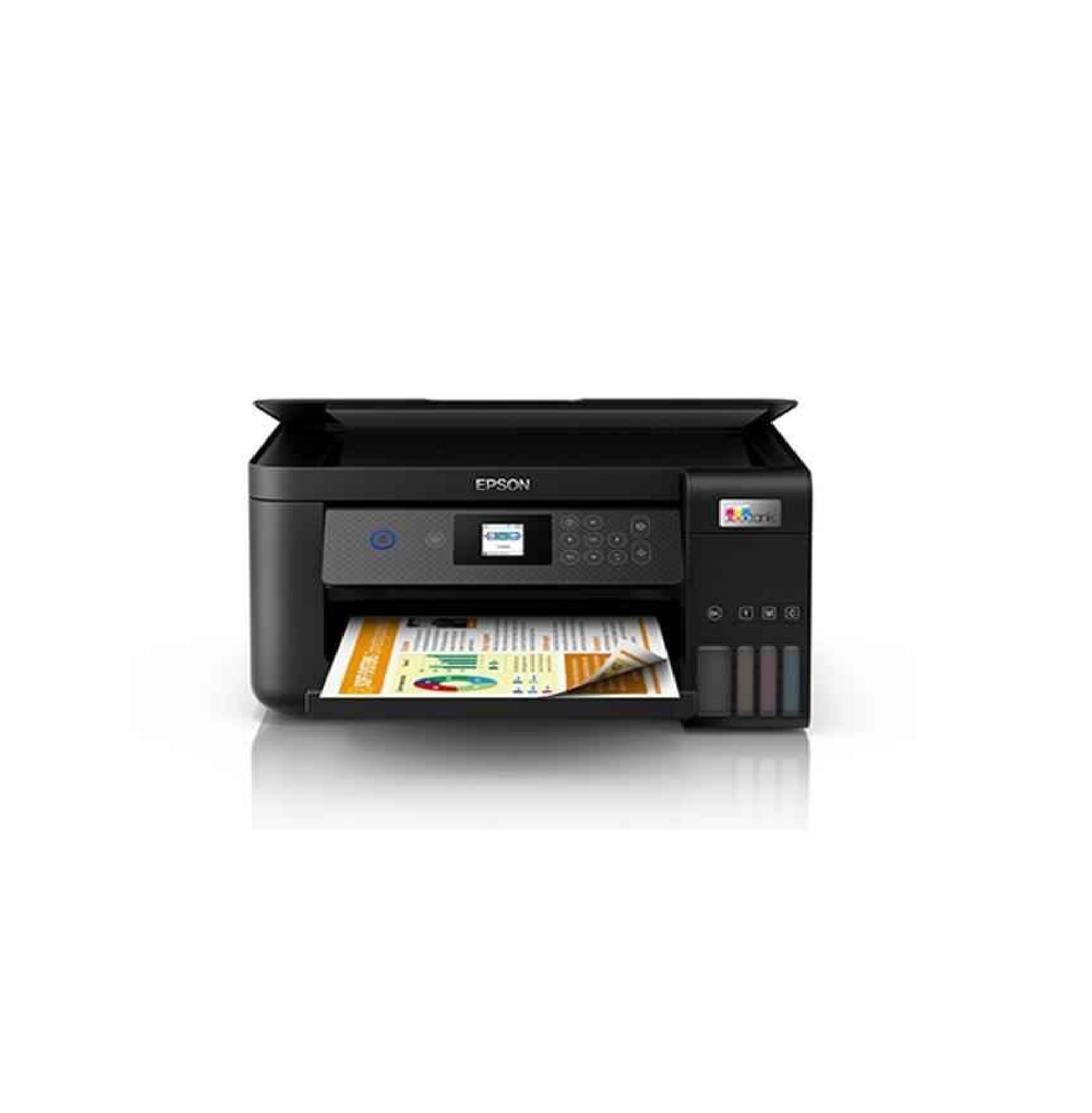
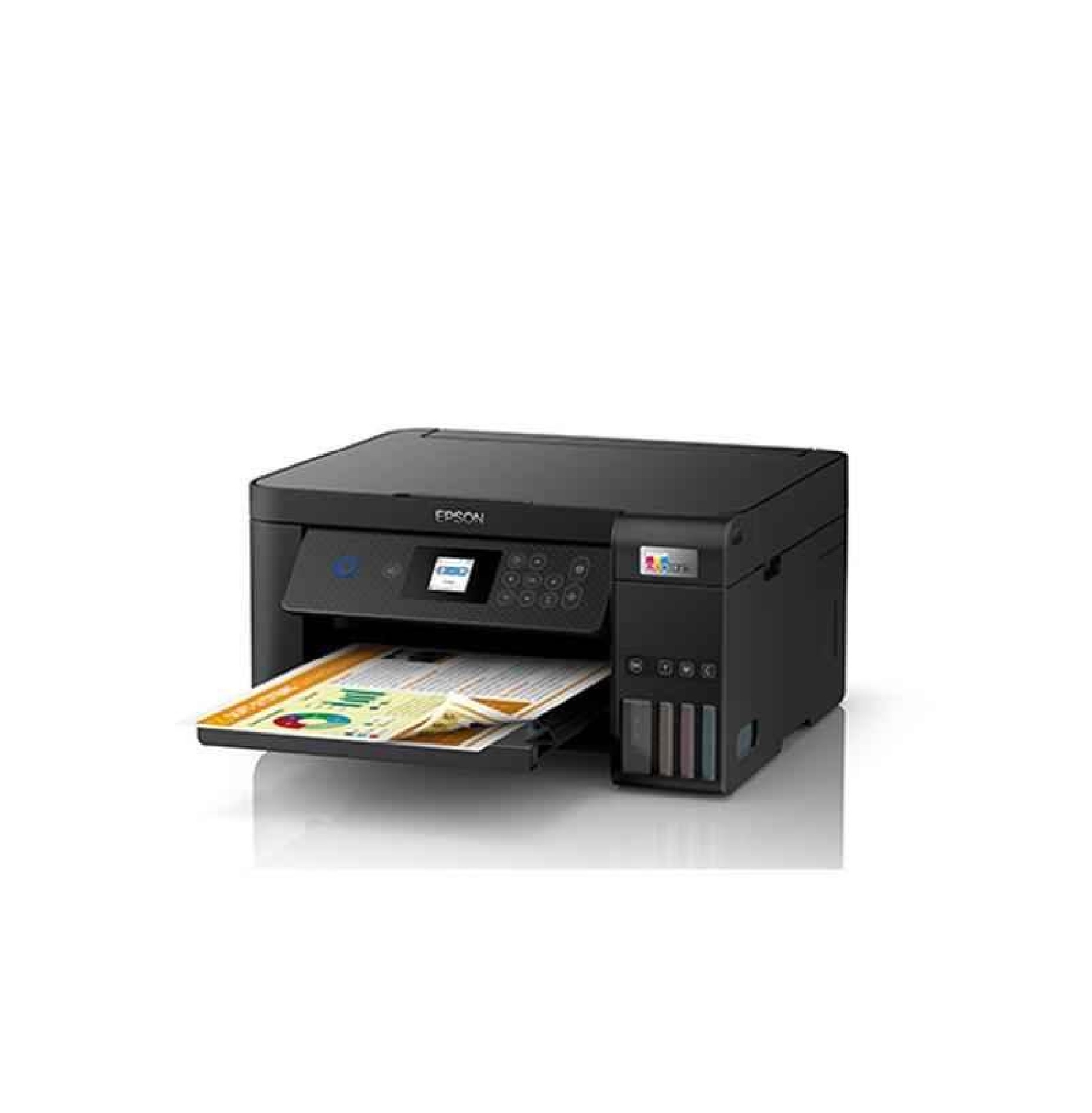
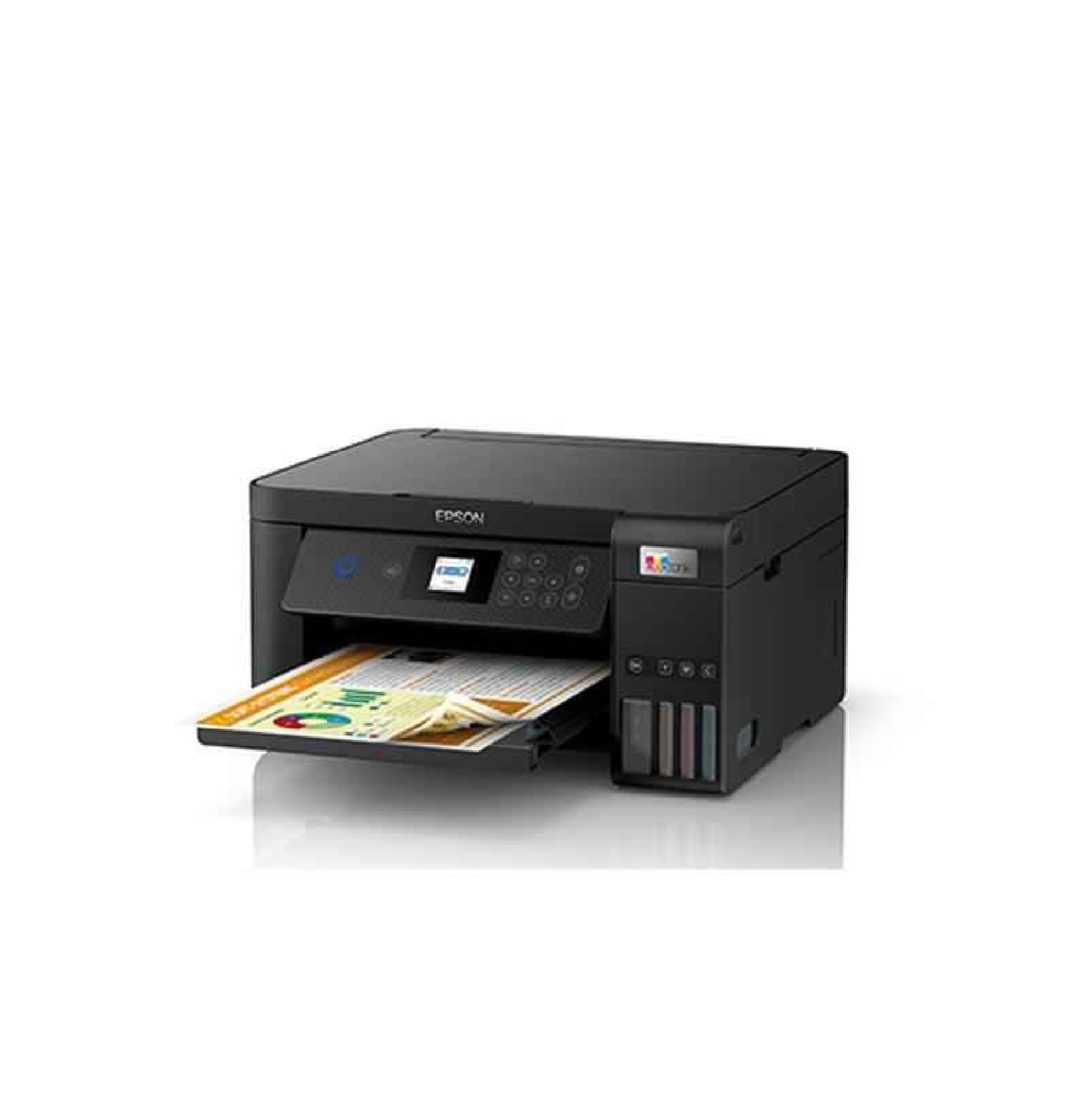
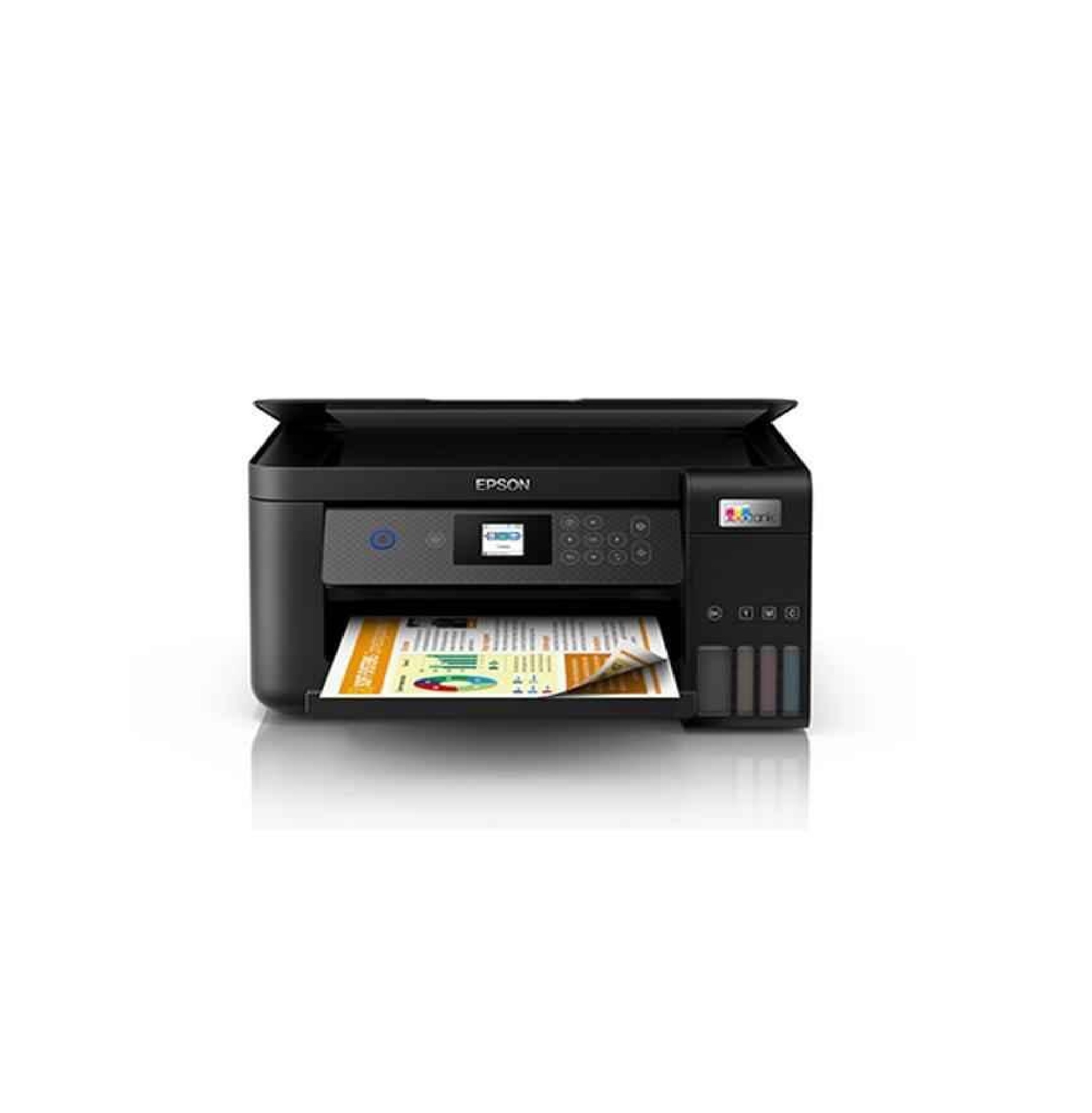
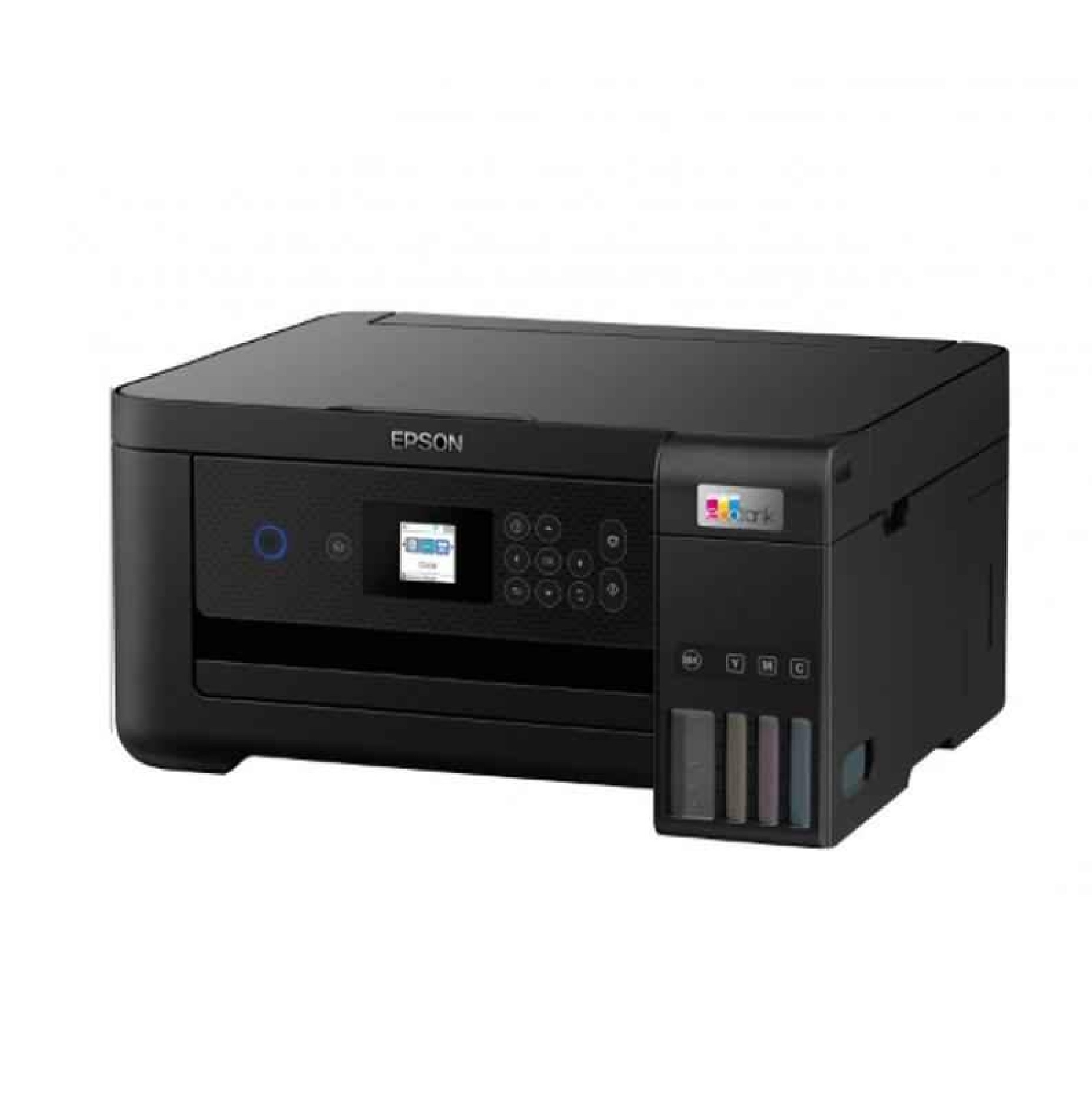
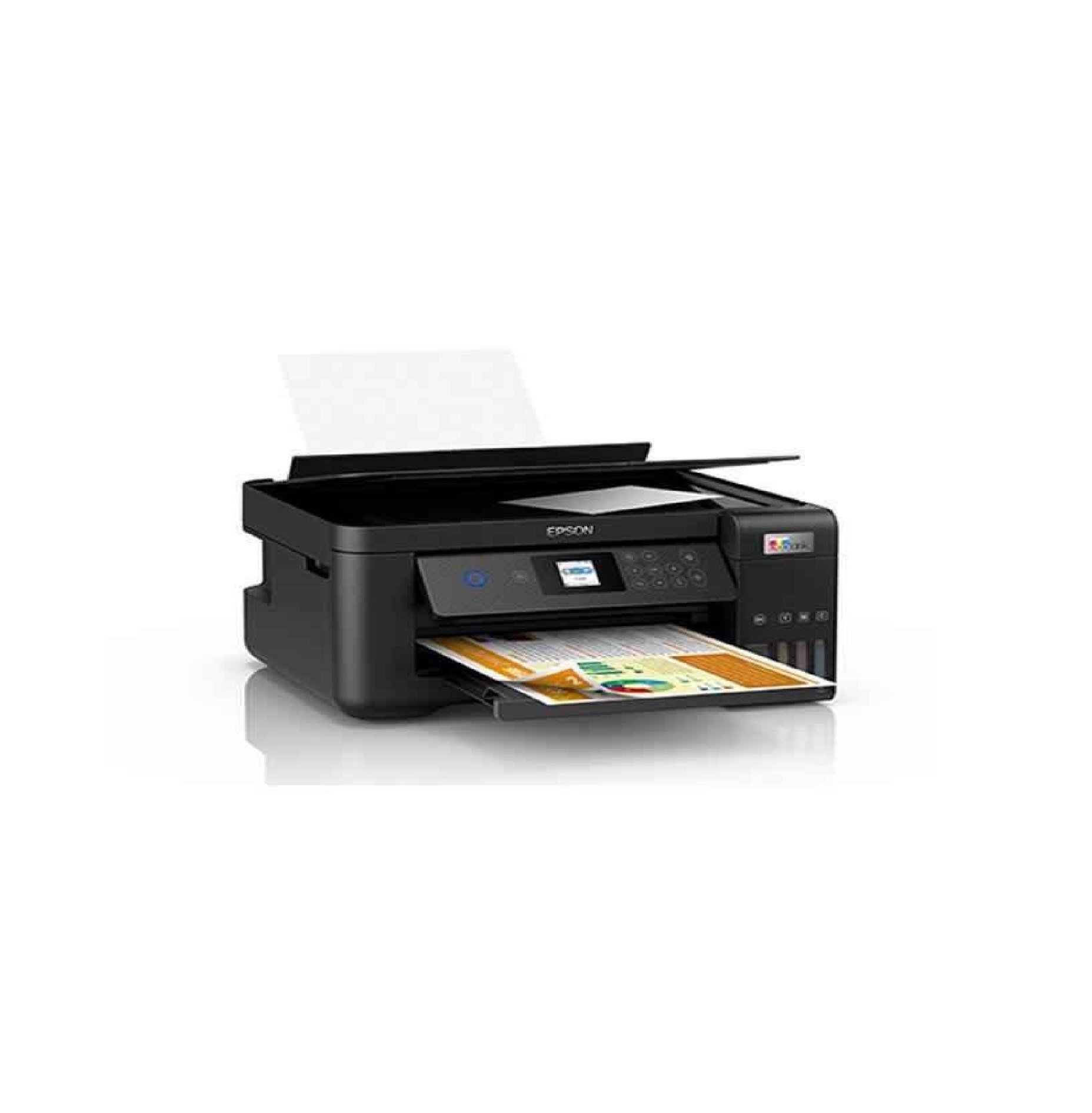
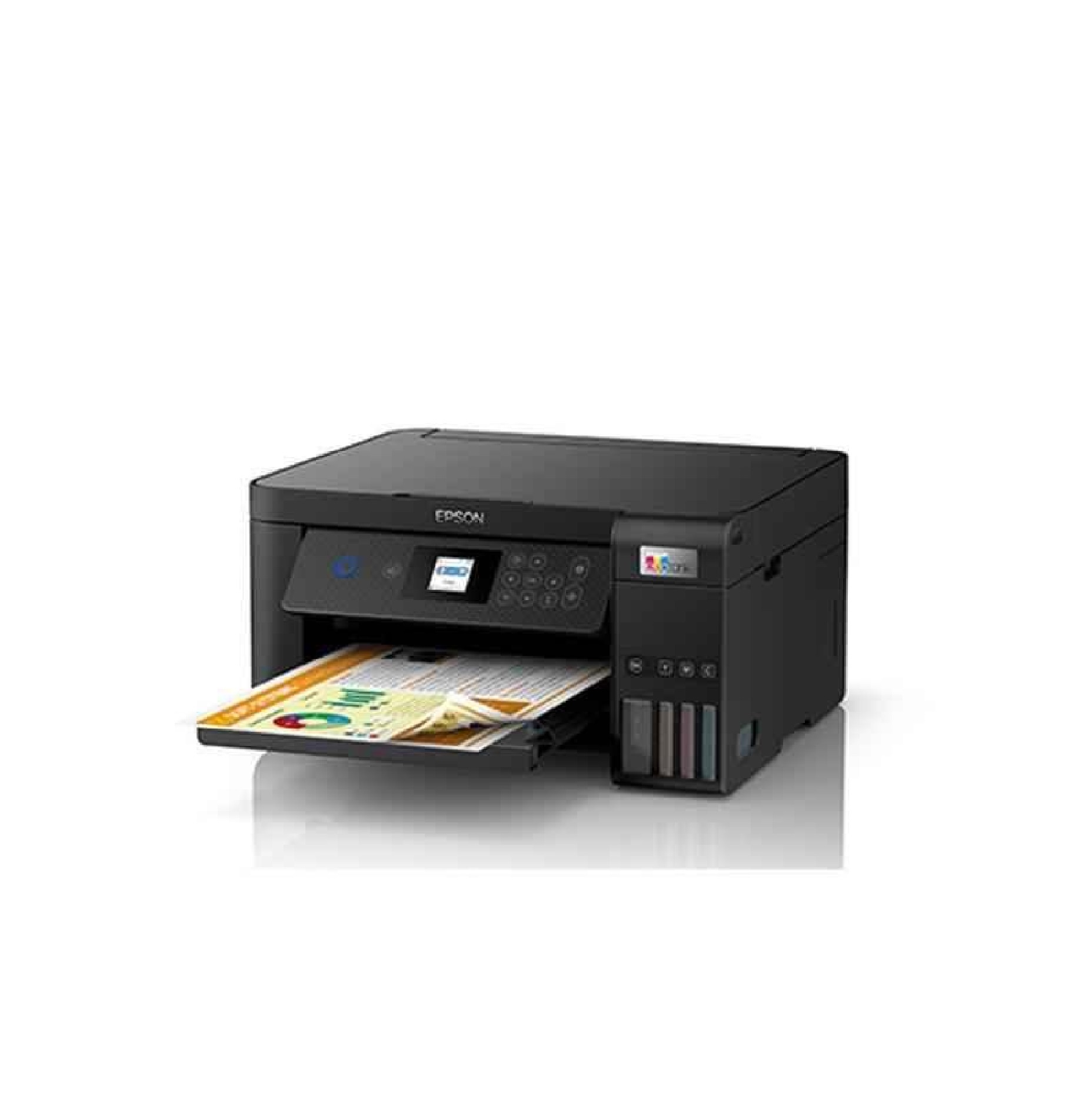
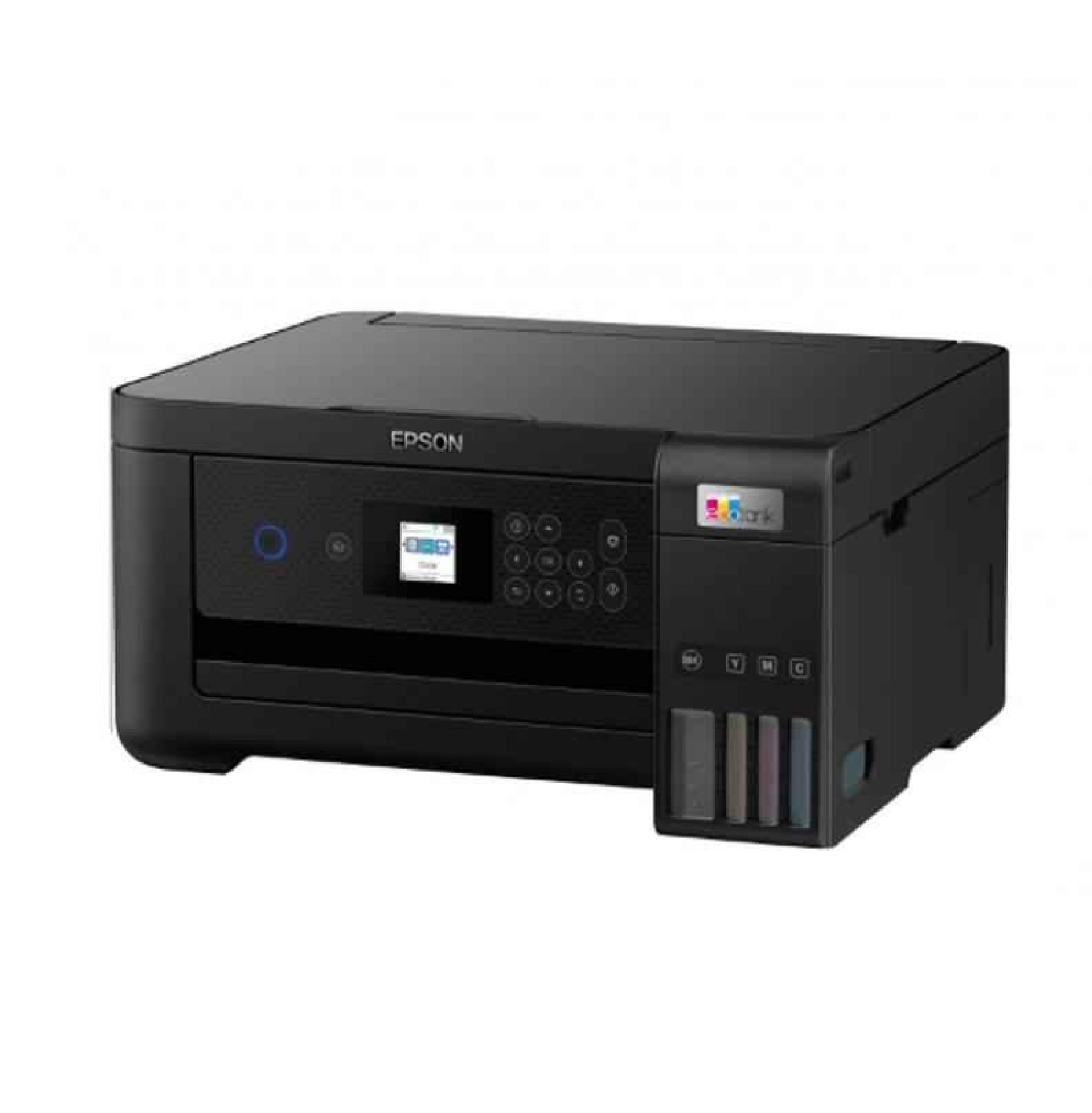
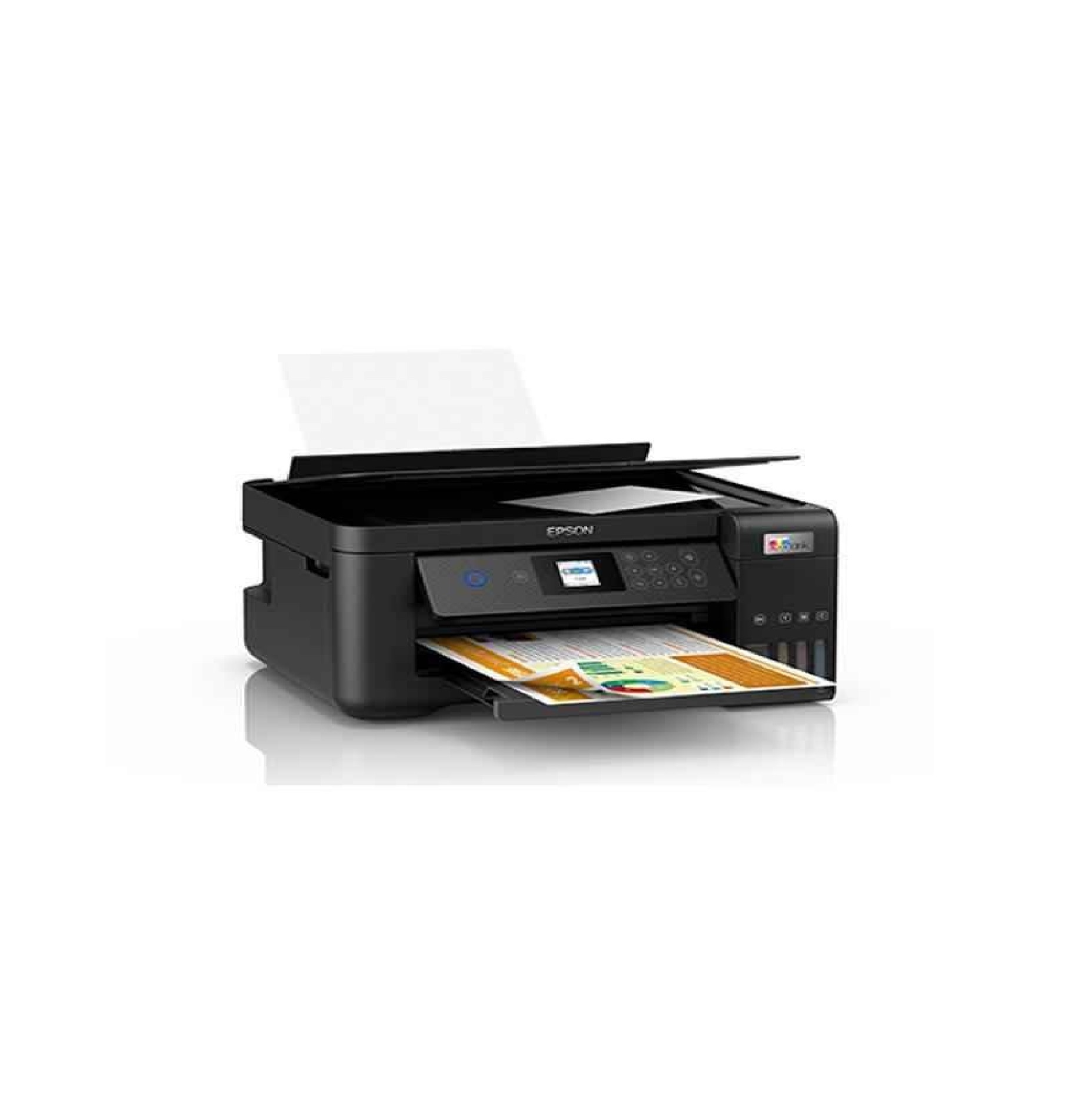
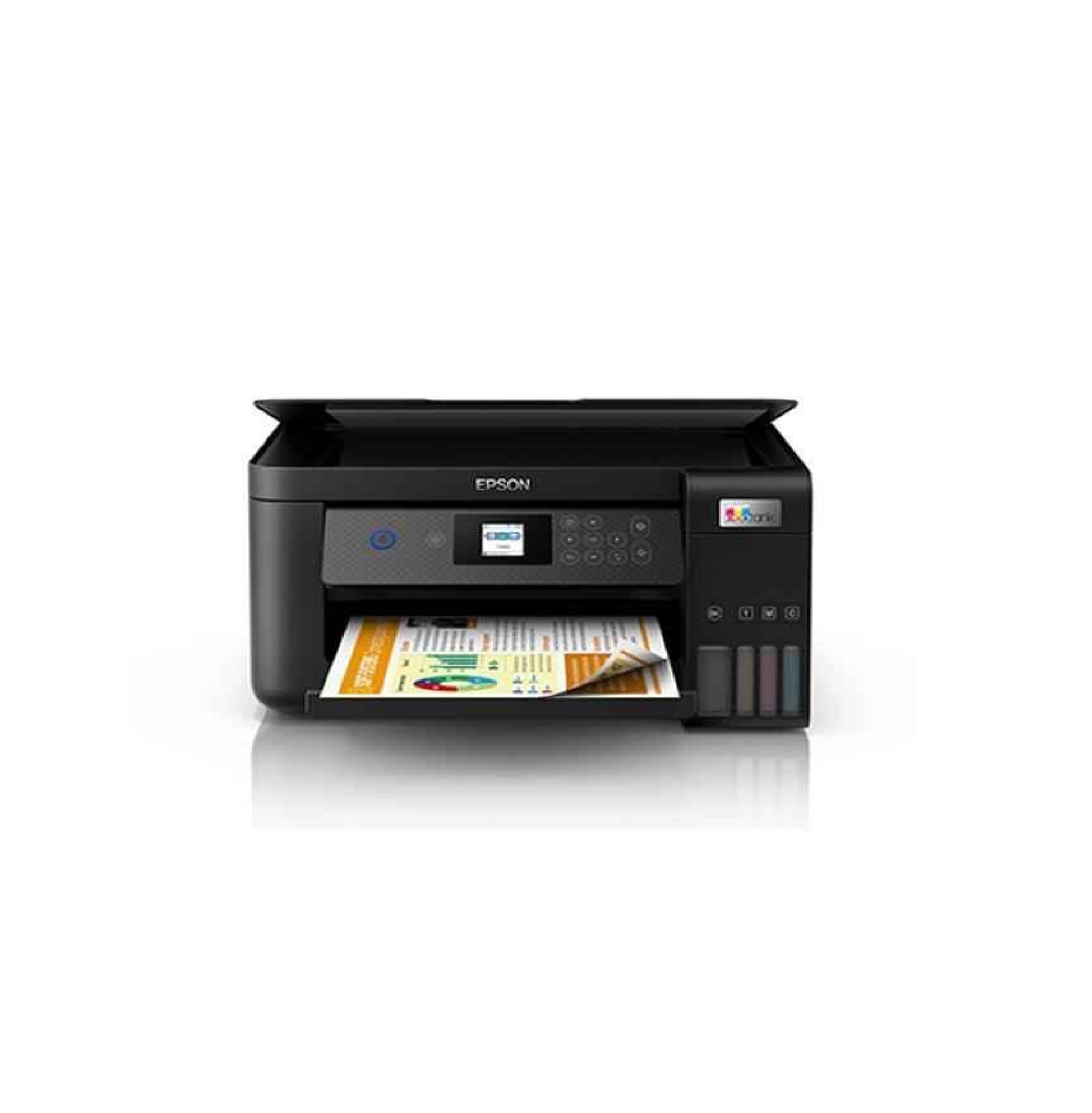
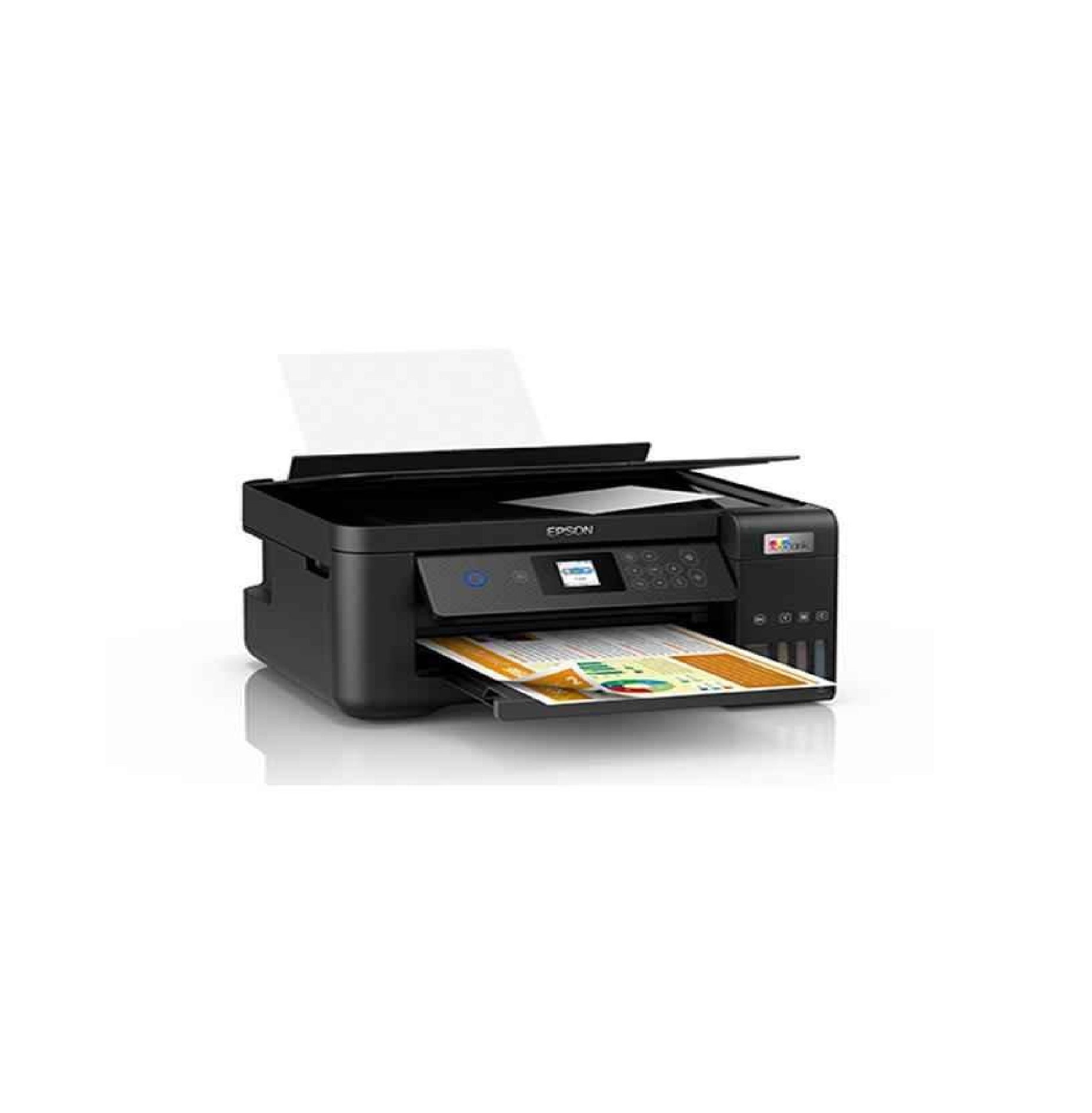
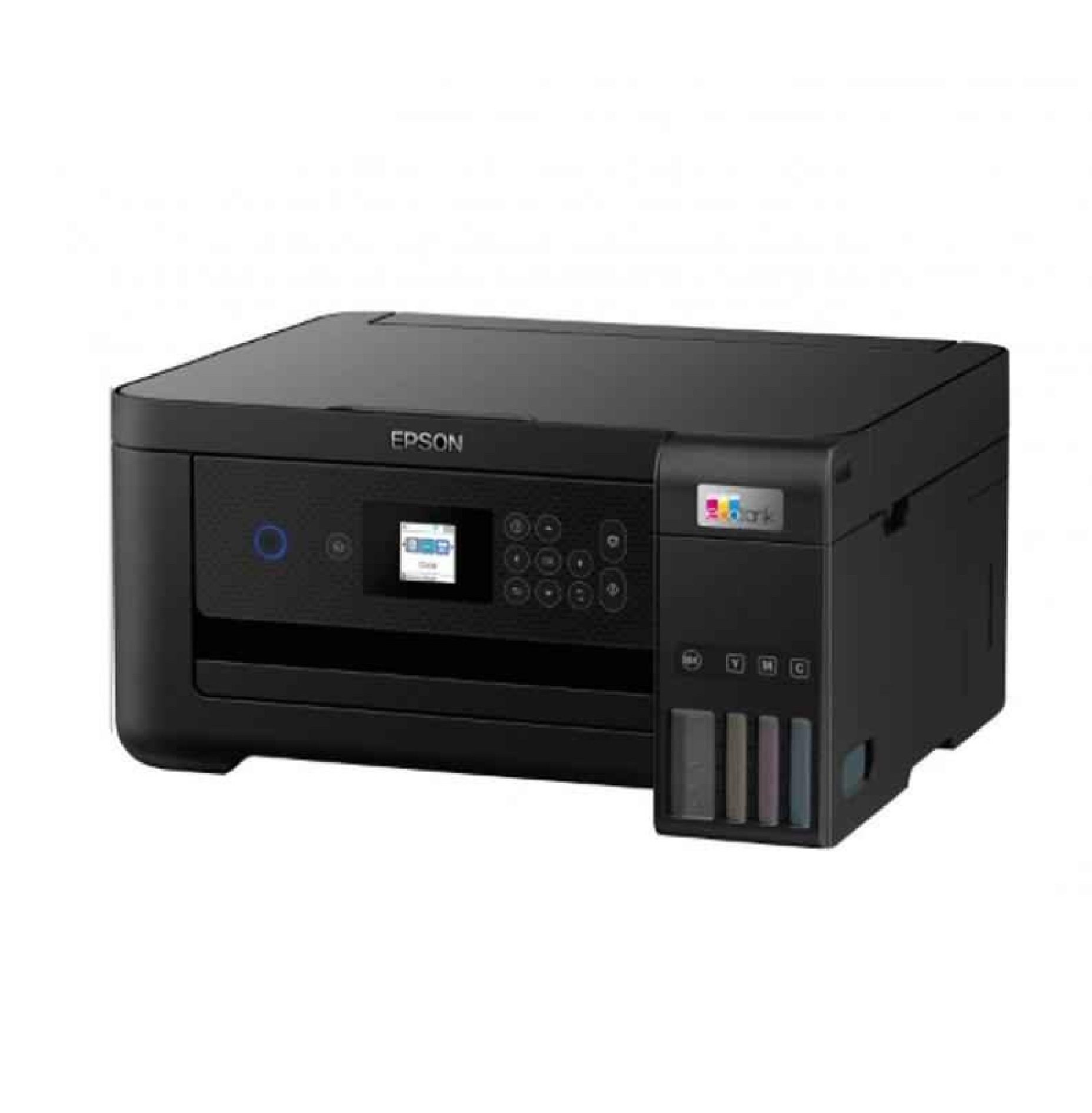
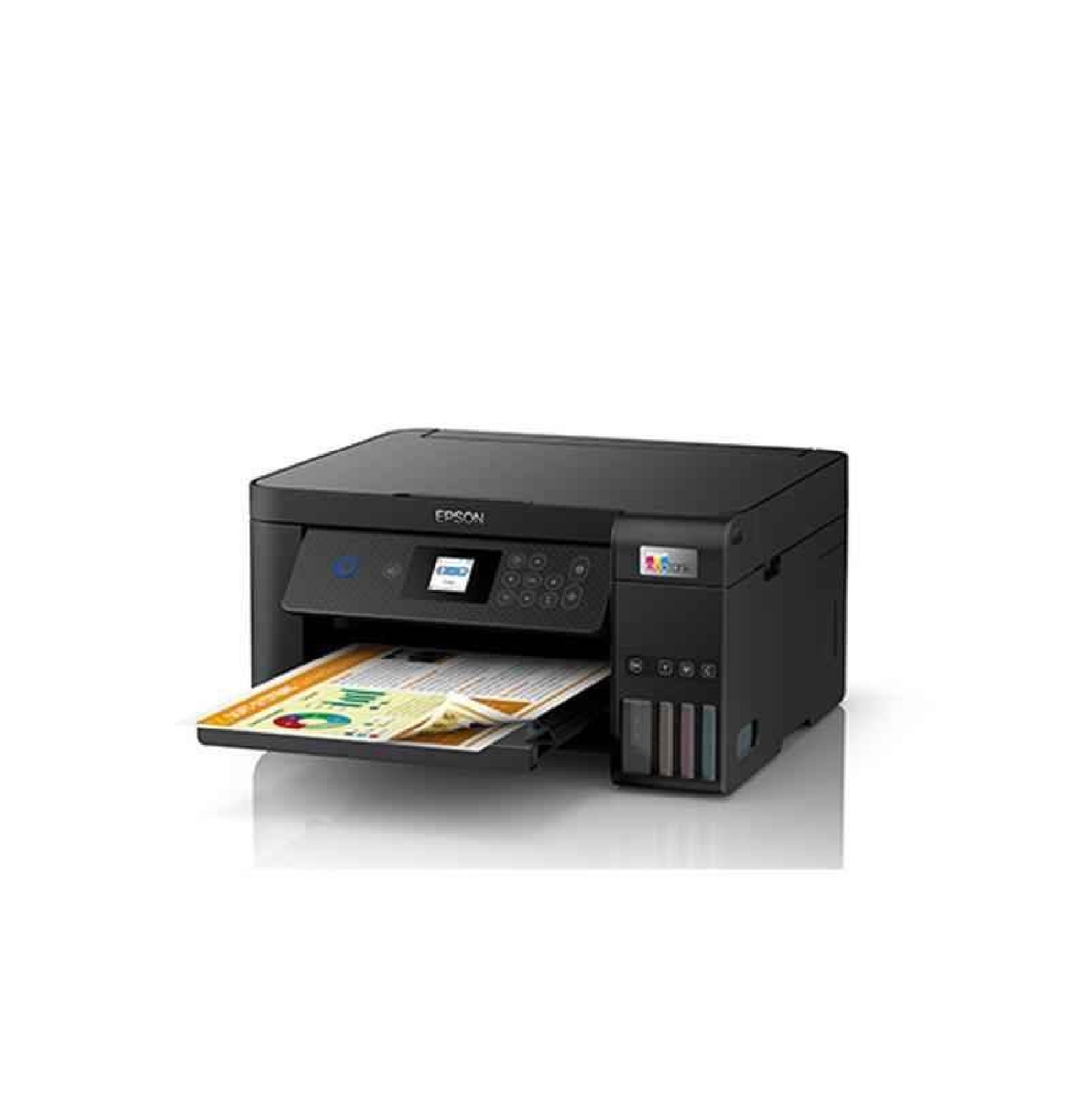
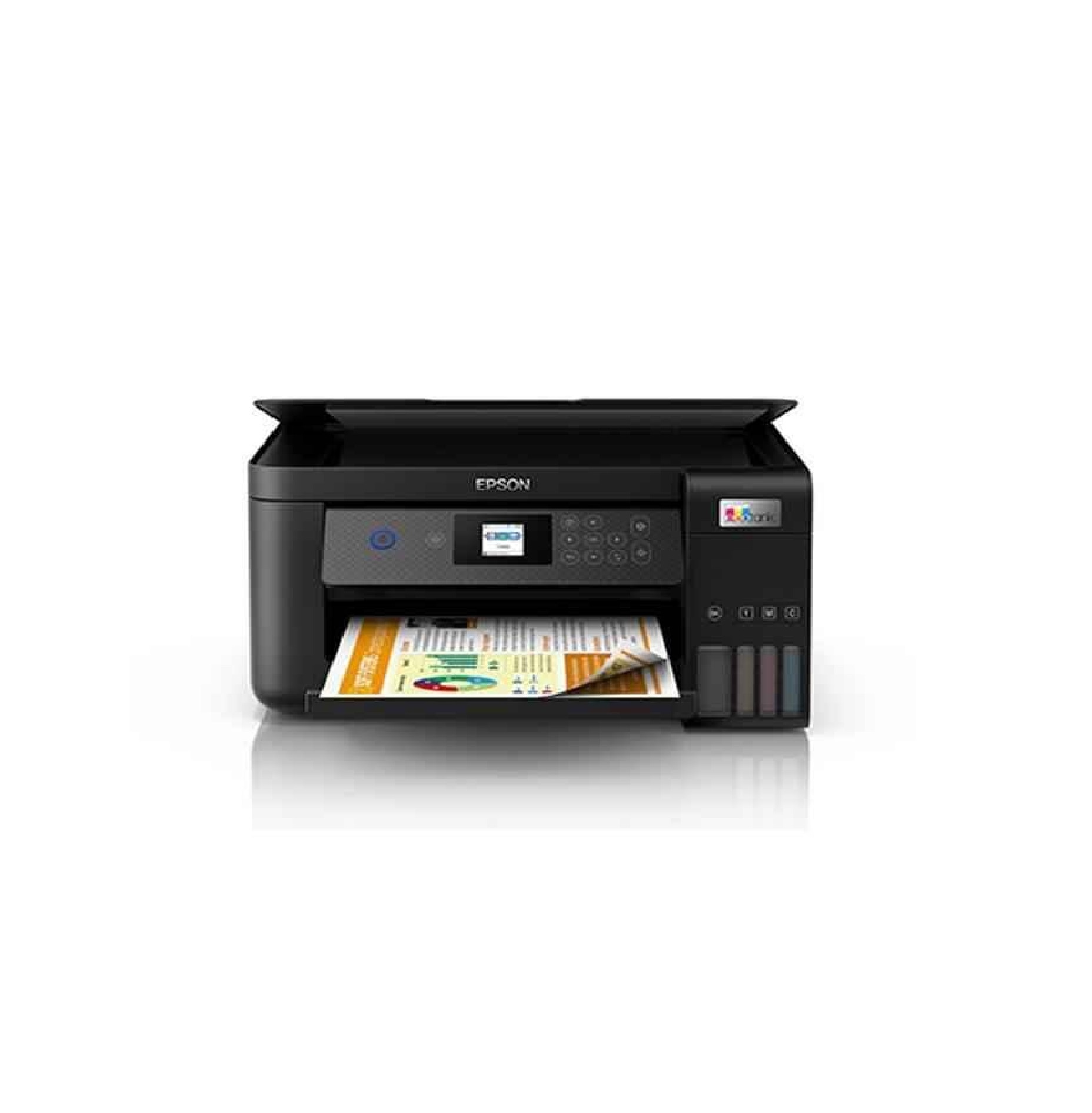
Epson EcoTank L4260 A4 Wi-Fi All-in-One Colour Ink Tank Printer with Duplex
Price 20000 INR/ Unit
MOQ : 1 Piece
Epson EcoTank L4260 A4 Wi-Fi All-in-One Colour Ink Tank Printer with Duplex Specification
- Power Consumption
- Approx. 13W (Printing), 4.8W (Ready), 0.7W (Sleep)
- Function Type
- Print, Scan, Copy
- Production Output
- High-Volume, Cost-Effective Colour Prints
- Install Type
- Desk/Counter/Tabletop
- Print Technology
- PrecisionCore Inkjet
- Accessory Name
- EcoTank Ink Bottles (T003 Series)
- Connectivity Type
- Wi-Fi, Wi-Fi Direct, USB
- Scanning Resolution
- 1200 x 2400 dpi
- Dimension (L*W*H)
- 375 x 347 x 179 mm
- Noise Level
- 5.8 B(A), 46 dB(A)
- Usage & Applications
- Home, Small Office, Business Printing Requirements
- Features
- Auto Duplex, LCD Display, Borderless Printing, Mobile Printing, High Yield Ink Bottles, Easy Ink Refilling, Energy Efficient
- Paper Size
- A4, Letter, Legal, Envelopes and Custom sizes
- Display Type
- 1.44-inch Colour LCD
- Scan Speed
- 11 sec (A4, Black), 28 sec (A4, Colour)
- Type
- All-in-One Colour Ink Tank Printer
- Interface Type
- USB 2.0, Wi-Fi, Wi-Fi Direct
- Color Depth
- 24-bit
- Scan Type
- Flatbed Colour CIS Scanner
- Print Speed
- Black: up to 33 ppm (Draft), Colour: up to 15 ppm (Draft)
- Max Paper Size
- A4
- Size
- A4
- Weight
- 5.5 kg
- Borderless Printing
- Up to A4
- Power Supply
- AC 220-240V, 50-60Hz
- Ink Bottle Yield (ISO)
- Black up to 7,500 pages, Colour up to 6,000 pages
- Paper Handling Input
- 100 sheets (Standard), 30 sheets (Photo Paper), 10 envelopes
- Print Languages
- ESC/P-R, ESC/P Raster
- Mobile Printing Capability
- Epson Connect (iPrint, Email Print), Apple AirPrint, Google Cloud Print
- Compatible Operating Systems
- Windows XP/ Vista/ 7/ 8/ 8.1/ 10/ 11, Mac OS X 10.6.8 or later
- Maximum Print Resolution
- 5760 x 1440 dpi
- Print Head
- Micro Piezo
- Control Panel
- Tiltable front-facing LCD
- Supported Paper Types
- Plain Paper, Photo Paper, Envelope
About Epson EcoTank L4260 A4 Wi-Fi All-in-One Colour Ink Tank Printer with Duplex
Epson EcoTank L4260 A4 Wi-Fi All-in-One Colour Ink Tank Printer with Duplex
The Epson EcoTank L4260 A4 Wi-Fi Duplex All in One Ink Tank Printer is a great choice for those who want to save on printing costs. With its high-capacity ink tanks, you can print more pages at a lower cost. Epson's ink tank Printers are perfect for your home or office needs. With a fast print speed of 10.5 ipm for black and 5.0 ipm for colour, you'll be able to churn out high-quality prints at lightning speeds! This printer also comes with a 1-year warranty for your peace of mind.
Advanced Connectivity for Modern Workspaces
With built-in Wi-Fi, Wi-Fi Direct, and USB options, the EcoTank L4260 ensures smooth and hassle-free connection to computers and mobile devices. It supports Epson Connect, Apple AirPrint, and Google Cloud Print for wireless printing from anywhere in your home or office, increasing productivity and flexibility for users.
Exceptional Print Quality and Cost Savings
Utilizing PrecisionCore Inkjet technology, the L4260 achieves crisp, vibrant images at up to 5760 x 1440 dpi. The high-yield black and colour ink bottles offer up to 7,500 and 6,000 pages respectively, dramatically reducing ink costs and supporting high production output for everyday business and personal printing tasks.
User-Friendly Features for Effortless Operation
A tiltable front-facing 1.44-inch colour LCD enhances ease of use, allowing for intuitive control when printing, scanning, or copying. The EcoTank system enables easy ink refilling, minimizing maintenance and downtime, while auto duplex printing and borderless options streamline complex print jobs with minimal effort.
FAQ's of Epson EcoTank L4260 A4 Wi-Fi All-in-One Colour Ink Tank Printer with Duplex:
Q: How do I set up the Epson EcoTank L4260 printer for Wi-Fi or mobile printing?
A: You can set up the L4260 using the included software or the tiltable LCD panel. It supports Wi-Fi, Wi-Fi Direct, and USB interfaces, allowing wireless connections with smartphones, tablets, and computers. To print from mobile devices, use Epson iPrint, Email Print, Apple AirPrint, or Google Cloud Print for seamless integration.Q: What operating systems are compatible with the EcoTank L4260 printer?
A: The printer supports Windows XP, Vista, 7, 8, 8.1, 10, and 11, as well as Mac OS X 10.6.8 or later, ensuring compatibility with a wide range of desktop and laptop systems commonly used in homes and offices.Q: When should I refill the ink tanks, and how do I know if they need refilling?
A: Monitor ink levels via the LCD display or Epson software. The high-yield ink bottles allow for up to 7,500 pages in black and 6,000 in colour, reducing refill frequency. When levels are low, simply open the EcoTank compartment, insert the correct bottle, and follow the guided easy refilling process.Q: Where can I use the Epson EcoTank L4260 printer effectively?
A: This model is ideal for use at home, small offices, or businesses where cost-effective, high-volume colour printing is required. Its compact size fits easily on desks, counters, or tabletops, and energy-efficient performance suits varied environments.Q: What paper types and sizes can the L4260 handle for printing jobs?
A: The L4260 handles plain paper, photo paper, envelopes, and custom paper sizes up to A4. The input tray accommodates up to 100 sheets of plain paper, 30 sheets of photo paper, or 10 envelopes, making it suitable for diverse printing needs, including borderless prints.Q: How does auto duplex printing benefit my workflow?
A: Auto duplex enables the printer to automatically print on both sides of a sheet, reducing paper usage and saving time. This feature streamlines production of professional documents and reports, enhancing efficiency and sustainability for users.Q: What are the advantages of using the Epson EcoTank system over traditional cartridges?
A: EcoTank technology utilizes high-capacity ink bottles, resulting in lower cost per page and fewer refills. The easy refilling process minimizes mess and waste, while providing consistent print quality, making it a cost-effective and eco-friendly solution compared to cartridge-based printers.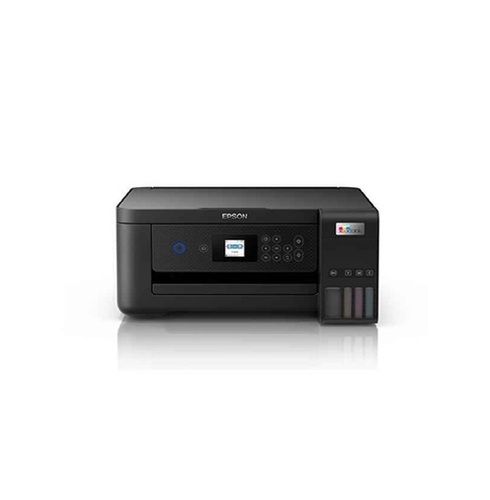


Tell us about your requirement

Price:
Quantity
Select Unit
- 50
- 100
- 200
- 250
- 500
- 1000+
Additional detail
Mobile number
Email

More Products in Inkjet Printer Category
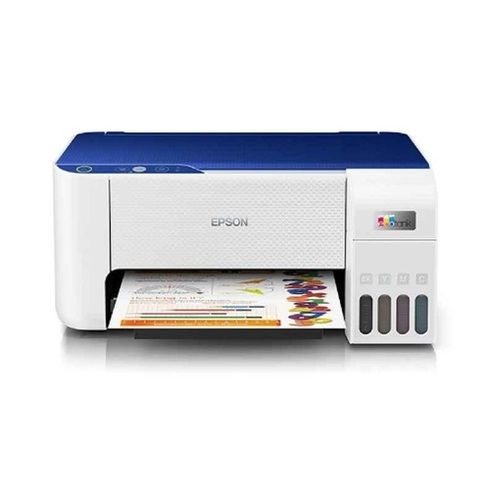
Epson EcoTank L3215 All-In-One Colour Ink Tank Printer with USB Connectivity
Price 12500 INR / Piece
Minimum Order Quantity : 1 Unit
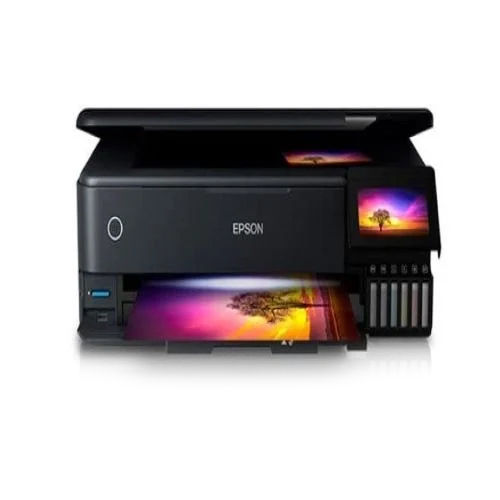
Epson EcoTank L8180 Multifunction A3 InkTank Photo Printer
Price 53000 INR / Piece
Minimum Order Quantity : 1 Piece
Interface Type : USB
Max Paper Size : A3
Type : Document Printer
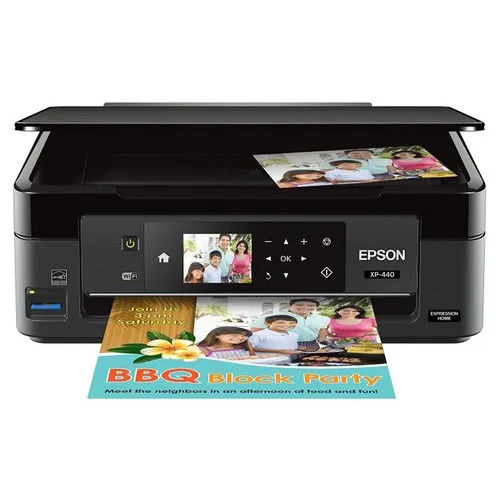
Epson 3250 Inkjet Printer
Price 14500 INR / Piece
Minimum Order Quantity : 1 Piece
Interface Type : USB
Max Paper Size : A4
Type : Document Printer

Contact Details
HD INFOSYS & AUTOMATION
GST : 24ATMPR4329N1Z2
- Darshnam Trade Center-1, 24-Second Floor, Near Hotel Surya Palace, Sayajigunj,Vadodara - 390007, Gujarat, India
- Phone :07971191699
 Send Inquiry
Developed and Managed by Infocom Network Private Limited.
