
Call: 07971191699
 Send Inquiry
 Send Inquiry
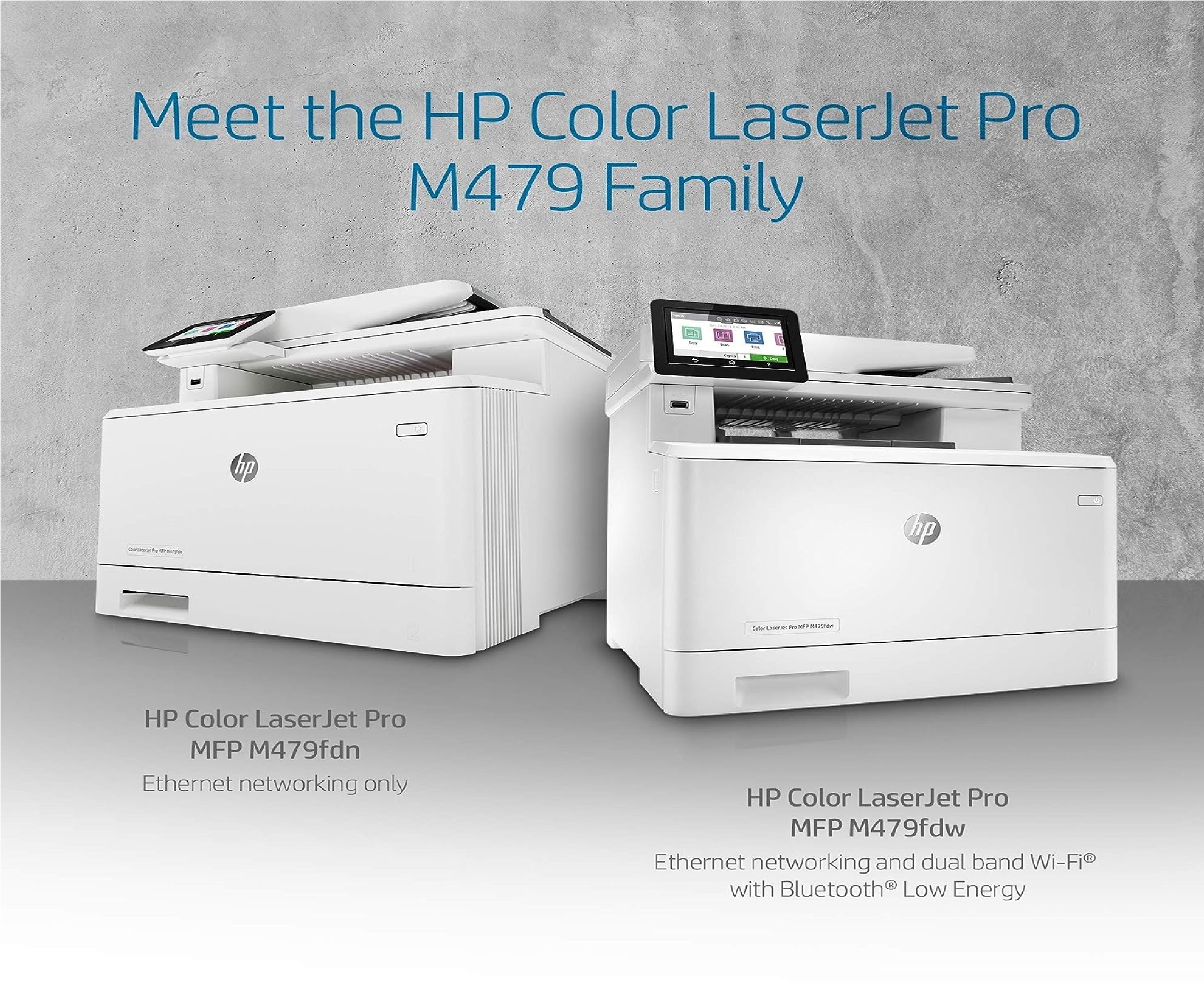
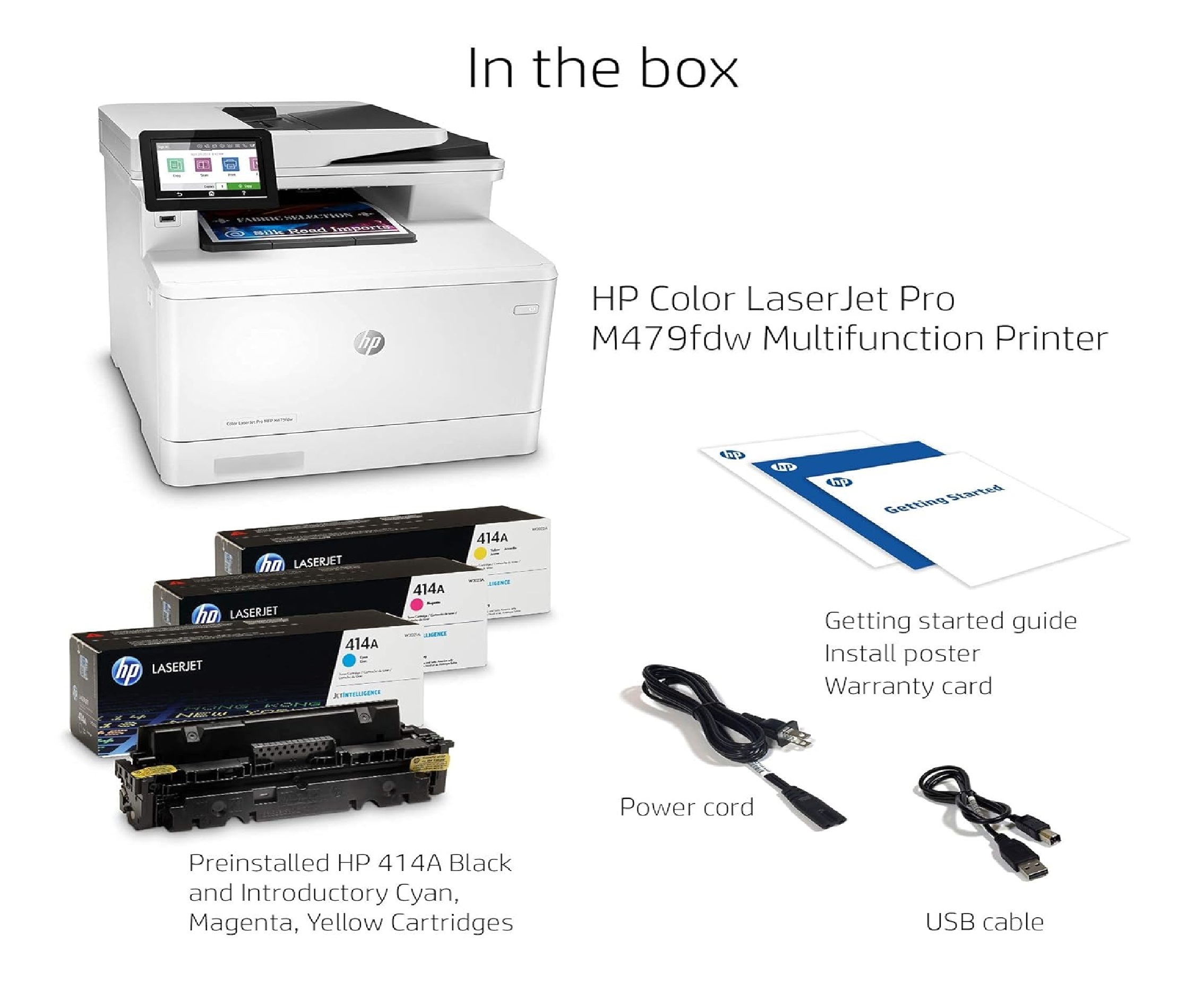
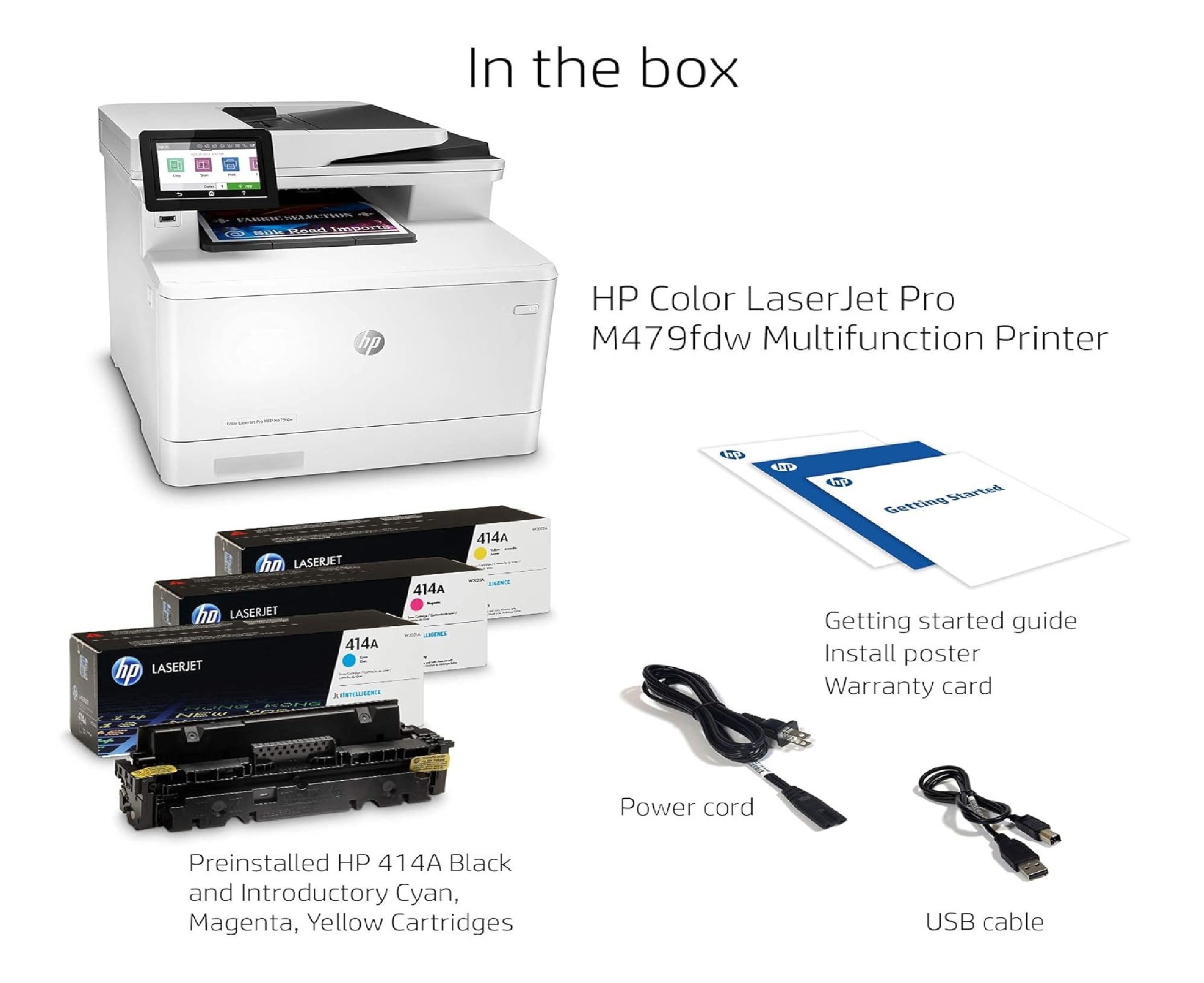
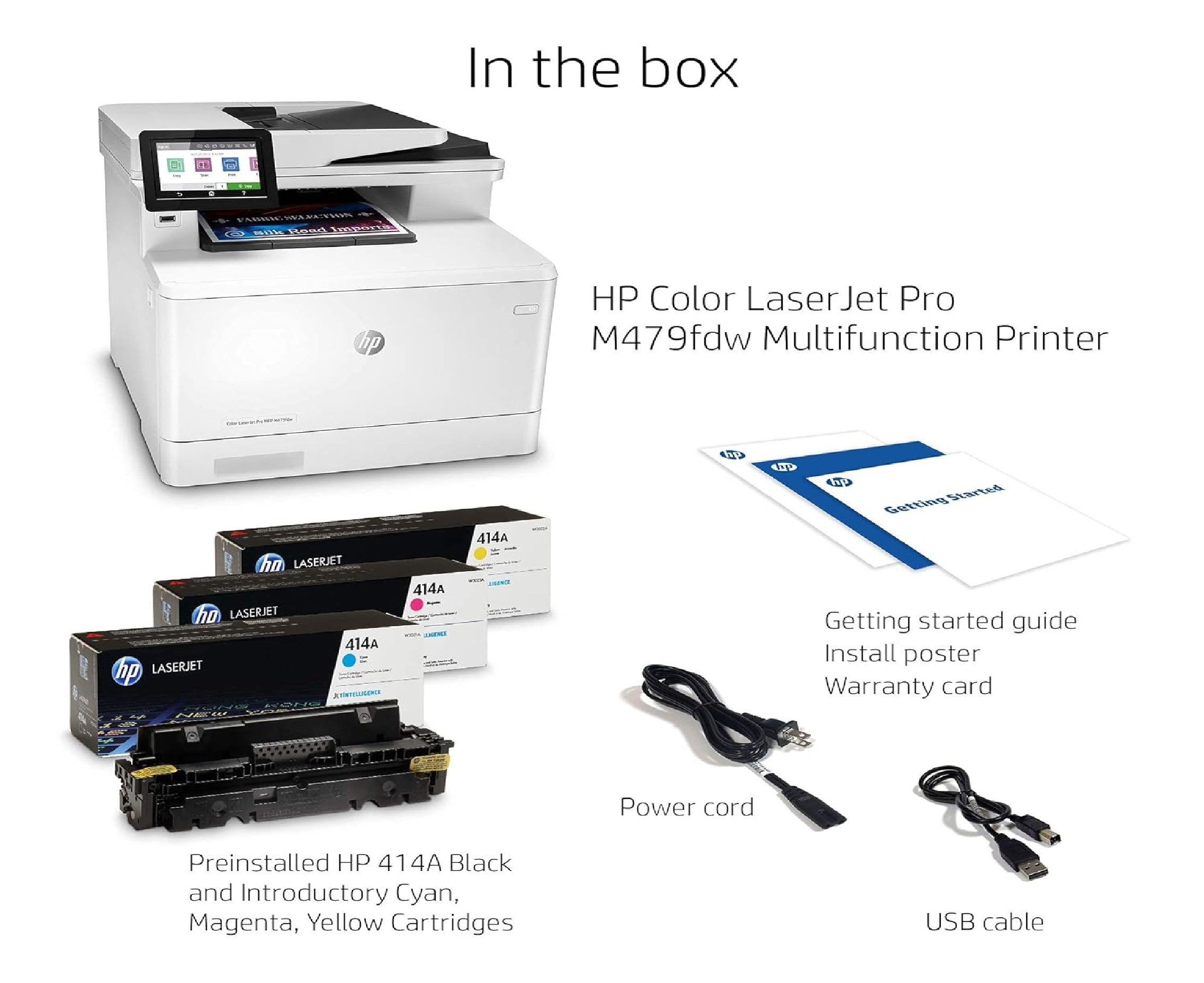
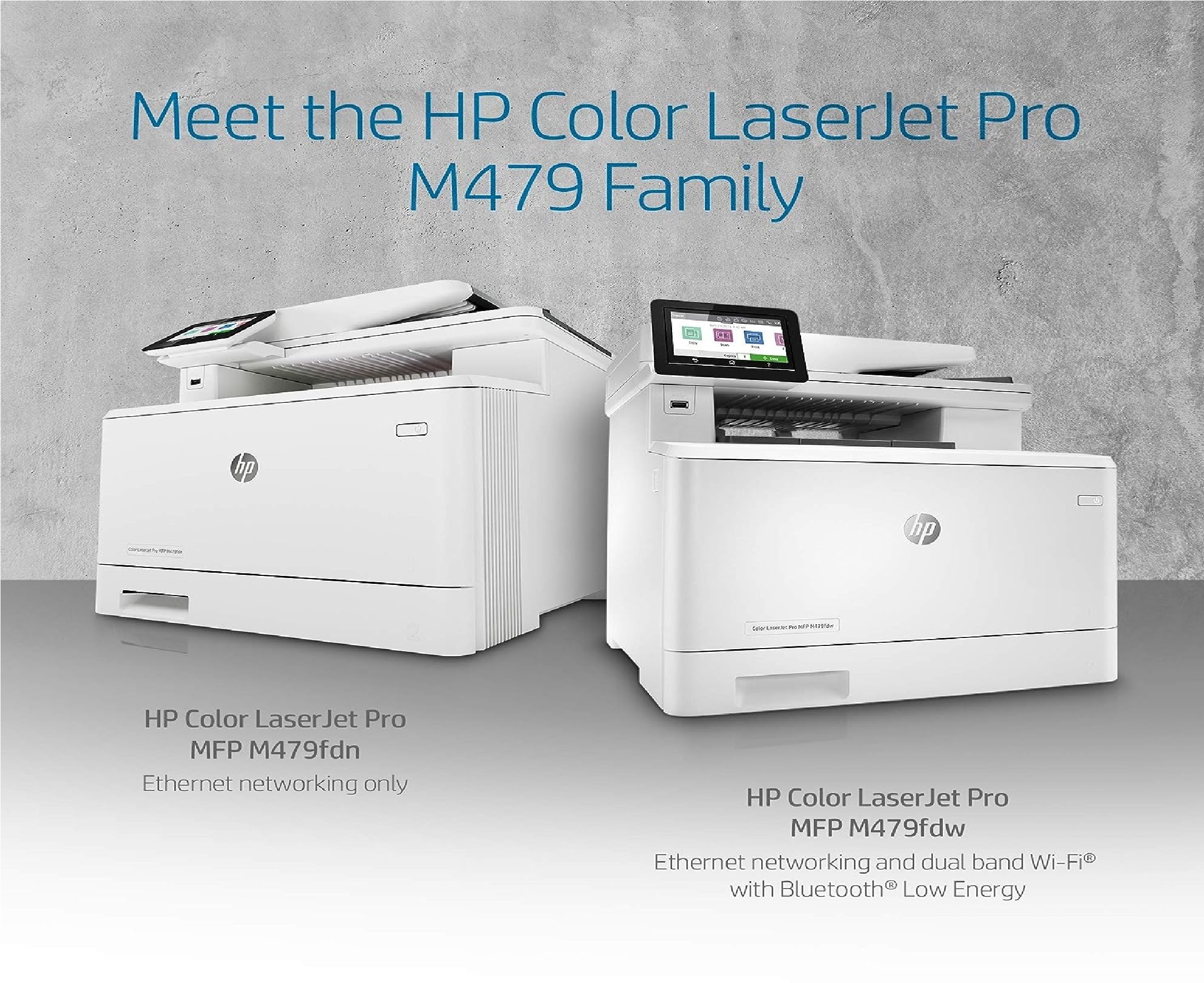
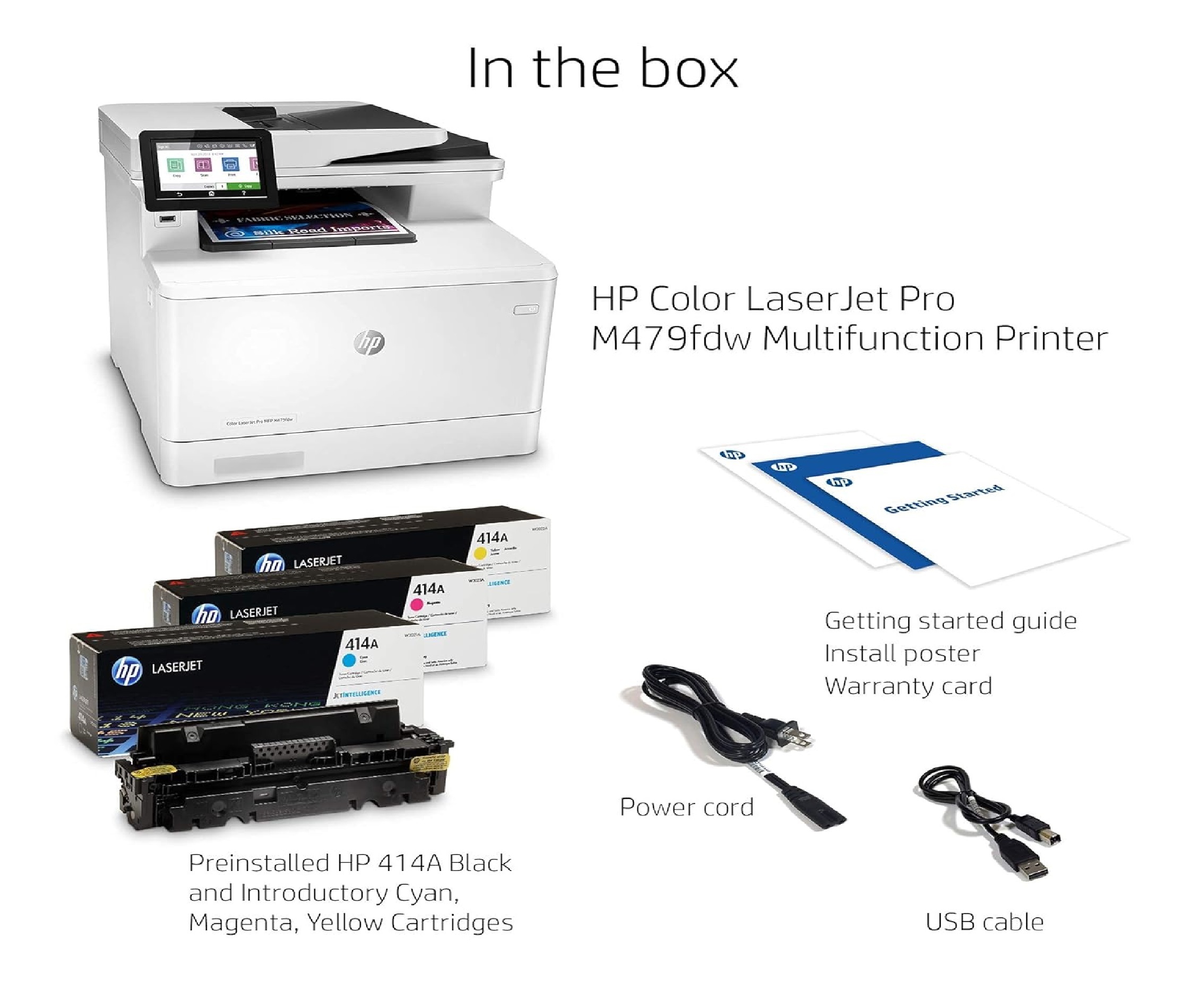
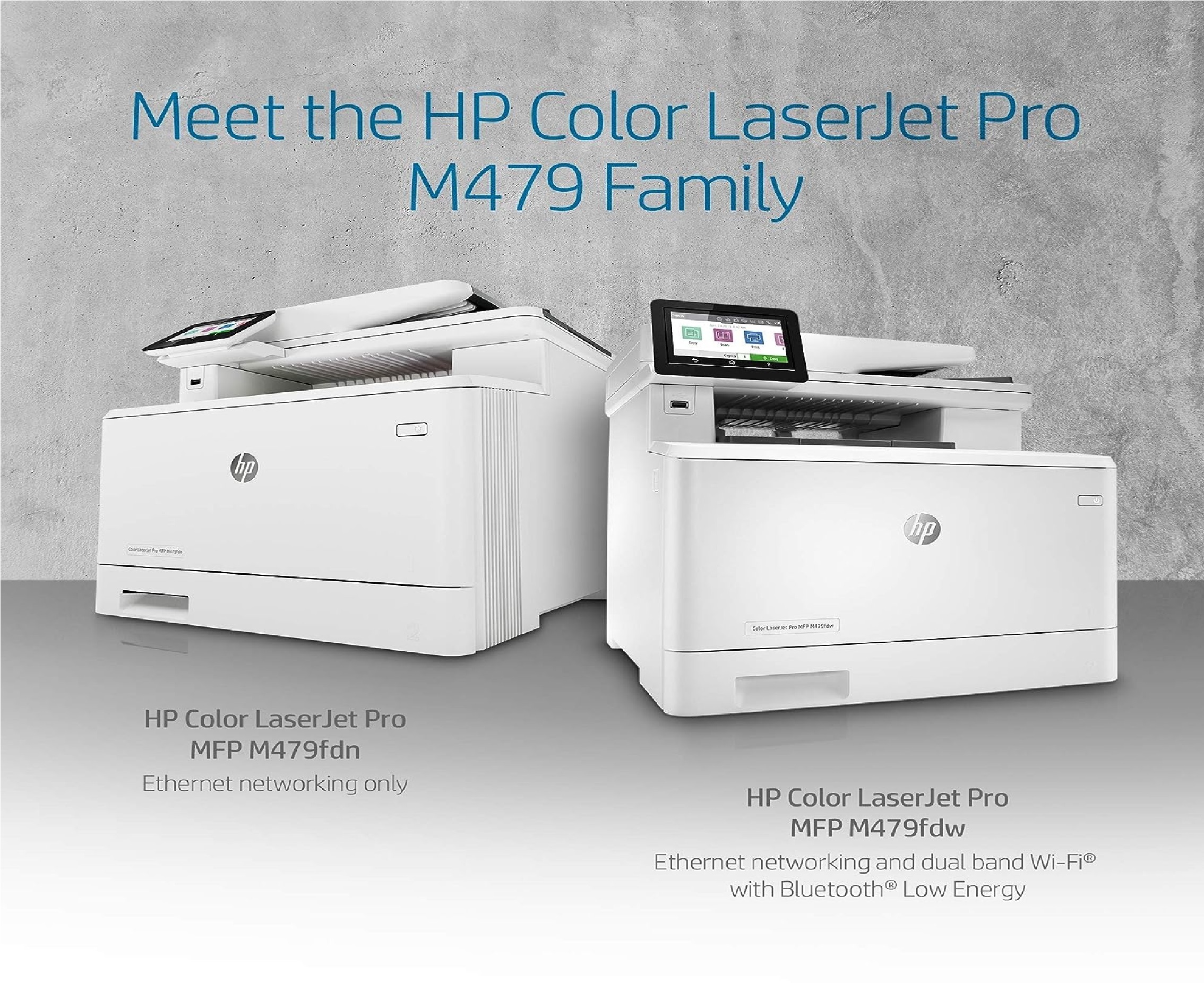
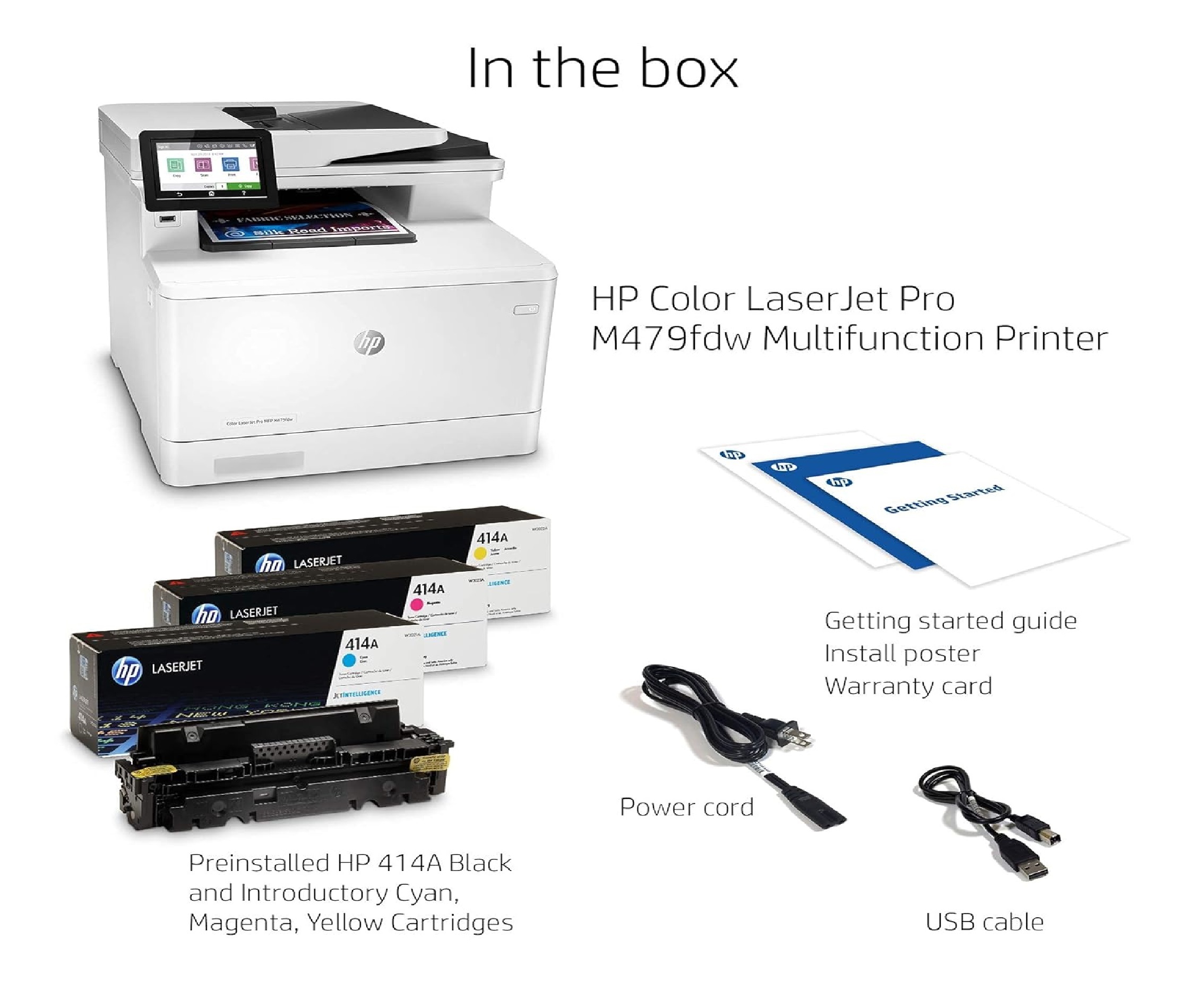
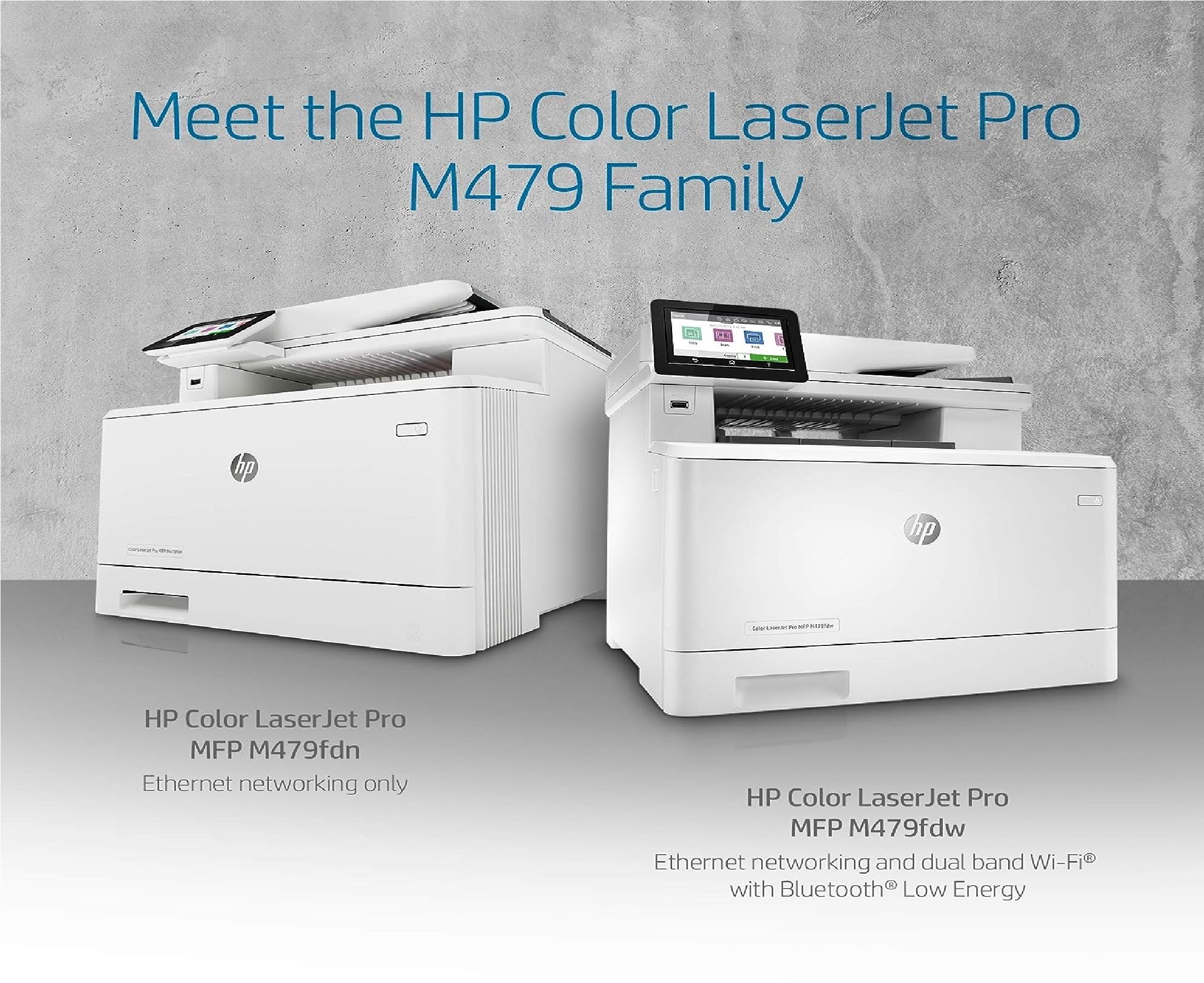
HP Color Laserjet Pro Multifunction M479fdw
Price 113500 INR/ Unit
MOQ : 1 Piece
HP Color Laserjet Pro Multifunction M479fdw Specification
- Type
- Color Laser Multifunction Printer
- Condition
- New
- Print Speed
- Up to 28 ppm (A4)
- Zoom Range
- 25% to 400% (in 1% increments)
- Scanning Resolution
- Up to 1200 x 1200 dpi
- Warm-up Time
- Approx. 28 seconds
- First Copy Time
- As fast as 9.5 seconds (Black), 11.3 seconds (Color)
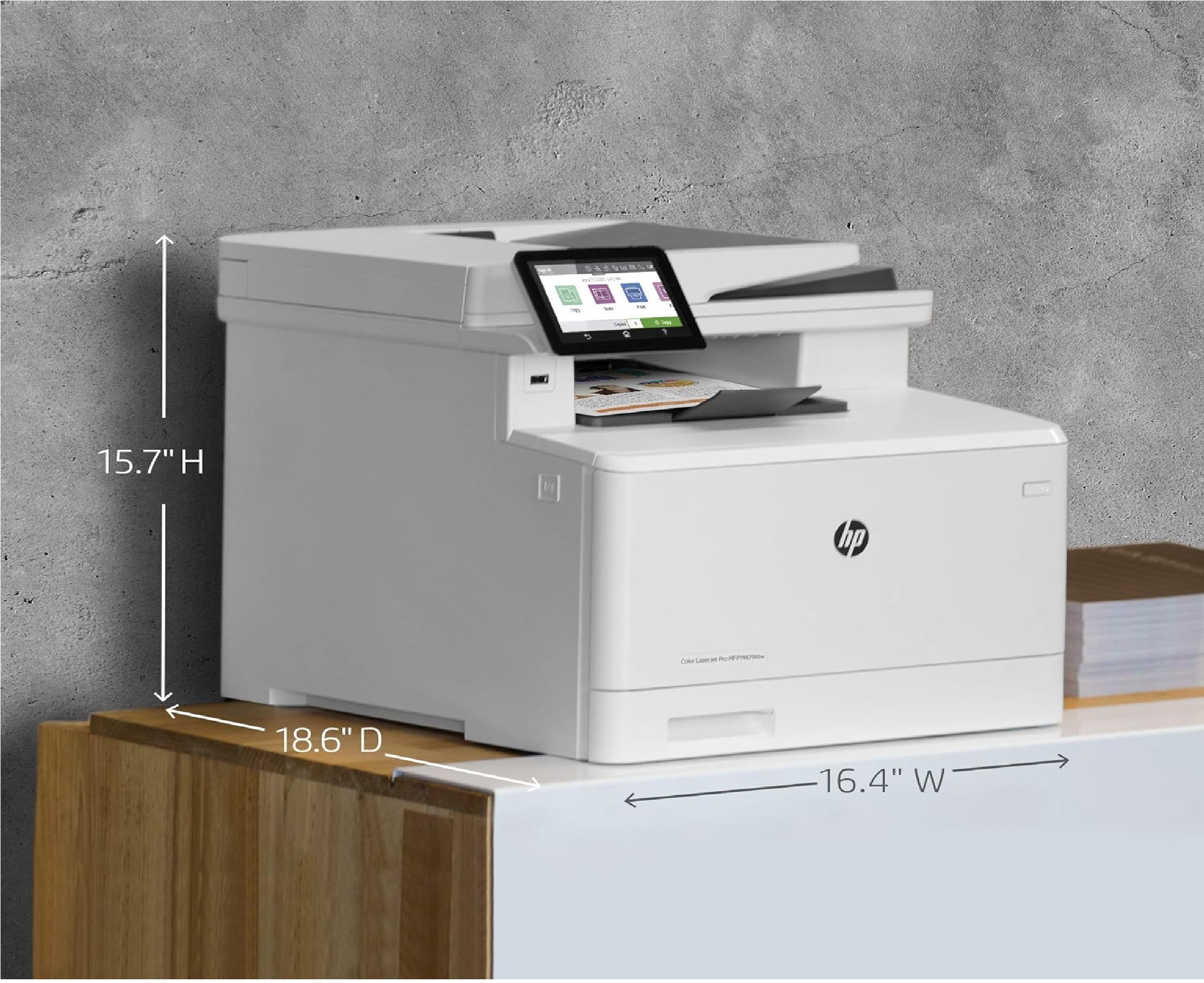
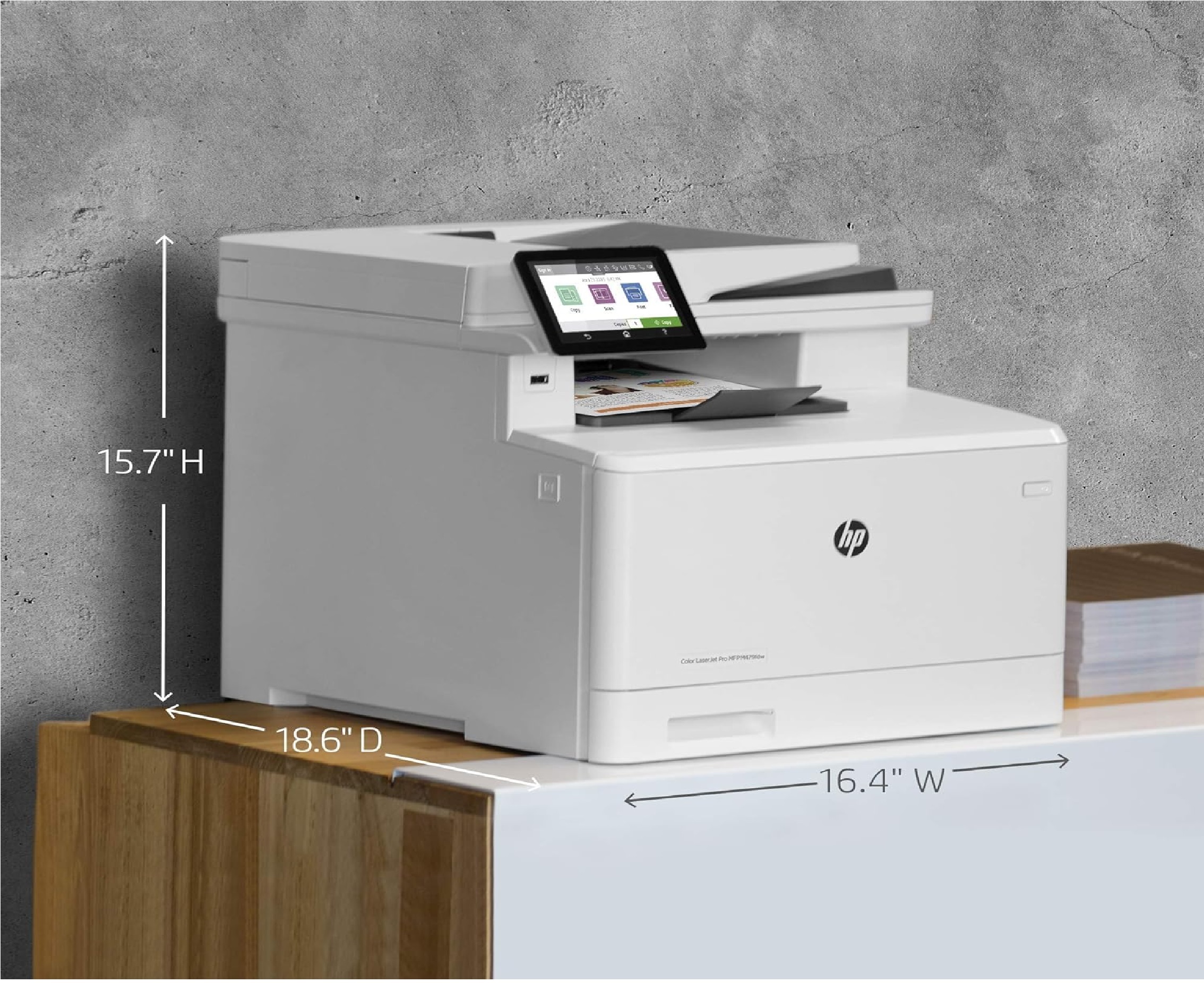
- Size
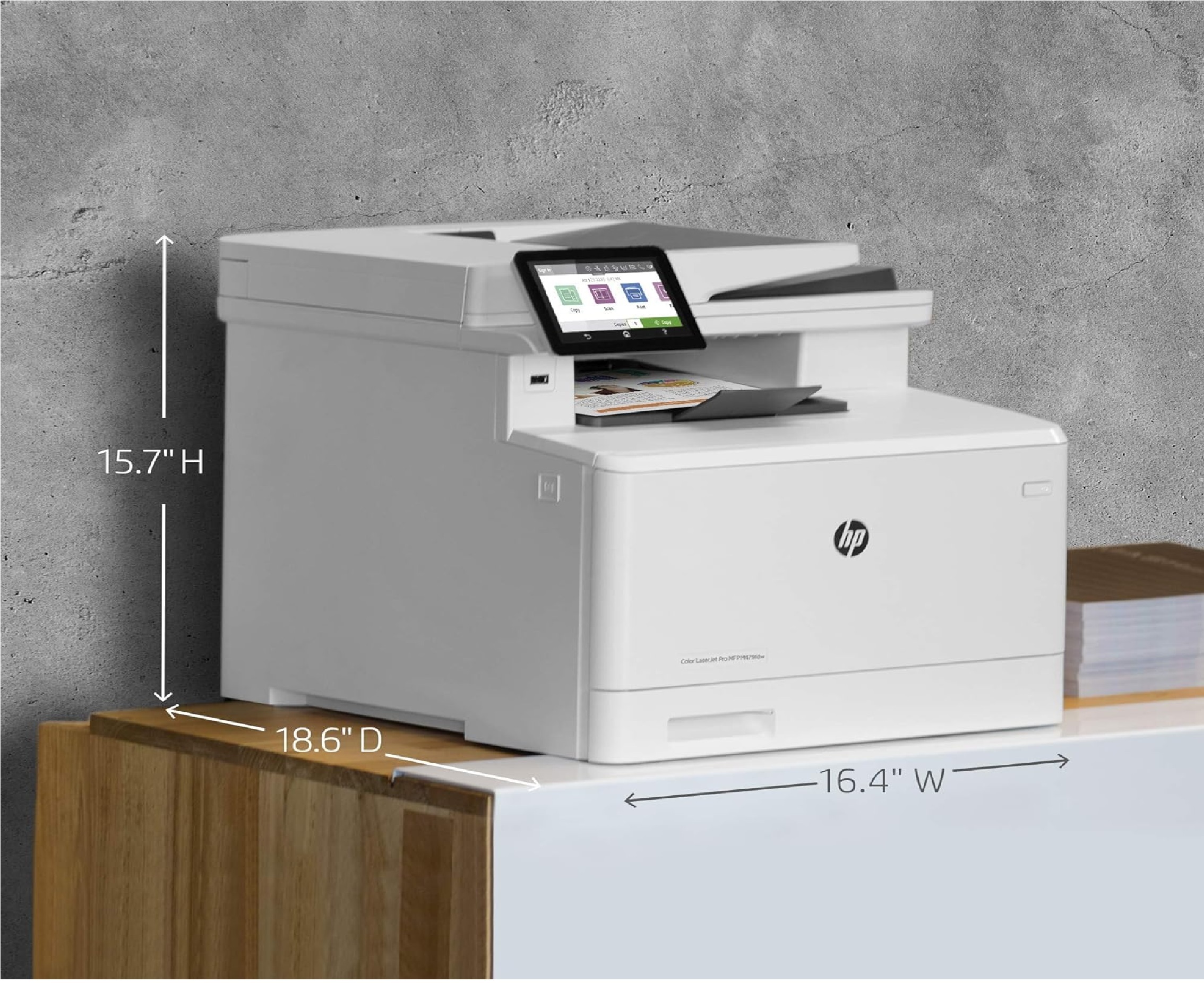
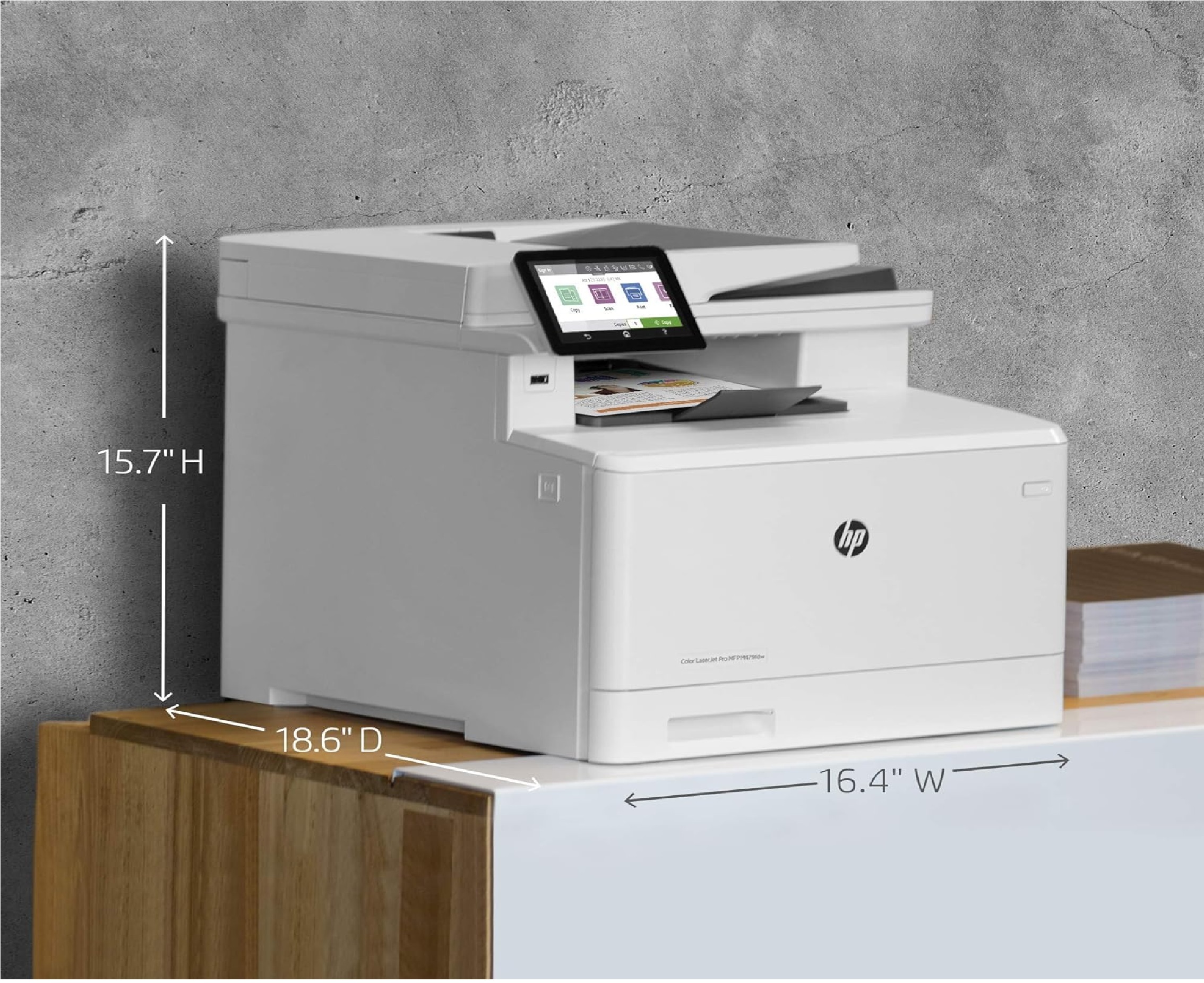
- Width 416 mm x Depth 472 mm x Height 400 mm
- Weight
- 23.3 kg
- Printing Process
- Laser
- Grayscale
- Up to 256 levels
- Continuous Copying Speed
- Up to 27 cpm (A4)
- Power Source
- AC 110-127V, 60Hz
- Paper Size
- A4, A5, A6, B5 (JIS), 16K, envelopes (DL, C5, B5), custom sizes
- Paper Weight
- 60 to 200 gsm
- ADF Capacity
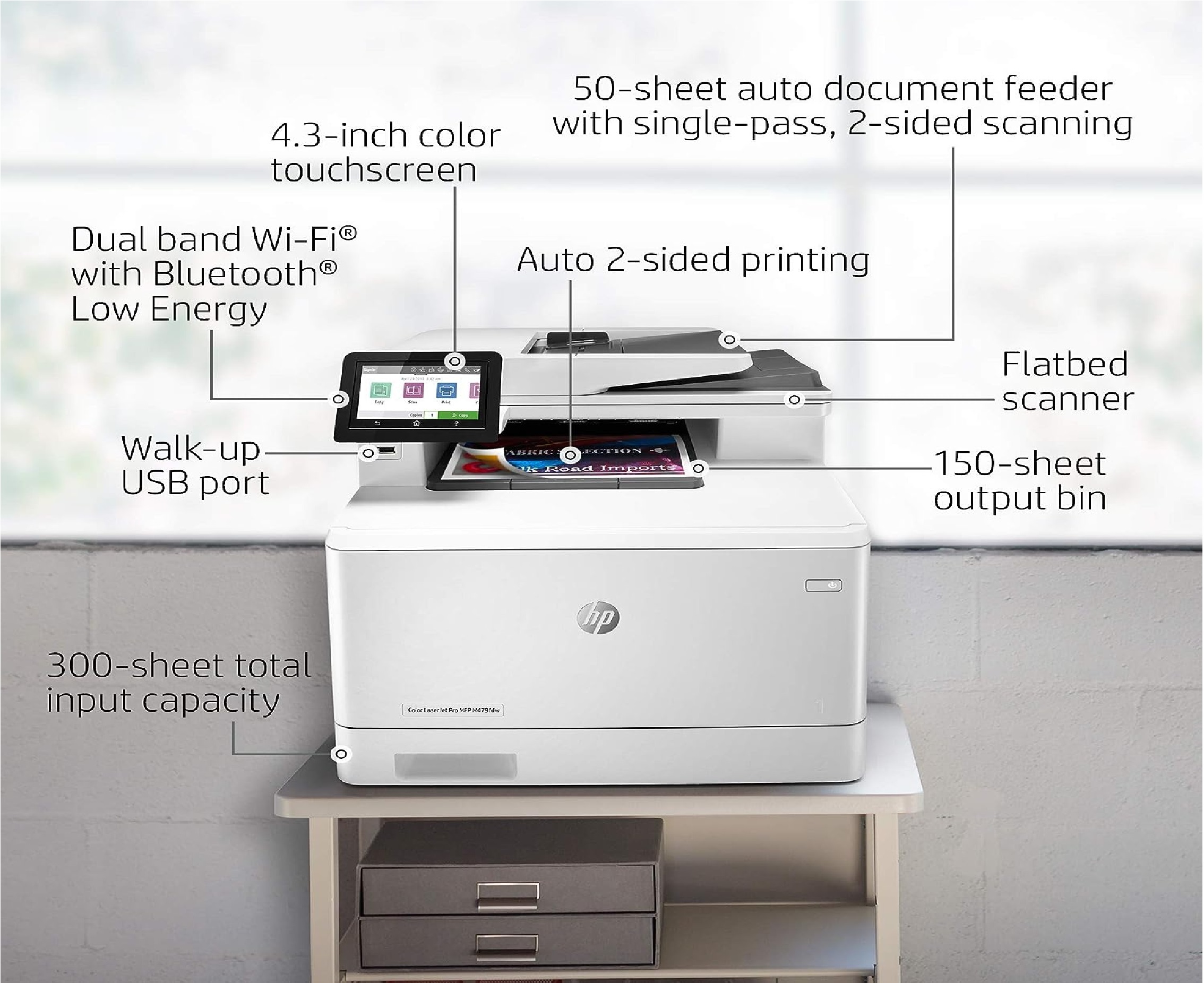
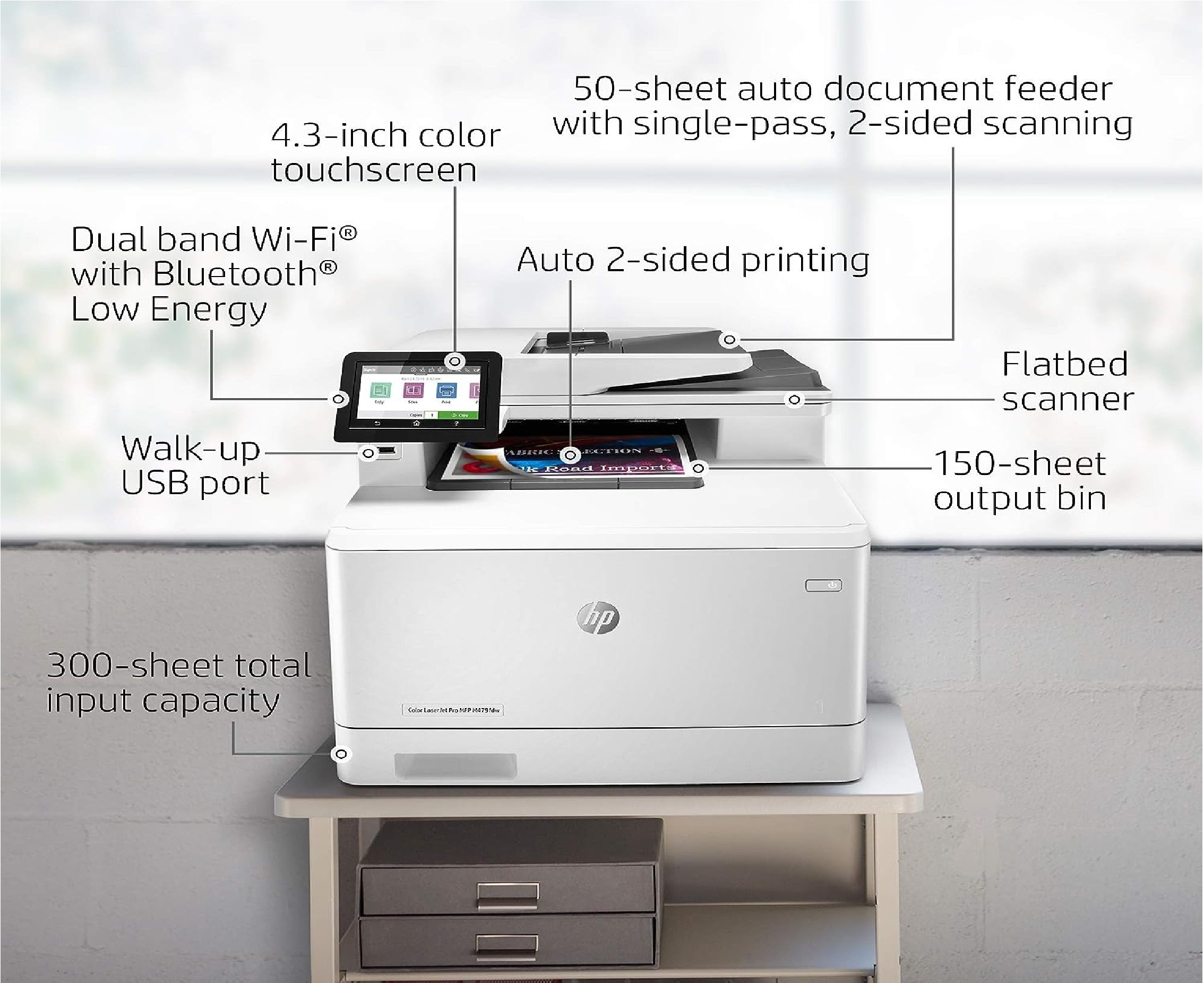
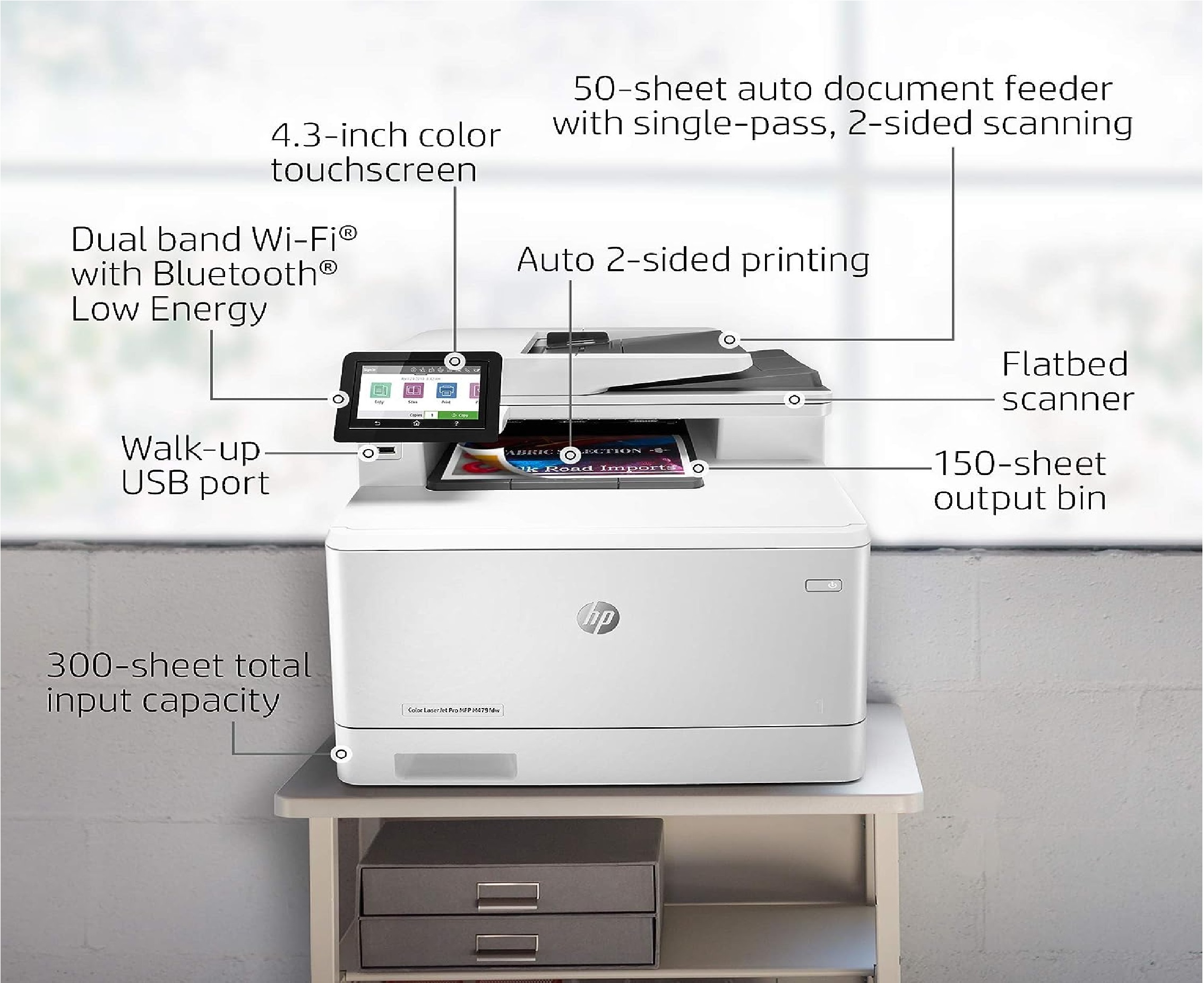
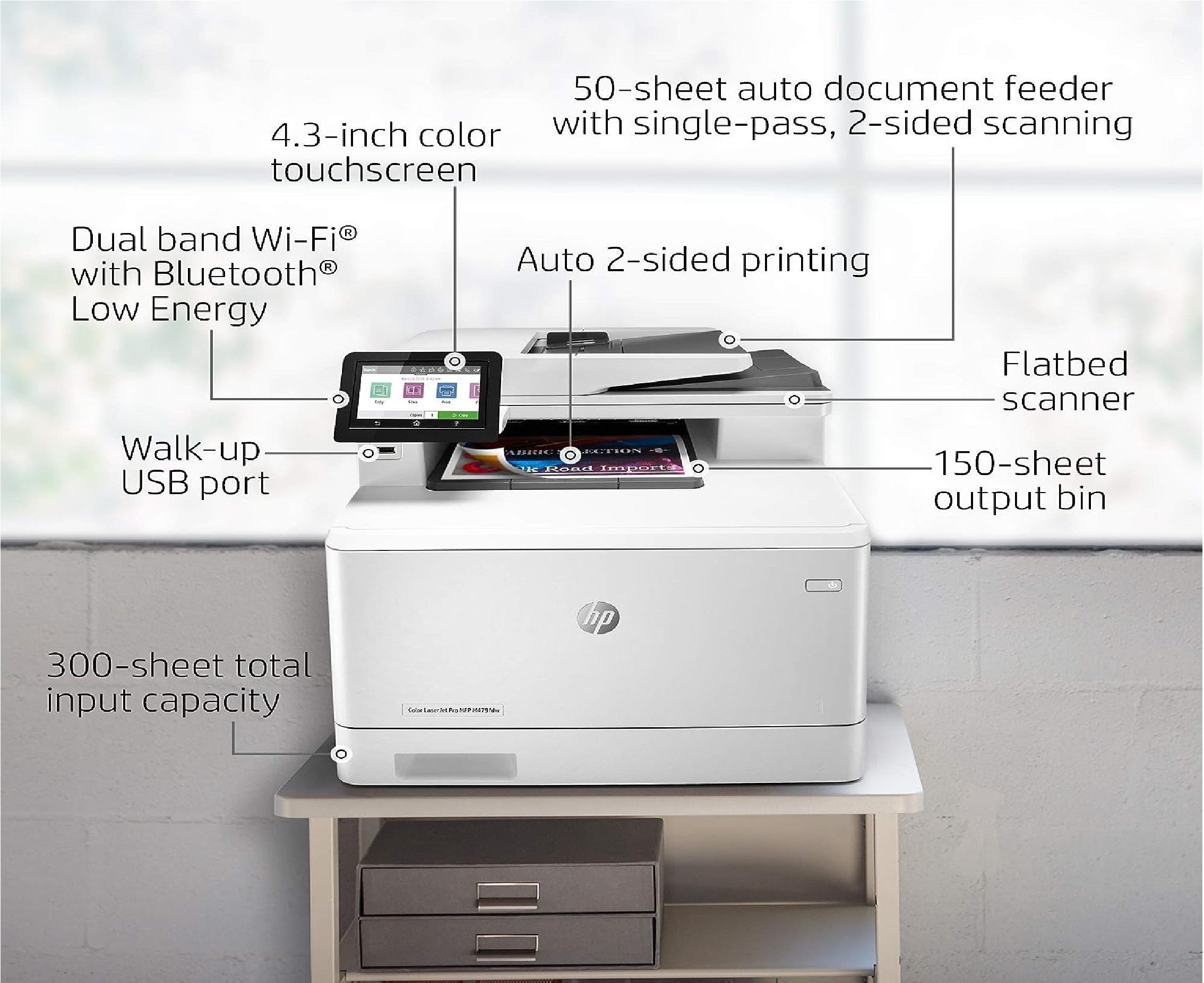
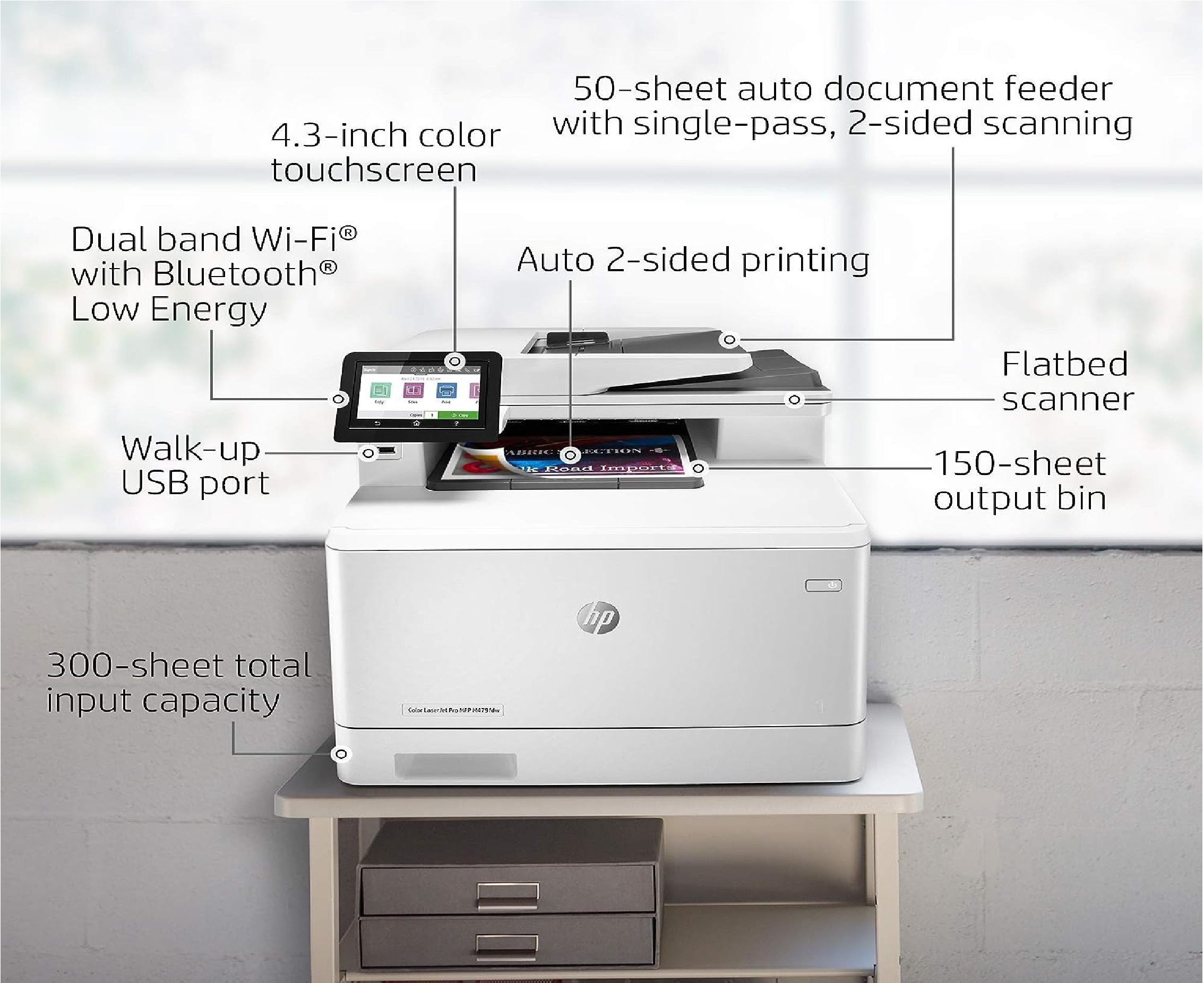
- Up to 50 sheets
- Copy Resolution
- Up to 600 x 600 dpi
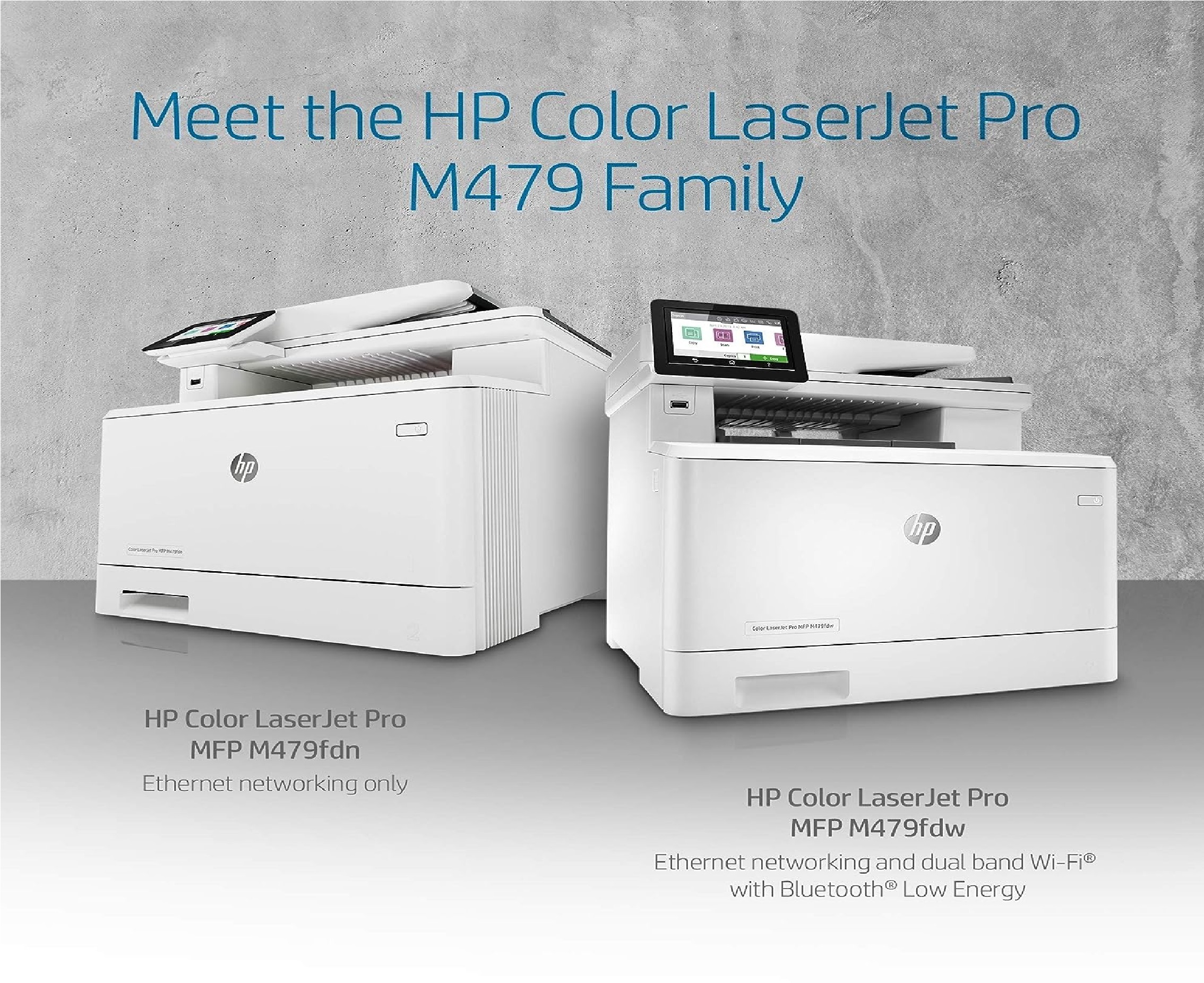
- Standard Connectivity
- Hi-Speed USB 2.0, Gigabit Ethernet, 802.11b/g/n wireless
- Fax Resolution
- Up to 300 x 300 dpi
- Fax Speed
- Up to 33.6 kbps
- Duplex Printing
- Automatic (standard)
- Maximum Monthly Duty Cycle
- Up to 50,000 pages
- Memory
- 512 MB
- Supported Operating Systems
- Windows, Mac OS, Linux
- Input Capacity
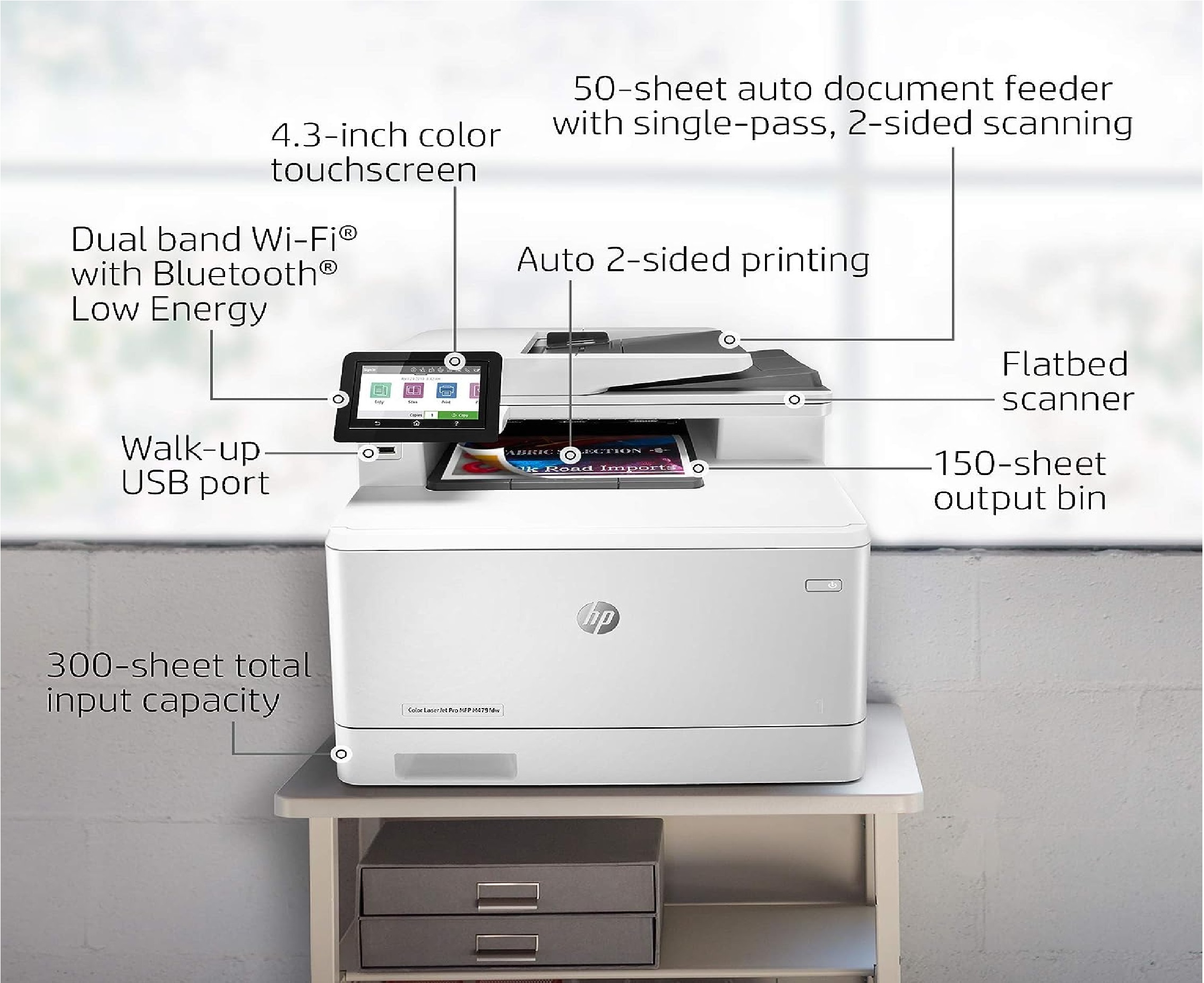
- Up to 300 sheets
- Processor Speed
- 1200 MHz
- Recommended Monthly Page Volume
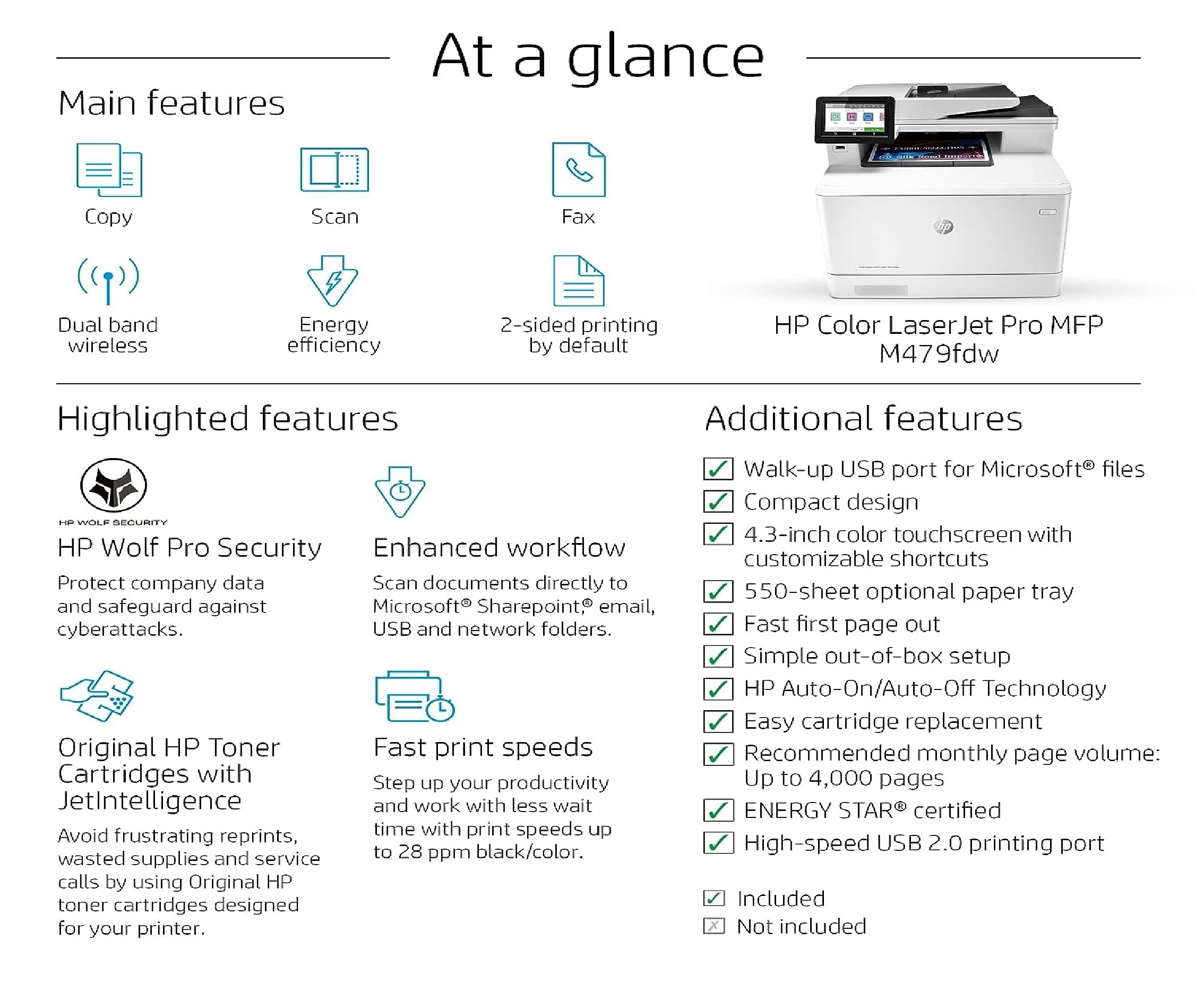
- 750 to 4,000 pages
- Output Capacity
- Up to 150 sheets
- Display
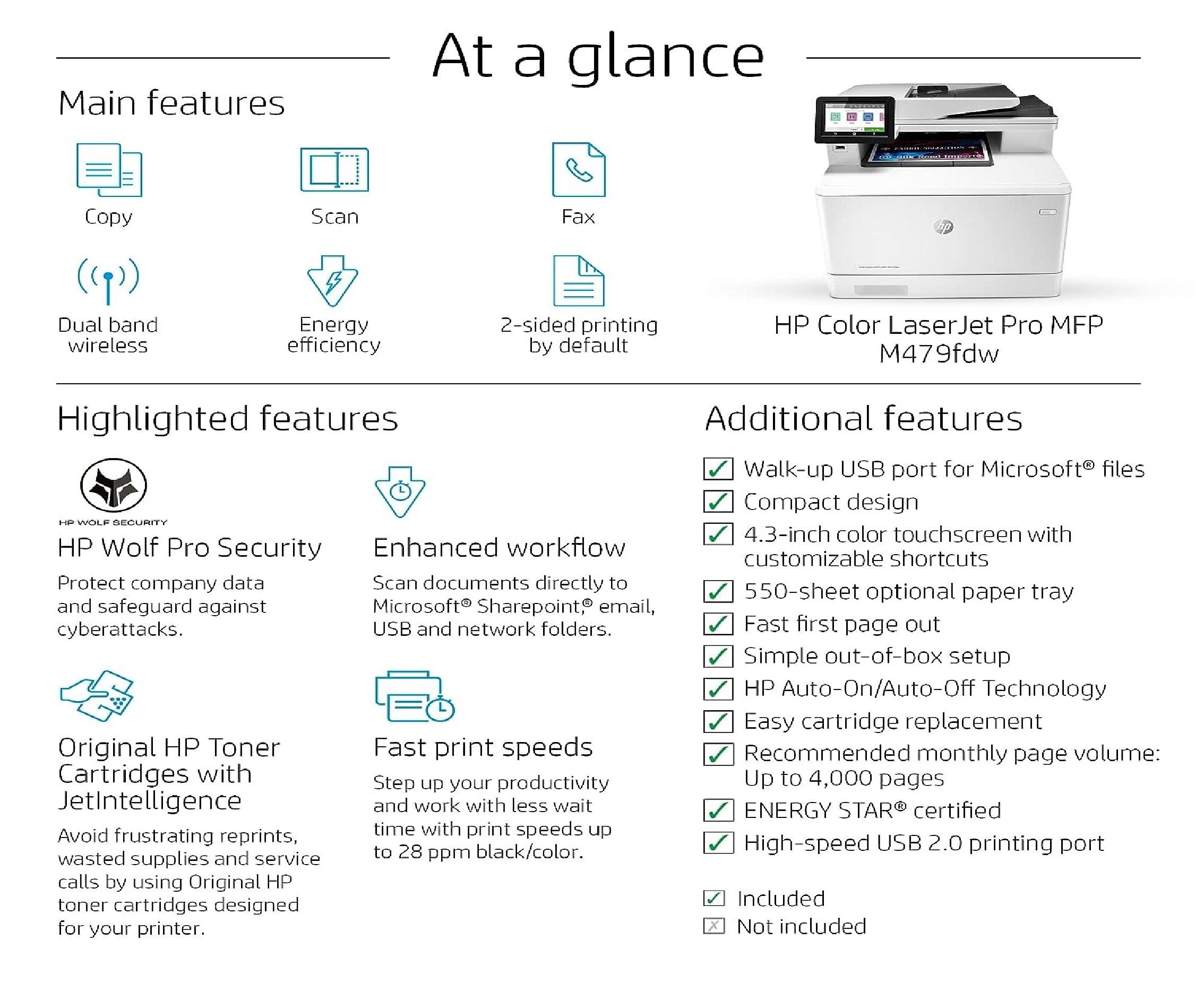
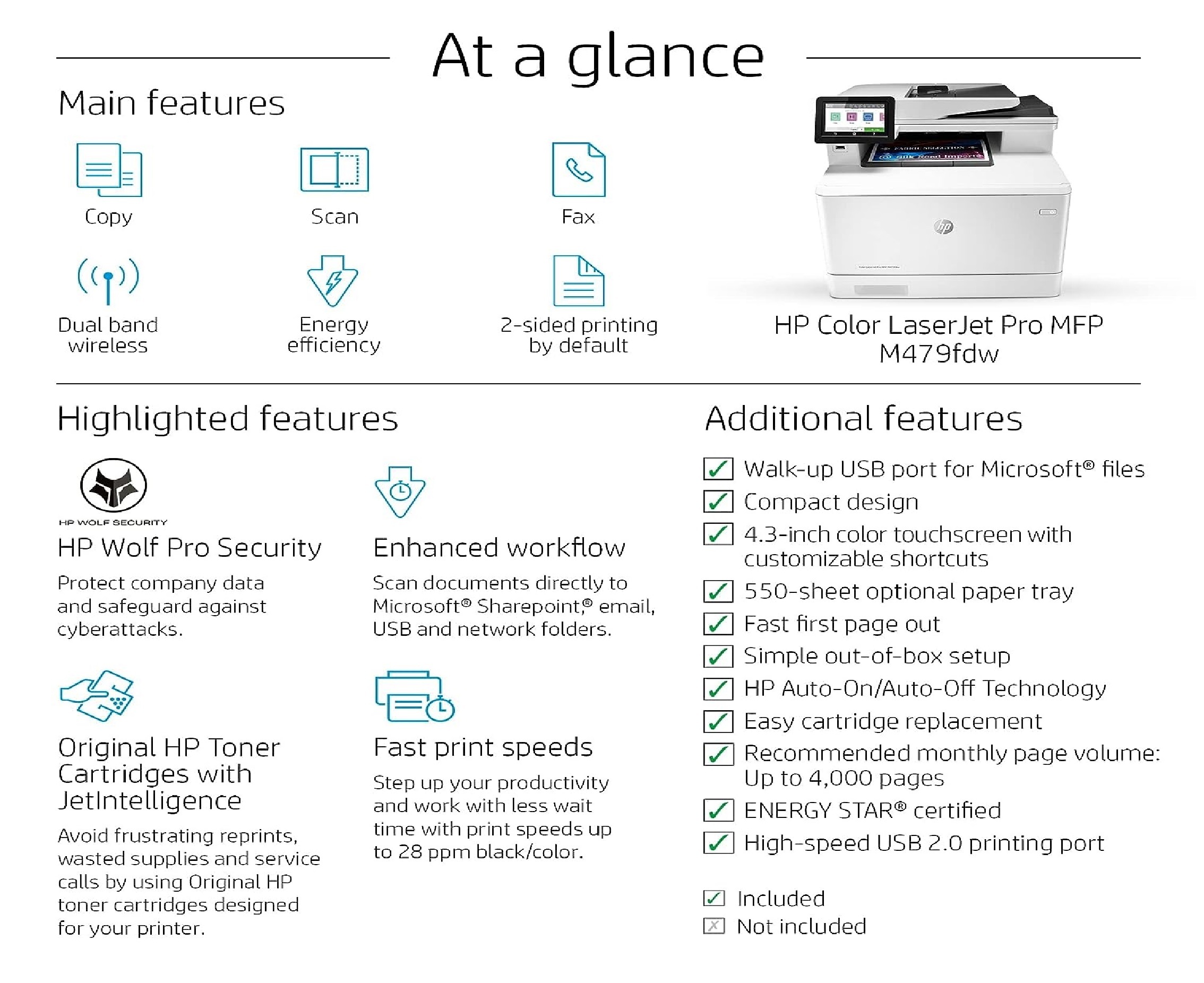
- 4.3-inch color touchscreen
About HP Color Laserjet Pro Multifunction M479fdw
HP Color Laserjet Pro Multifunction M479fdw
Brand
HP
Connectivity Technology
Wi-Fi
Printing Technology
Laser
Special Feature
Wireless
Recommended Uses For Product
Office
Model Name
M479fdw
Printer Output
Colour
Maximum Print Speed (Colour)
28 ppm
Max Print speed Monochrome
28 ppm
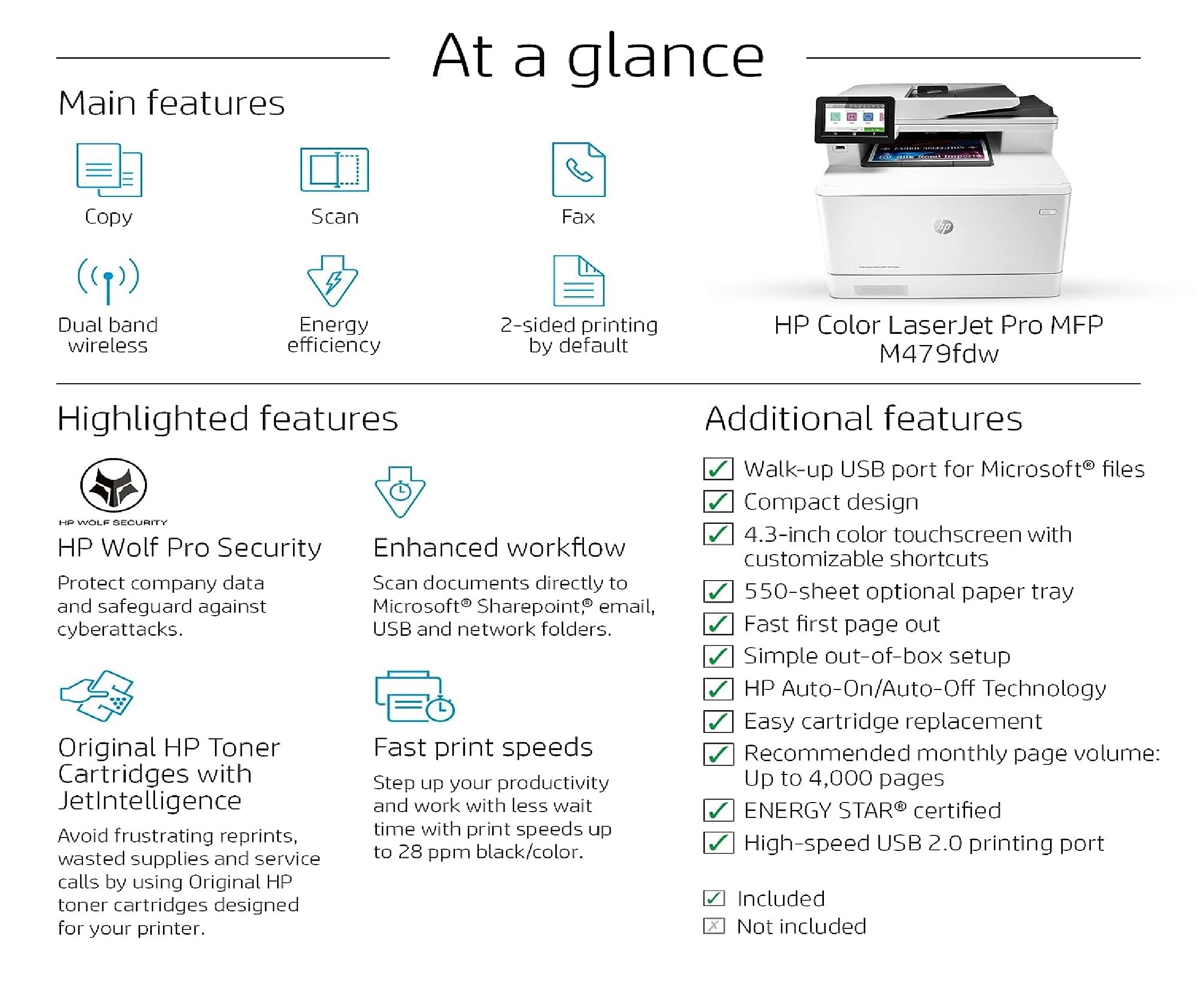
Efficient Multifunction Capabilities
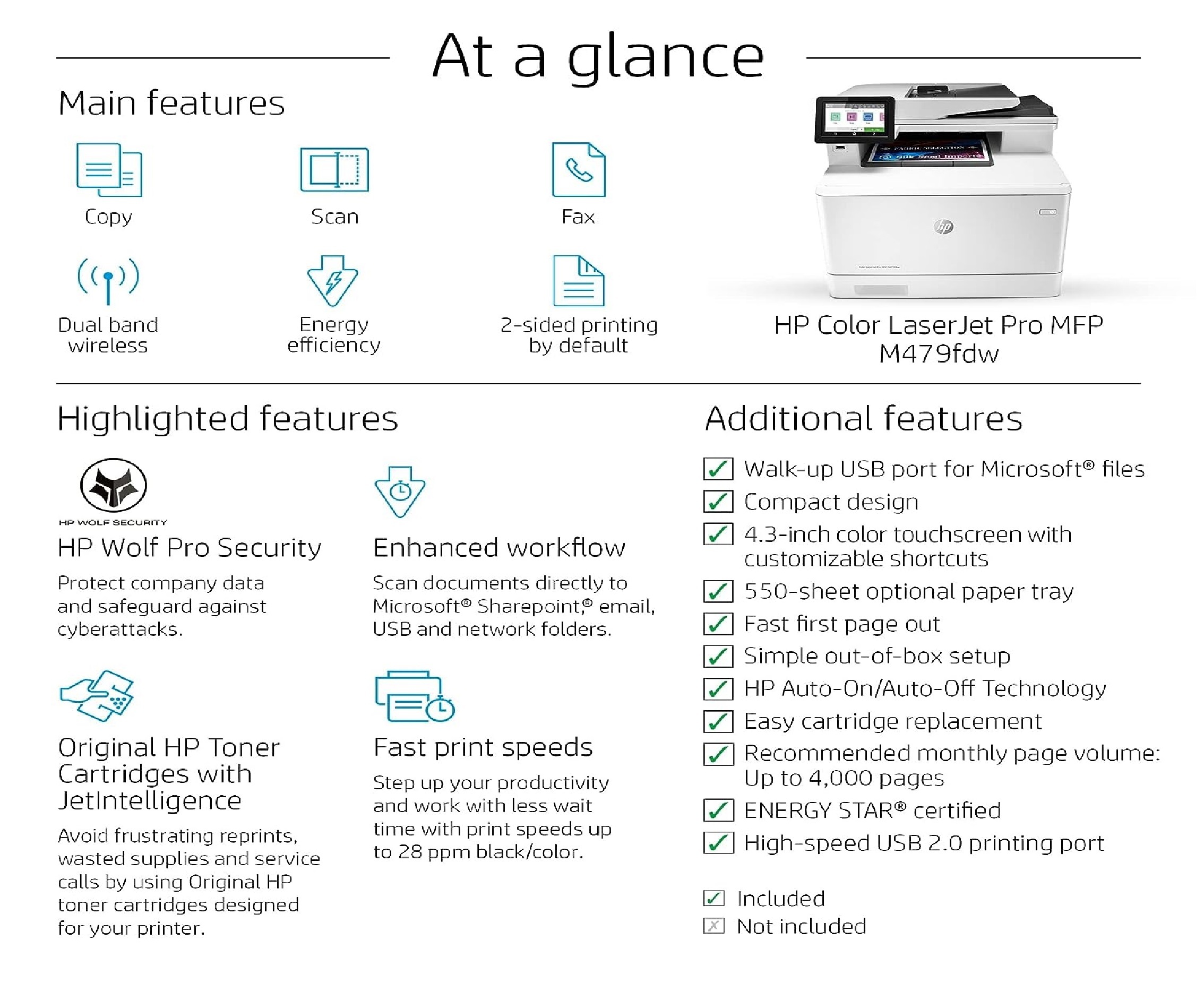
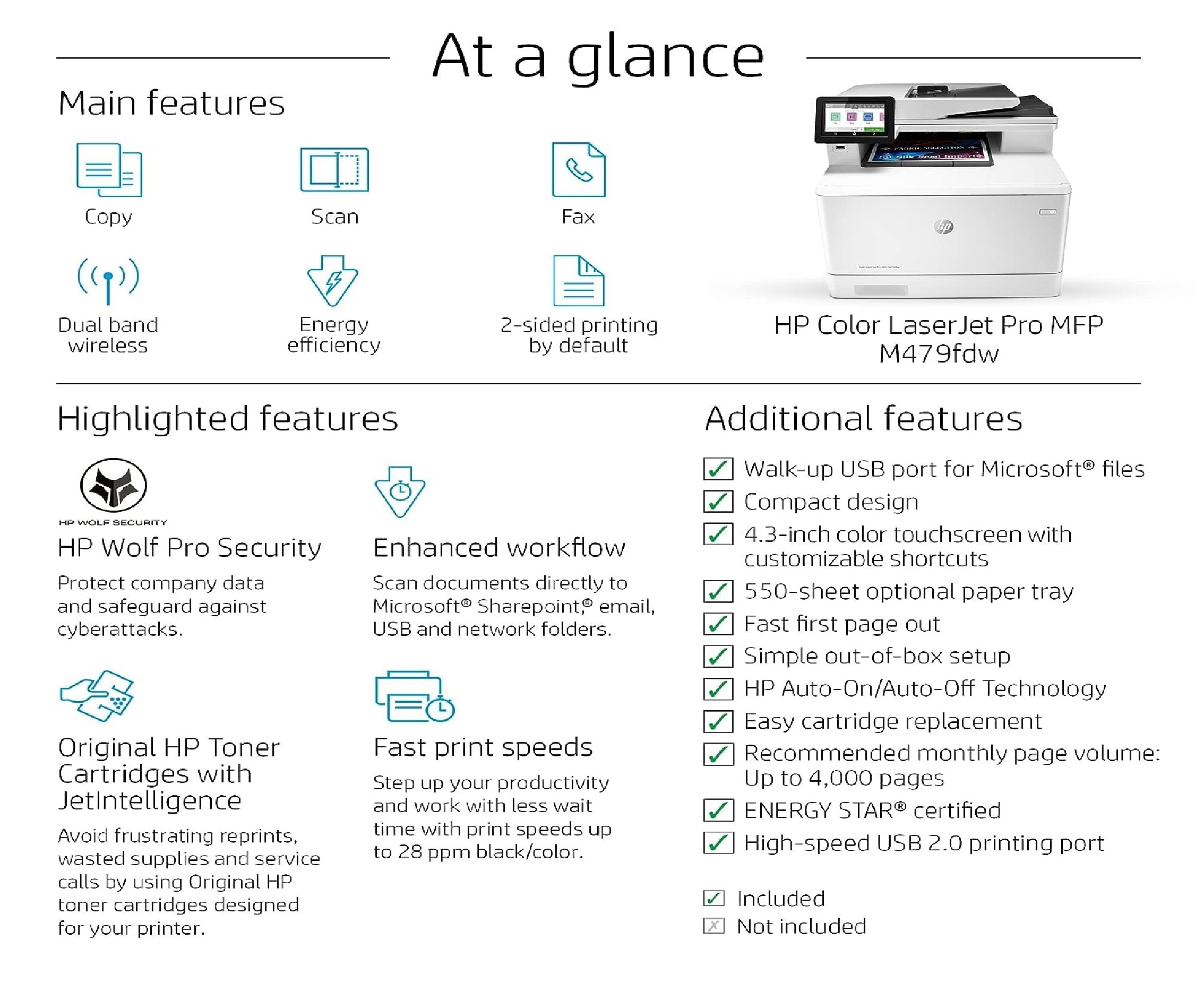
The HP Color Laserjet Pro M479fdw integrates printing, scanning, copying, and faxing in one compact unit. Automatic duplex printing and a 50-sheet ADF streamline workflows, significantly reducing manual handling for busy offices. High-speed operation ensures productivity remains uninterrupted throughout the day.
Intuitive User Interface and Connectivity
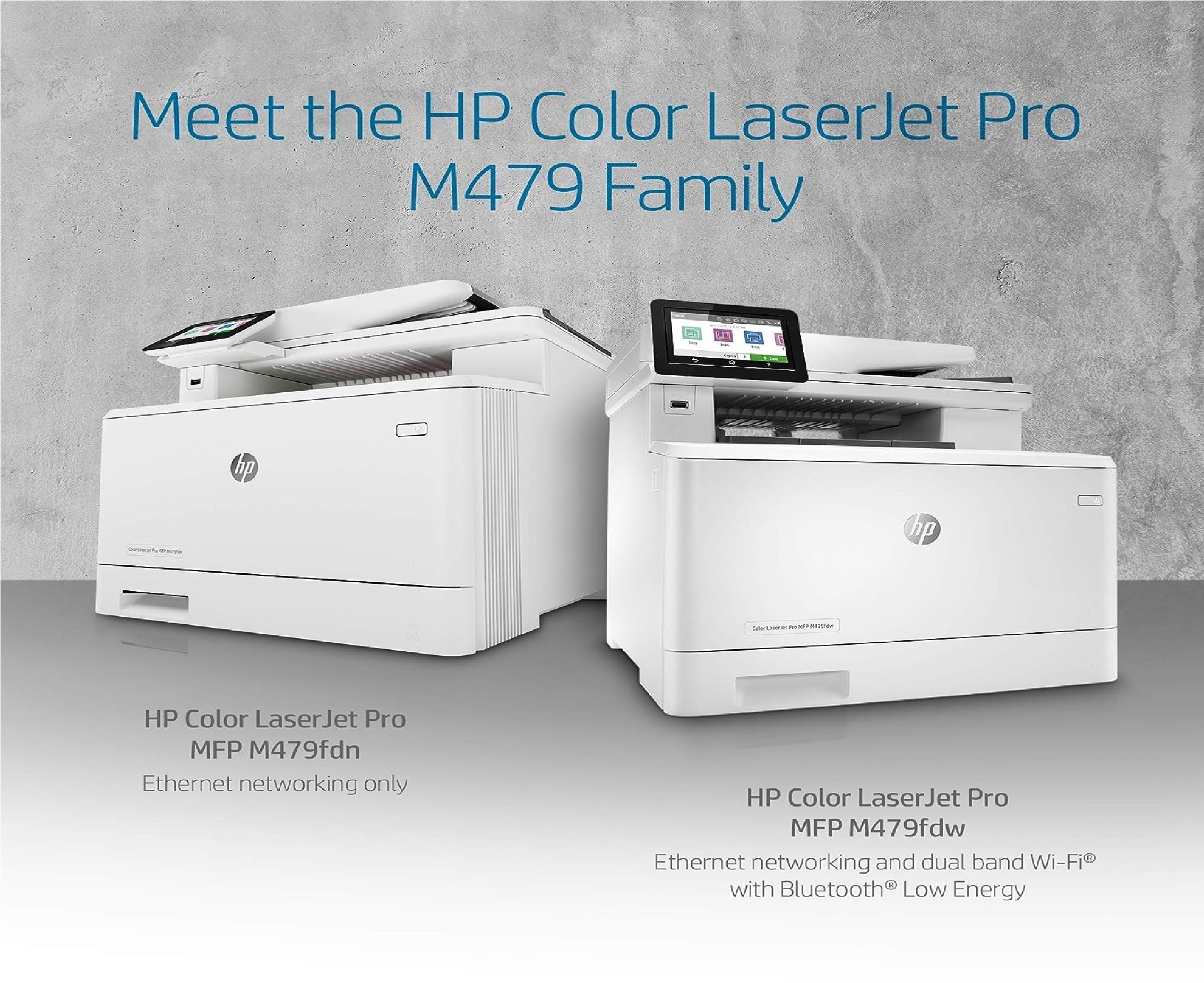
A 4.3-inch color touchscreen makes it easy to navigate functions and settings. With Hi-Speed USB 2.0, Gigabit Ethernet, and wireless networking (802.11b/g/n), users can connect seamlessly from various devices and operating systems, including Windows, Mac OS, and Linux.
Superior Quality and Reliability
The printer delivers clear, vibrant color output with print speeds up to 28 ppm (A4) and copy speeds up to 27 cpm. With a recommended monthly page volume of 750 to 4,000 pages and a duty cycle of up to 50,000 pages, this device meets the demands of growing offices while maintaining consistent print quality.
FAQ's of HP Color Laserjet Pro Multifunction M479fdw:
Q: How do I connect the M479fdw to my office network?
A: You can connect the printer using Hi-Speed USB 2.0, Gigabit Ethernet for wired networking, or 802.11b/g/n wireless for Wi-Fi access. The setup process is guided through the 4.3-inch color touchscreen, ensuring straightforward installation.Q: What are the benefits of automatic duplex printing on this printer?
A: Automatic duplex printing allows you to print on both sides of the paper without manual intervention, saving time and reducing paper usage, which translates to cost savings and environmental benefits.Q: When should I consider the recommended monthly page volume?
A: Maintaining your printing volume between 750 and 4,000 pages per month ensures optimal performance and longevity of the printer. Exceeding this may impact quality or cause wear; staying within the range supports reliability.Q: Where can I use the M479fdw regarding supported operating systems?
A: The printer supports Windows, Mac OS, and Linux, making it compatible with most office environments in India. Its versatile connectivity allows deployment in various local network setups.Q: What is the process for scanning documents with the ADF?
A: Place up to 50 sheets in the automatic document feeder (ADF), select your scanning settings on the touchscreen, and initiate the scan. Documents are processed efficiently, maintaining excellent resolution up to 1200 x 1200 dpi.Q: How fast does the printer warm up and deliver the first copy?
A: The M479fdw warms up in approximately 28 seconds and can produce the first black copy as fast as 9.5 seconds, with color copies ready in about 11.3 seconds, supporting swift document turnaround for office tasks.Q: What makes this printer suitable for Indian businesses?
A: The M479fdw combines high-speed printing, robust connectivity, compatibility with popular paper sizes, and flexible usage. These features meet the diverse needs of service providers, suppliers, and traders in India seeking efficiency and high-quality output.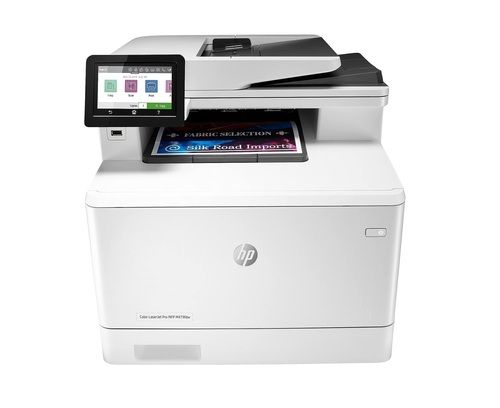
Tell us about your requirement

Price:
Quantity
Select Unit
- 50
- 100
- 200
- 250
- 500
- 1000+
Additional detail
Mobile number
Email

More Products in PRINTER Category
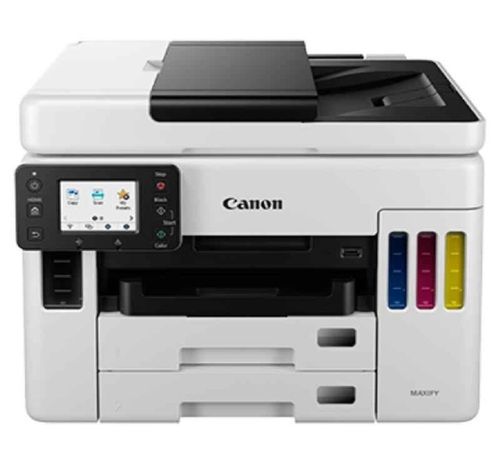
Canon MAXIFY GX7070 A4 All-In-One Wi-Fi Colour Business Printer
Price 51000 INR / Unit
Minimum Order Quantity : 1 Piece
Print Speed : Black: up to 24 ipm, Colour: up to 15.5 ipm
Weight : approximately 13.2 kg
Condition : New
Size : 399 x 410 x 314 mm (WxDxH)
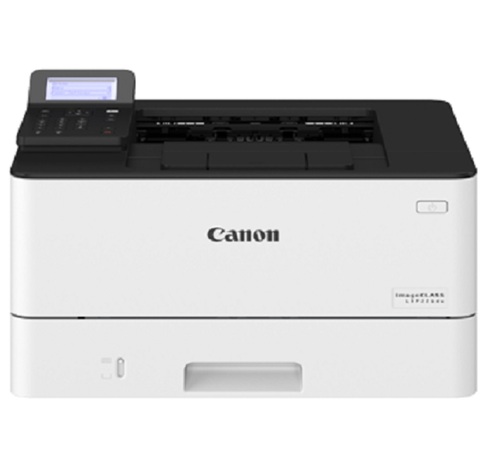
Canon Image Class LBP226DW Laser Printer
Price 37000 INR / Piece
Minimum Order Quantity : 1 Unit
Print Speed : UP TO 38/40 PPM
Weight : 120 Kilograms (kg)
Condition : New
Size : A4
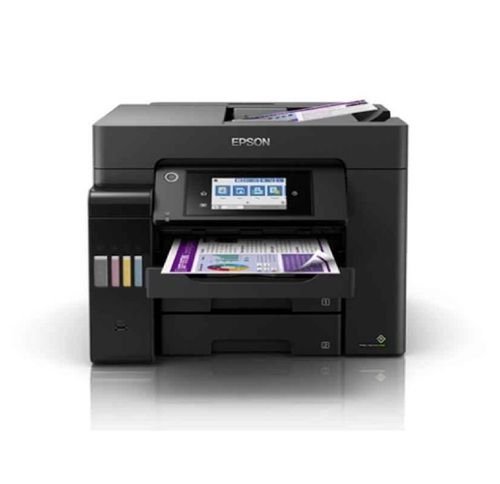
Epson EcoTank 25ppm Wi-Fi Duplex Multifunction PRINTER L6570
Price 62500 INR / Unit
Minimum Order Quantity : 1 Piece
Print Speed : 25 PPM
Weight : 17.8 Kilograms (kg)
Condition : New
Size : A4
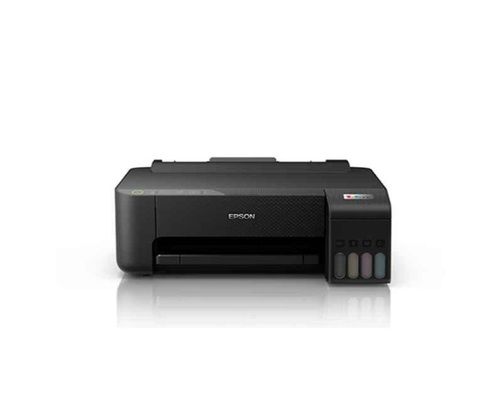
Epson EcoTank L1250 A4 Wi-Fi Colour Single Function Ink Tank Printer
Price 11500 INR / Piece
Minimum Order Quantity : 1 Box
Print Speed : 33 PPM
Weight : 3.9 Kilograms (kg)
Condition : New
Size : A4

Contact Details
HD INFOSYS & AUTOMATION
GST : 24ATMPR4329N1Z2
- Darshnam Trade Center-1, 24-Second Floor, Near Hotel Surya Palace, Sayajigunj,Vadodara - 390007, Gujarat, India
- Phone :07971191699
 Send Inquiry
Developed and Managed by Infocom Network Private Limited.
