
Call: 07971191699
 Send Inquiry
 Send Inquiry
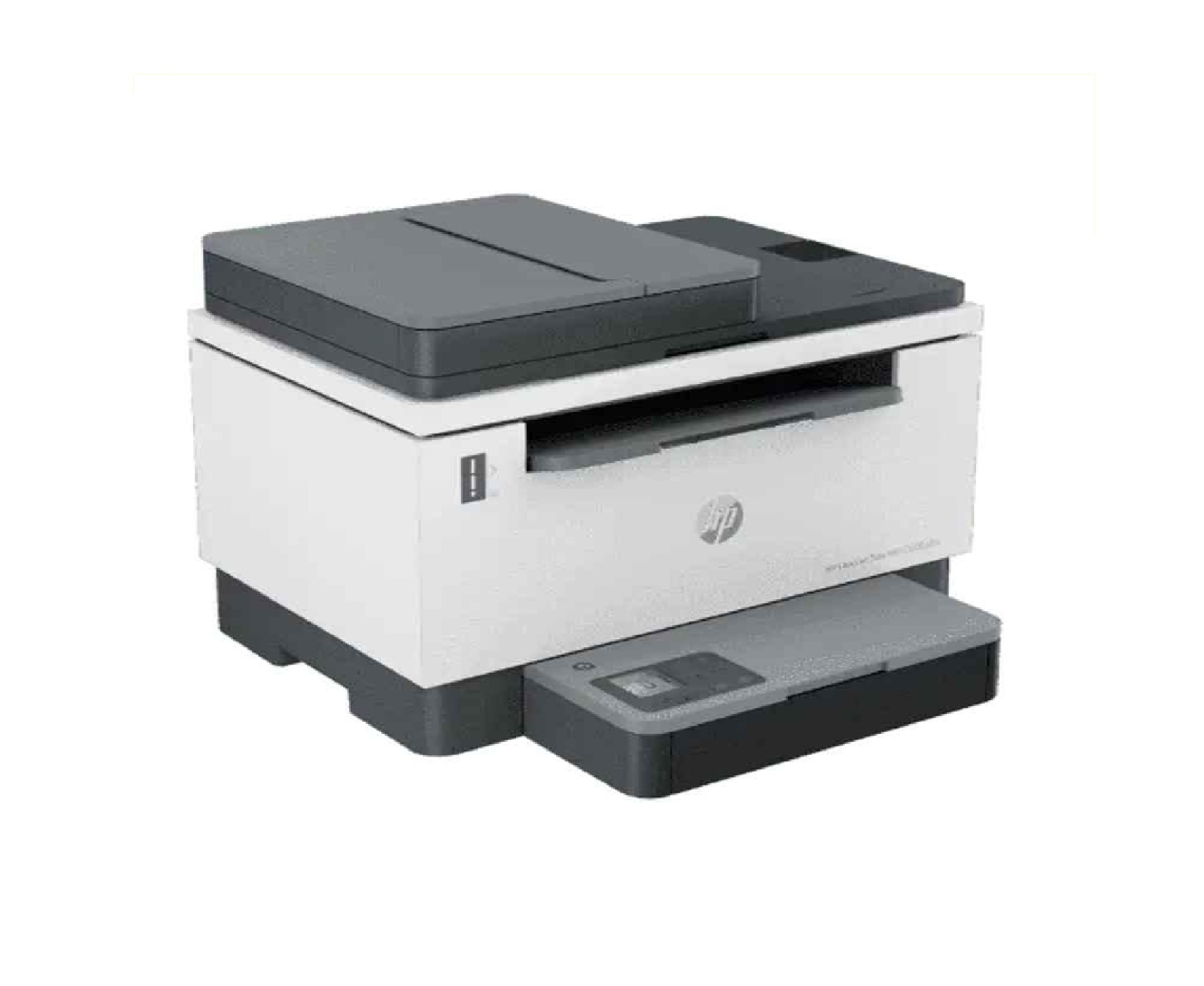
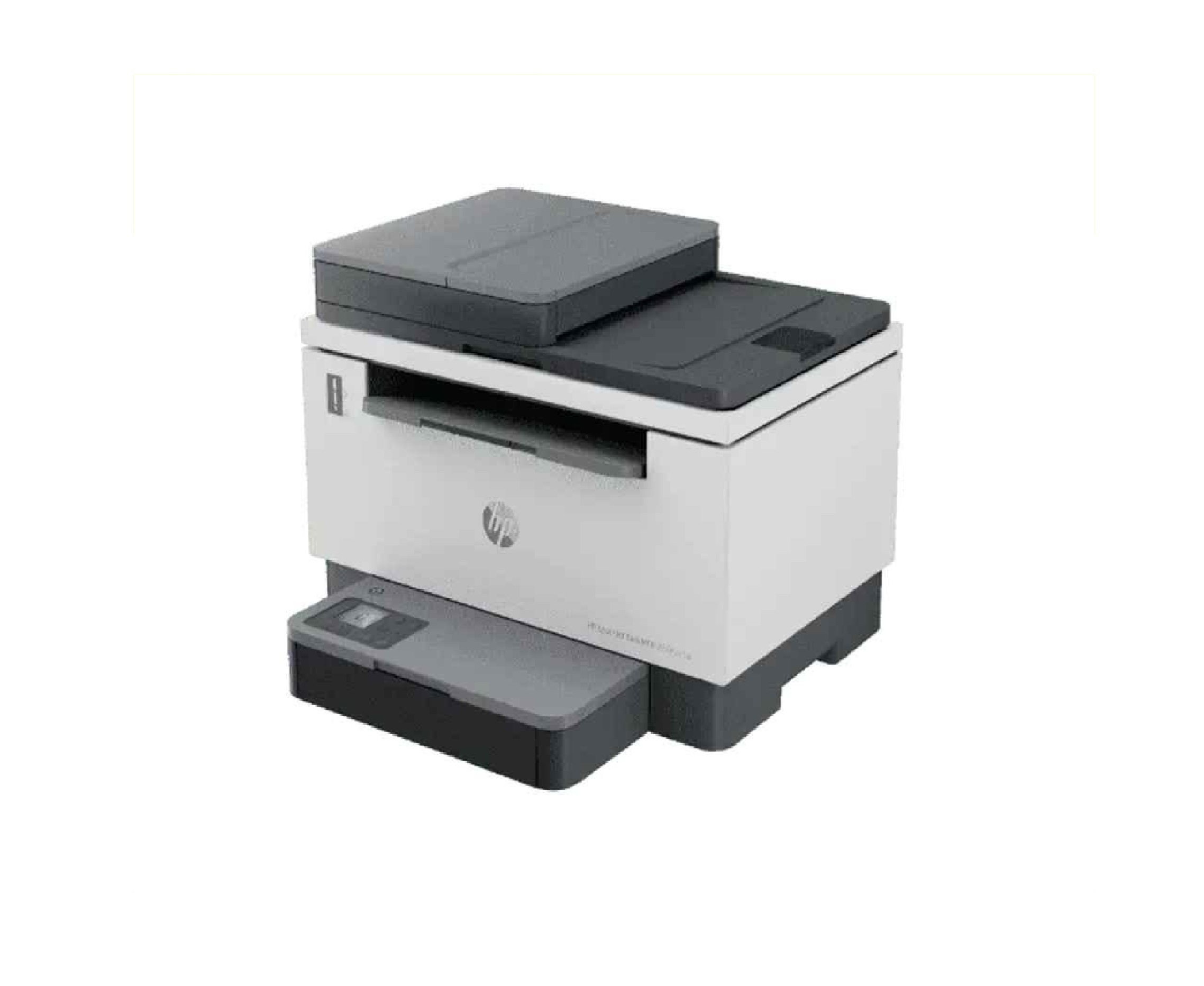
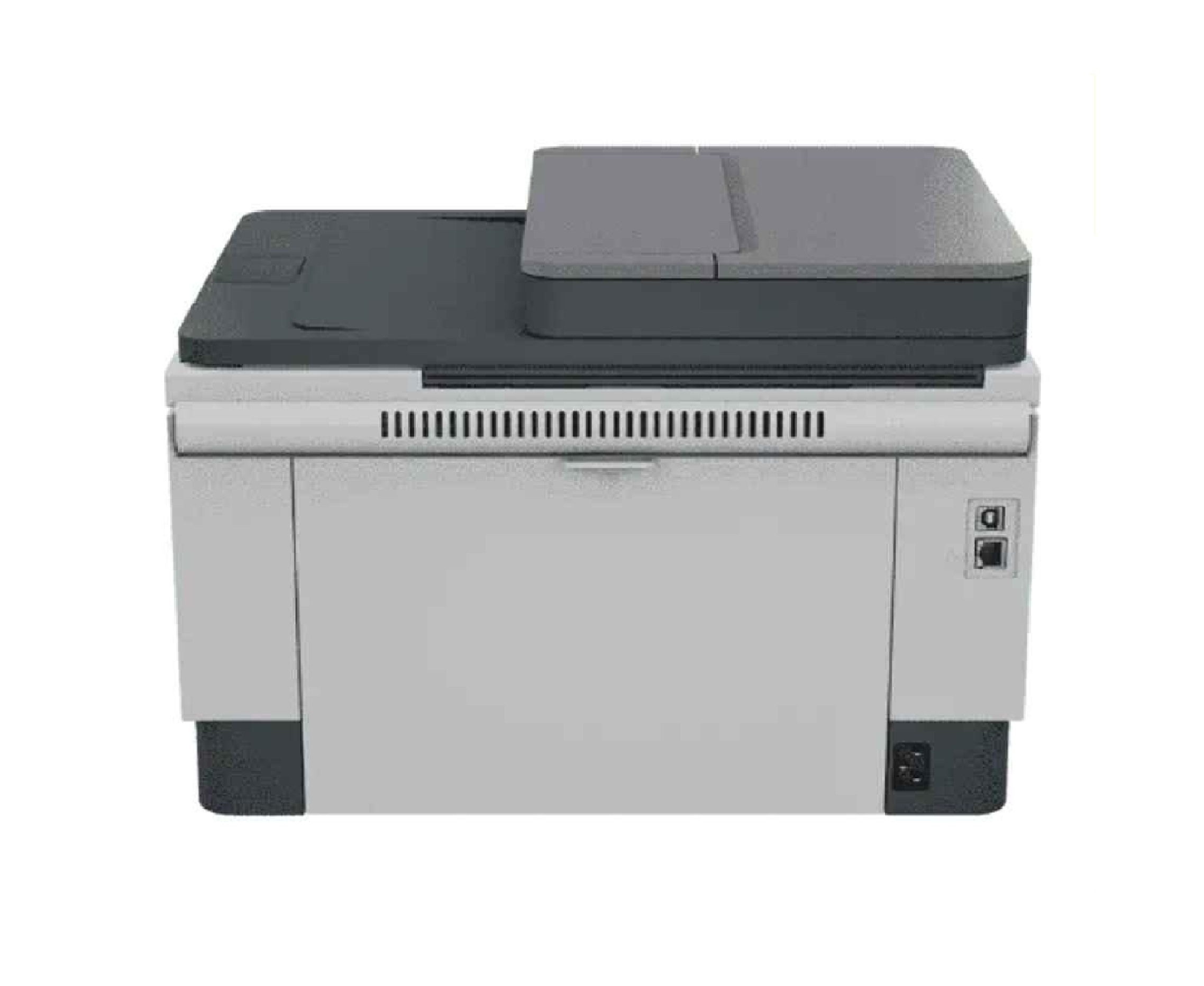
HP LaserJet Tank MFP 2606SDW Printer
Price 27000 INR/ Box
MOQ : 1 Piece
HP LaserJet Tank MFP 2606SDW Printer Specification
- Type
- Multi-Function Printer
- Condition
- New
- Print Speed
- Up to 22 ppm (A4)
- Zoom Range
- 25% to 400% (in 1% increments)
- Scanning Resolution
- Up to 600 x 600 dpi
- Warm-up Time
- 17 seconds
- First Copy Time
- As fast as 11 seconds
- Size
- 415 x 360 x 270 mm
- Weight
- Approximately 8.71 kg
- Printing Process
- Laser
- Grayscale
- Up to 256 levels
- Continuous Copying Speed
- Up to 22 cpm (A4)
- Power Source
- 220 to 240 VAC, 50/60 Hz
- Paper Size
- A4, A5, A6, B5 (JIS), B6 (JIS), envelopes, postcards
- Paper Weight
- 60 to 163 g/m
- Duplex Printing
- Automatic
- Maximum Monthly Duty Cycle
- Up to 25,000 pages
- Supported Operating Systems
- Windows, macOS, Linux
- Mobile Printing Capability
- HP Smart App, Apple AirPrint, Mopria-certified, Wi-Fi Direct Printing
- Memory
- 64 MB
- Processor Speed
- 500 MHz
- Display
- Icon LCD
- Copy Resolution
- Up to 600 x 600 dpi
- Recommended Monthly Page Volume
- 150 to 2,500 pages
- Input Capacity
- Up to 250 sheets
- Connectivity
- USB 2.0, Wi-Fi, Ethernet
- Print Technology
- Monochrome Laser
- Output Capacity
- Up to 100 sheets
About HP LaserJet Tank MFP 2606SDW Printer
HP LaserJet Tank MFP 2606SDW Printer
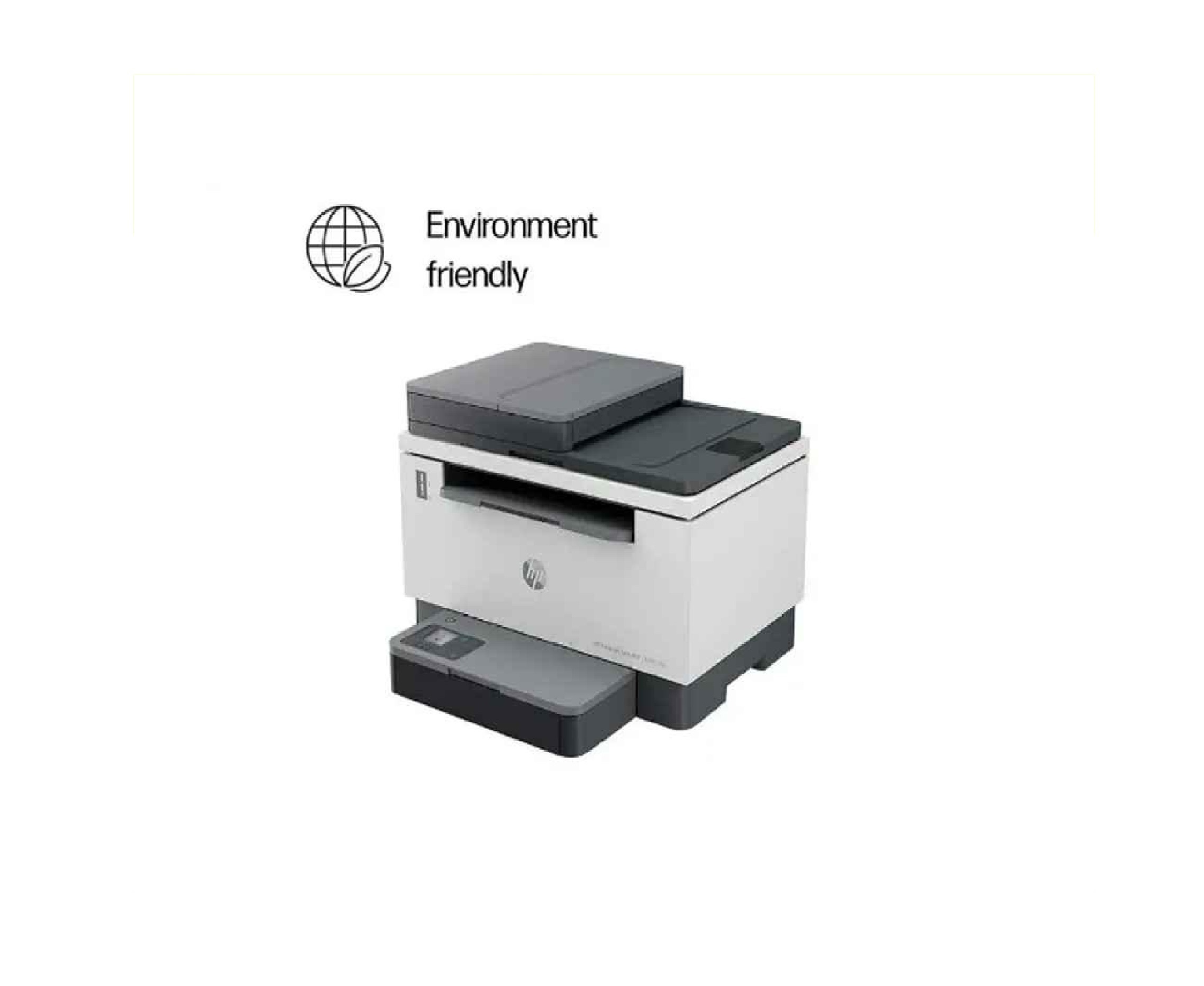
HP LaserJet Tank MFP 2606SDW Printer is a premium quality product from HP. All HP LaserJet Tank MFP 2606SDW Printer are manufactured by using quality assured material and advanced techniques, which make them up to the standard in this highly challenging field. The materials utilized to manufacture HP LaserJet Tank MFP 2606SDW Printer, are sourced from the most reliable and official vendors, chosen after performing detailed market surveys. HP products are widely acknowledged in the market for their high quality.
Effortless Wireless Connectivity
Enjoy seamless printing from virtually any device with built-in Wi-Fi, USB 2.0, and Ethernet connectivity. The HP LaserJet Tank MFP 2606SDW allows mobile printing through the HP Smart App, Apple AirPrint, and Wi-Fi Direct, making it easy to print or scan documents directly from smartphones and tablets.
High-Performance Multi-Functionality
This printer handles printing, copying, and scanning with high resolution up to 600 x 600 dpi. With an impressive first copy out time of just 11 seconds and continuous copying at up to 22 copies per minute, it efficiently supports all your offices document needs.
Cost-Effective and Reliable
With a recommended monthly page volume of 150 to 2,500 pages and a maximum duty cycle of up to 25,000 pages, the HP LaserJet Tank MFP 2606SDW is ideal for busy workplaces. Its automatic duplex printing reduces paper consumption, helping you save on operational costs while maintaining productivity.
FAQs of HP LaserJet Tank MFP 2606SDW Printer:
Q: How can I set up the HP LaserJet Tank MFP 2606SDW for wireless printing?
A: To set up wireless printing, connect the printer to your Wi-Fi network using the onboard setup guide. You can also use the HP Smart App on your mobile device for step-by-step instructions, ensuring seamless integration with your existing devices.Q: What type of documents can the printer handle, and what paper sizes are supported?
A: The HP LaserJet Tank MFP 2606SDW supports A4, A5, A6, B5 (JIS), B6 (JIS), envelopes, and postcards. It can handle paper weights from 60 to 163 g/m, making it suitable for everyday office documents, letters, and specialty media.Q: When should I consider using the automatic duplex printing feature?
A: Automatic duplex printing is best utilized when you want to reduce paper usage by printing on both sides of the sheet. This feature is ideal for creating professional reports, booklets, and double-sided documents efficiently.Q: Where can I use mobile printing with this printer?
A: You can print directly from your mobile device anywhere within your office network using the HP Smart App, Apple AirPrint, Mopria-certified apps, or via Wi-Fi Direct if youre not connected to the main Wi-Fi network.Q: What is the process for scanning and copying documents?
A: Place your document on the scanner glass or in the document feeder, select the scan or copy function from the Icon LCD panel, adjust settings as needed, and initiate the job. Scanned documents can be sent to your computer or mobile device, and copies can be made in black and white with up to 600 x 600 dpi resolution.Q: How does this printer benefit Indian businesses and service providers?
A: Indian businesses and service providers benefit from the printers high monthly duty cycle, cost-effective duplex printing, and broad operating system compatibility, which supports efficient bulk document processing and diverse office environments.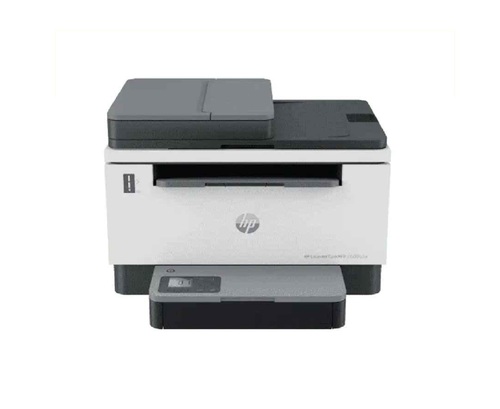
Tell us about your requirement

Price:
Quantity
Select Unit
- 50
- 100
- 200
- 250
- 500
- 1000+
Additional detail
Mobile number
Email

More Products in Photocopier Machine Category
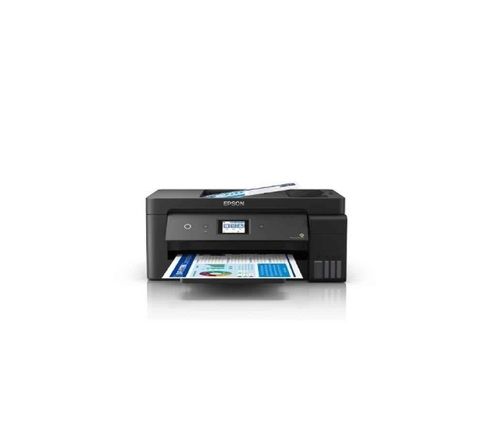
Epson EcoTank L14150 PRINTER
Price 38500 INR / Number
Minimum Order Quantity : 1 Box
Weight : 9.7 Kilograms (kg)
Print Speed : 38 PPM
Condition : New
Size : A3
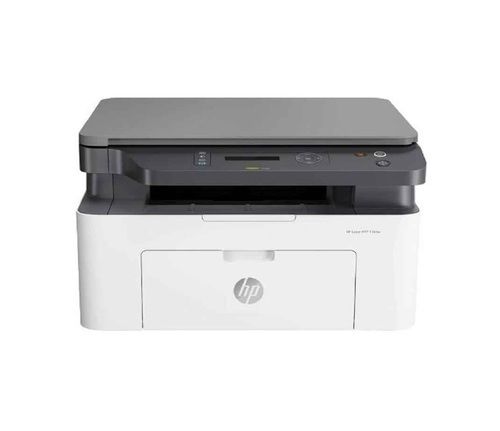
HP MFP136Nw All-in-One Laser Printer
Price 18000 INR / Number
Minimum Order Quantity : 1 Unit
Weight : 7.46 Kilograms (kg)
Print Speed : print speed of up to 26 pages per minute. PPM
Condition : New
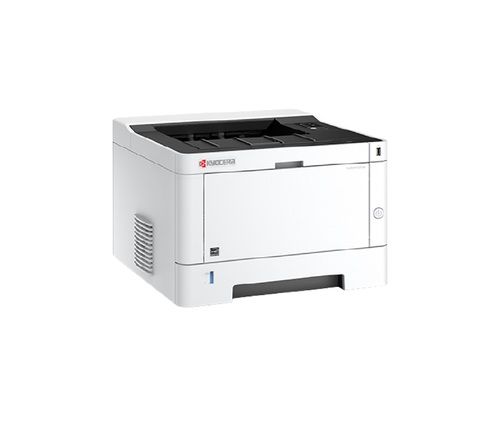
Kyocera Ecosys P2235dn Single Function Laser Printer
Price 23000 INR / Piece
Minimum Order Quantity : 1 Unit
Weight : 14 Kilograms (kg)
Print Speed : 35 PPM
Condition : New
Size : A4
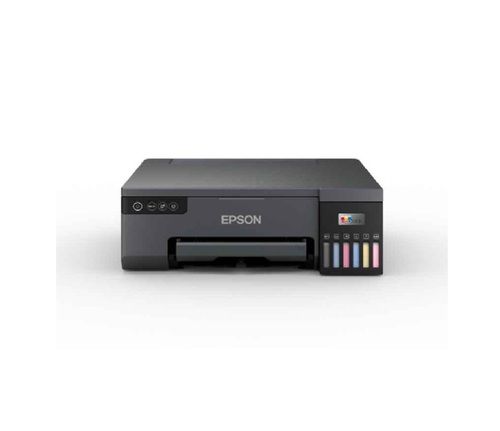
Epson EcoTank L8050 ID Card Printer
Price 21000 INR / Box
Minimum Order Quantity : 1 Unit
Weight : 6 Kilograms (kg)
Print Speed : 22 PPM
Condition : New

Contact Details
HD INFOSYS & AUTOMATION
GST : 24ATMPR4329N1Z2
- Darshnam Trade Center-1, 24-Second Floor, Near Hotel Surya Palace, Sayajigunj,Vadodara - 390007, Gujarat, India
- Phone :07971191699
 Send Inquiry
Developed and Managed by Infocom Network Private Limited.
