
Call: 07971191699
 Send Inquiry
 Send Inquiry
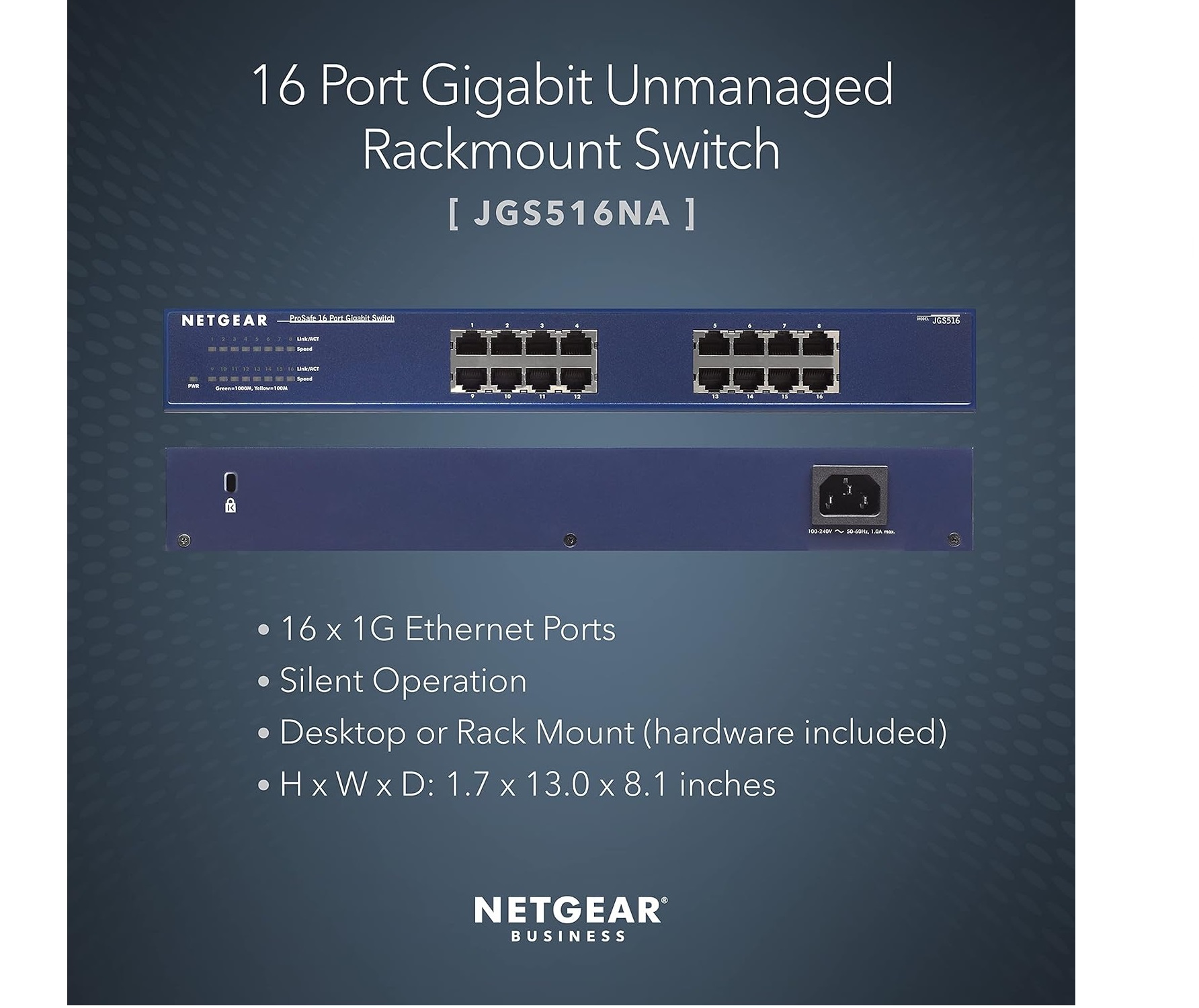
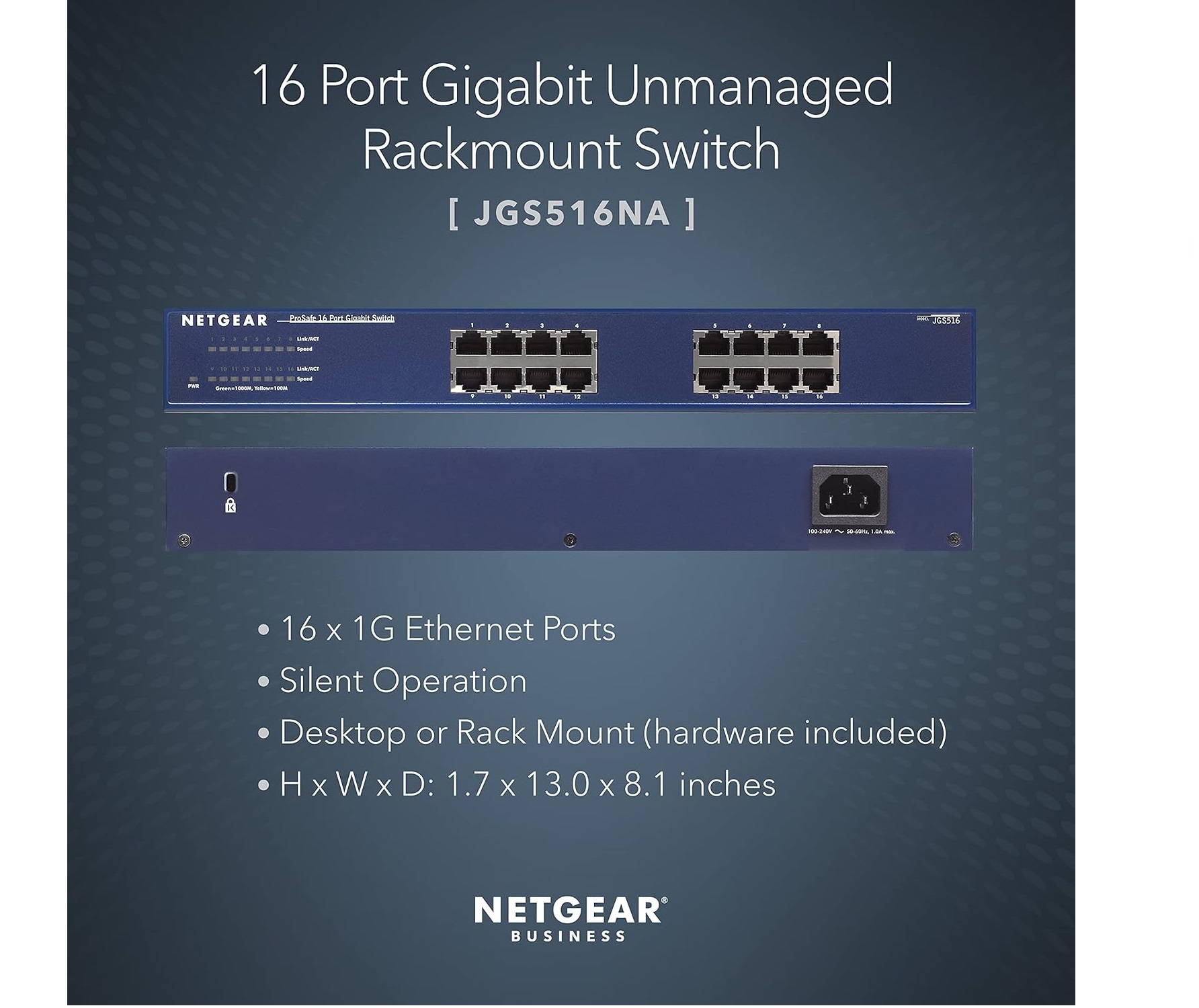
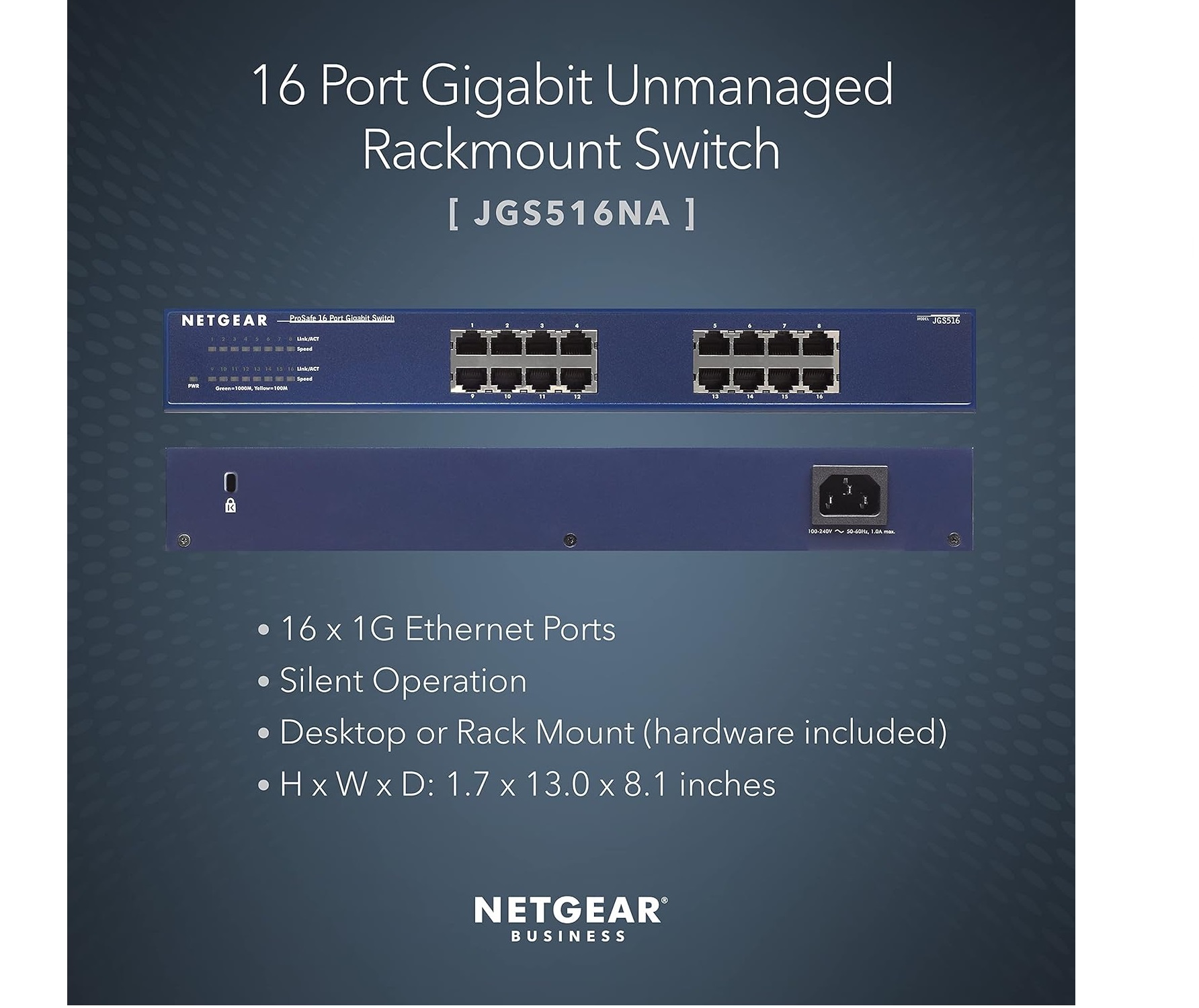
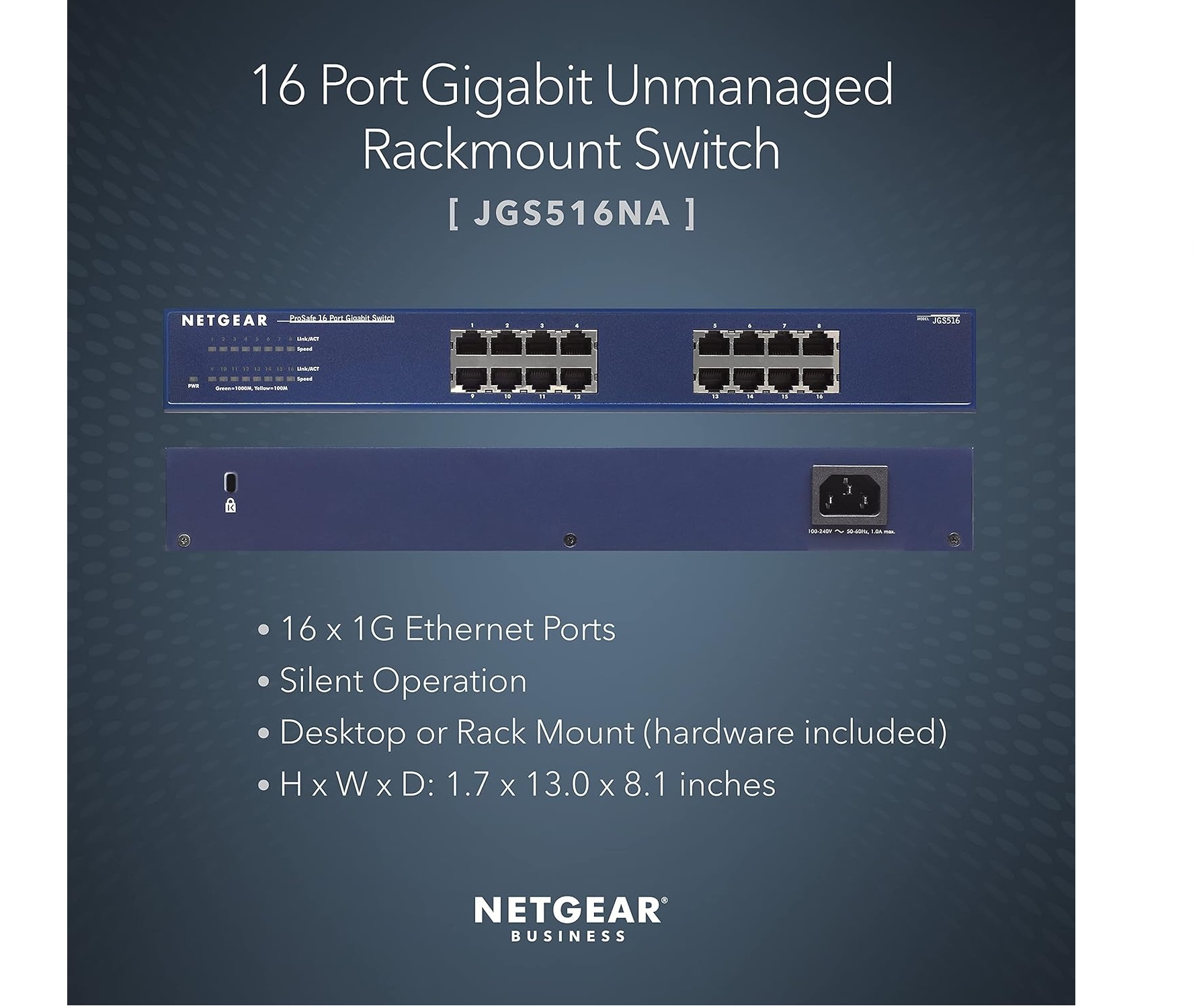
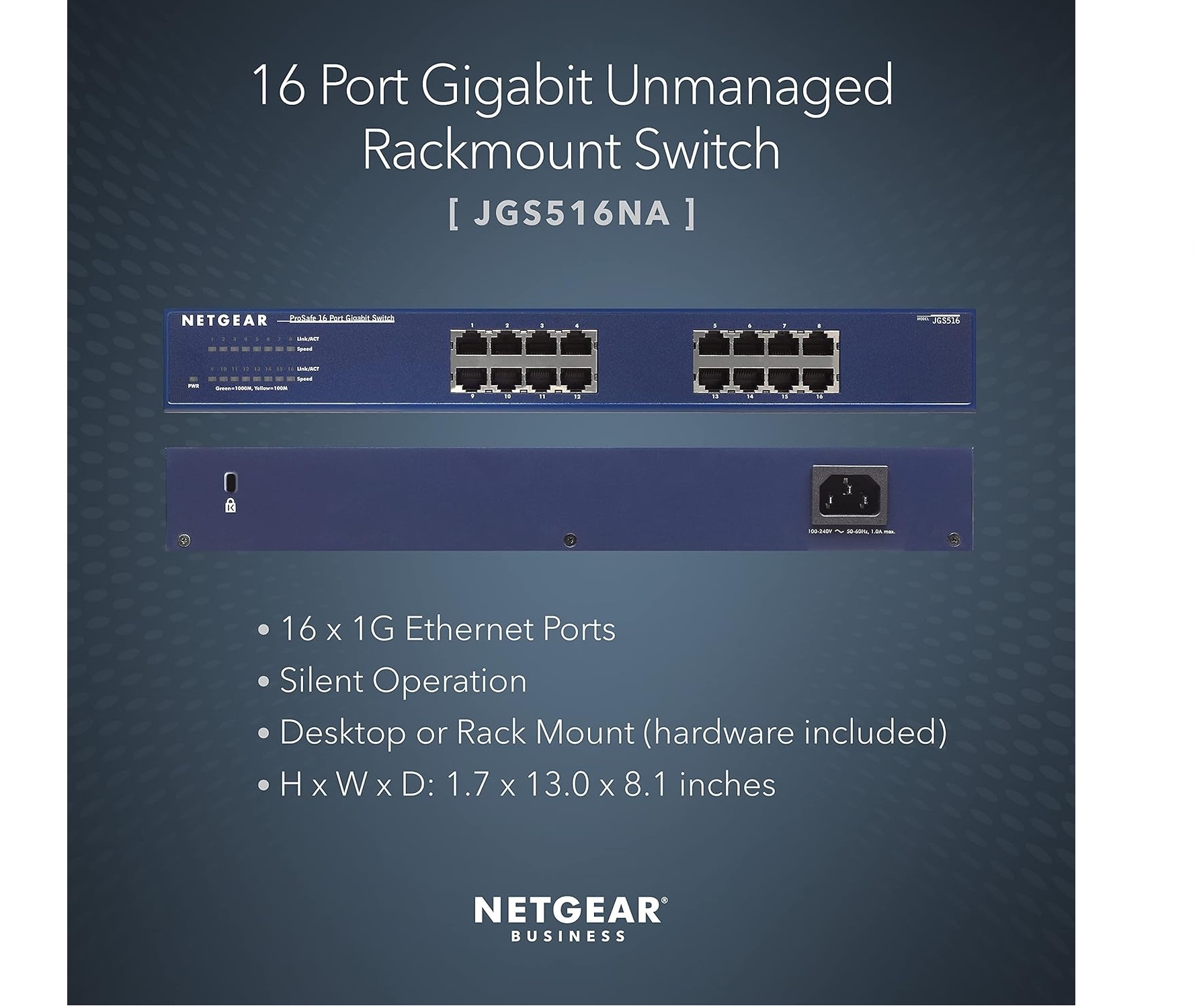
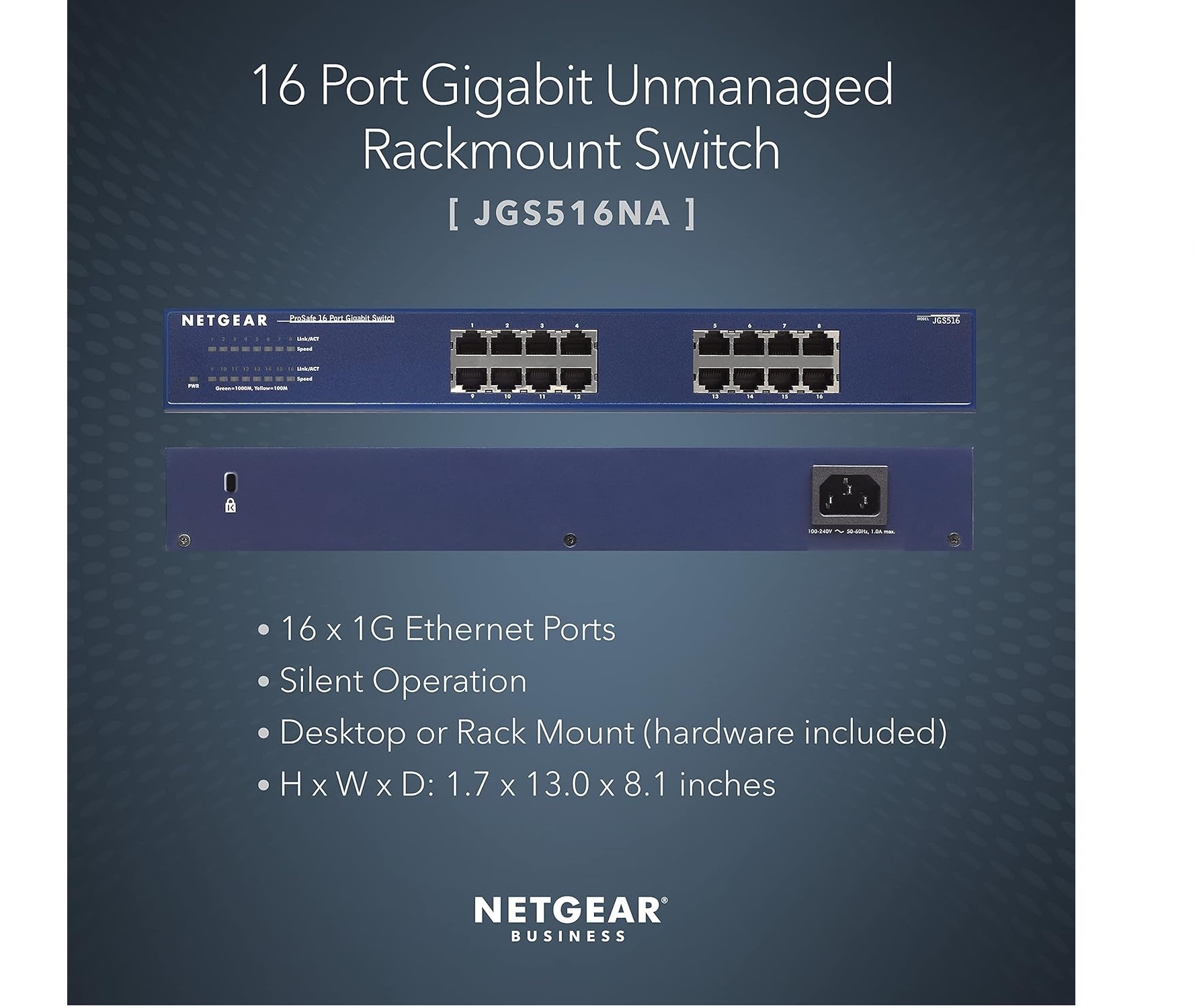
NETGEAR JGS516 ProSafe 16-Port Gigabit Ethernet Switch (JGS516NA)
Price 16000 INR/ Unit
MOQ : 100 Pieces
NETGEAR JGS516 ProSafe 16-Port Gigabit Ethernet Switch (JGS516NA) Specification
- Product Type
- Unmanaged Gigabit Ethernet Switch
- Number of Channels
- 16
- Frequency (MHz)
- 50/60 Hz
- Storage Temperature
- -20C to 70C
- Network Connection Methods
- Ethernet (RJ-45), Auto Uplink
- Power
- AC 100240V, 5060 Hz
- Dimension (L*W*H)
- 328 x 170 x 43 mm
- Weight
- 2.25 kg
- Size
- Desktop/Rackmount
- Power Supply
- External AC Adapter (Included)
- Range
- 10/100/1000 Mbps
- Material
- Metal (Steel) chassis
- Usage
- Network Expansion, SMB, Office
- No. of Ports/Pins
- 16 Gigabit Ports
- Led Indicator
- Power, Link/Activity per port
- Height
- 43 mm
- Color
- Dark Blue
- Operating Temperature
- 0°C to 50°C
- Model Number
- JGS516NA
- Max Power Consumption
- 13.2 W
- MAC Address Table Size
- 8K entries
- Bandwidth
- 32 Gbps
- Port Type
- 16 x 10/100/1000 Mbps RJ-45
- Cooling Type
- Fanless
- Noise Level
- Silent Operation
- Standards
- IEEE 802.3ab, IEEE 802.3u, IEEE 802.3x, IEEE 802.1p
- Switch Type
- Unmanaged
- Jumbo Frame Support
- Up to 9,216 Bytes
- Mounting Options
- Rackmount/Desktop
- Humidity
- Maximum 90% non-condensing
About NETGEAR JGS516 ProSafe 16-Port Gigabit Ethernet Switch (JGS516NA)
NETGEAR JGS516 ProSafe 16-Port Gigabit Ethernet Switch (JGS516NA)
Brand: Netgear
Cable Type: Ethernet
Number of Ports: 16
Flexible Network Expansion for SMBs
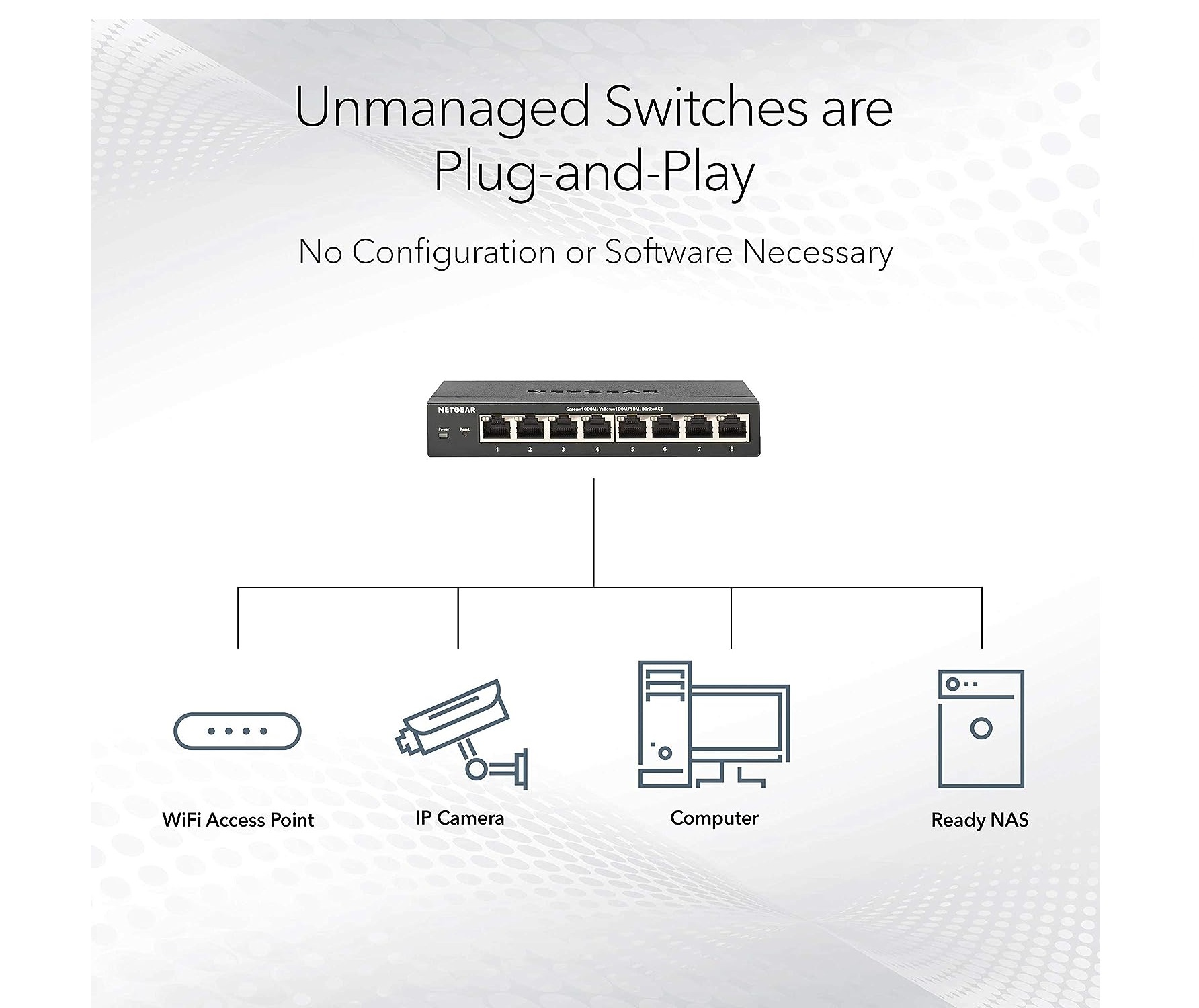
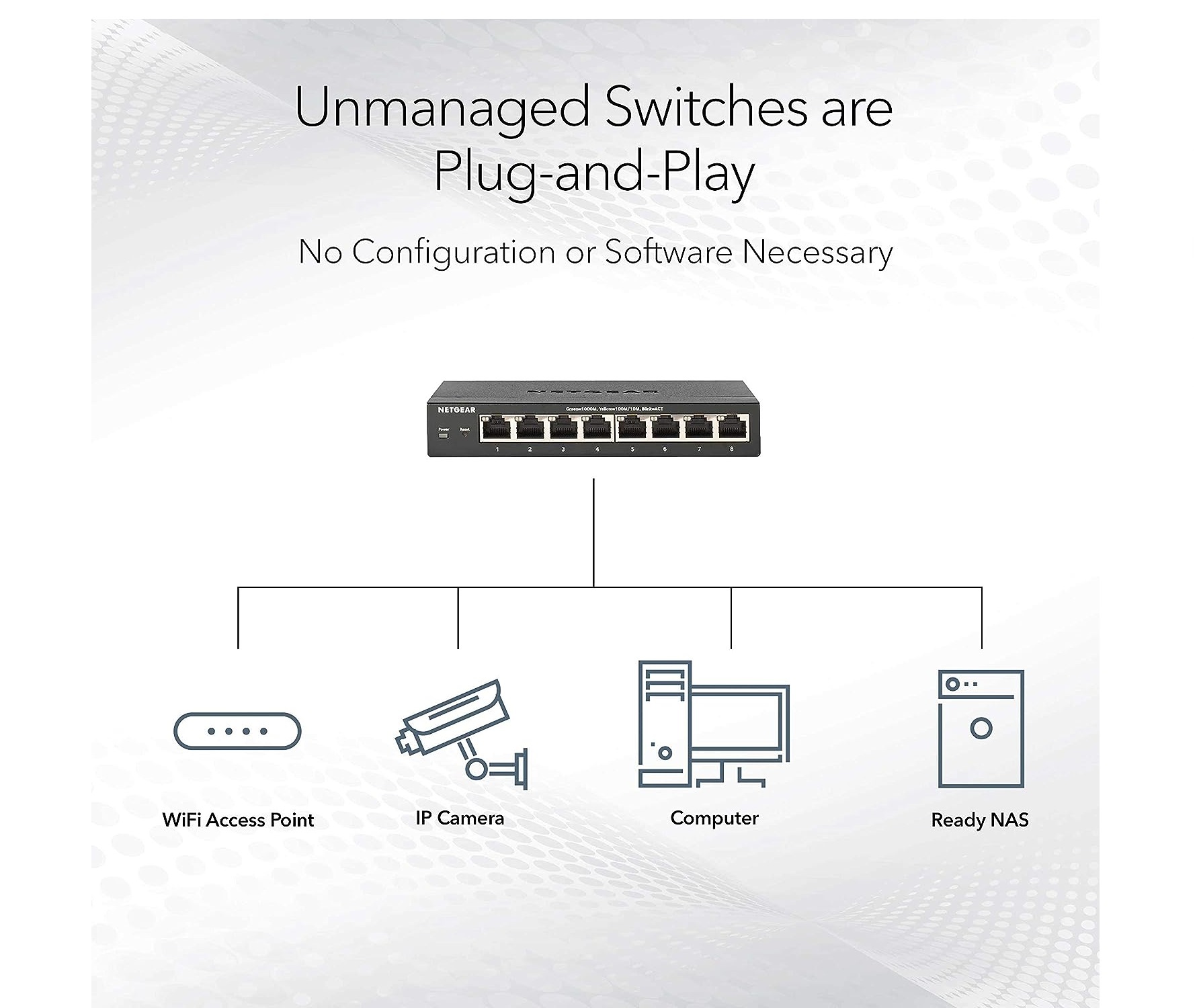
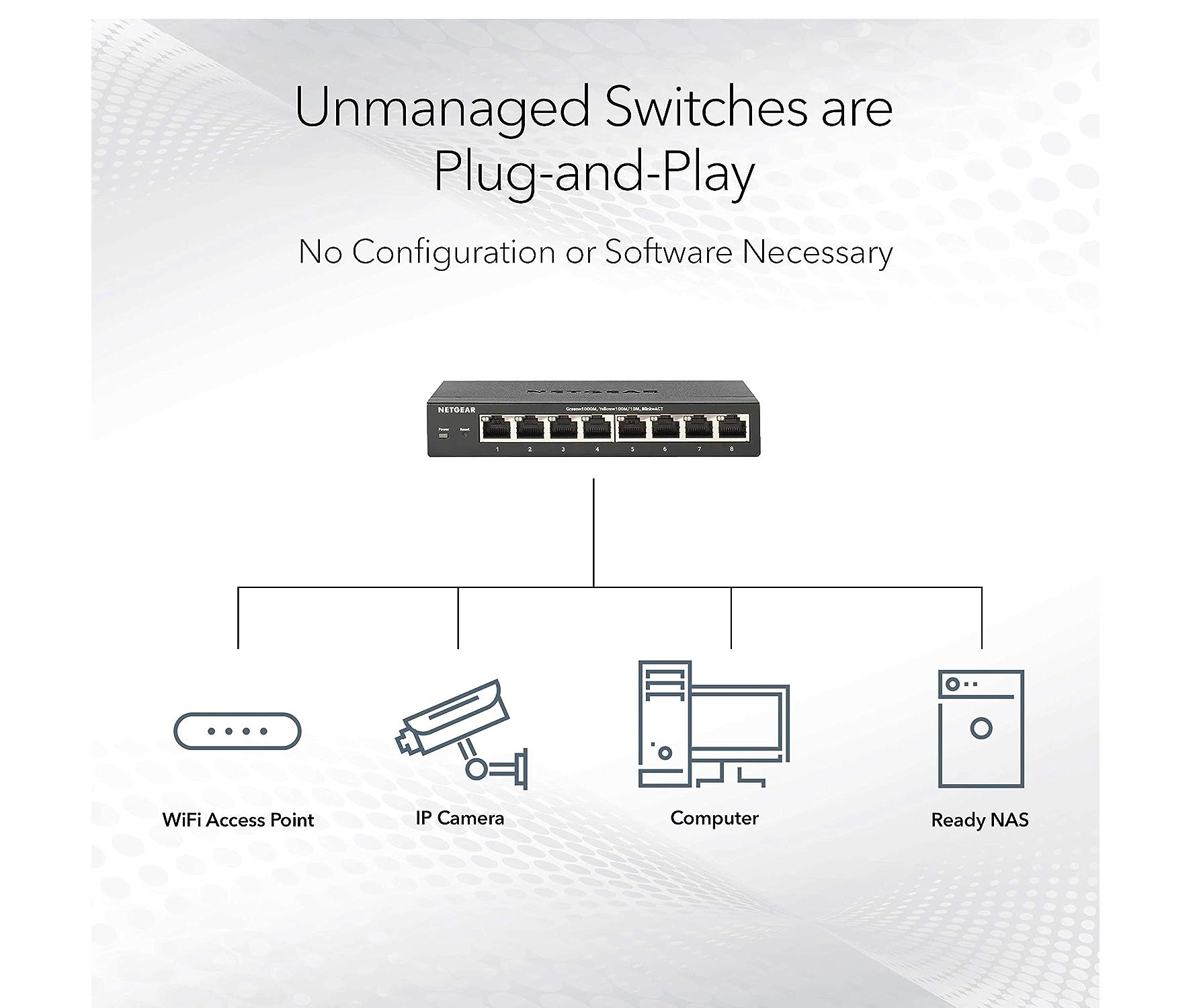
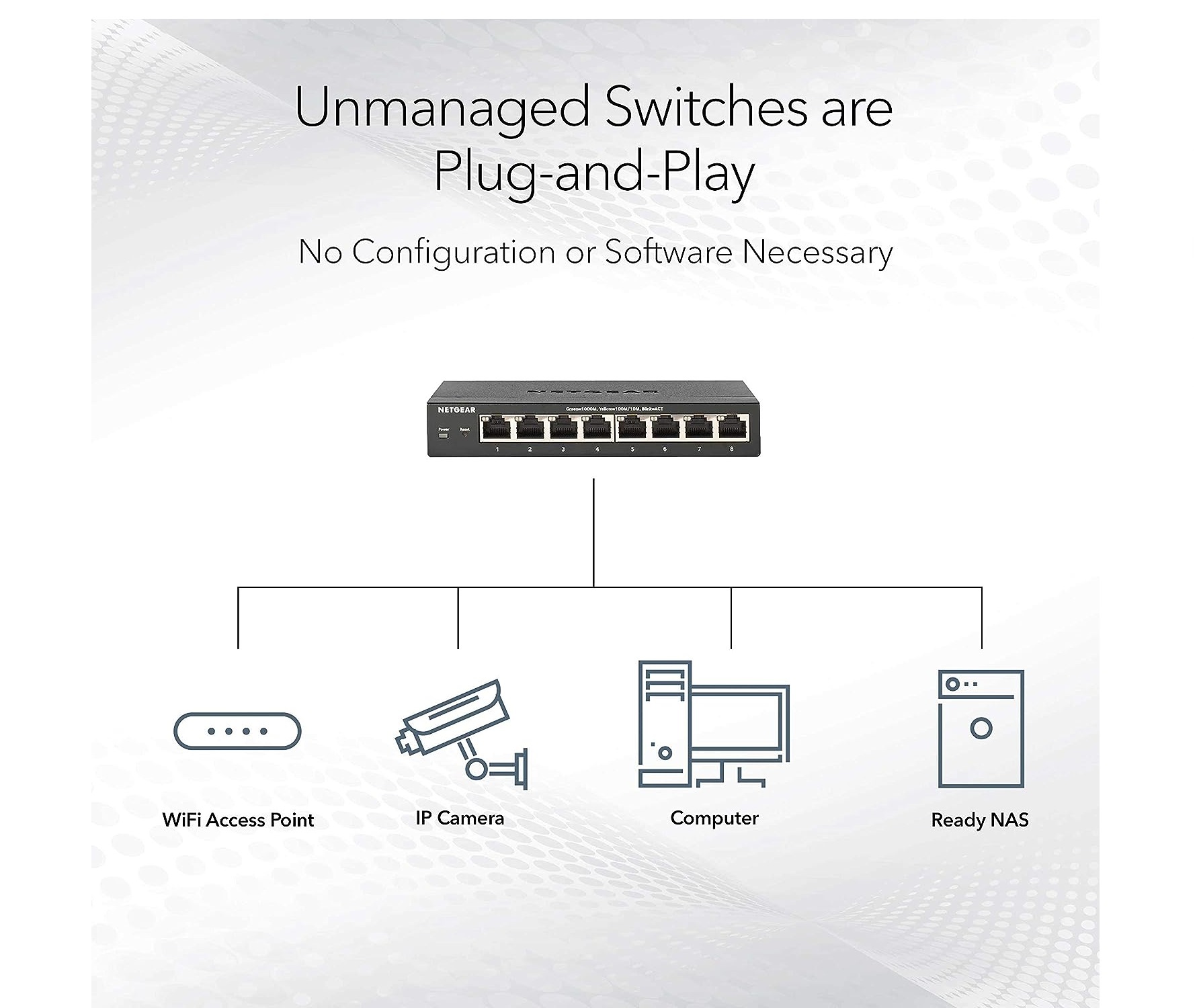
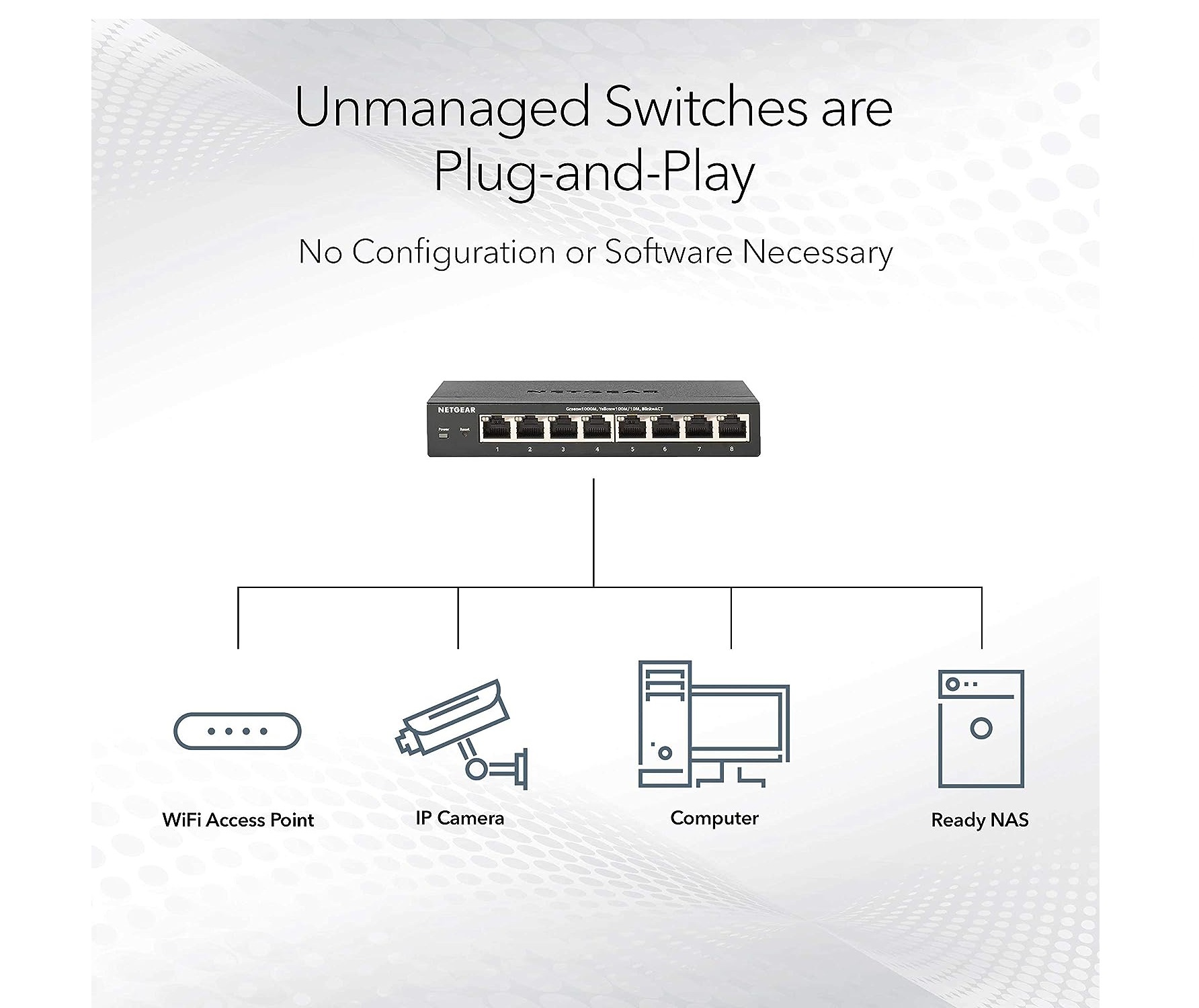
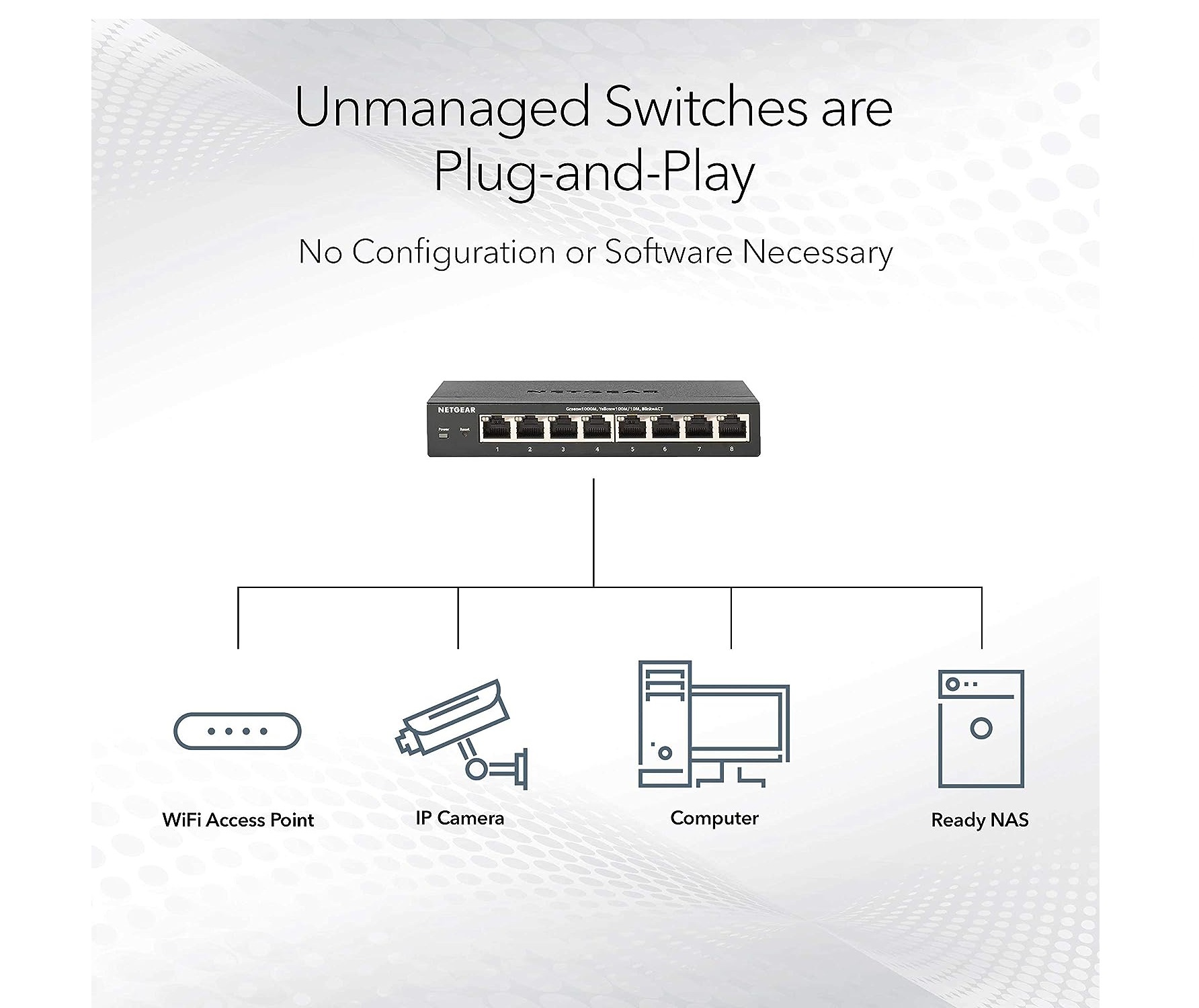
With 16 Gigabit ports and support for jumbo frames, the NETGEAR JGS516 enables businesses to scale their networks effortlessly. Its unmanaged design requires no configuration, ensuring quick and straightforward deployment for offices and small enterprises.
Silent and Efficient Operation
Thanks to its fanless architecture, the switch offers silent performance, suitable for noise-sensitive office spaces. The JGS516 operates efficiently with a maximum power consumption of only 13.2 W, minimizing heat and energy usage while providing robust network speed and stability.
Rugged and Versatile Design
The JGS516 features a sturdy steel chassis that supports both desktop and rackmount installations. With wide operating temperature and humidity tolerances, it remains reliable in varied environments, making it a practical solution for service providers, suppliers, and traders across India.
FAQ's of NETGEAR JGS516 ProSafe 16-Port Gigabit Ethernet Switch (JGS516NA):
Q: How do I install the NETGEAR JGS516 switch in my office network?
A: You can install the NETGEAR JGS516 on a desktop or in a rack using the included mounting accessories. Simply connect your Ethernet devices to the 16 RJ-45 ports and plug in the power adapter. No configuration is required due to its unmanaged nature.Q: What are the benefits of using this switch for network expansion?
A: The JGS516 offers 16 Gigabit ports, high bandwidth, and jumbo frame support, which enhance network speed and efficiency. Its silent operation and reliable steel chassis provide long-lasting performance for SMBs and office setups.Q: When should I choose an unmanaged switch like the JGS516?
A: An unmanaged switch is ideal when you require plug-and-play simplicity with no need for advanced configuration or management. It's perfect for expanding a network quickly in office or small business environments.Q: Where can this switch be mounted or placed?
A: The JGS516 supports both desktop and rackmount installation, making it suitable for use in office cabinets, network rooms, or on desktops, depending on your spatial and organizational needs.Q: What process does the switch use for network connection and auto uplink?
A: Each port features auto uplink technology, which automatically detects cable types and adjusts connection parameters, ensuring that devices link optimally without manual intervention.Q: How is silent operation achieved with the JGS516?
A: This switch uses a fanless design, relying on efficient heat dissipation through its metal chassis for cooling. As a result, it operates silently, which is ideal for environments where noise reduction is important.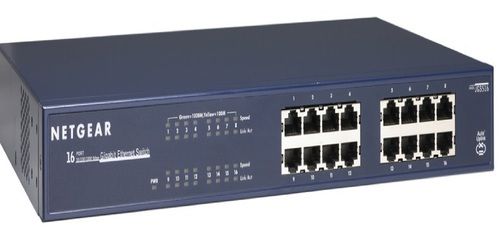






Tell us about your requirement

Price:
Quantity
Select Unit
- 50
- 100
- 200
- 250
- 500
- 1000+
Additional detail
Mobile number
Email

More Products in Poe Ethernet Switch Category
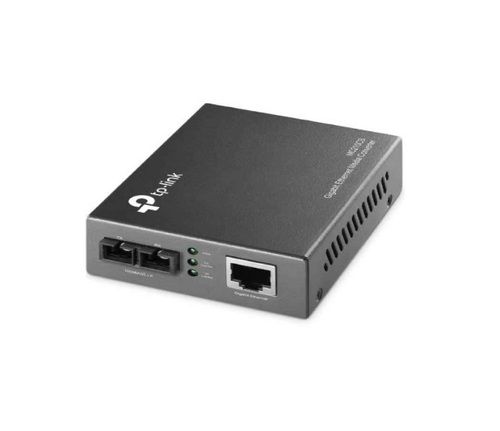
TP-Link Gigabit Single-Mode Media Converter
Price 2500 INR / Number
Minimum Order Quantity : 1 Box
Dimension (L*W*H) : 3.7X2.9X1.1 Inch (in)
Weight : 248 Grams (g)
Color : BLACK
Usage : Industrial
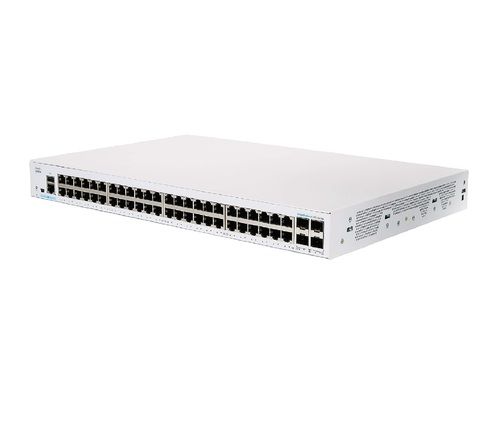
Cisco Business CBS350-48T-4G Managed Switch
Price 85000 INR / Unit
Minimum Order Quantity : 1 Unit
Dimension (L*W*H) : 44 x 28.8 x 4.4 cm; 3.95 Kilograms
Weight : 3 kg 950 g Kilograms (kg)
Color : white
Usage : Industrial
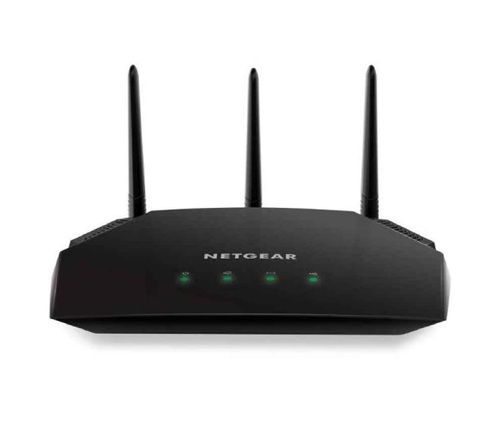
Netgear Nighthawk AC2000 Smart WiFi Router
Price 4000 INR / Piece
Minimum Order Quantity : 1 Unit
Dimension (L*W*H) : 50 x 50 x 28 Centimeter (cm)
Weight : 805 Grams (g)
Color : Black
Usage : Industrial
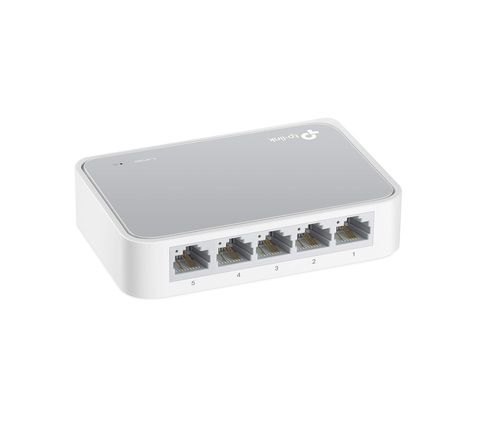
TP-Link 5 Port 10/100 Mbps Fast Ethernet Switch
Price 1000 INR / Box
Minimum Order Quantity : 1 Piece
Dimension (L*W*H) : 10.3 x 6.9 x 2.2 Centimeters Centimeter (cm)
Weight : 181 Grams (g)
Color : white
Usage : Industrial

Contact Details
HD INFOSYS & AUTOMATION
GST : 24ATMPR4329N1Z2
- Darshnam Trade Center-1, 24-Second Floor, Near Hotel Surya Palace, Sayajigunj,Vadodara - 390007, Gujarat, India
- Phone :07971191699
 Send Inquiry
Developed and Managed by Infocom Network Private Limited.
