
Call: 07971191699
 Send Inquiry
 Send Inquiry
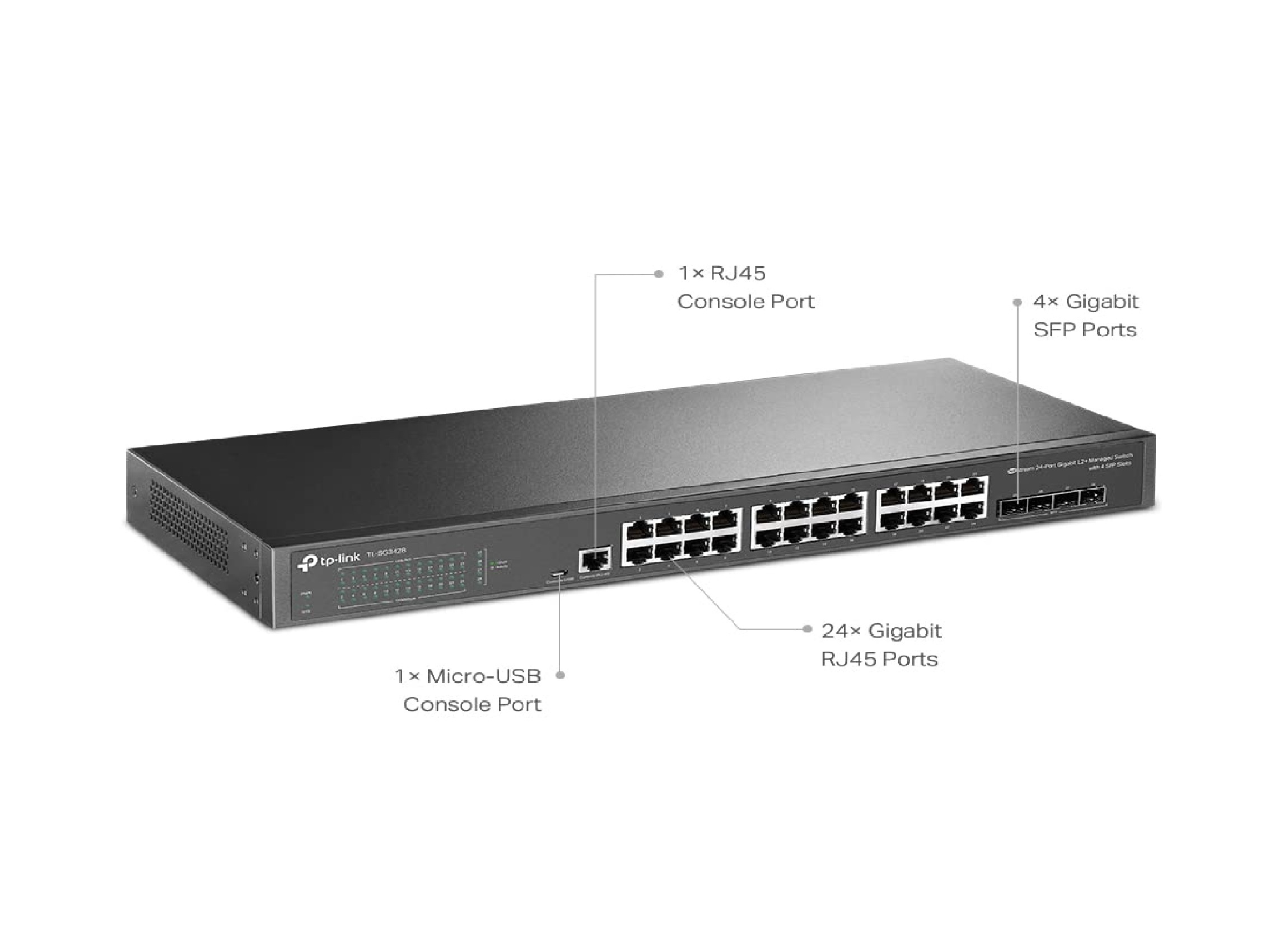
TP-Link TL-SG3428 24 Port Gigabit Switch
Price 15000 INR/ Number
MOQ : 100 Units
TP-Link TL-SG3428 24 Port Gigabit Switch Specification
- Product Type
- Gigabit Switch
- Number of Channels
- 24
- Frequency (MHz)
- 50/60 Hz
- Storage Temperature
- -40C to 70C
- Network Connection Methods
- Ethernet (10/100/1000 Mbps)
- Power
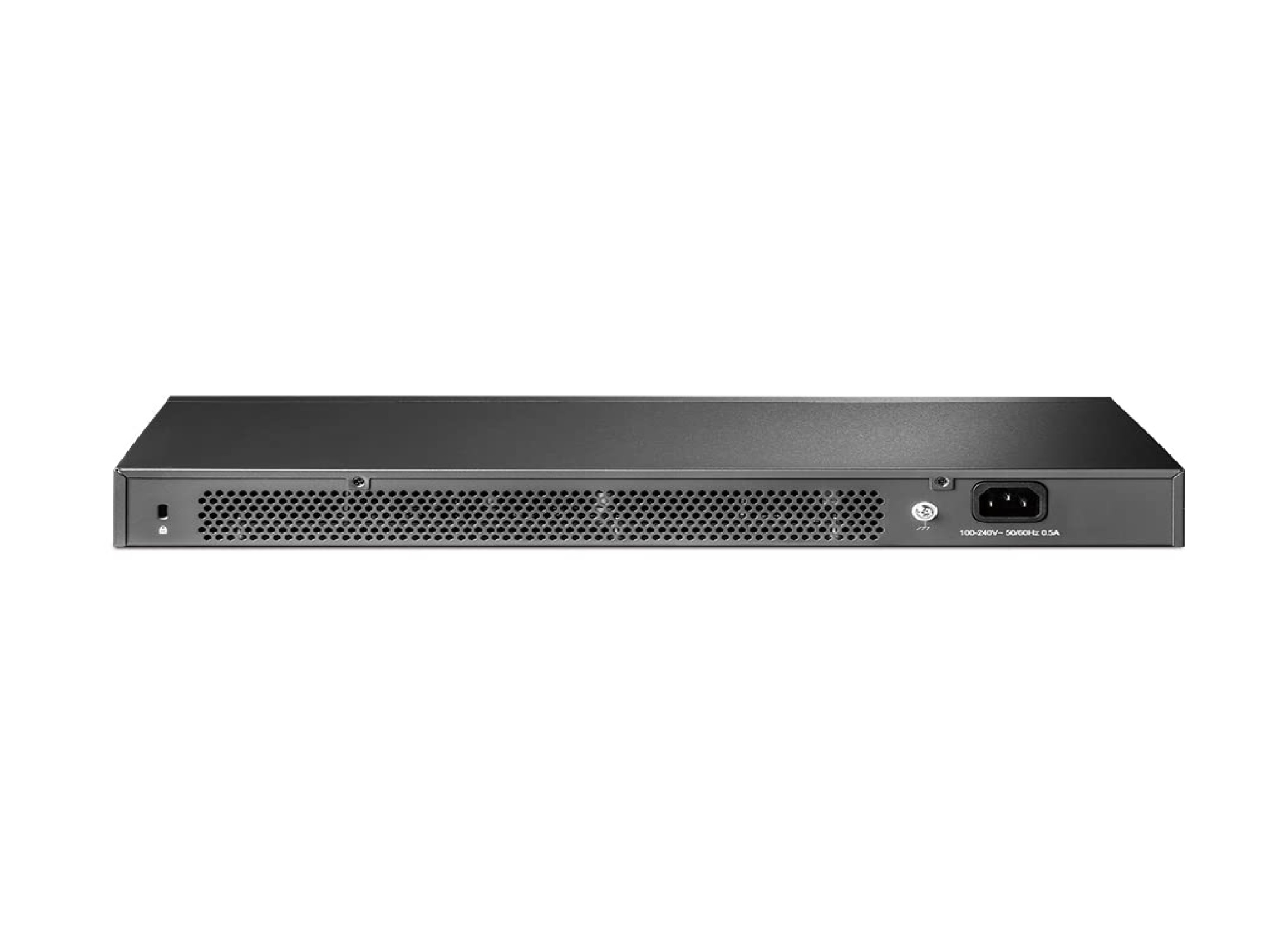
- 100240V AC, 50/60 Hz
- Dimension (L*W*H)
- 440 x 220 x 44 mm
- Weight
- 2.95 kg
- Range
- Up to 100 meters on Ethernet Ports
- Led Indicator
- Power, Link/Act
- Power Supply
- Internal Power Supply
- Size
- 19-inch Rack-Mountable
- Usage
- Networking, Data Transmission
- Material
- Metal
- No. of Ports/Pins
- 24 Gigabit Ports + 4 SFP Slots
- Color
- Black
- Height
- 44 mm
- Forwarding Rate
- 41.7 Mpps
- MAC Address Table
- 16K Entries
- VLAN
- Up to 4K VLANs, 802.1Q
- Security
- 802.1X, Port Security, Storm Control, IP-MAC-Port-VID Binding
- Mounting Options
- Rackmount and Desktop
- QoS Features
- 802.1p CoS/DSCP Priority
- Management Features
- Web, CLI, SNMP, RMON, Dual Image, VLAN Support
- Jumbo Frame
- 9 KB
- Operating Temperature
- 0C to 50C
- Network Standards
- IEEE 802.3i, 802.3u, 802.3ab, 802.3z, 802.3x
- Stacking
- Supports Physical/Virtual Stacking
- Humidity (Operating)
- 10%90% non-condensing
- Switching Capacity
- 56 Gbps
TP-Link TL-SG3428 24 Port Gigabit Switch Trade Information
- Minimum Order Quantity
- 100 Units
- Payment Terms
- Cash on Delivery (COD), Cash Advance (CA), Cash in Advance (CID), Cheque
- Delivery Time
- 2 Days
- Packaging Details
- BOX
- Main Domestic Market
- Gujarat
About TP-Link TL-SG3428 24 Port Gigabit Switch
TP-Link TL-SG3428 | 24 Port Gigabit Switch, 4 SFP Slots | Omada SDN Integrated | L2+ Smart Managed | IPv6 | Static Routing | L2/L3/L4 QoS, IGMP & LAG | Limited Lifetime Protection
| Brand | TP-Link |
| Switch Type | Switch |
| Item Dimensions LxWxH | 44 x 18 x 4.4 Centimeters |
| International Protection Rating | IPv6 |
| Controller Type | Switch |
High-Speed Networking Solution
Equipped with 24 Gigabit Ethernet ports and 4 SFP slots, the TL-SG3428 supports rapid data transmission up to 100 meters per port. The impressive switching capacity and forwarding rate ensure efficient traffic management, making it ideal for businesses requiring sustained high-speed performance.
Advanced Management and Security
This switch offers comprehensive management controls via Web, CLI, SNMP, and RMON, alongside dual image capabilities for enhanced reliability. Security features include 802.1X authentication, port security, and storm control, helping organizations protect their network against unauthorized access and data breaches.
Flexible Deployment and Scalability
The TL-SG3428 provides versatile mounting options with both rackmount and desktop configurations. Stacking support, both physical and virtual, allows for easy scalability, letting administrators expand their network infrastructure without compromising performance or manageability.
FAQ's of TP-Link TL-SG3428 24 Port Gigabit Switch:
Q: How can the TP-Link TL-SG3428 switch be managed and configured?
A: The TL-SG3428 supports multiple management interfaces, including web-based GUI, Command-Line Interface (CLI), SNMP, and RMON. This versatility enables administrators to configure and monitor the switch remotely or locally based on their network requirements.Q: What are the benefits of VLAN support on the TL-SG3428 switch?
A: With up to 4,000 VLANs supported and 802.1Q VLAN tagging, the TL-SG3428 enhances network segmentation, security, and traffic management. This capability allows users to isolate network segments for departments or projects, optimizing performance and ensuring better access control.Q: When is it appropriate to utilize stacking features in the TL-SG3428?
A: Stacking is recommended when a business needs to increase port counts or simplify network management across multiple switches. The TL-SG3428 supports both physical and virtual stacking, allowing centralized control and streamlined scalability for growing networks.Q: Where can the TL-SG3428 be installed within a business infrastructure?
A: Thanks to its 19-inch rack-mountable design and desktop compatibility, the TL-SG3428 can be placed in server rooms, data centers, network closets, or office environments, adapting to various deployment needs.Q: What process should be followed for ensuring optimal security with the TL-SG3428 switch?
A: For best security, administrators should enable 802.1X authentication, configure port security to restrict unauthorized access, implement storm control to block traffic surges, and use IP-MAC-Port-VID binding to prevent spoofing attacks.Q: How does the TL-SG3428 handle quality of service (QoS) for network traffic?
A: The switch incorporates 802.1p CoS and DSCP priority settings, which enable prioritization of critical data streams. This ensures smooth operation for latency-sensitive applications such as VoIP, video conferencing, and business-critical services.Q: What advantages does using metal housing and internal power supply bring to the TL-SG3428?
A: The robust metal casing provides durability and efficient heat dissipation, while the internal power supply ensures sustained operation and simplifies installation, making the TL-SG3428 dependable in demanding environments.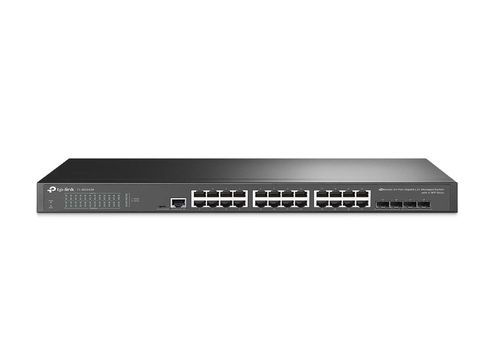

Tell us about your requirement

Price:
Quantity
Select Unit
- 50
- 100
- 200
- 250
- 500
- 1000+
Additional detail
Mobile number
Email

More Products in TP LINK NETWORK SWITCH Category
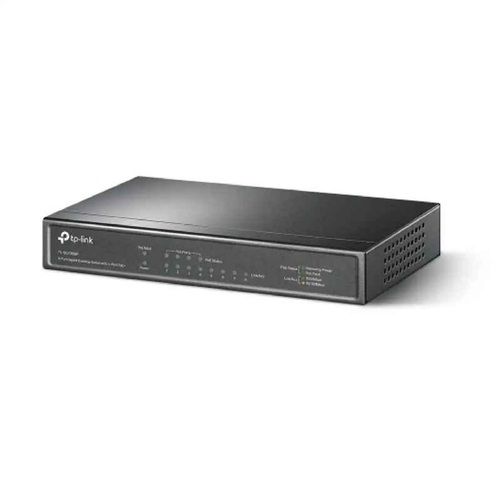
TP-Link TL-SG1008P 8-Port Gigabit Desktop Switch
Price 4000 INR / Piece
Minimum Order Quantity : 1 Unit
Weight : 133 Grams (g)
Dimension (L*W*H) : 171X98X27 Millimeter (mm)
No. of Ports/Pins : 8 PORTS
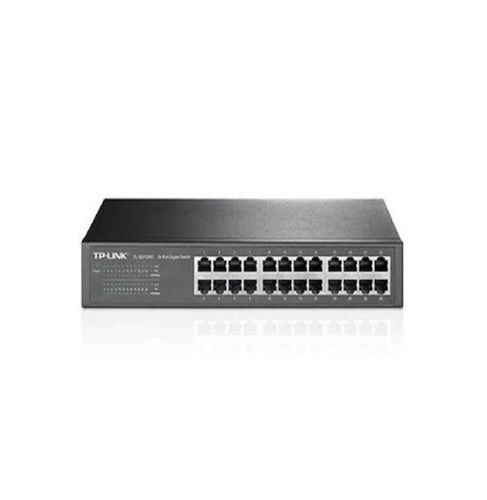
TP-Link 24 Ports Gigabit Desktop Switch TL-SG1024D
Price 6000 INR / Unit
Minimum Order Quantity : 100 Pieces
Weight : 118 Grams (g)
Dimension (L*W*H) : 11.6X7.1X1.7 Inch (in)
No. of Ports/Pins : 24 PORT
Power Supply : 100240 V AC & 50 & 60 HZ
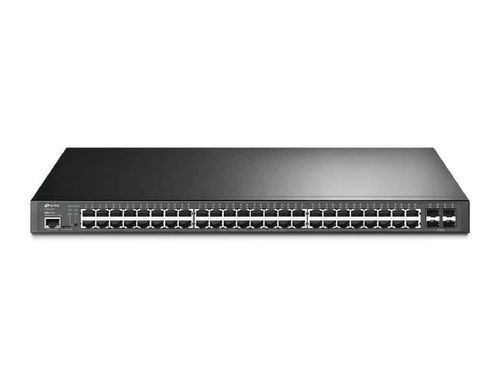
TP-Link JetStream 52-Port TL-SG3452P
Price 44300 INR / Unit
Minimum Order Quantity : 100 Pieces
Weight : 5.7 Kilograms (kg)
Dimension (L*W*H) : 440x330x44mm Millimeter (mm)
No. of Ports/Pins : 52
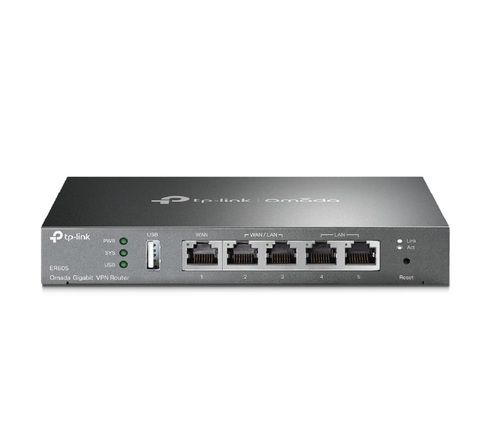
TP-Link ER605
Price 6000 INR / Unit
Minimum Order Quantity : 100 Pieces
Weight : 658 g Grams (g)
Dimension (L*W*H) : 6 x 26 x 19 Centimeters Centimeter (cm)
No. of Ports/Pins : 4

Contact Details
HD INFOSYS & AUTOMATION
GST : 24ATMPR4329N1Z2
- Darshnam Trade Center-1, 24-Second Floor, Near Hotel Surya Palace, Sayajigunj,Vadodara - 390007, Gujarat, India
- Phone :07971191699
 Send Inquiry
Developed and Managed by Infocom Network Private Limited.
