
Call: 07971191699
 Send Inquiry
 Send Inquiry
Brother HL-L3270CDW Colour LED Printer
Price 25000 INR/ Piece
MOQ : 1 Unit
Brother HL-L3270CDW Colour LED Printer Specification
- Processor Speed
- 800 MHz
- Memory Size
- 256 MB
- Production Output
- Colour and Monochrome Prints
- Paper Size
- A4, Letter, Legal, Executive
- Usage & Applications
- Office, Home, Business
- Dimension (L*W*H)
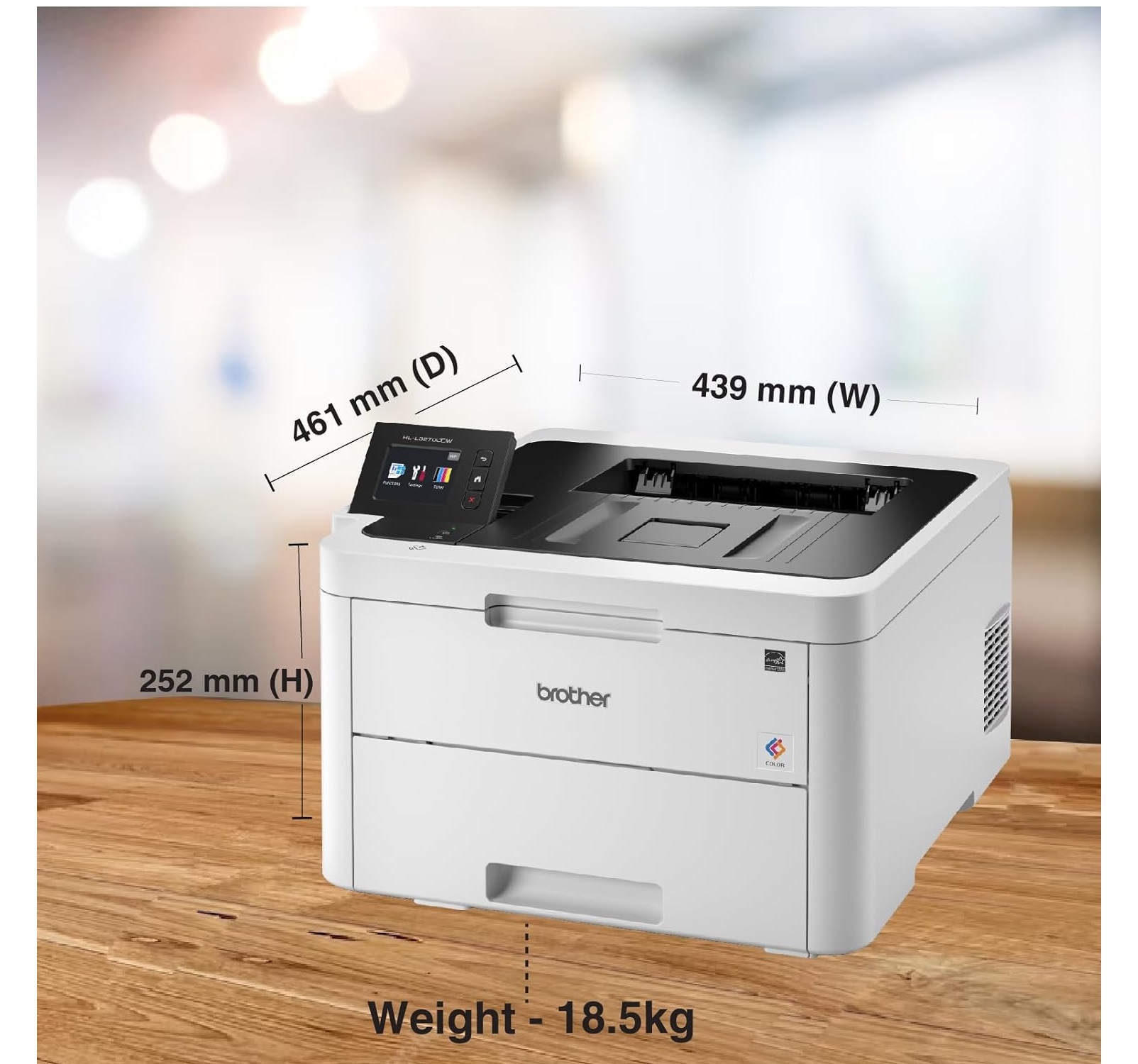
- 410 mm x 461 mm x 252 mm
- Accessory Name
- Toner Cartridge
- Power Consumption
- 450W (Printing), 70W (Ready), 1.2W (Sleep)
- Install Type
- Desk/Tabletop
- Connectivity Type
- Wi-Fi, USB, Ethernet
- Features
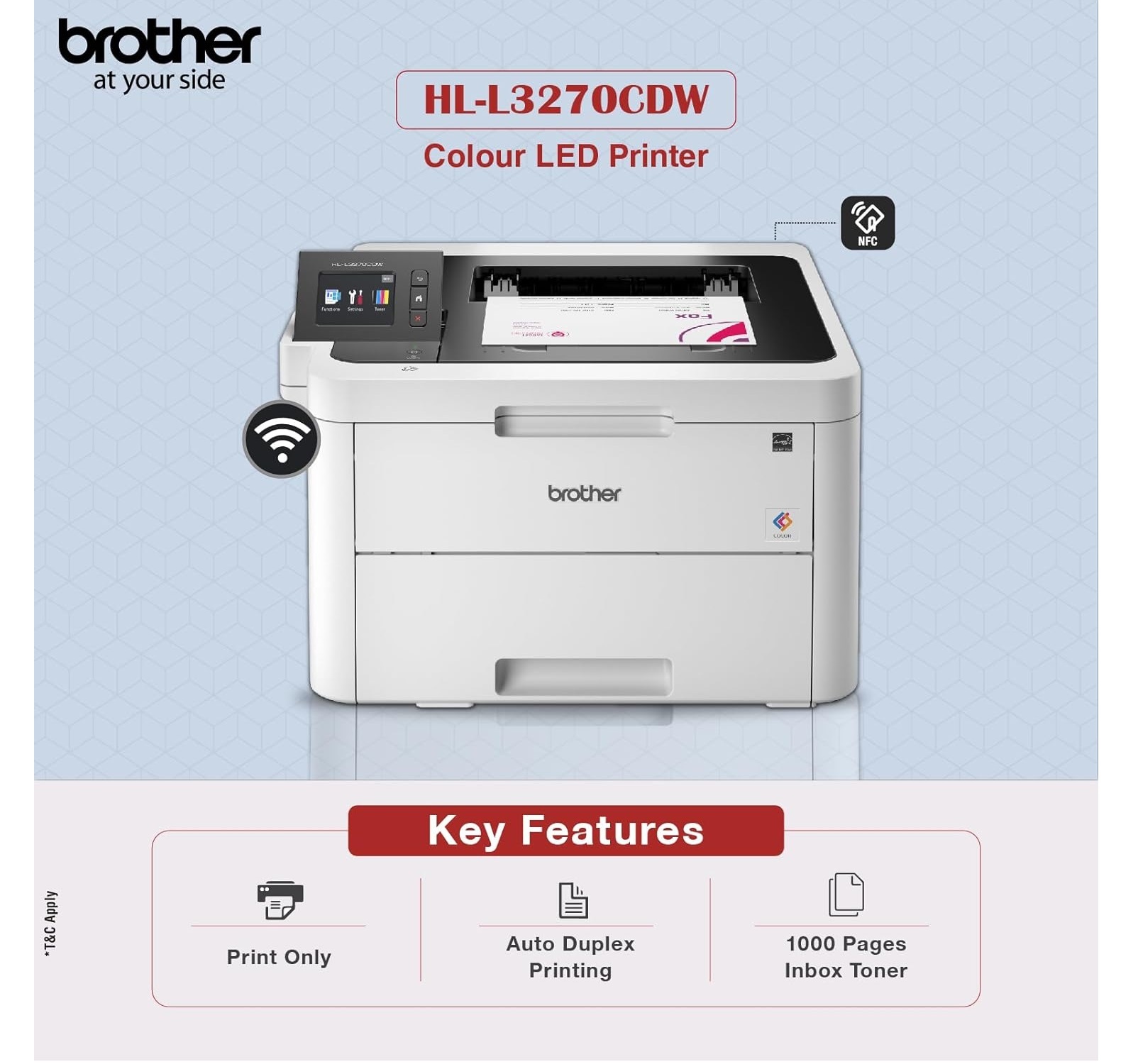
- Wireless Printing, Mobile Printing, Duplex Printing, Touchscreen Display, High Yield Toner Option
- Display Type
- 2.7-inch Colour Touchscreen
- Print Technology
- LED
- Noise Level
- 47 dB (Printing)
- Function Type
- Print Only
- Type
- LED Colour Printer
- Interface Type
- USB 2.0, Wireless, Ethernet
- Color Depth
- 48-bit
- Scan Type
- Flatbed (Optional) / Not Included
- Print Speed
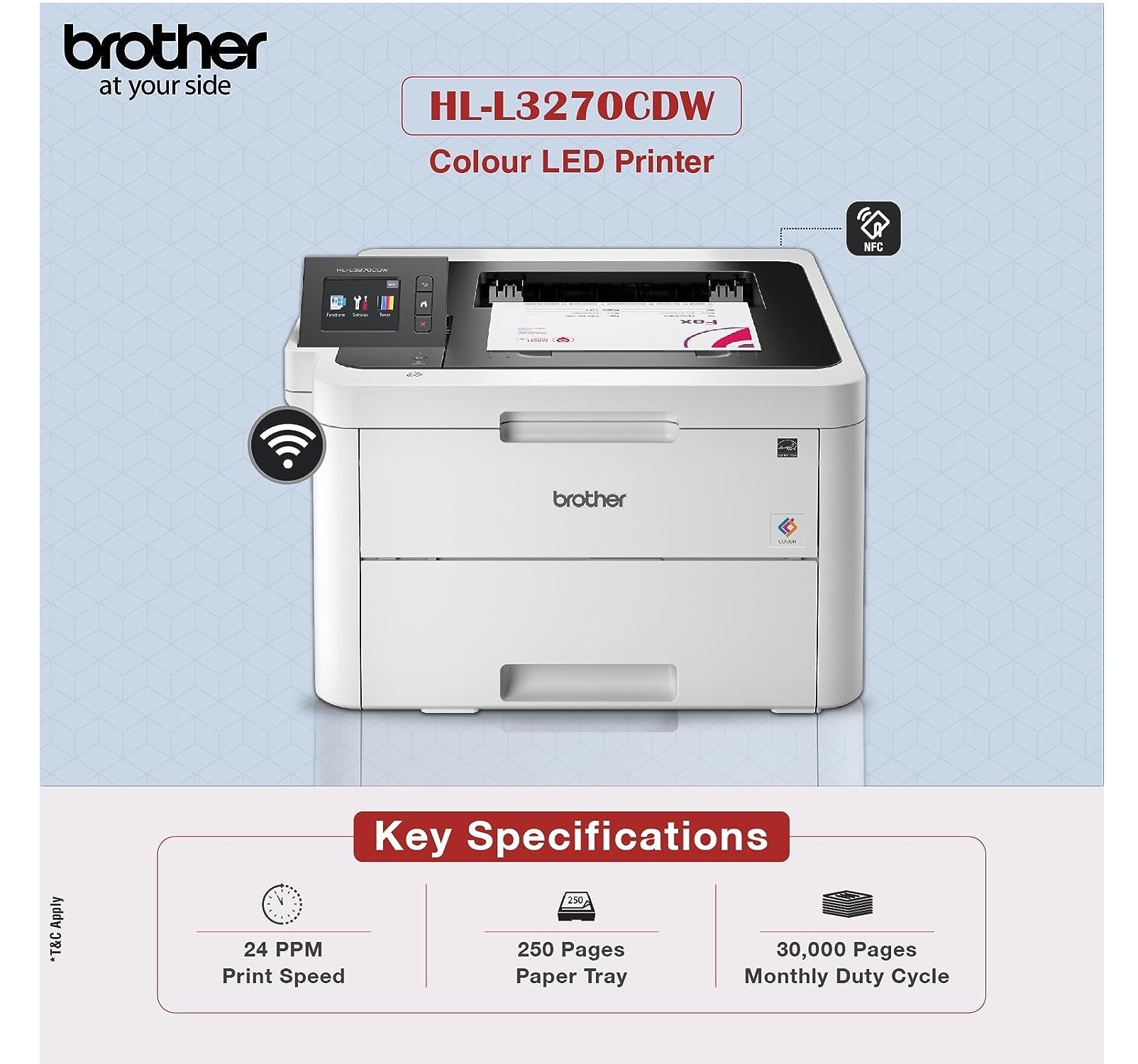
- 24 ppm
- Max Paper Size
- A4
- Size
- Medium
- Weight
- 18.3 kg
- Supported Media Types
- Plain, Thin, Recycled, Thick, Envelope, Bond, Glossy
- Paper Tray Capacity
- 250 sheets
- Humidity Range
- 20% - 80% RH (operating)
- Supported Operating Systems
- Windows, macOS, Linux
- First Print Out Time
- Less than 15 seconds
- Image Sensor
- CIS (for optional scanning)
- Monthly Duty Cycle
- Up to 30,000 pages
- Printer Languages
- PCL6, BRScript3
- Mobile Print Support
- Apple AirPrint, Google Cloud Print, Brother iPrint&Scan
- Temperature Range
- 10C 32C (operating)
- Duplex Printing
- Automatic
- Recommended Monthly Print Volume
- 300 to 1,500 pages
Brother HL-L3270CDW Colour LED Printer Trade Information
- Minimum Order Quantity
- 1 Unit
- Payment Terms
- Cash on Delivery (COD), Cash Advance (CA), Cash in Advance (CID), Cheque
- Delivery Time
- 2 Days
- Packaging Details
- BOX
- Main Domestic Market
- Gujarat
About Brother HL-L3270CDW Colour LED Printer
Brother HL-L3270CDW Colour LED Printer with Duplex, Networking and Wireless Technology
Versatile Colour Printing for Every Workspace
Designed as a desk or tabletop model with a robust monthly duty cycle of up to 30,000 pages, the HL-L3270CDW is perfect for busy offices and growing businesses in India. Its compact size and 18.3 kg weight make installation convenient, while high-yield toner options help manage running costs and support larger print volumes with minimal downtime.
Flexible Connectivity and Mobile Printing
Seamlessly connect to the printer via Wi-Fi, Ethernet, or USB 2.0. The HL-L3270CDW supports major mobile print platforms, including Apple AirPrint, Google Cloud Print, and Brother iPrint&Scan, allowing users to print directly from smartphones and tablets. This ensures smooth integration into modern, wireless workplaces.
FAQ's of Brother HL-L3270CDW Colour LED Printer:
Q: How can I set up the Brother HL-L3270CDW printer for wireless printing?
A: To set up wireless printing, use the 2.7-inch touchscreen to access network settings. Select your Wi-Fi network, enter the password, and follow on-screen instructions. Once connected, install the appropriate drivers on your Windows, macOS, or Linux device and add the printer. Mobile users can print via Apple AirPrint, Google Cloud Print, or Brother iPrint&Scan without additional drivers.Q: What types of paper and media are supported by the HL-L3270CDW?
A: This printer accommodates a variety of media, including plain, thin, recycled, thick, bond, glossy paper, and envelopes. The adjustable 250-sheet paper tray fits sizes such as A4, Letter, Legal, and Executive, offering flexibility for different printing needs.Q: When should I replace the toner cartridge, and how do I know it's time?
A: Replace the toner cartridge when print quality declines or you receive a low toner warning on the touchscreen display. The printer provides timely alerts and step-by-step replacement guidance, ensuring minimal disruption to your workflow.Q: Where can I use the Brother HL-L3270CDW printer for optimal performance?
A: This printer is engineered for office, business, and home environments. For reliable operation, maintain an ambient temperature between 10C and 32C and humidity levels from 20% to 80% RH, as recommended.Q: What are the benefits of duplex printing on the HL-L3270CDW?
A: Automatic duplex (double-sided) printing reduces paper usage and overall costs, while improving efficiency, especially in high-demand environments. This eco-friendly feature helps streamline document production and minimizes manual intervention.Q: How does mobile printing work with the HL-L3270CDW?
A: Mobile printing is enabled via Apple AirPrint, Google Cloud Print, and Brother iPrint&Scan. Once connected to the same network as your device, you can send print jobs directly from your smartphone or tablet using these supported applications.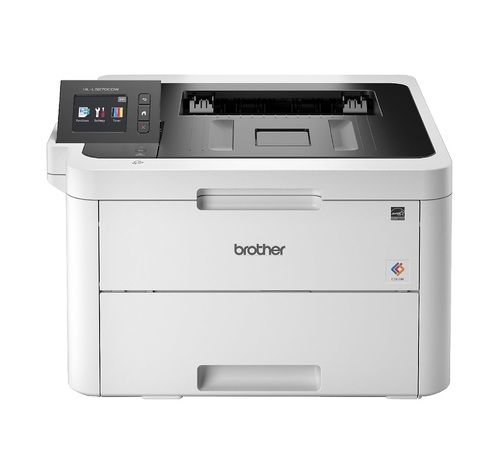
Tell us about your requirement

Price:
Quantity
Select Unit
- 50
- 100
- 200
- 250
- 500
- 1000+
Additional detail
Mobile number
Email


Contact Details
HD INFOSYS & AUTOMATION
GST : 24ATMPR4329N1Z2
- Darshnam Trade Center-1, 24-Second Floor, Near Hotel Surya Palace, Sayajigunj,Vadodara - 390007, Gujarat, India
- Phone :07971191699
 Send Inquiry
Developed and Managed by Infocom Network Private Limited.
