
Call: 07971191699
 Send Inquiry
 Send Inquiry
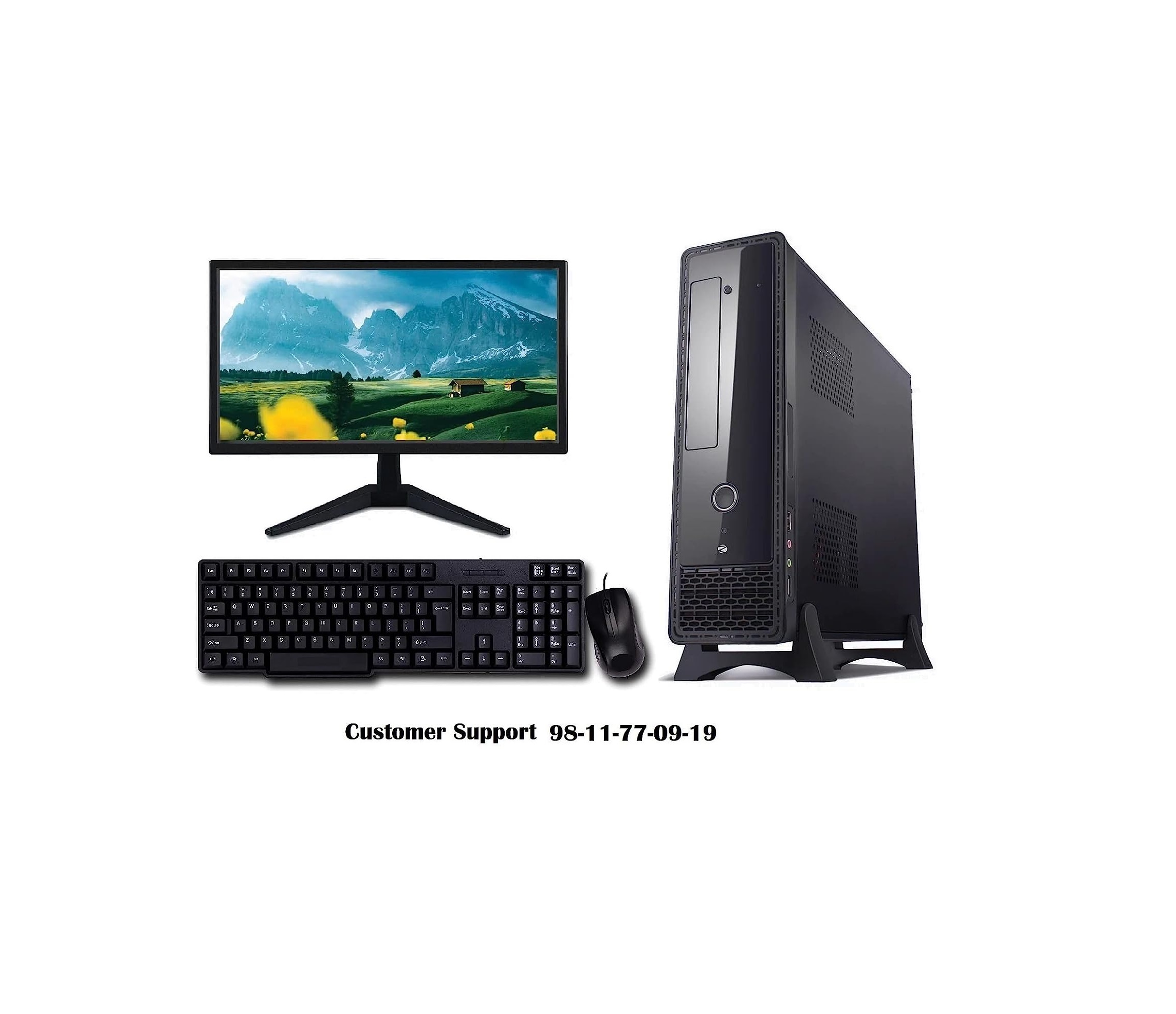
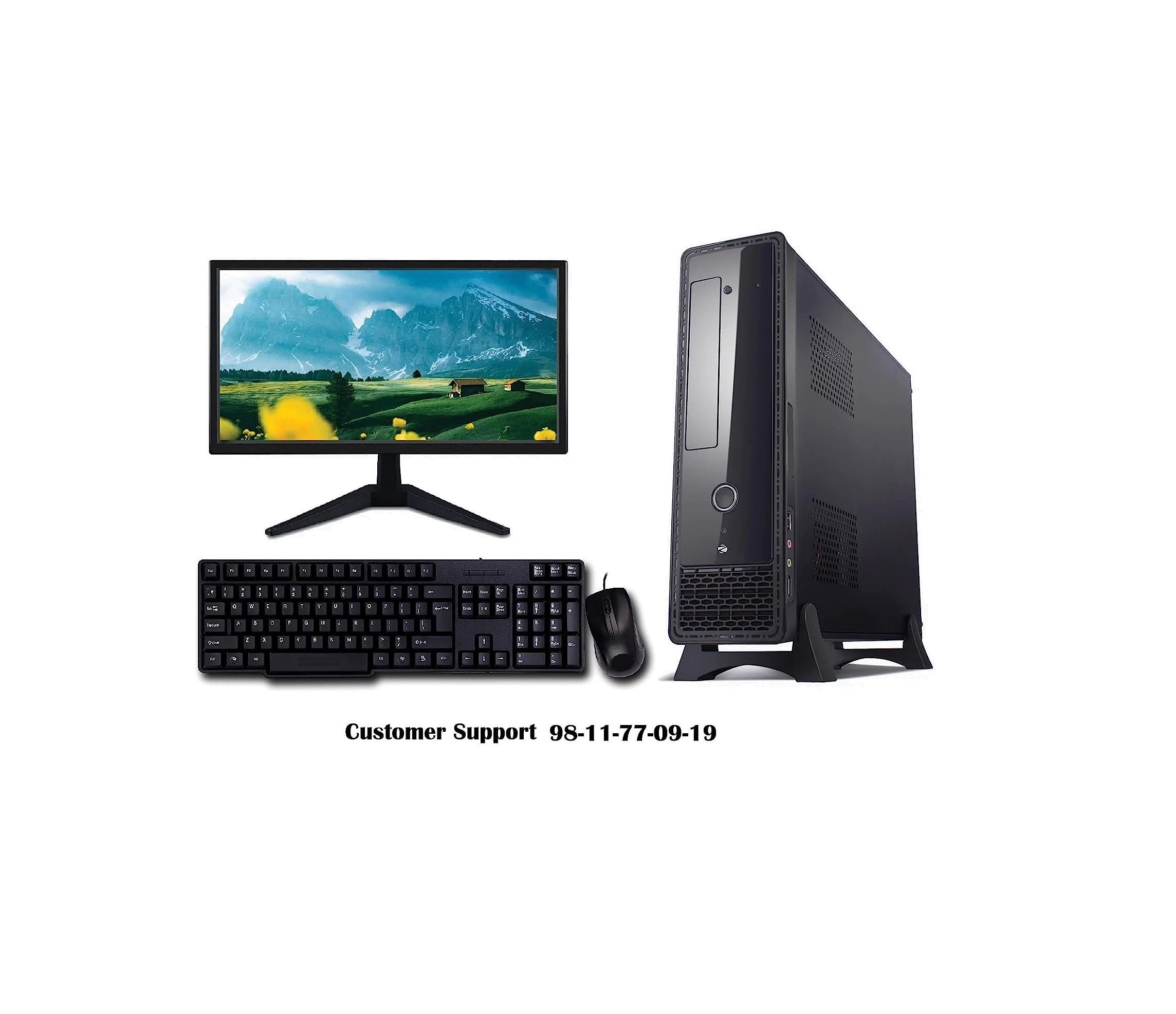
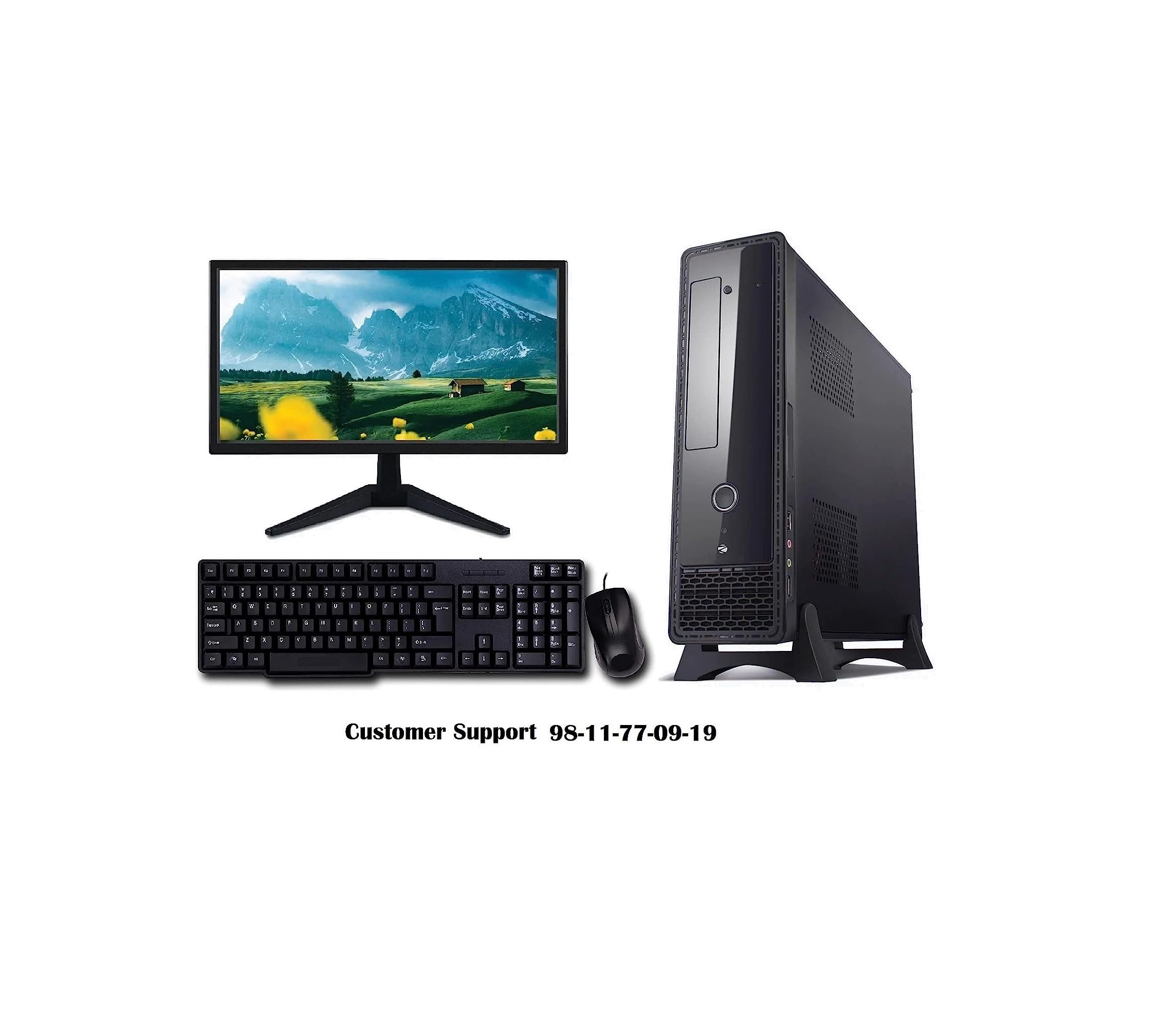
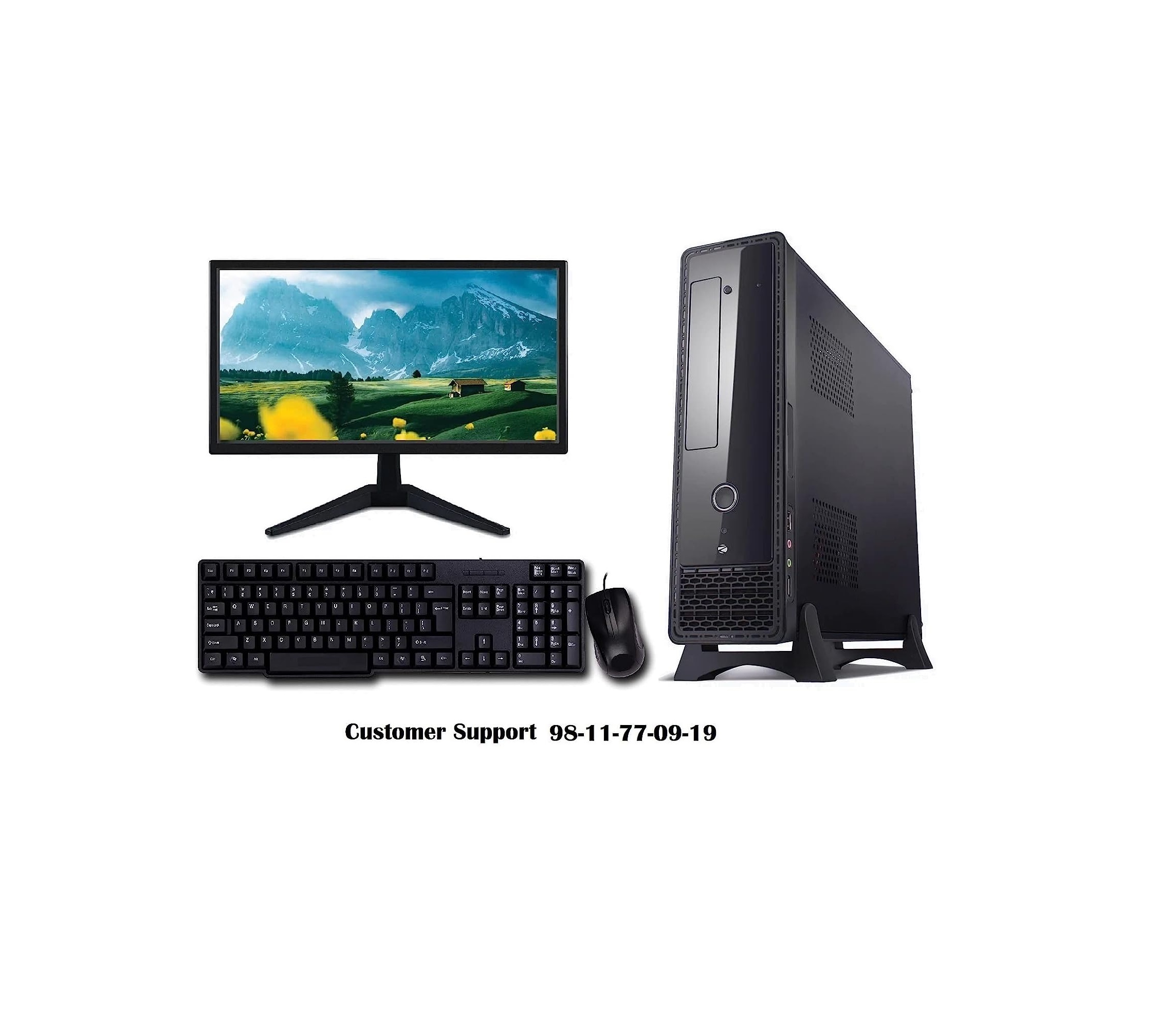
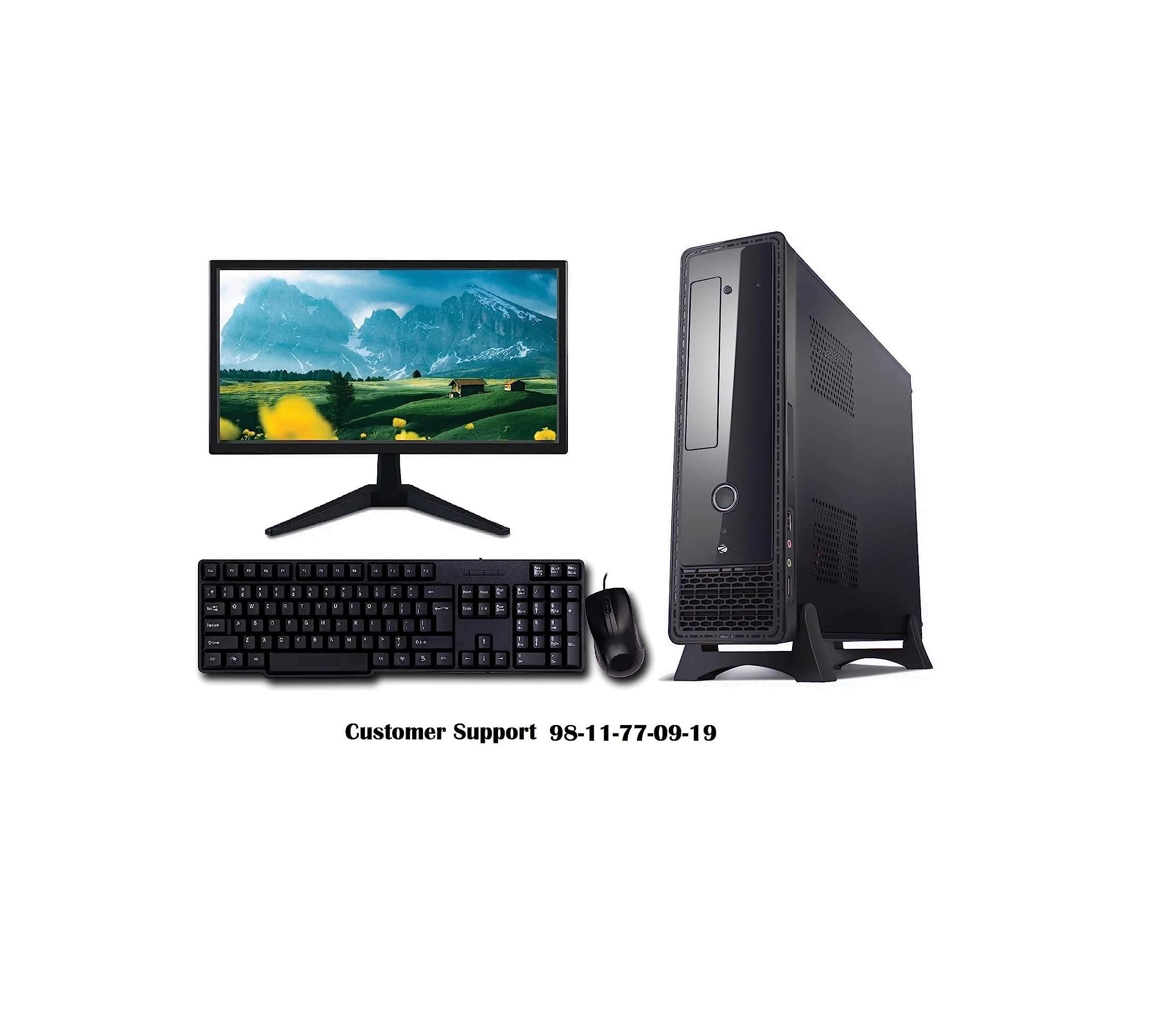
Core i5 Desktop Complete Computer System
Price 22000 INR/ Number
MOQ : 1 Unit
Core i5 Desktop Complete Computer System Specification
- Screen Resolution
- 1366 x 768
- WiFi
- External USB WiFi Adapter (Included)
- Camera
- No
- Processor Type
- Intel Core i5 (4th Generation)
- Bluetooth
- Yes
- Cache
- 6 MB
- Weight
- Approx. 7 kg
- Screen Size
- 18.5 Inch
- Processor Main Frequency
- 3.2 GHz
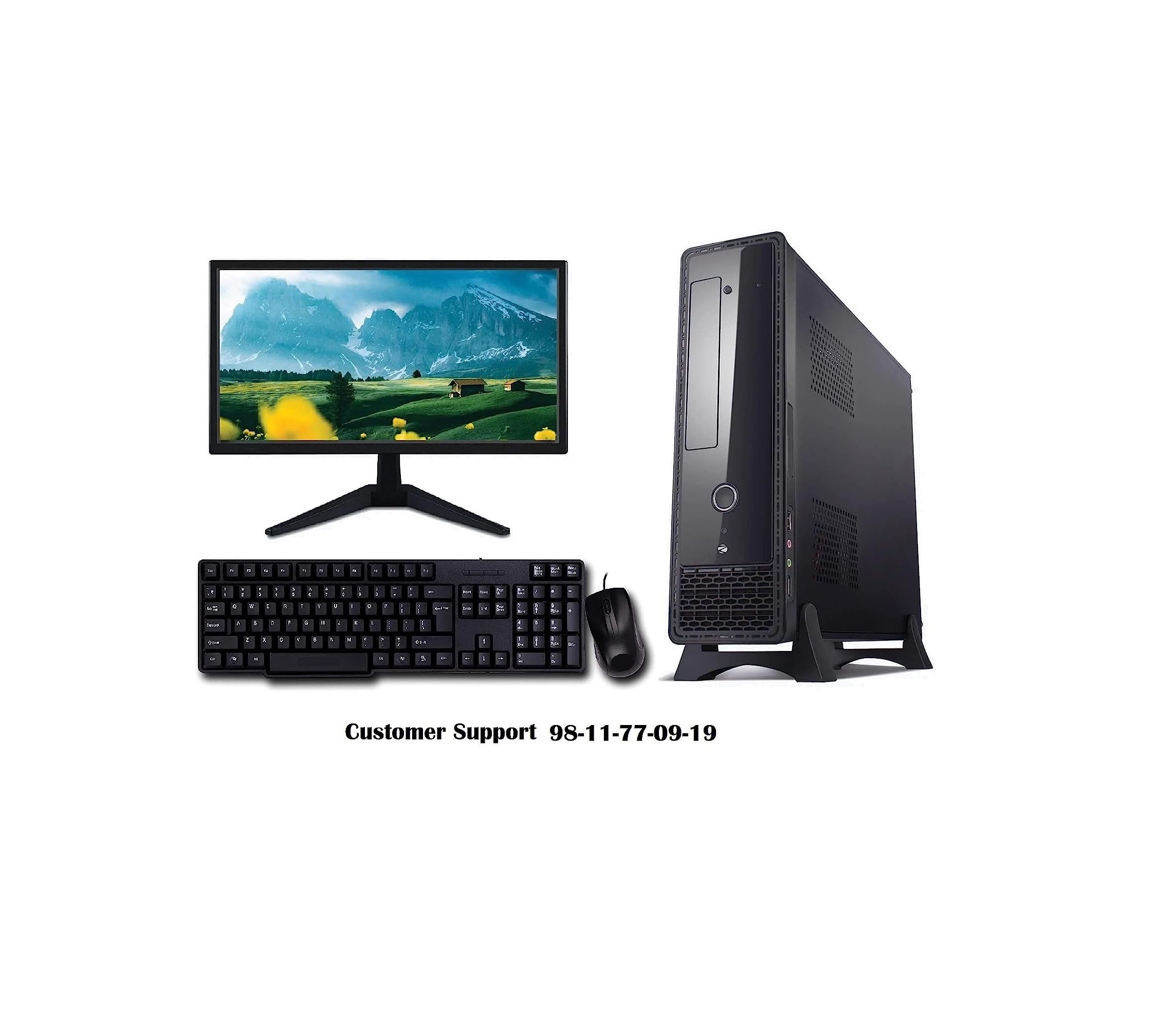
- Monitor
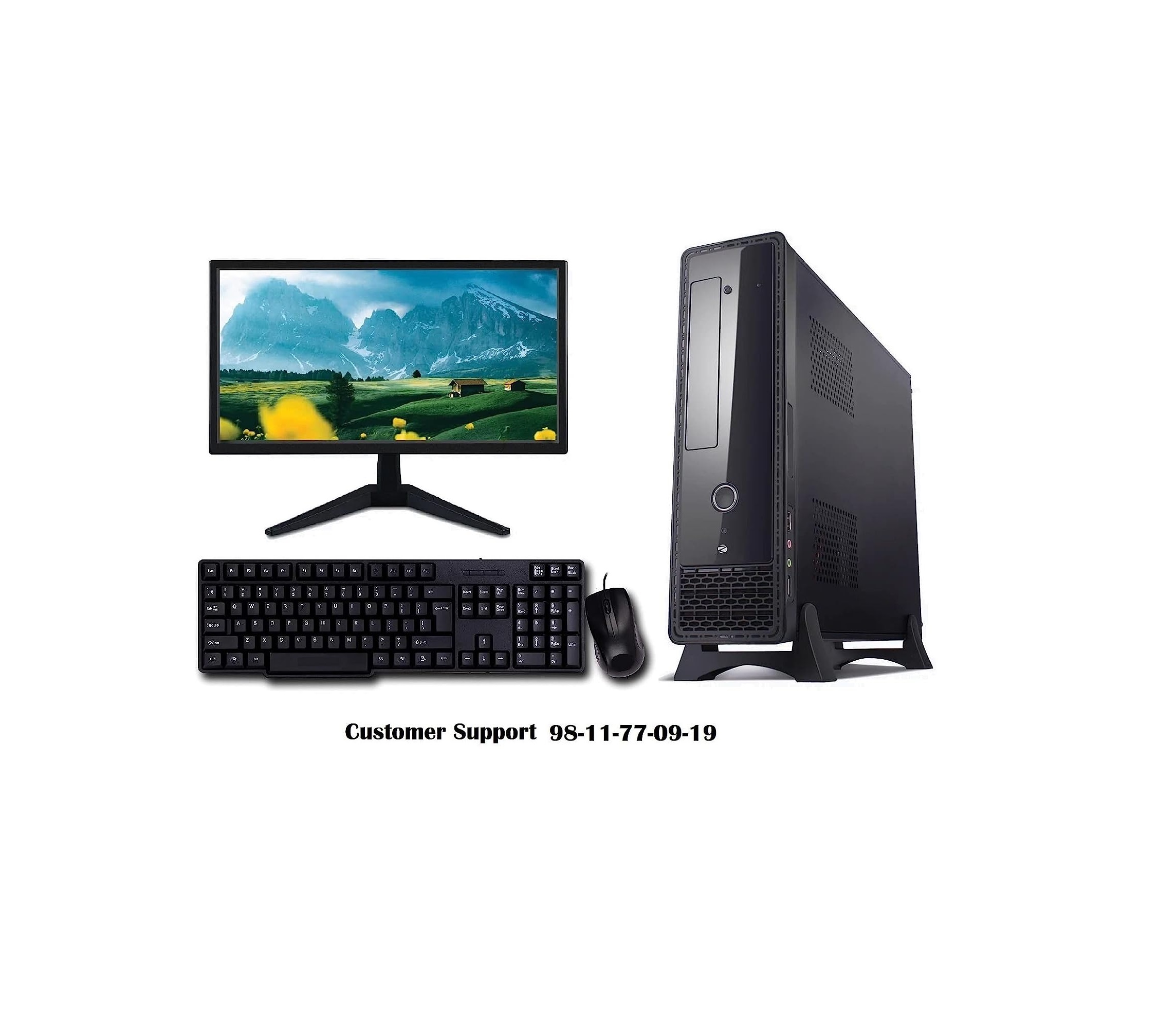
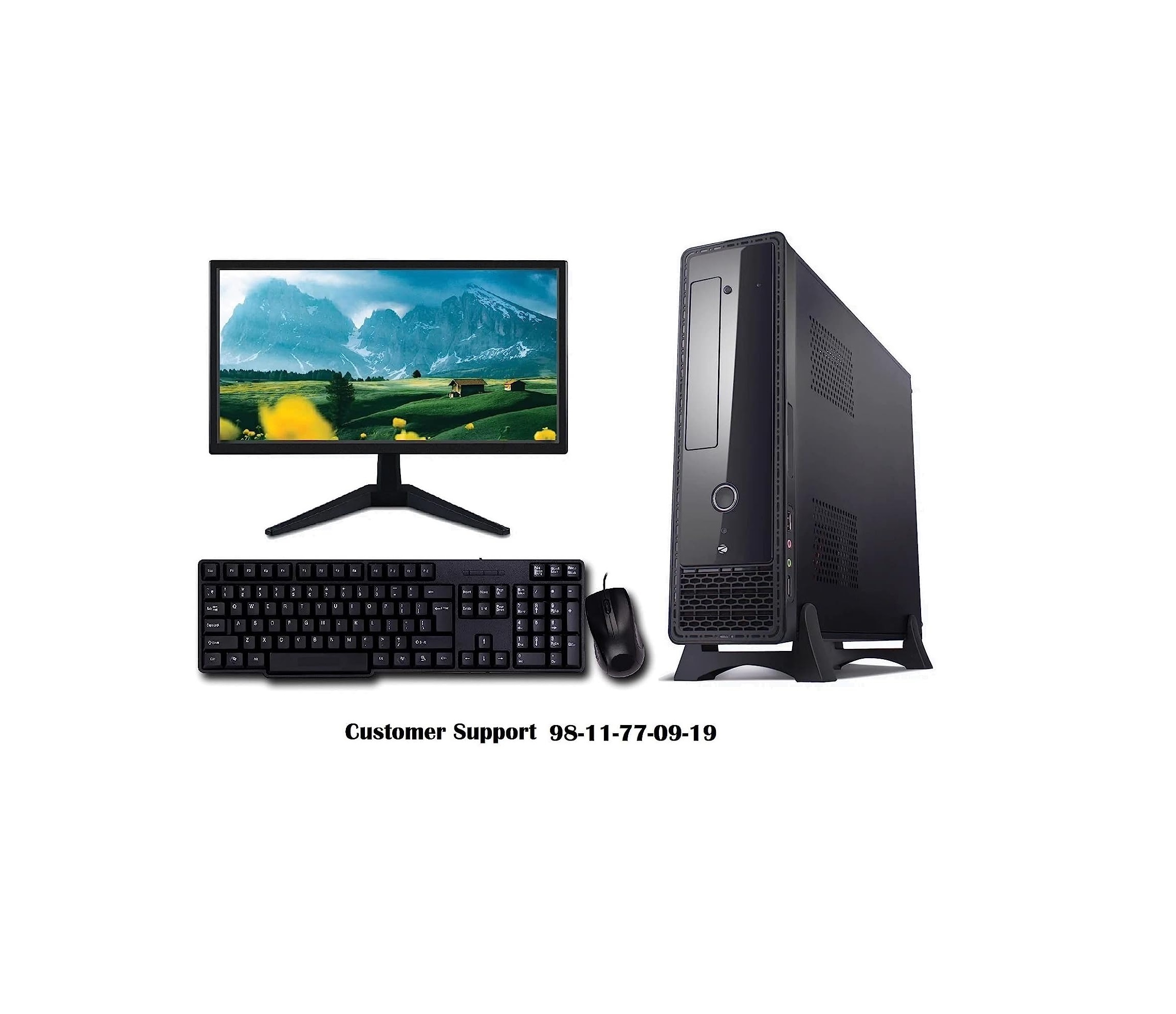
- 18.5 Inch LED Monitor
- CPU
- Intel Core i5 (4th Gen)
- Chipset
- Intel H81
- Graphics
- Integrated Intel HD Graphics
- Memory
- 4 GB DDR3 RAM
- Memory Speed
- 1600 MHz
- Memory Upgradable upto
- 16 GB
- ODD
- DVD-RW
- HDD
- 500 GB SATA
- LAN
- 10/100/1000 Gigabit Ethernet
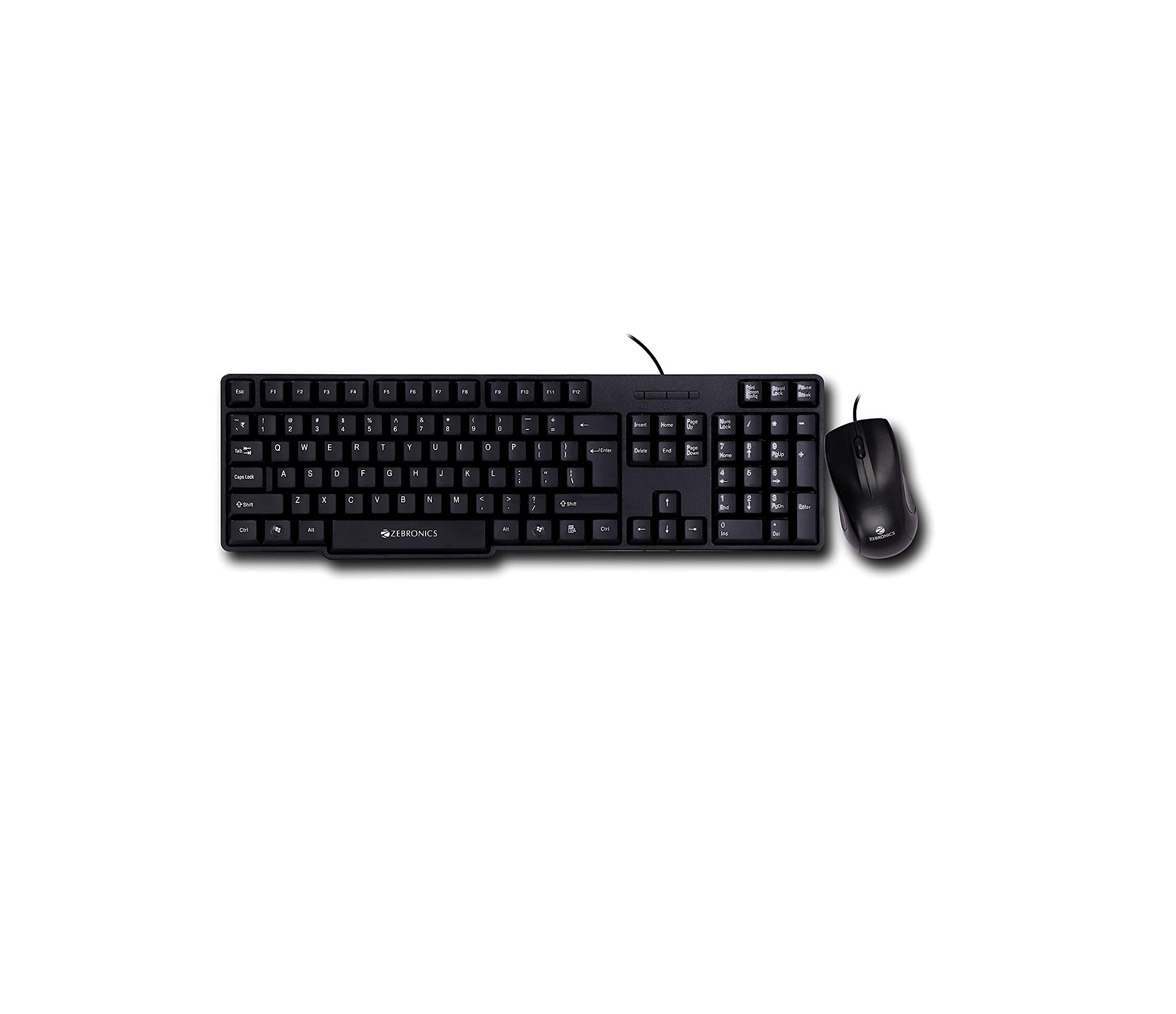
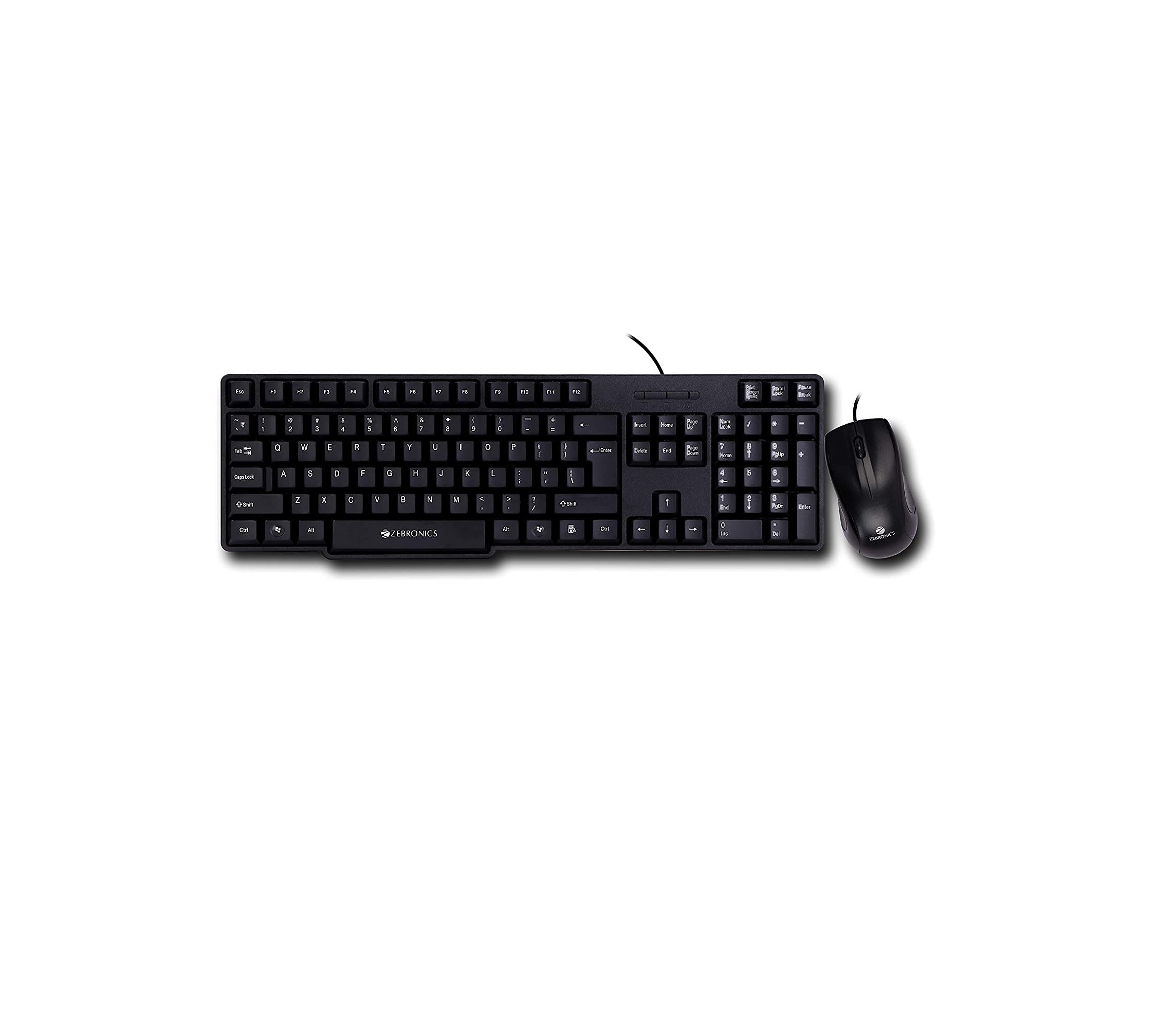
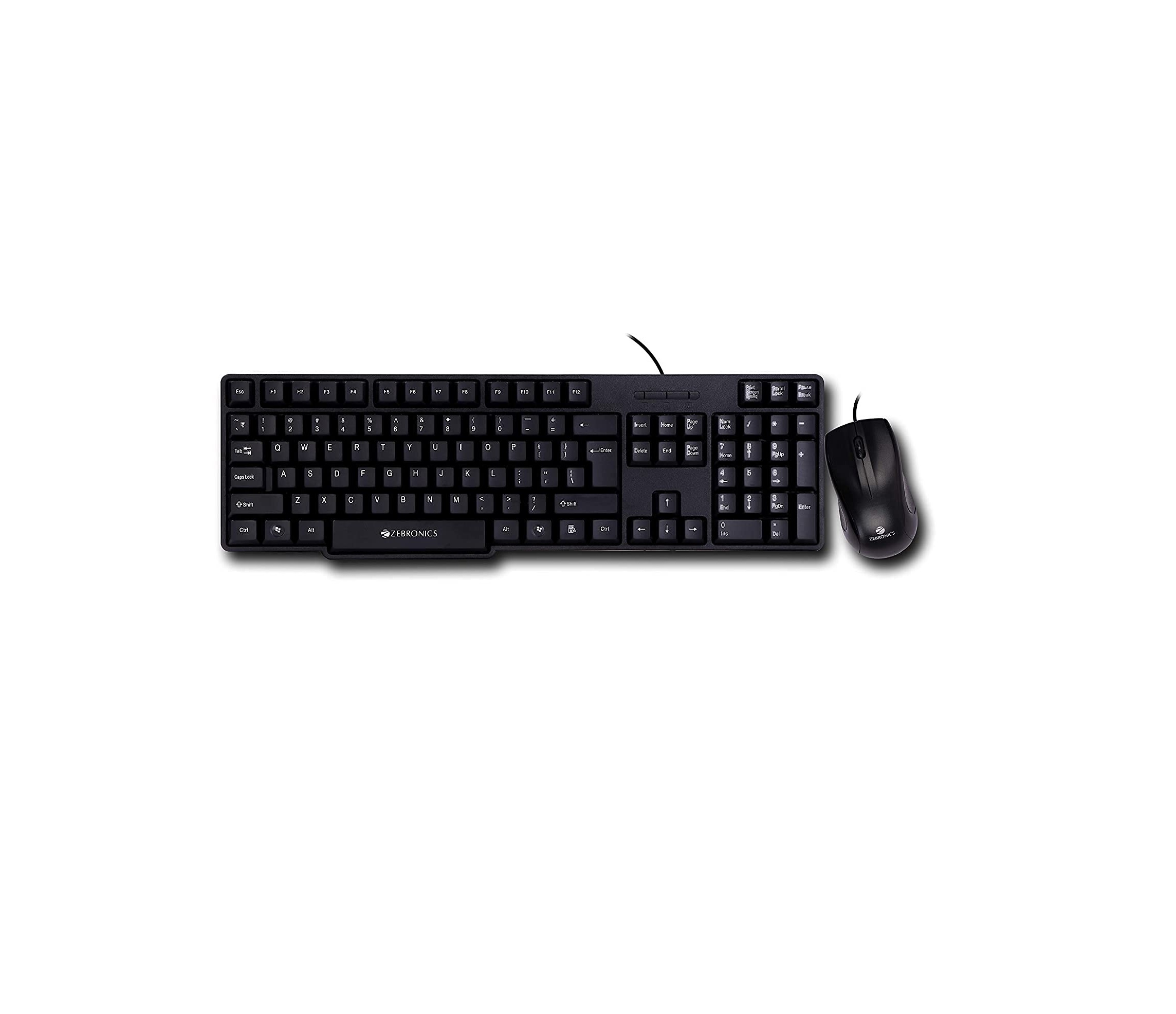
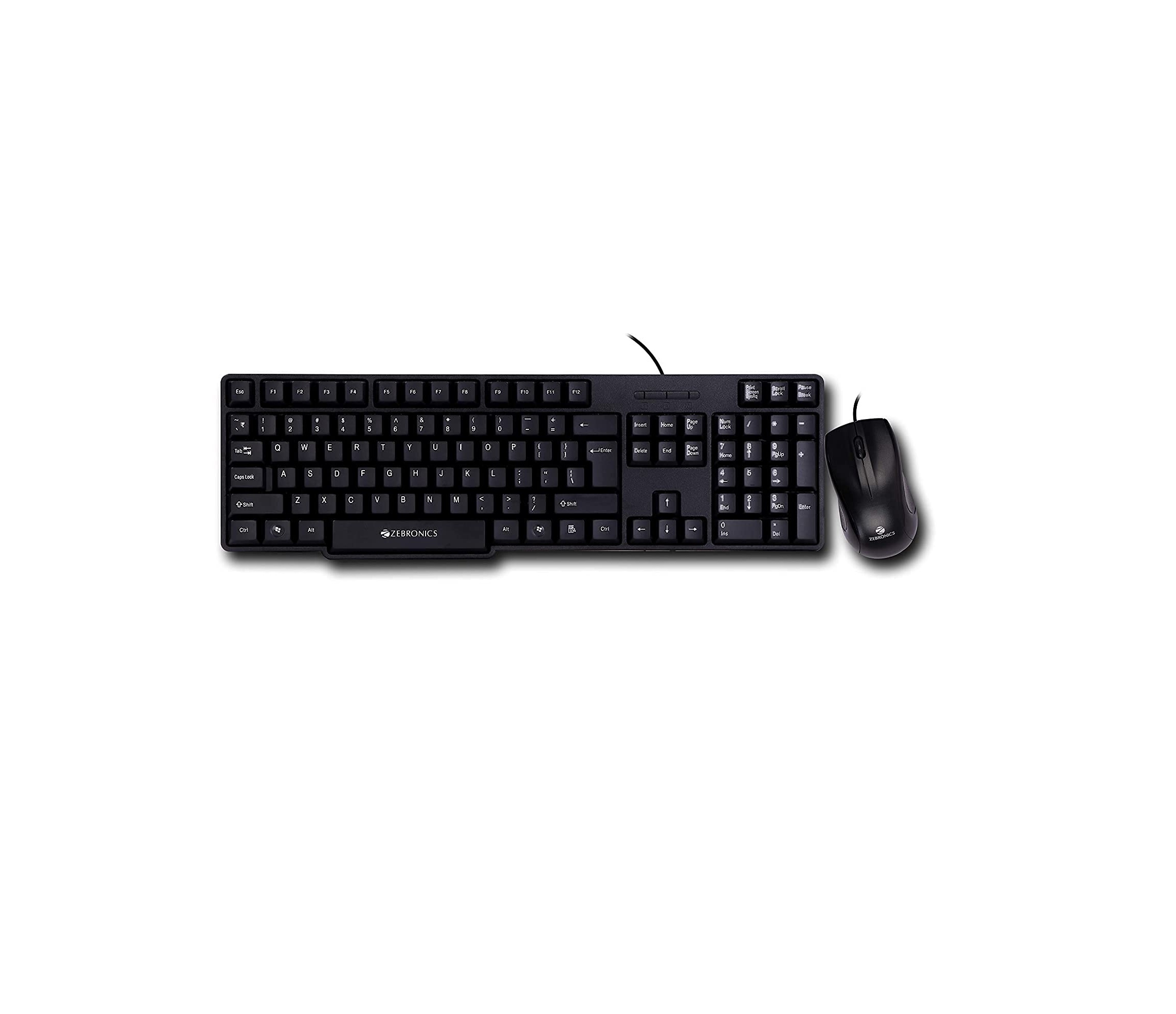
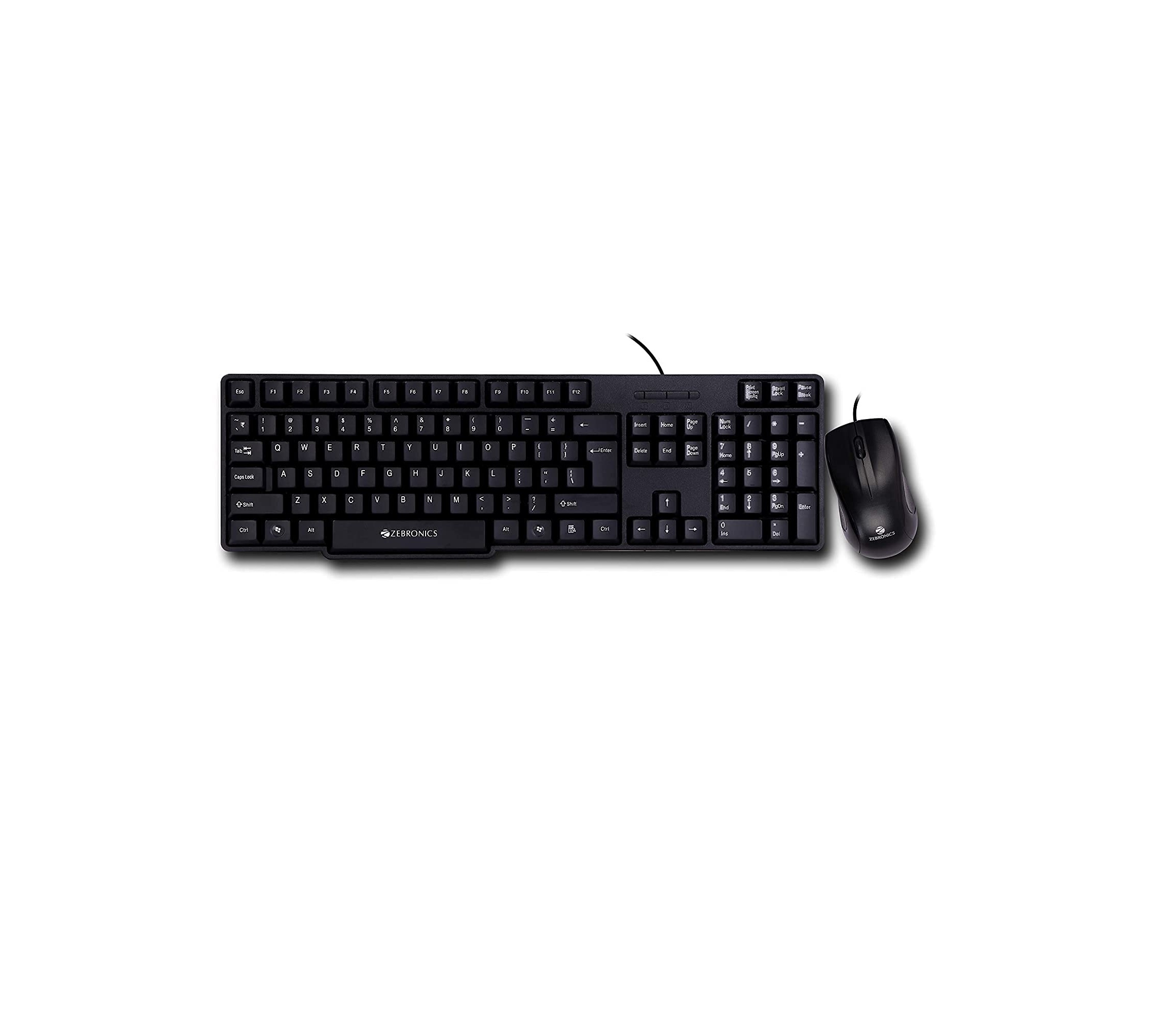
- Mouse
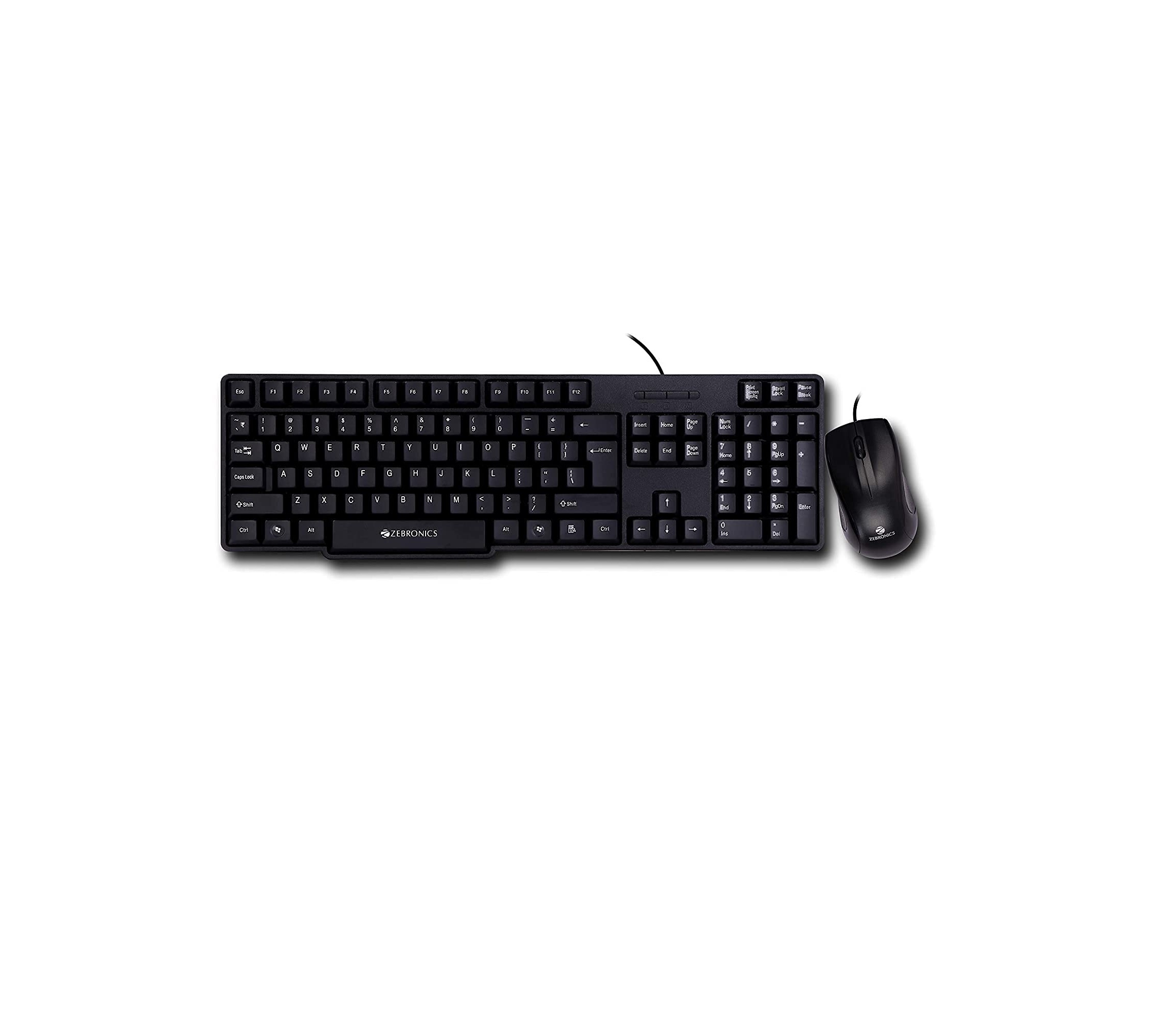
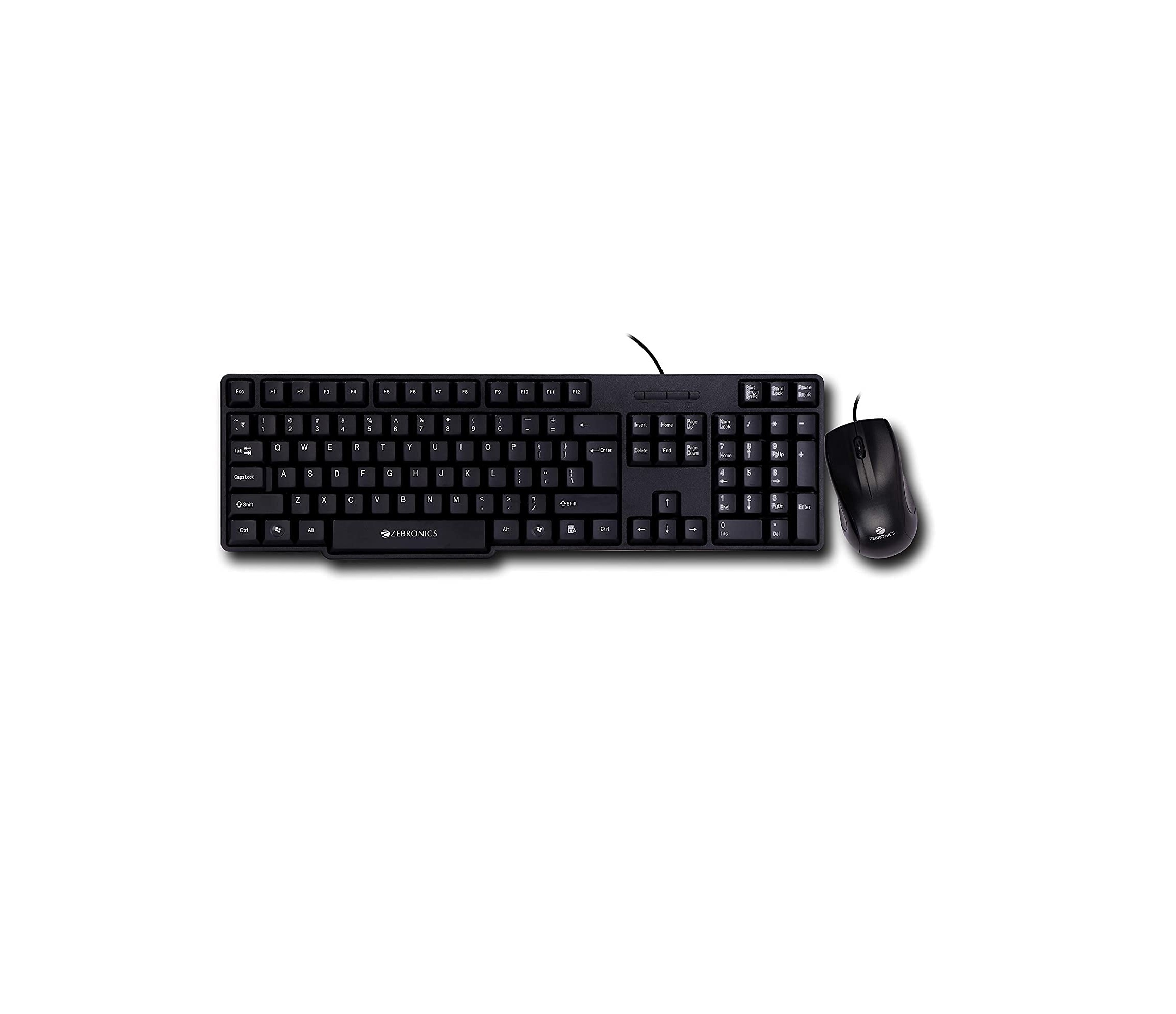
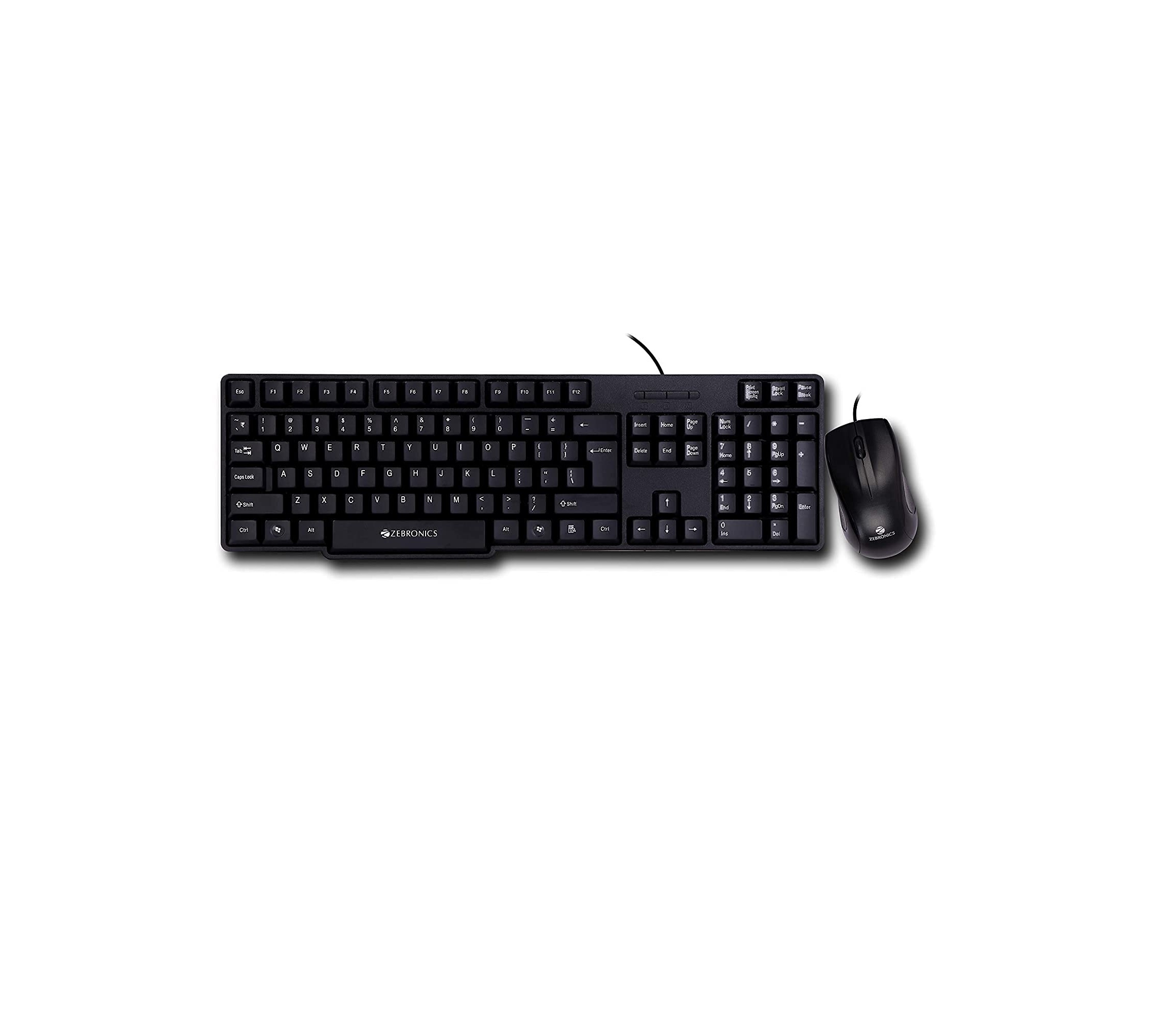
- Standard USB Optical Mouse
- Keyboard
- Standard USB Keyboard
- OS
- Windows 10 Trial
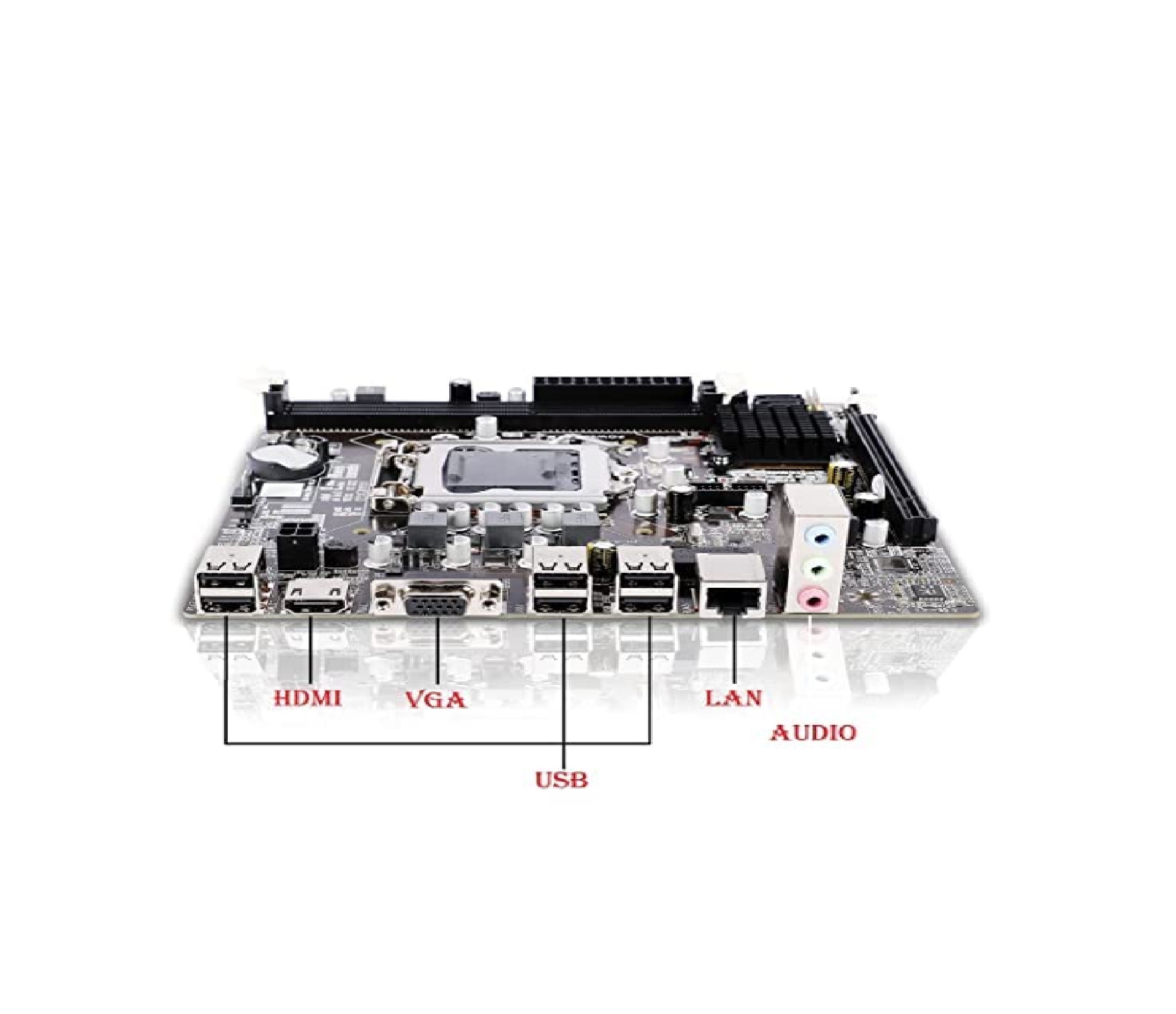
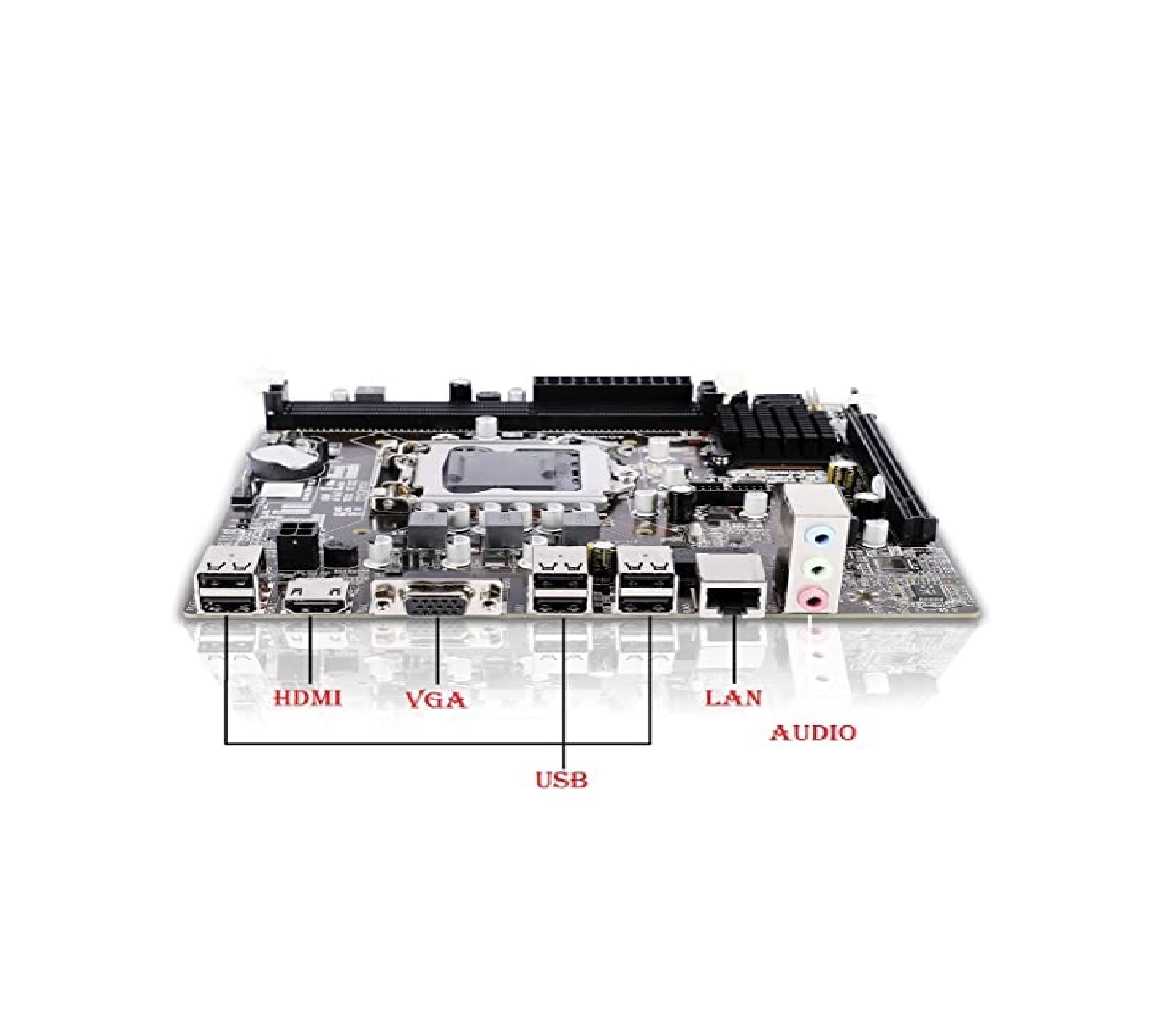
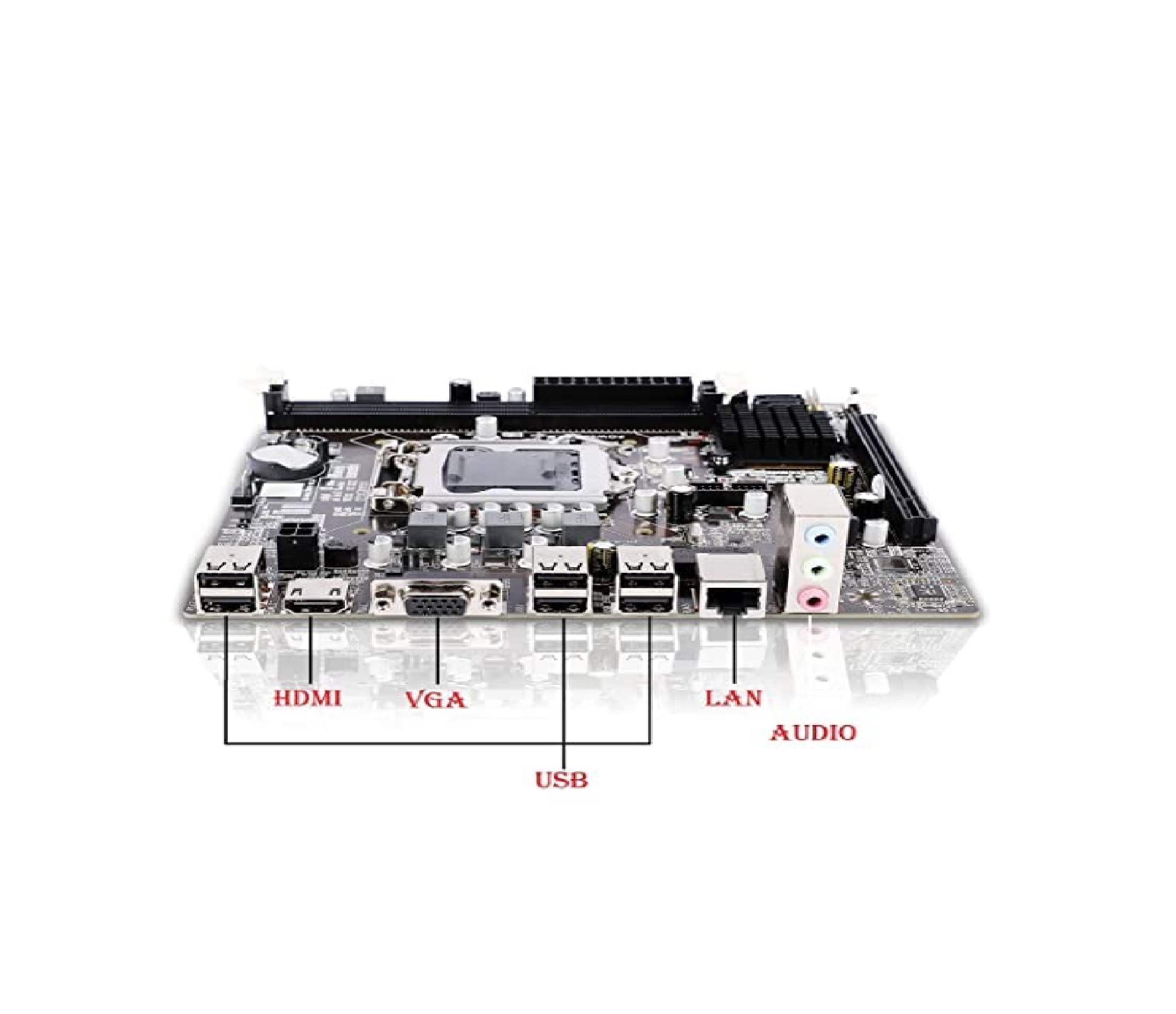
- Connectivity Options
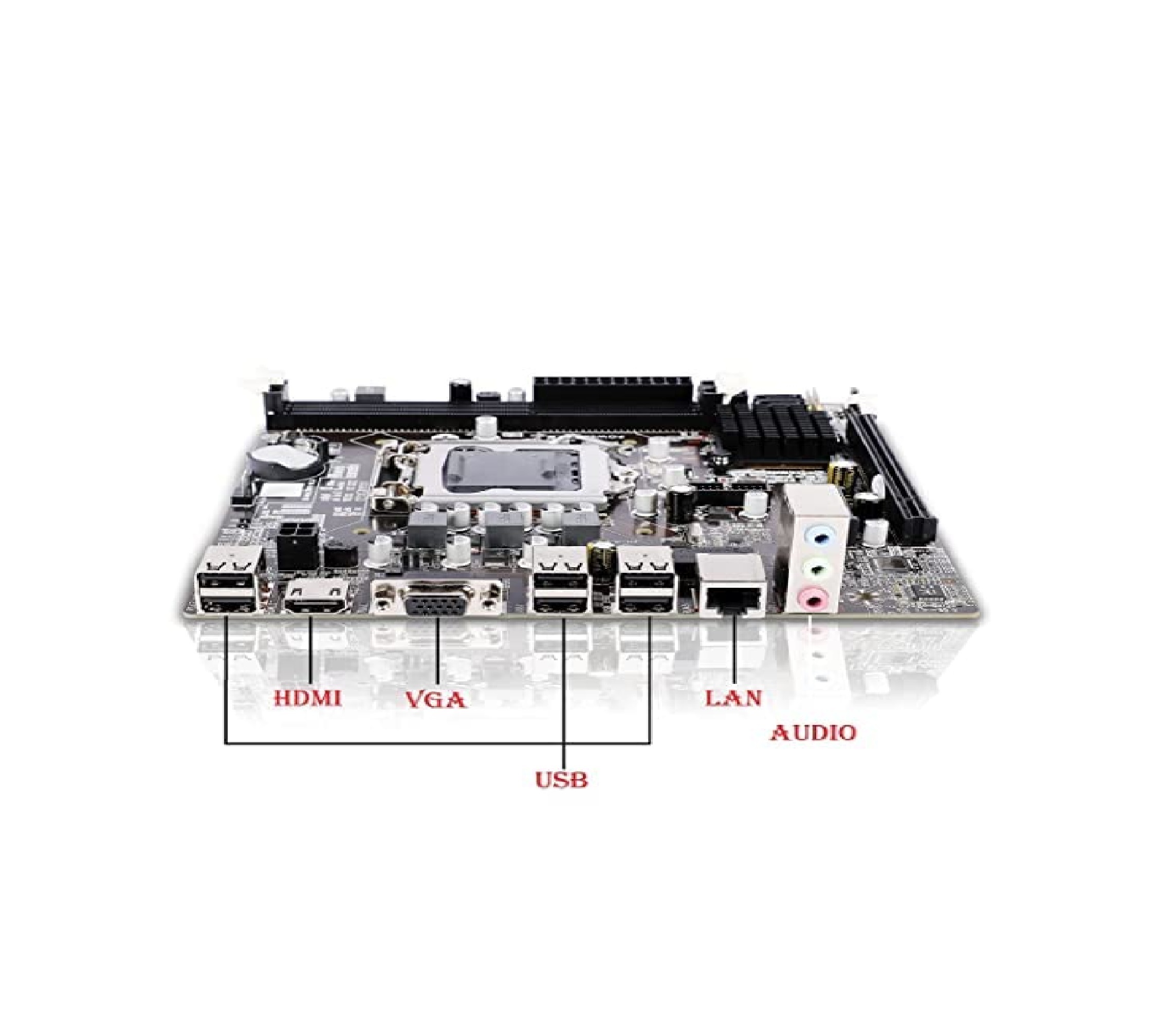
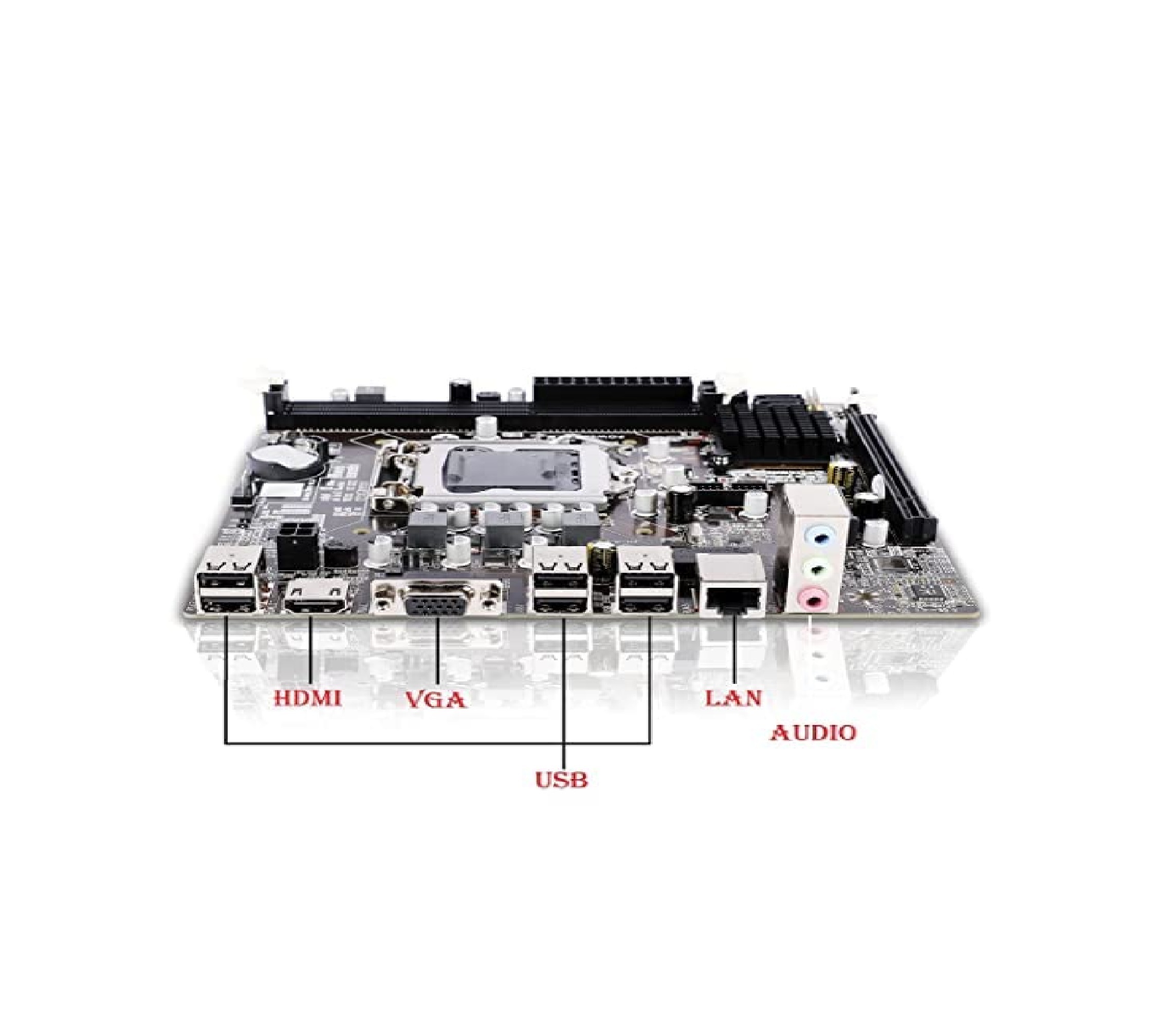
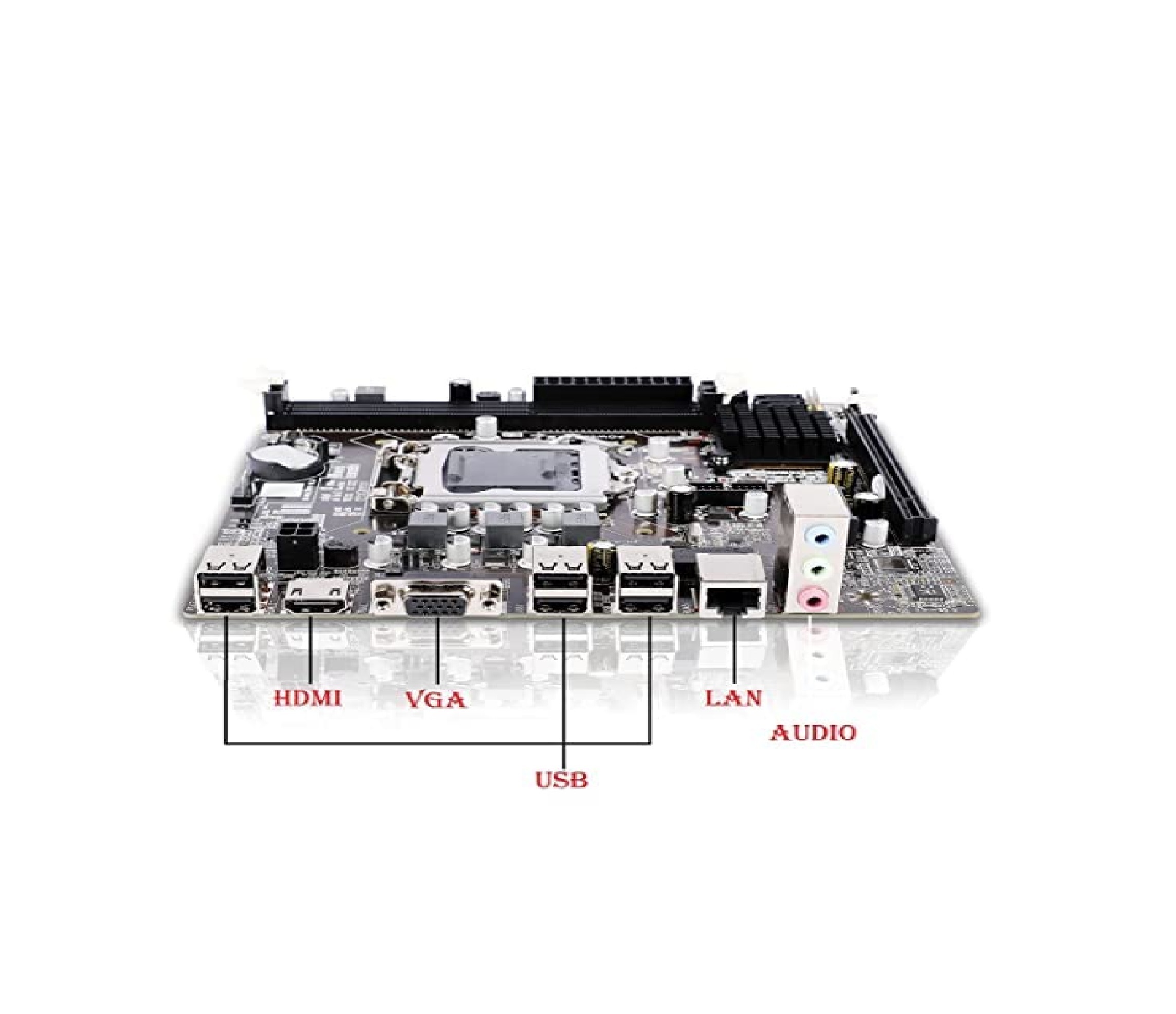
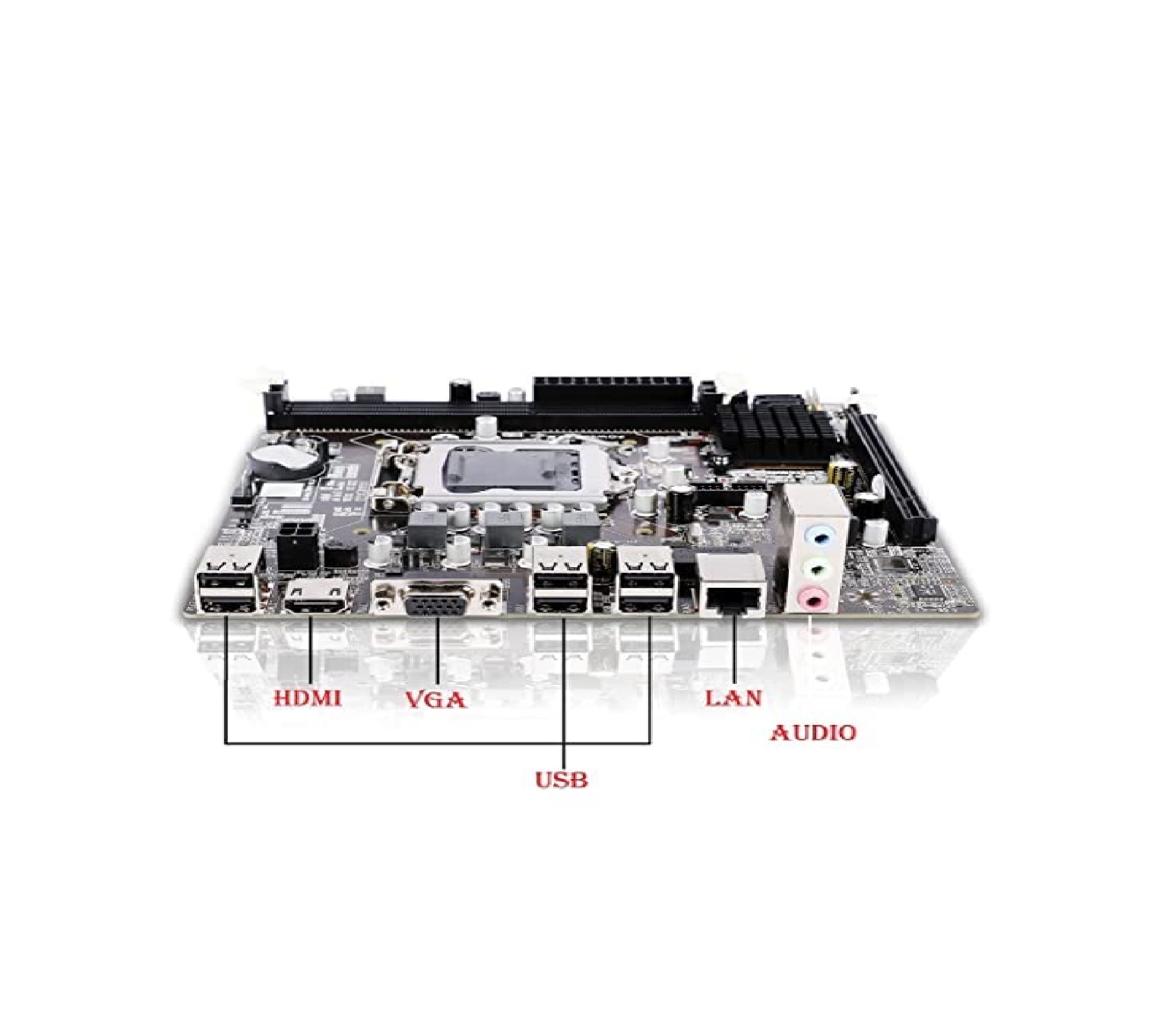
- USB 2.0, USB 3.0, HDMI, VGA, Audio Out, Mic In
- Warranty Period
- 1 Year
- Expansion Slots
- 1 x PCI-Express x16, 2 x PCI-Express x1
- Cooling System
- 1 x 90mm Rear Fan
- Operating Temperature
- 10°C to 35°C
- Ports (Rear)
- 2 x USB 3.0, 2 x USB 2.0, VGA, HDMI, LAN, Audio, Mic
- Motherboard Form Factor
- Micro-ATX
- Audio
- High Definition Audio, 3.5mm Audio Jack
- Form Factor
- Mini Tower
- Ports (Front)
- 2 x USB, Headphone, Microphone
- Power Supply
- 450W SMPS
- Color
- Black
About Core i5 Desktop Complete Computer System
| Brand | Generic |
| Personal computer design type | Computer Tower |
| Operating System | Windows 10 Pro |
| Memory Storage Capacity | 1000 GB |
| Screen Size | 18.5 Inches |
| RAM Memory Installed Size | 8 GB |
| Included Components | Keybord, Mouse, |
| CPU Model | Intel Core i5 |
| Special Feature | Speakers |
Efficient Performance for Everyday Tasks
Powered by a 4th Generation Intel Core i5 processor and 4 GB DDR3 RAM, this desktop system delivers reliable speed for multitasking, browsing, and office applications. Integrated Intel HD Graphics ensures smooth video playback and basic graphic work, suitable for both home and business environments.
Comprehensive Connectivity and Expansion
With varied ports including USB 3.0, USB 2.0, HDMI, VGA, LAN, and audio jacks on both front and rear panels, connecting peripherals and external devices is seamless. Expansion slots provide flexibility for upgrades, while the included external USB WiFi adapter supports wireless internet access.
Practical Design and Cooling
The mini tower form factor saves space while still supporting up to 16 GB of RAM and additional PCI-Express cards. Efficient cooling is maintained with a 90mm rear fan, ensuring stable operation within an operating temperature range of 10C to 35C.
FAQ's of Core i5 Desktop Complete Computer System:
Q: How do I upgrade the memory on this Core i5 desktop system?
A: The desktop comes with 4 GB DDR3 RAM installed, and you can easily upgrade it up to 16 GB. Simply open the case and insert compatible DDR3 RAM modules into the available memory slots on the micro-ATX motherboard.Q: What are the benefits of having both USB 3.0 and USB 2.0 ports on this computer?
A: Having both types of USB ports allows you to connect a wide range of peripherals. USB 3.0 offers faster data transfer speeds for devices like external hard drives, while USB 2.0 provides compatibility for older accessories.Q: When should I use the external USB WiFi adapter included with the system?
A: Use the provided USB WiFi adapter whenever you need wireless internet connectivity. Simply plug it into any available USB port, install the necessary drivers if prompted, and connect to your preferred WiFi network.Q: Where can I find the expansion slots and what can they be used for?
A: The expansion slots are located inside the mini tower case. The system provides one PCI-Express x16 and two PCI-Express x1 slots, which can be used for installing additional graphics, sound, or network cards to enhance the system's capabilities.Q: What is the process for connecting a monitor to this desktop?
A: Connect the 18.5 inch LED monitor using either the VGA or HDMI port found on the rear panel of the desktop. After securing the connection, power on both the computer and monitor to configure the display settings via Windows 10.Q: How does the cooling system work to maintain stable performance?
A: The desktop is equipped with a 90mm rear fan that disperses heat generated during operation. This cooling mechanism helps maintain optimal temperatures, ensuring reliable performance and preventing overheating within the specified operating temperature range.Q: What usage scenarios is this Core i5 desktop best suited for?
A: This system is ideal for general office work, educational purposes, internet browsing, and everyday multimedia tasks. Its balanced specifications make it suitable for homes, small businesses, and institutions across India.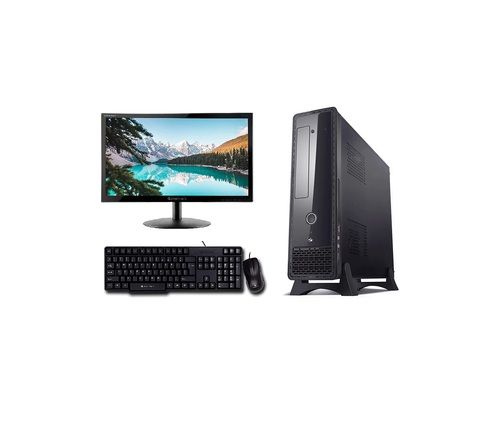
Tell us about your requirement

Price:
Quantity
Select Unit
- 50
- 100
- 200
- 250
- 500
- 1000+
Additional detail
Mobile number
Email

More Products in Desktop Computer Category
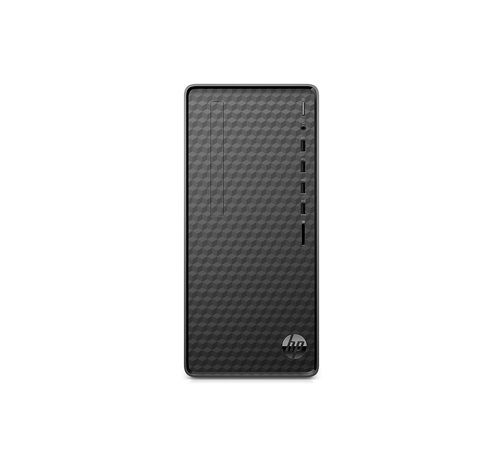
HP Tower Pc 12Th Gen Intel Core I7-12700
Price 68500 INR / Unit
Minimum Order Quantity : 1 Piece
Graphics : OTher, Intel UHD Graphics 770
Warranty Period : 3 Years Onsite Warranty
Memory Speed : 3200 MHz
Chipset : Intel B660 Chipset
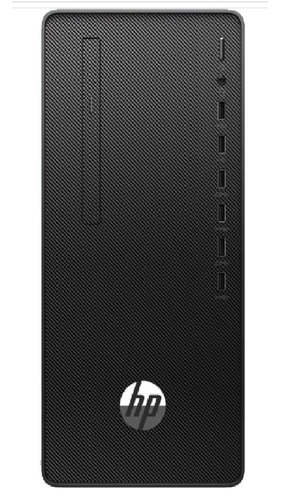
HP 285 Pro G8 Microtower PC
Price 27000.00 INR / Number
Minimum Order Quantity : 1 Number
Graphics : OTher
Warranty Period : 3 YEAR
Memory Speed : 4
Chipset : AMD Radeon Graphics
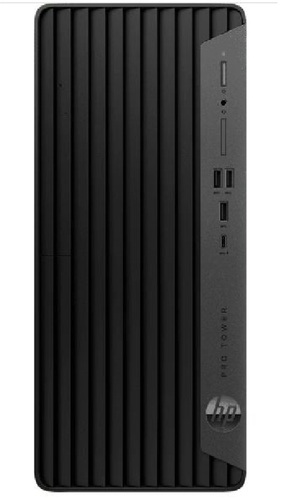
HP Pro Tower 400 G9 PCI Desktop PC
Price 9999.0 INR / Number
Minimum Order Quantity : 1 Number
Graphics : Integrated Card
Warranty Period : 3 YEAR
Memory Speed : 8
Chipset : Intel UHD Graphics 770
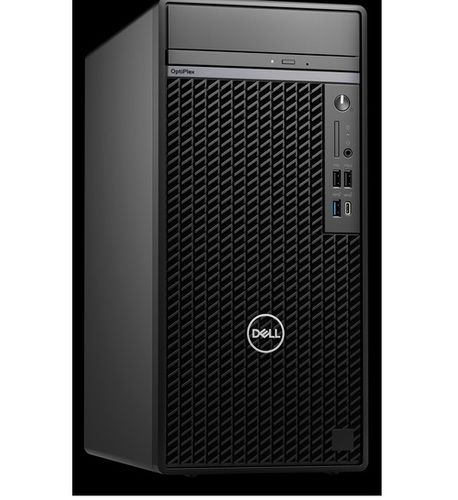
DELL DESKTOP OptiPlex 7010 Tower
Price 87533 INR / Piece
Minimum Order Quantity : 1 Box
Graphics : Integrated Card
Memory Speed : 512 GB, M.2 2230, PCIe NVMe, SSD, Class 35
Chipset : Intel Graphics

Contact Details
HD INFOSYS & AUTOMATION
GST : 24ATMPR4329N1Z2
- Darshnam Trade Center-1, 24-Second Floor, Near Hotel Surya Palace, Sayajigunj,Vadodara - 390007, Gujarat, India
- Phone :07971191699
 Send Inquiry
Developed and Managed by Infocom Network Private Limited.
