
Call: 07971191699
 Send Inquiry
 Send Inquiry
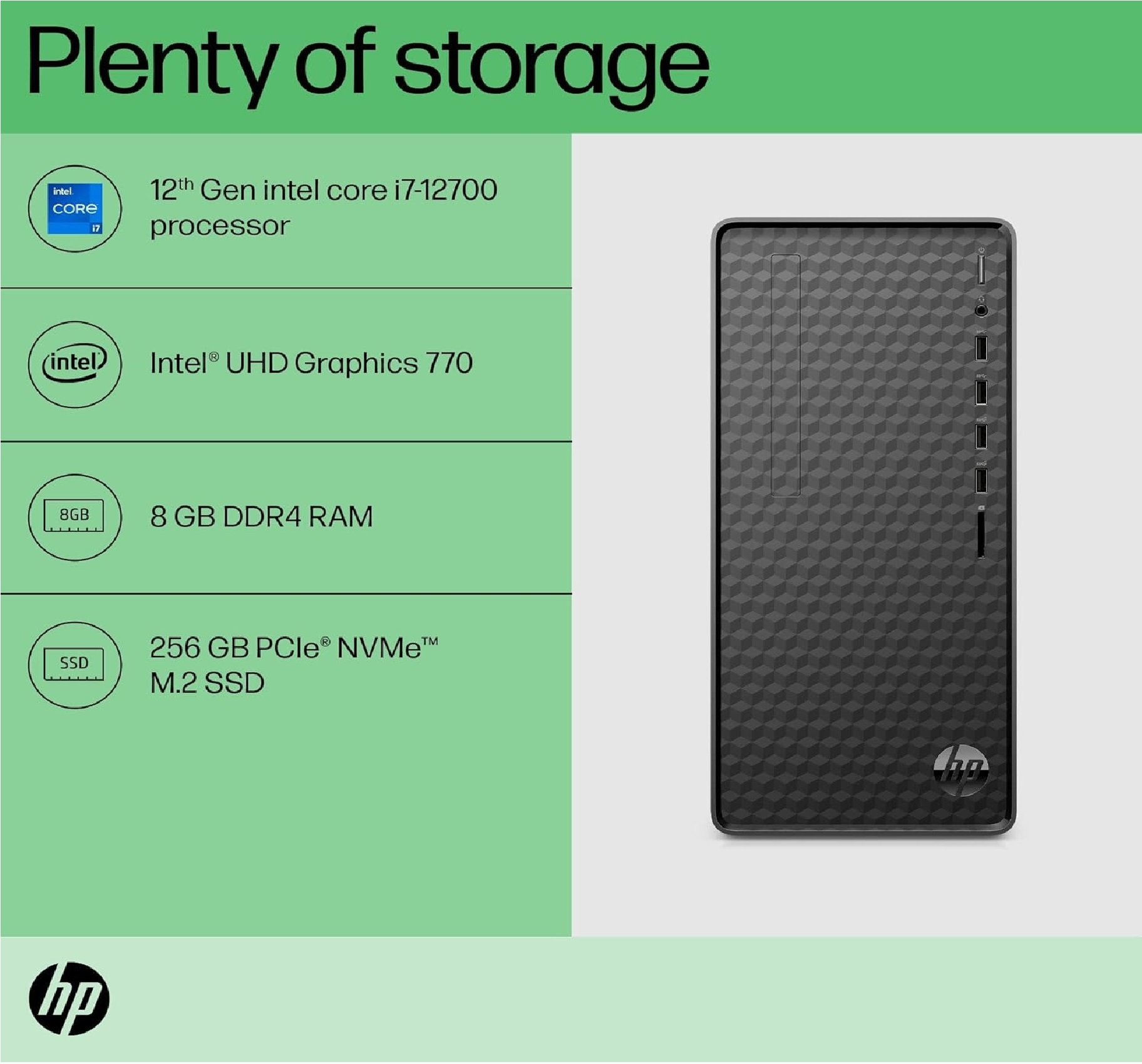
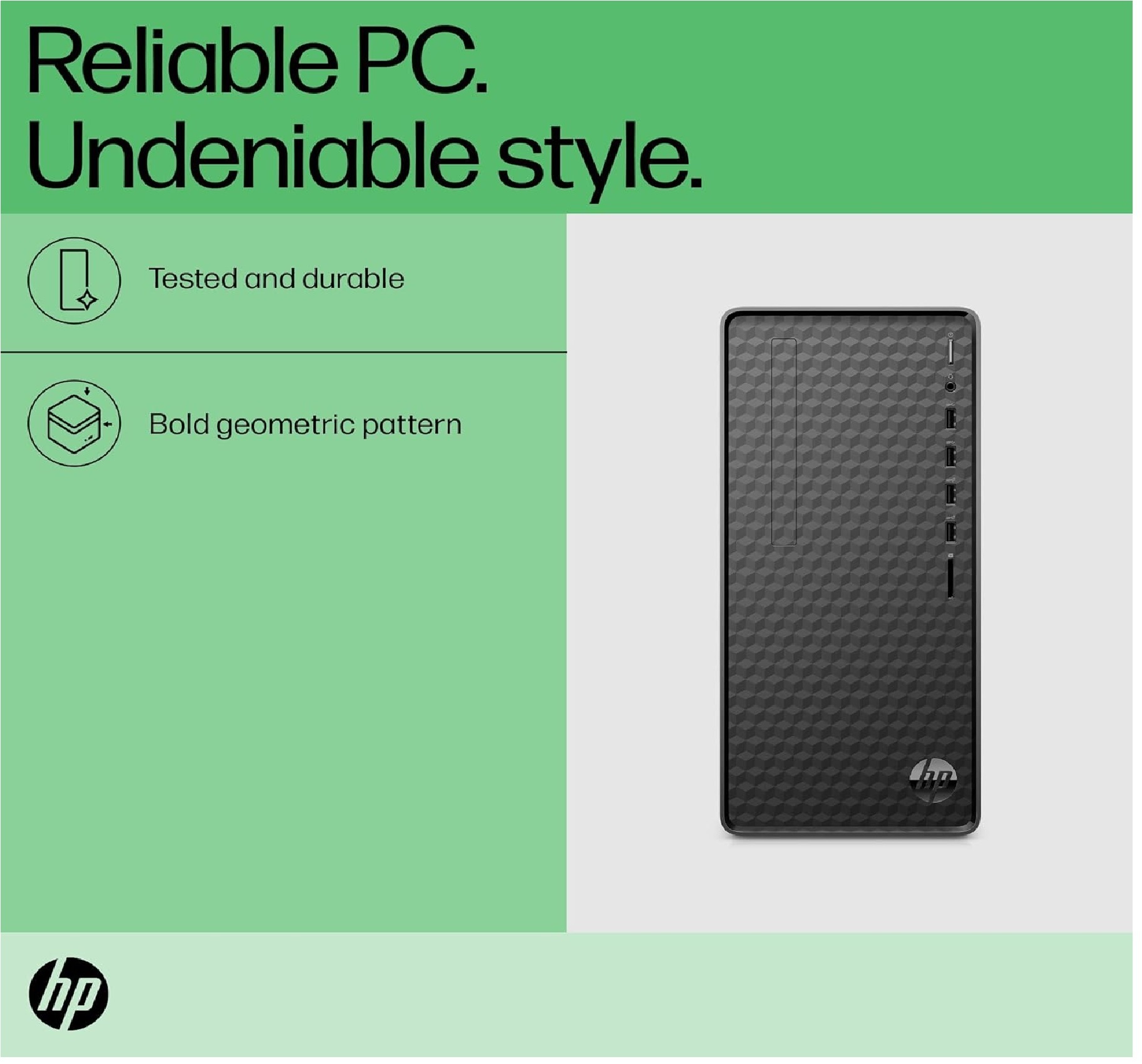
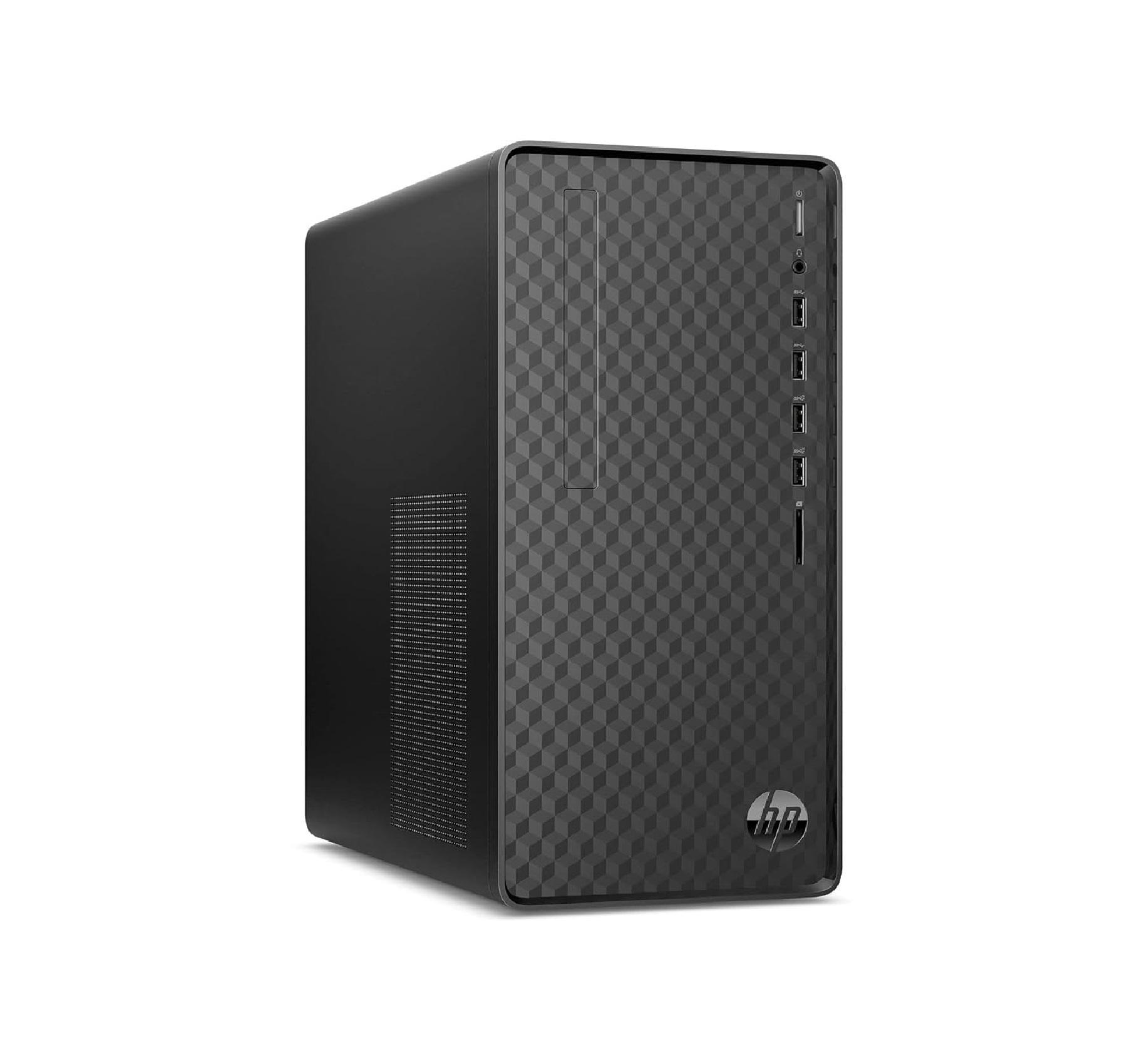
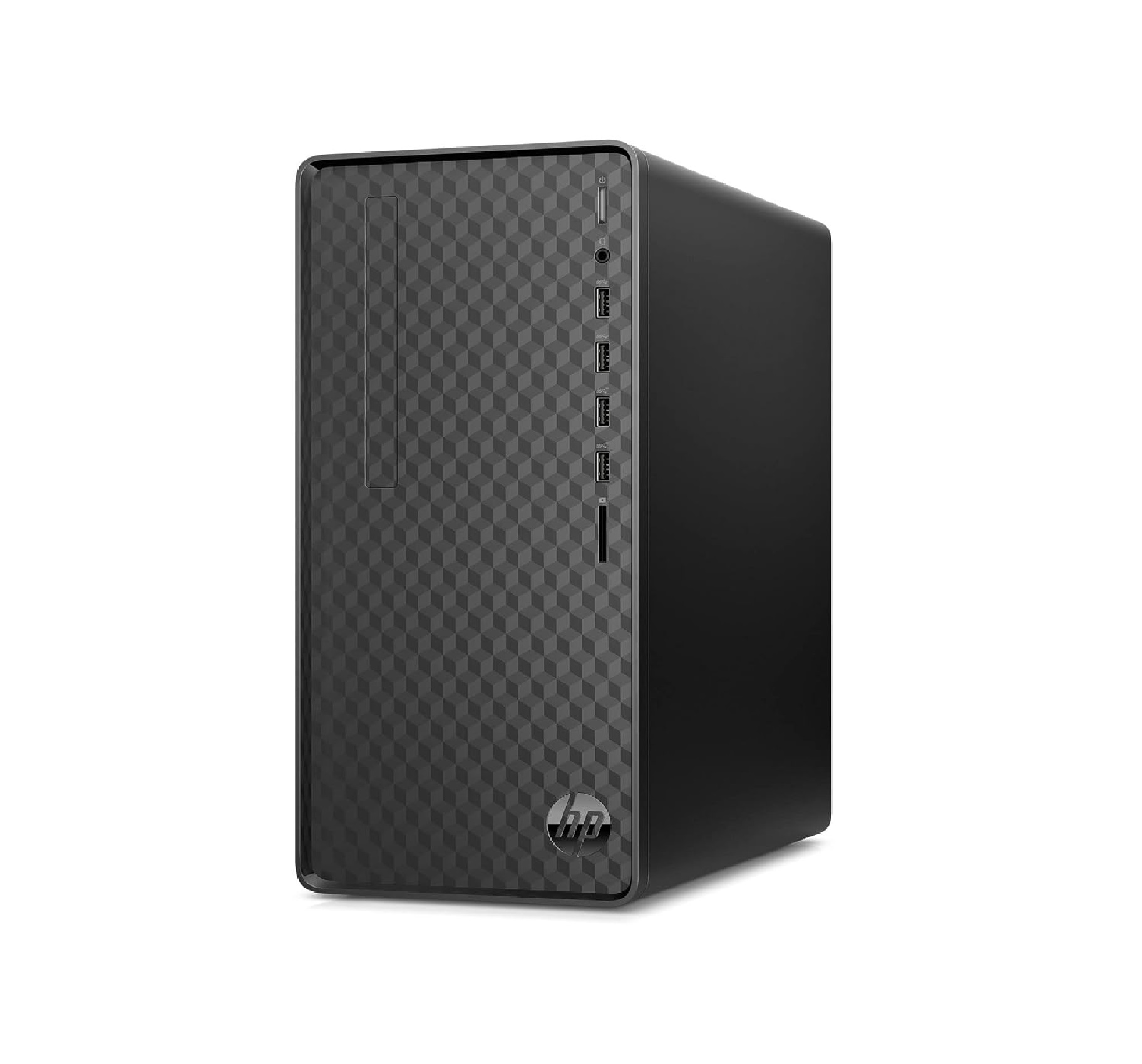
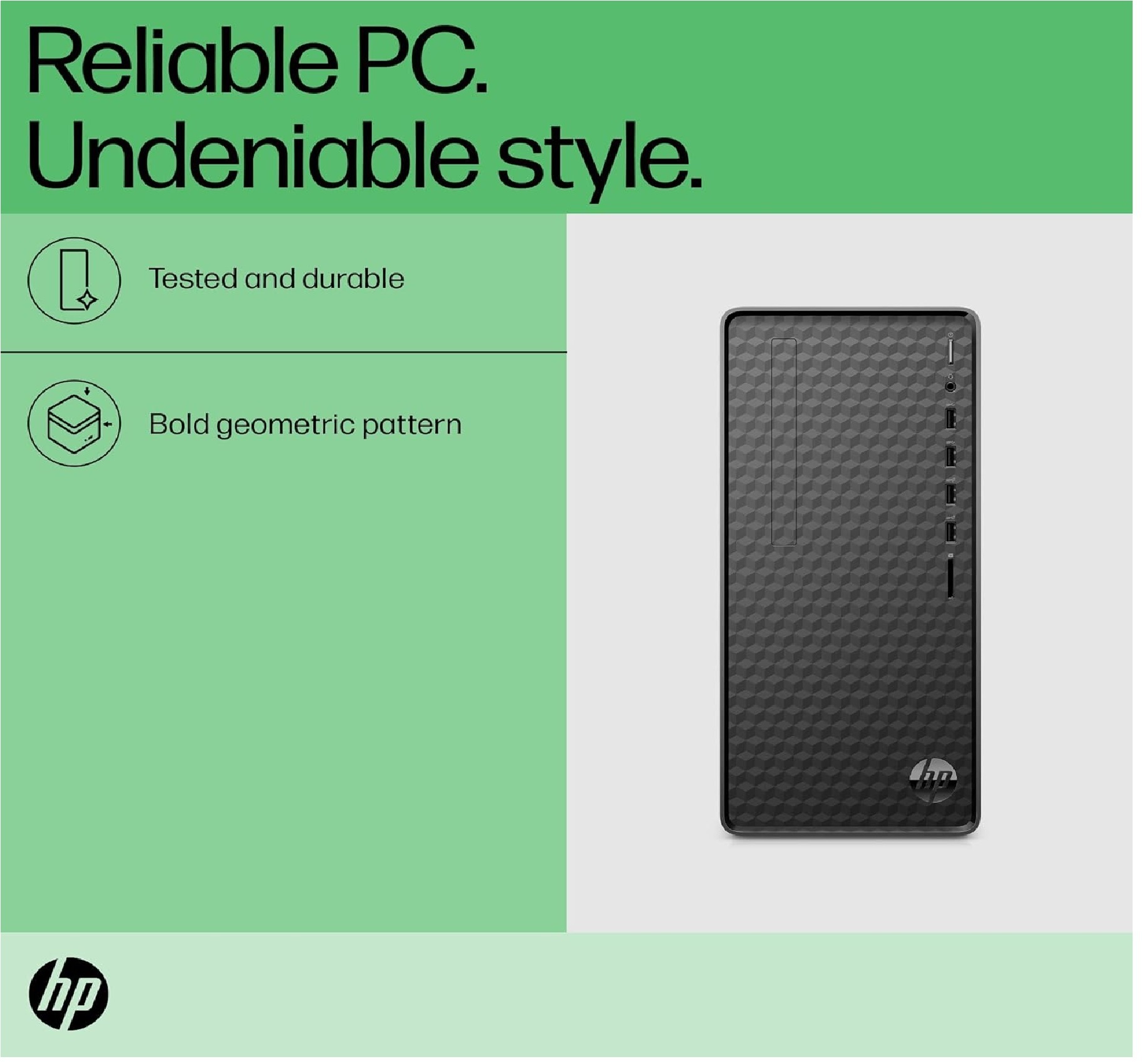
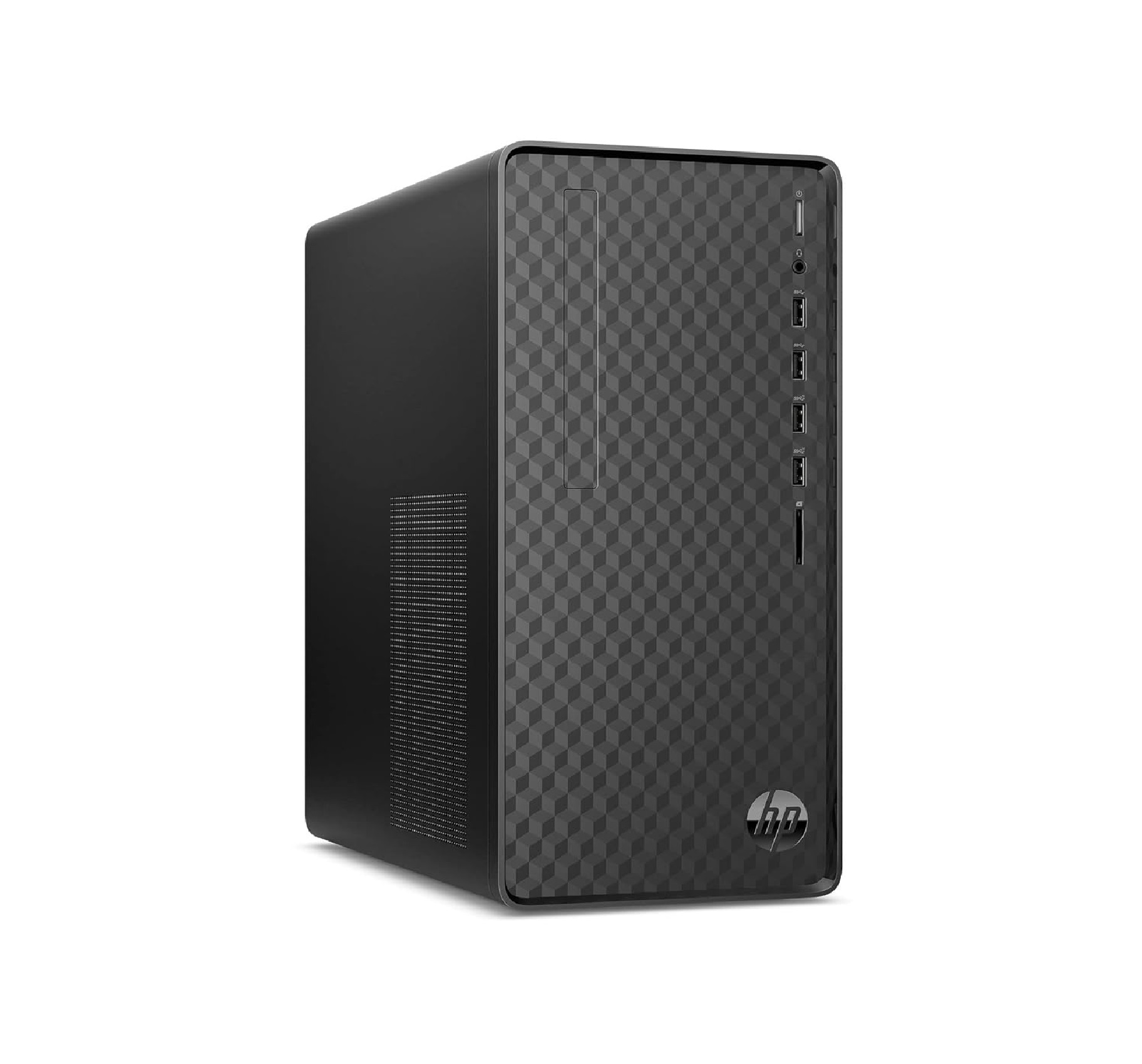
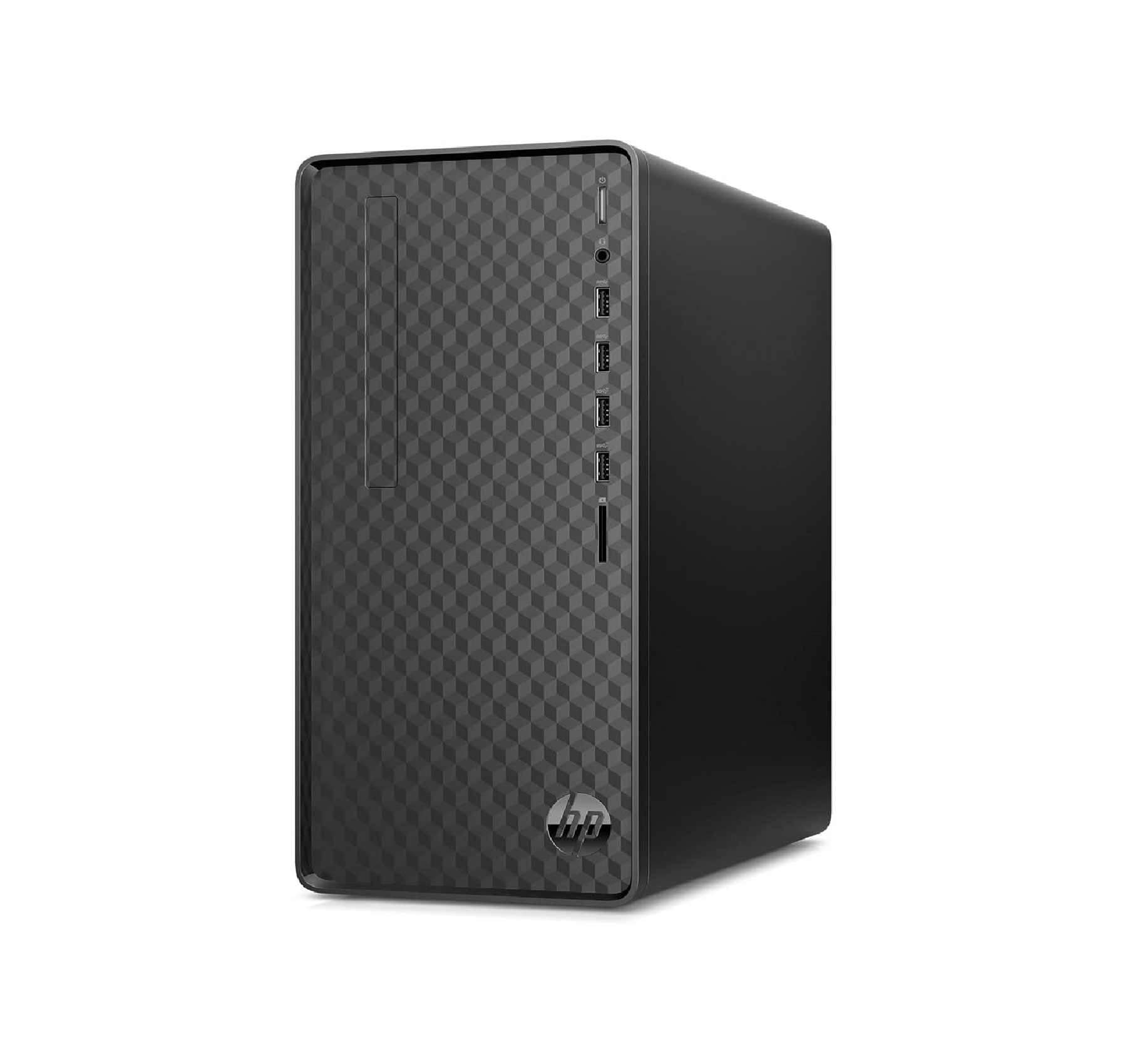
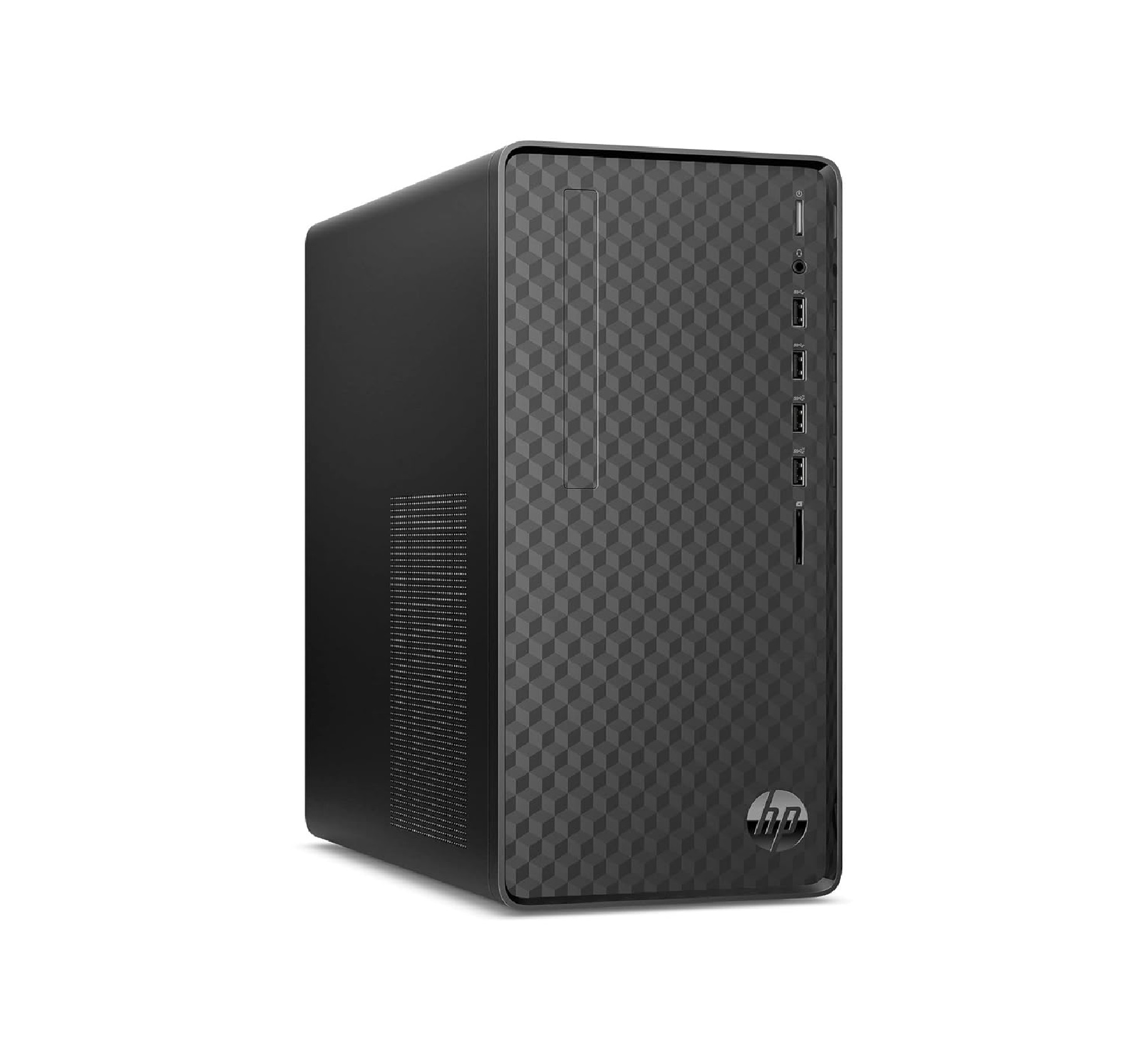
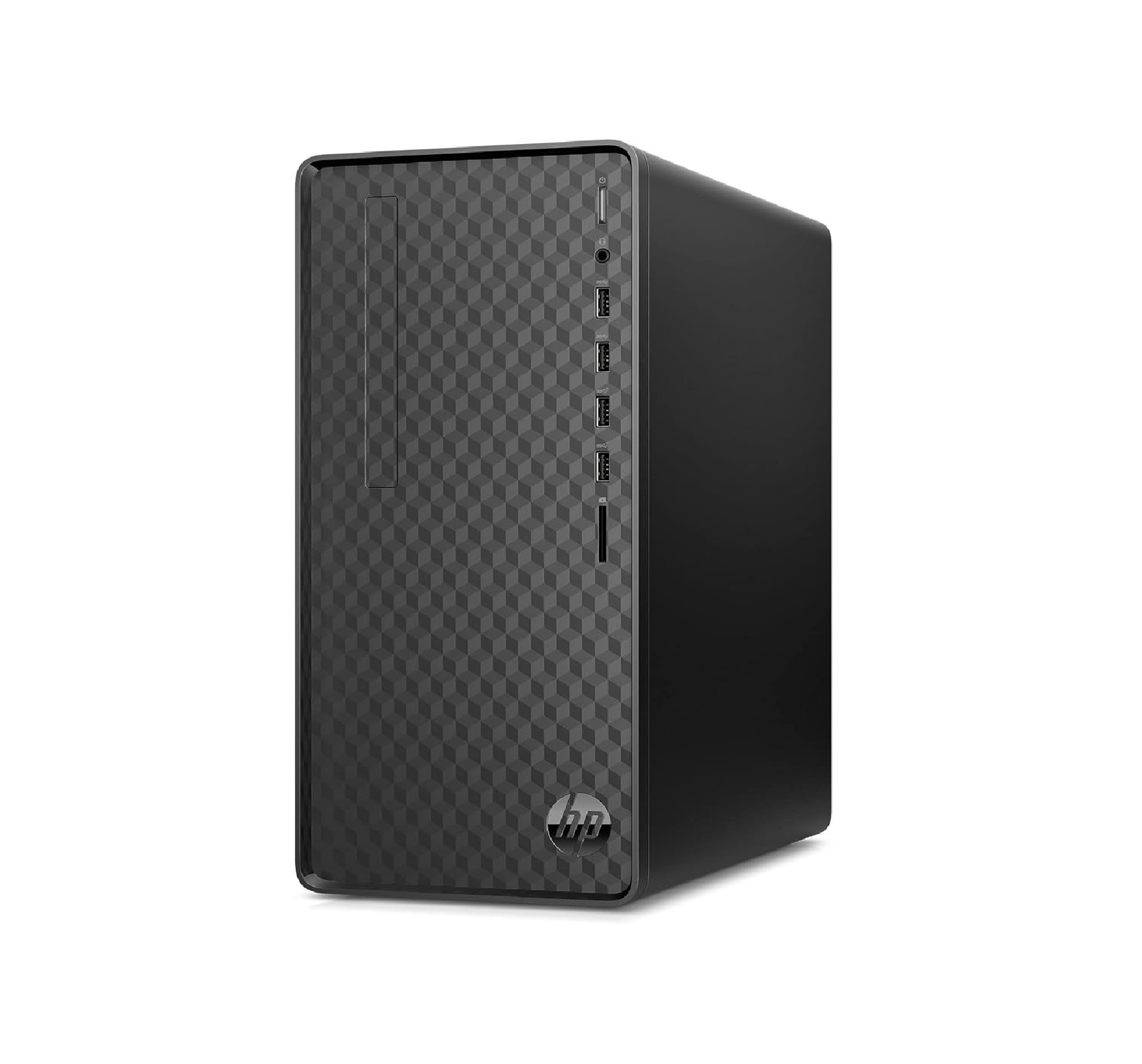
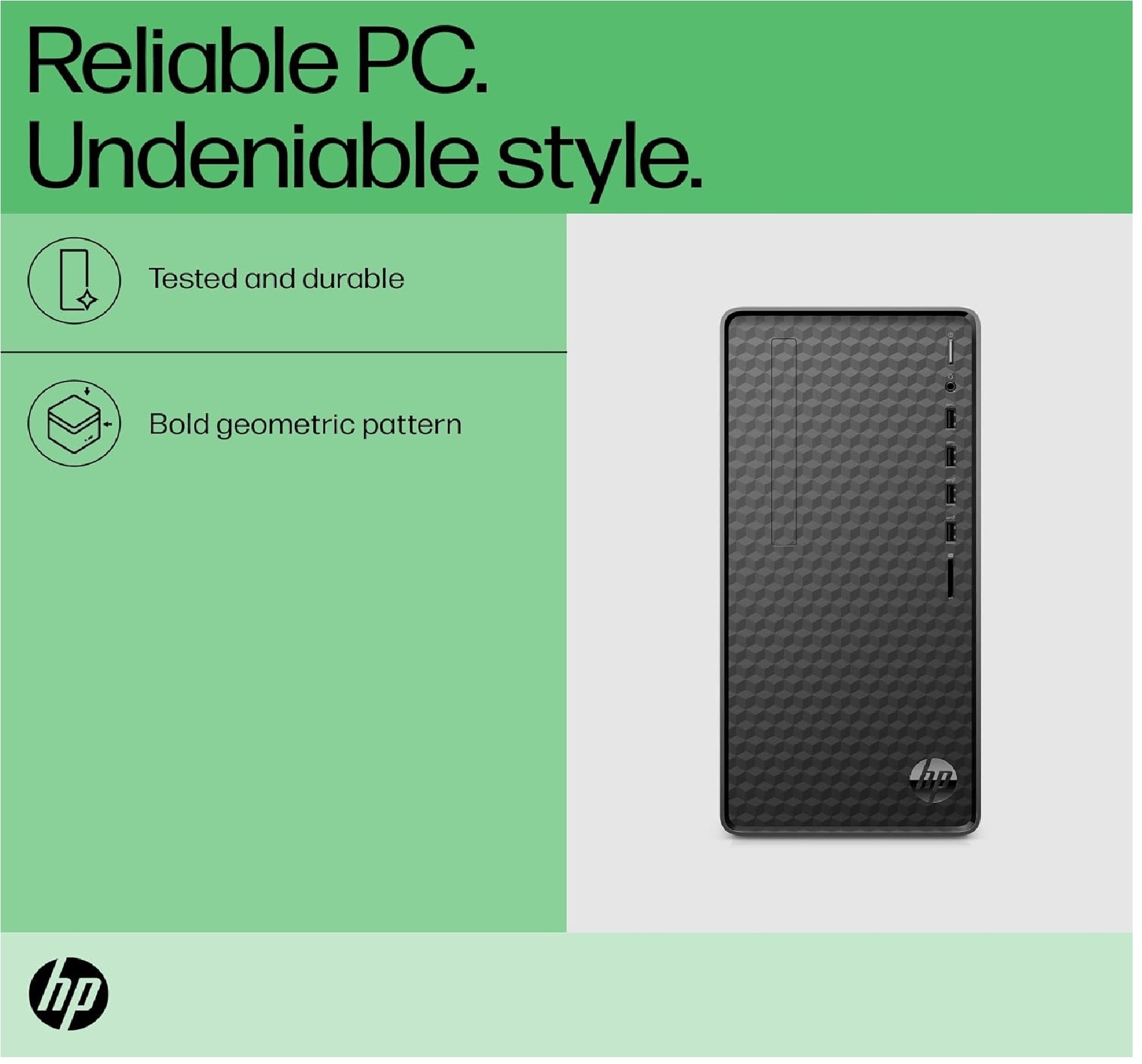
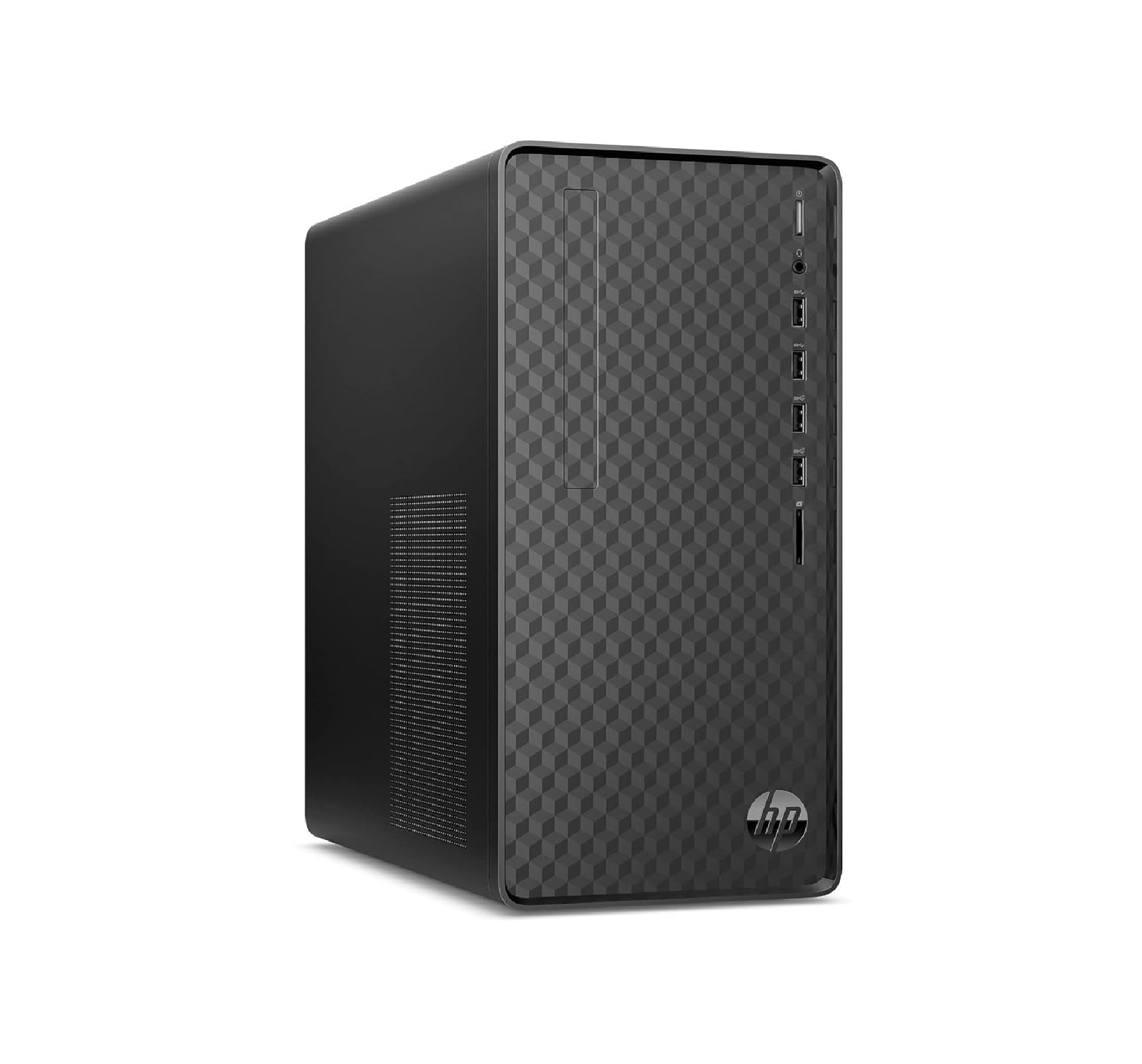
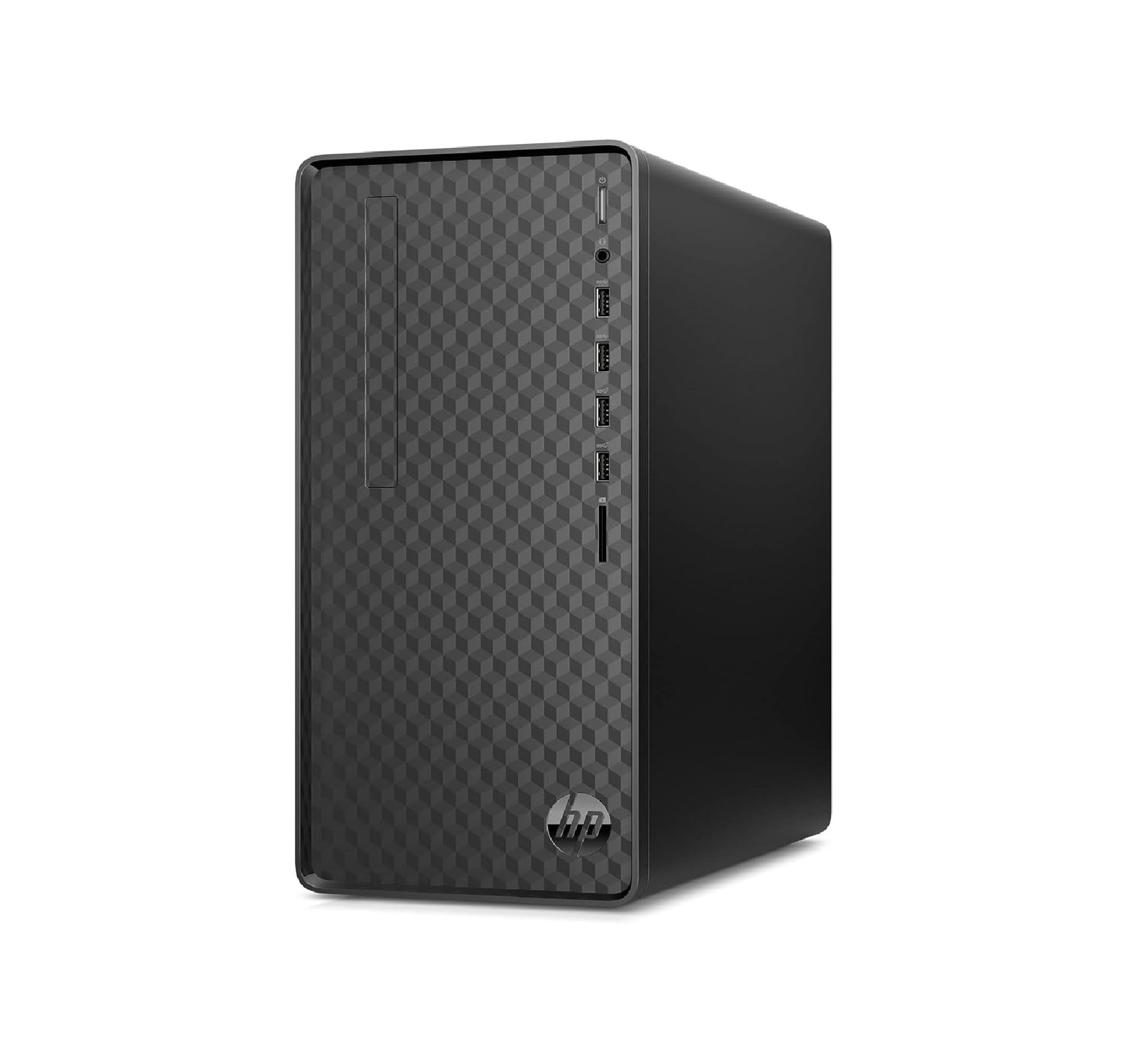
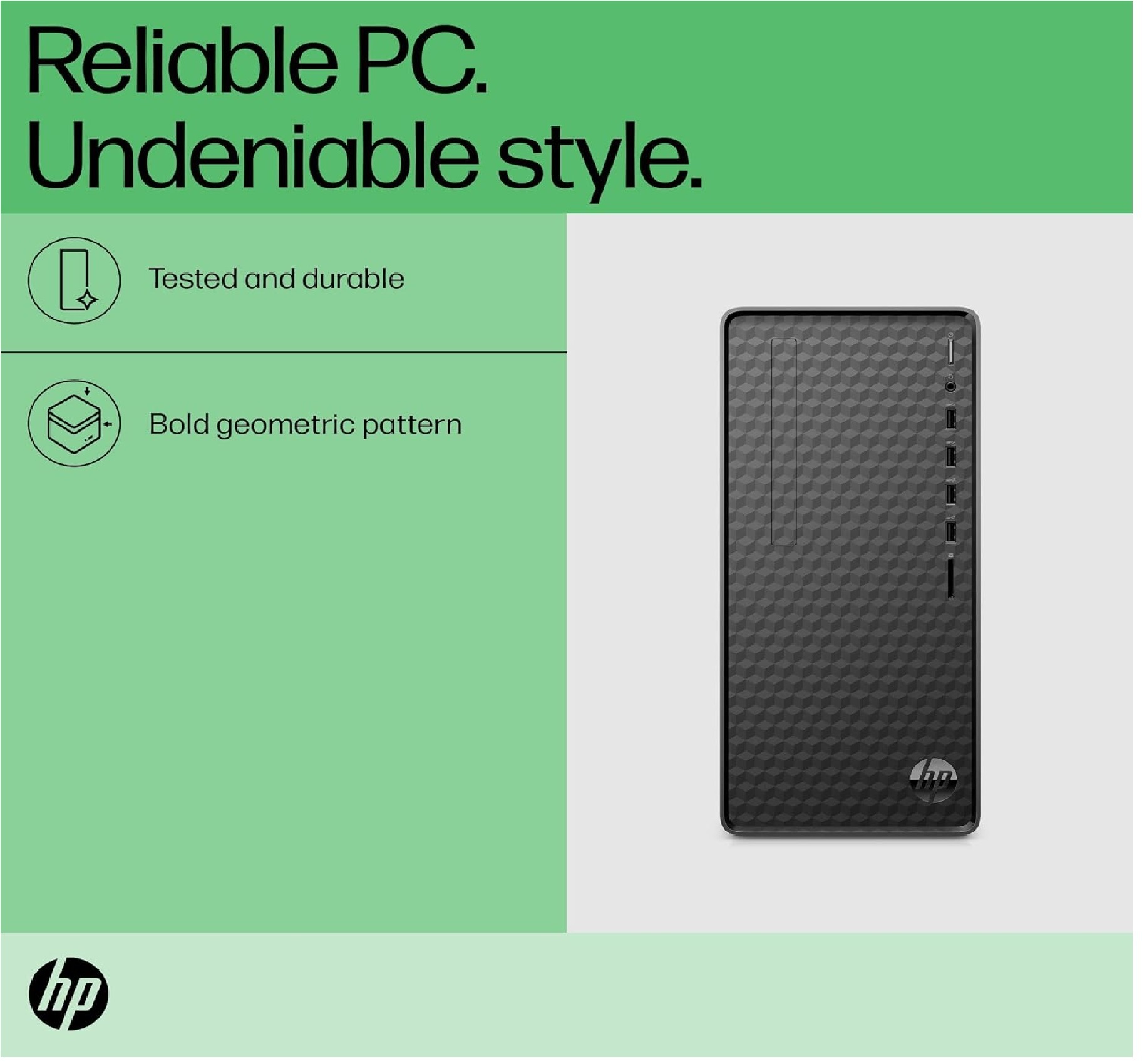
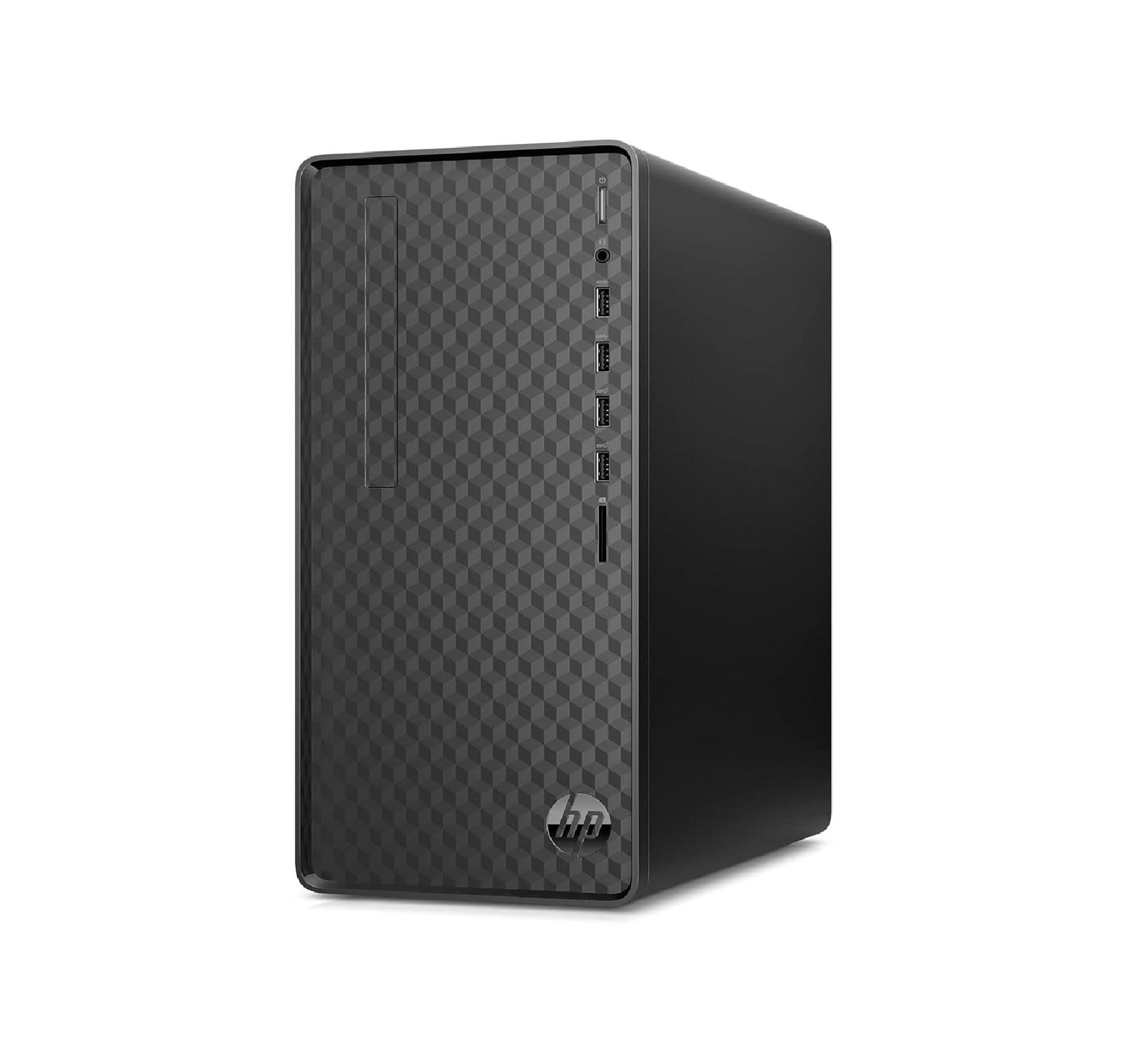
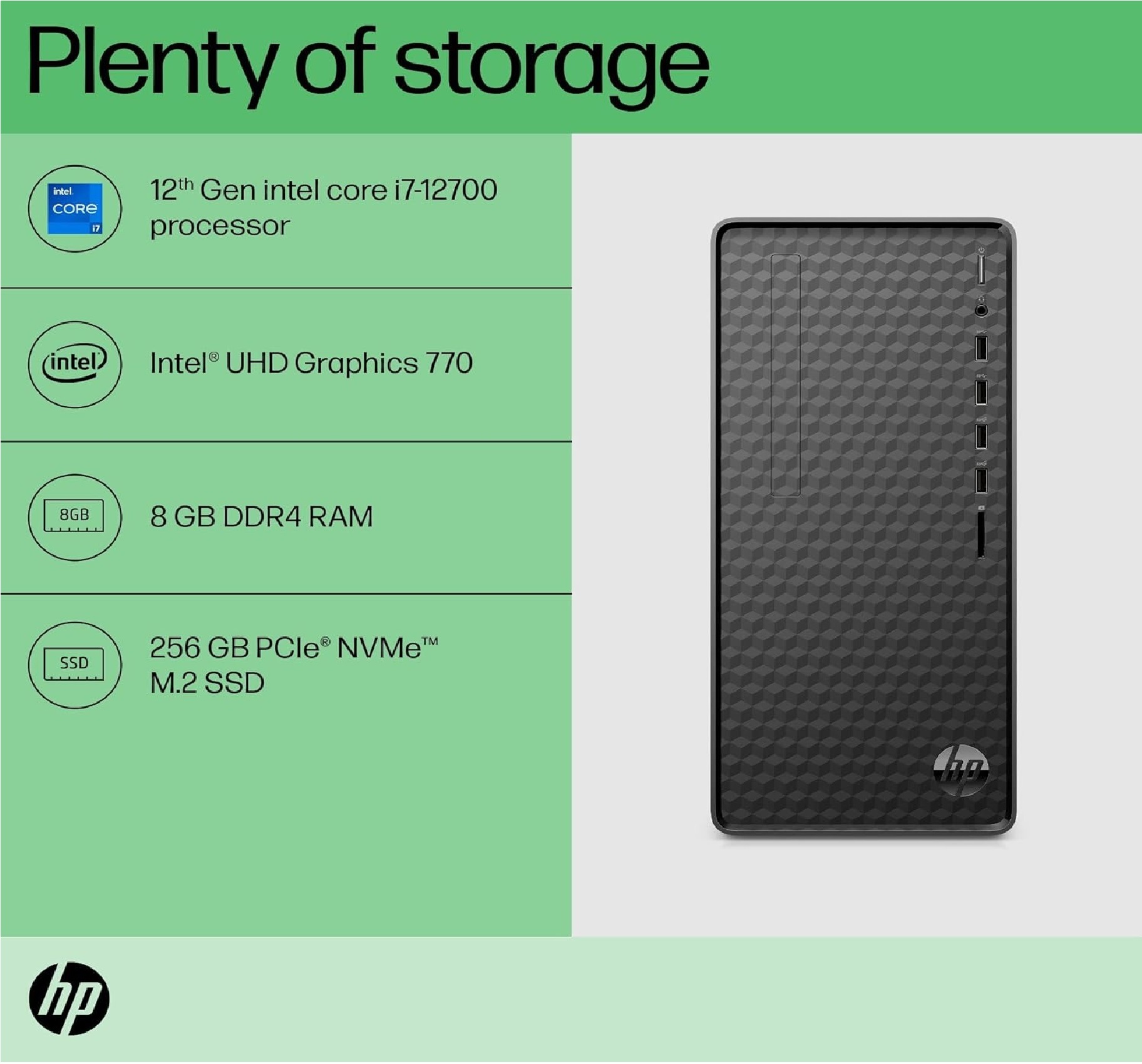
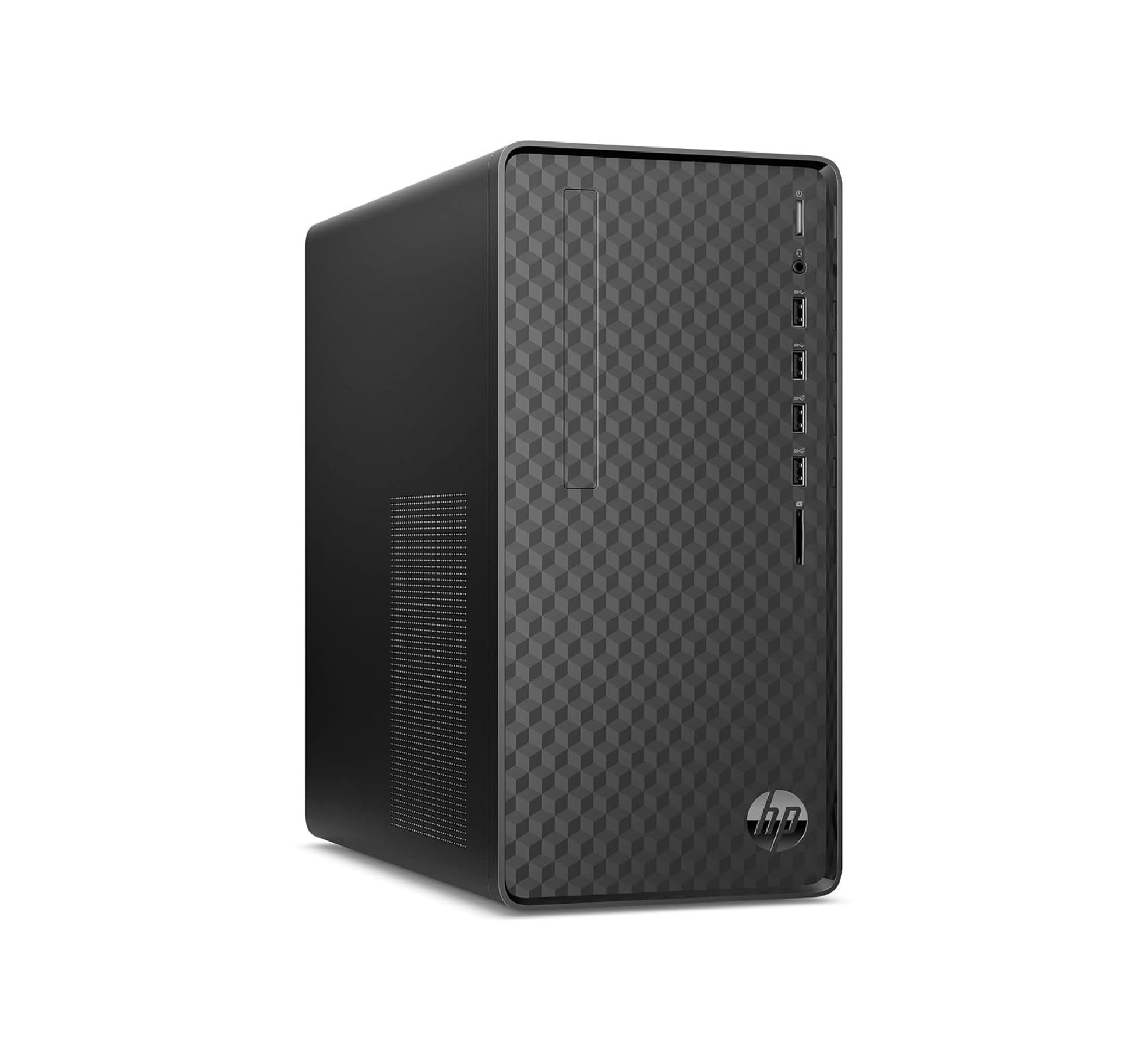
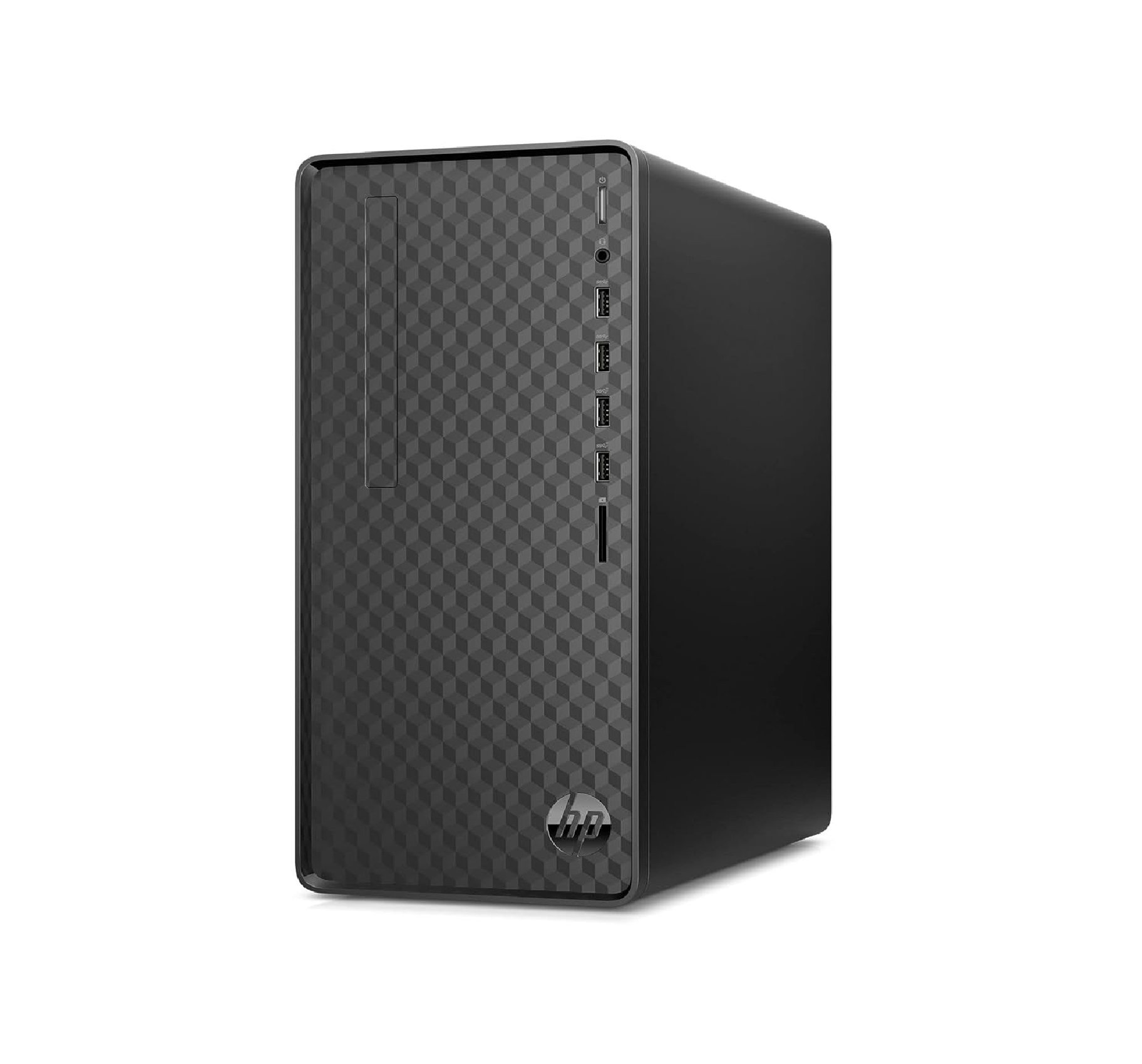
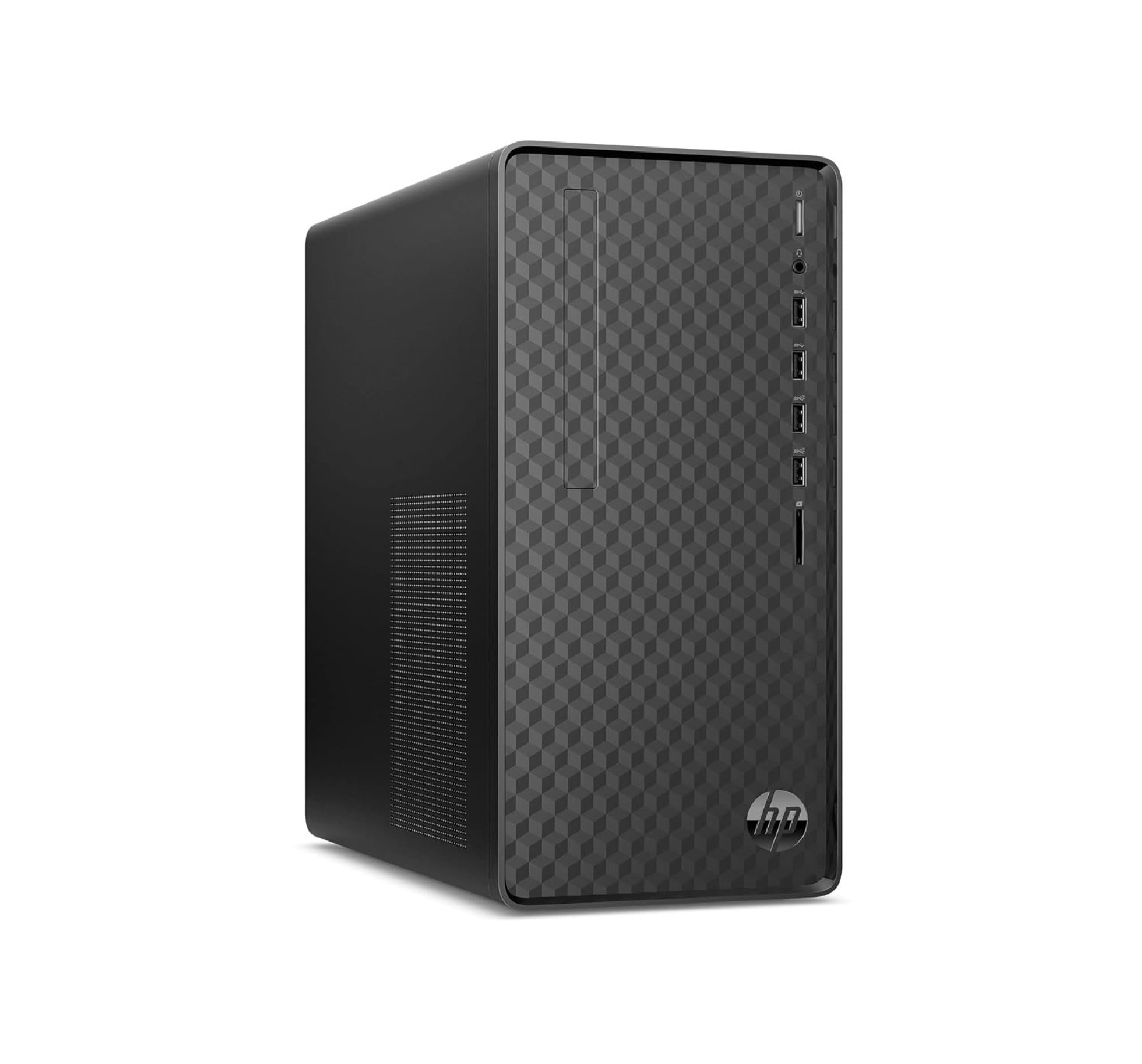
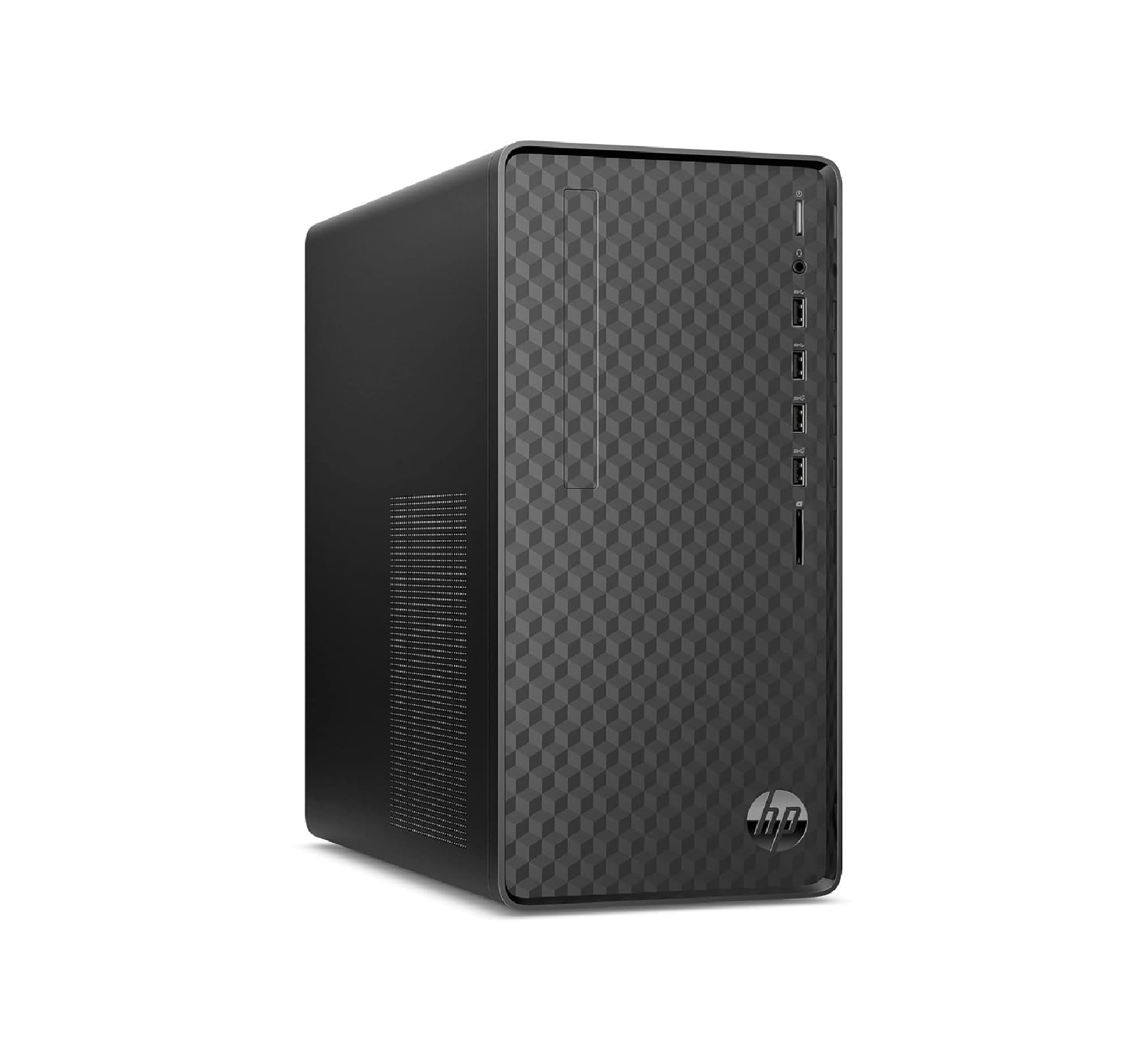
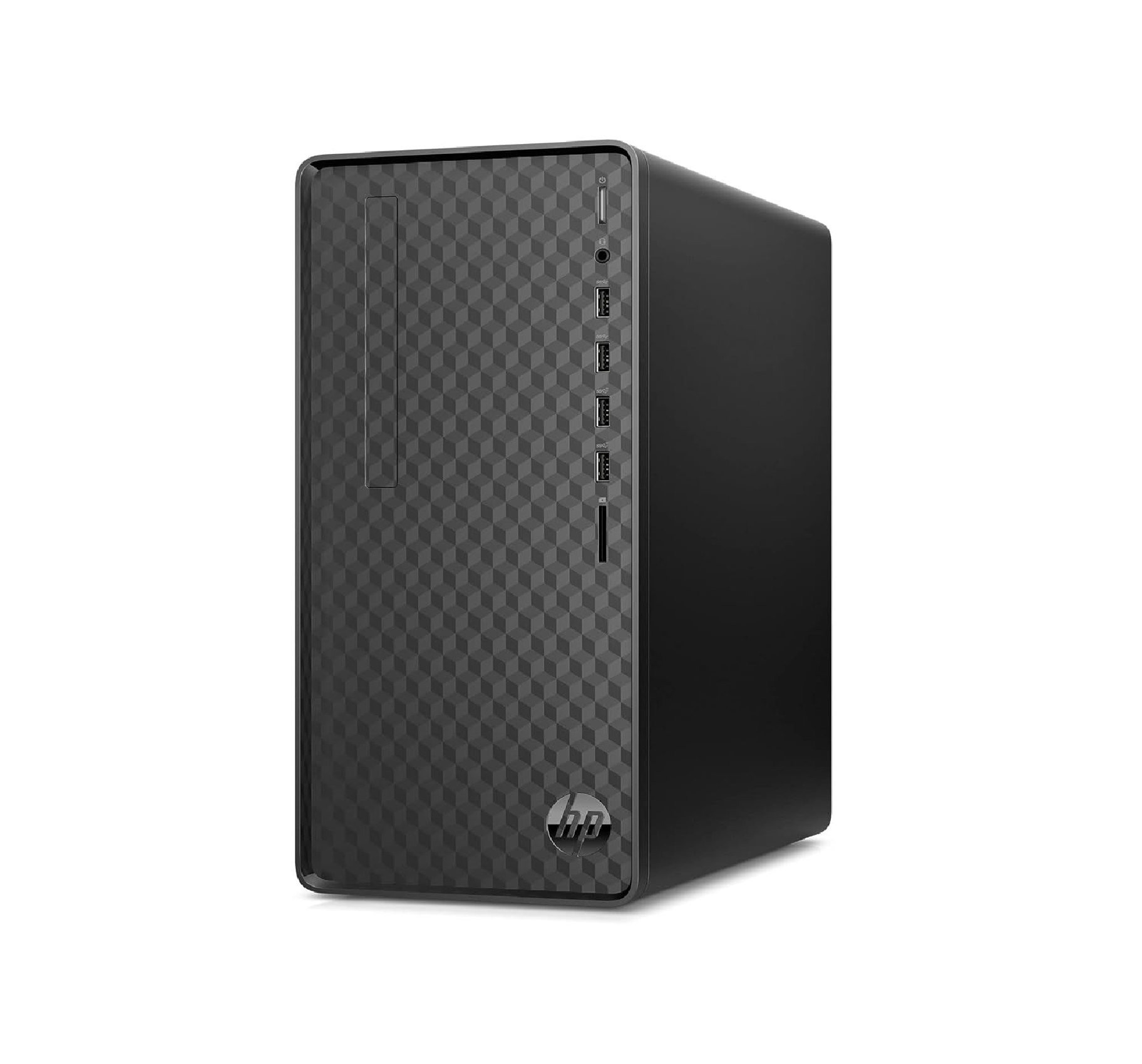
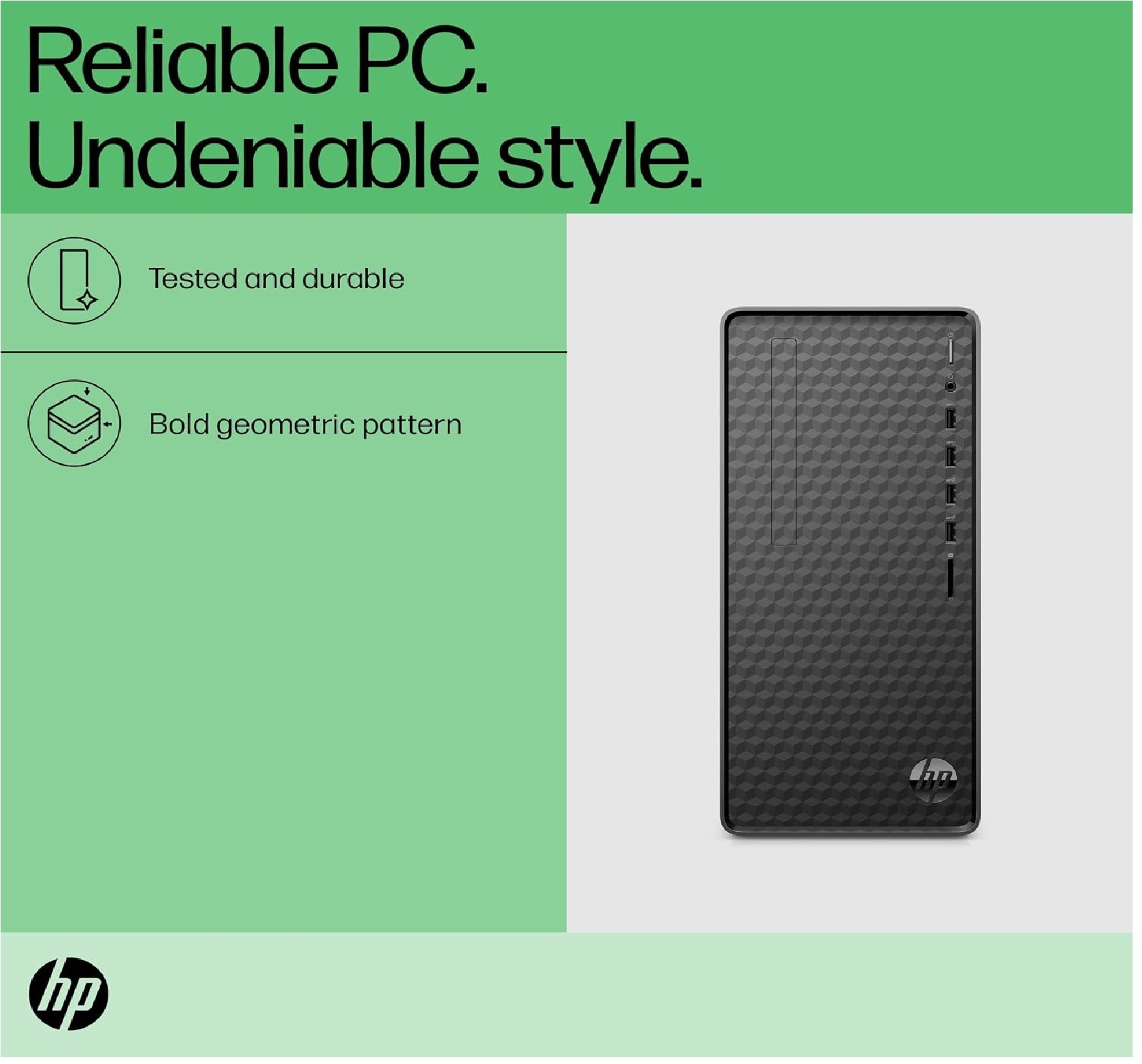
HP Tower Pc 12Th Gen Intel Core I7-12700
Price 68500 INR/ Unit
MOQ : 1 Piece
HP Tower Pc 12Th Gen Intel Core I7-12700 Specification
- Weight
- 7.6 Kg (Tower Only)
- Camera
- Not Included
- Processor Type
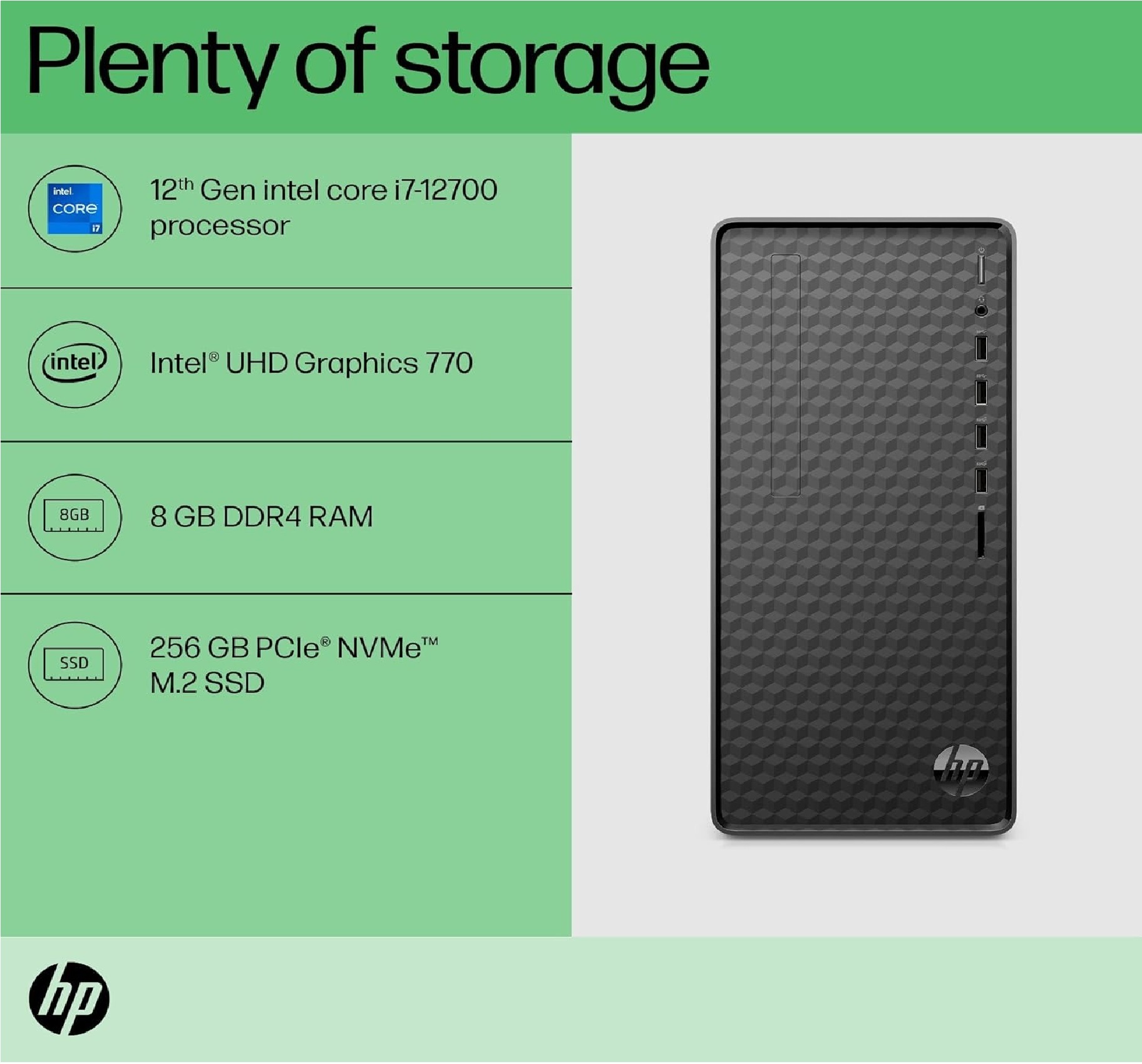
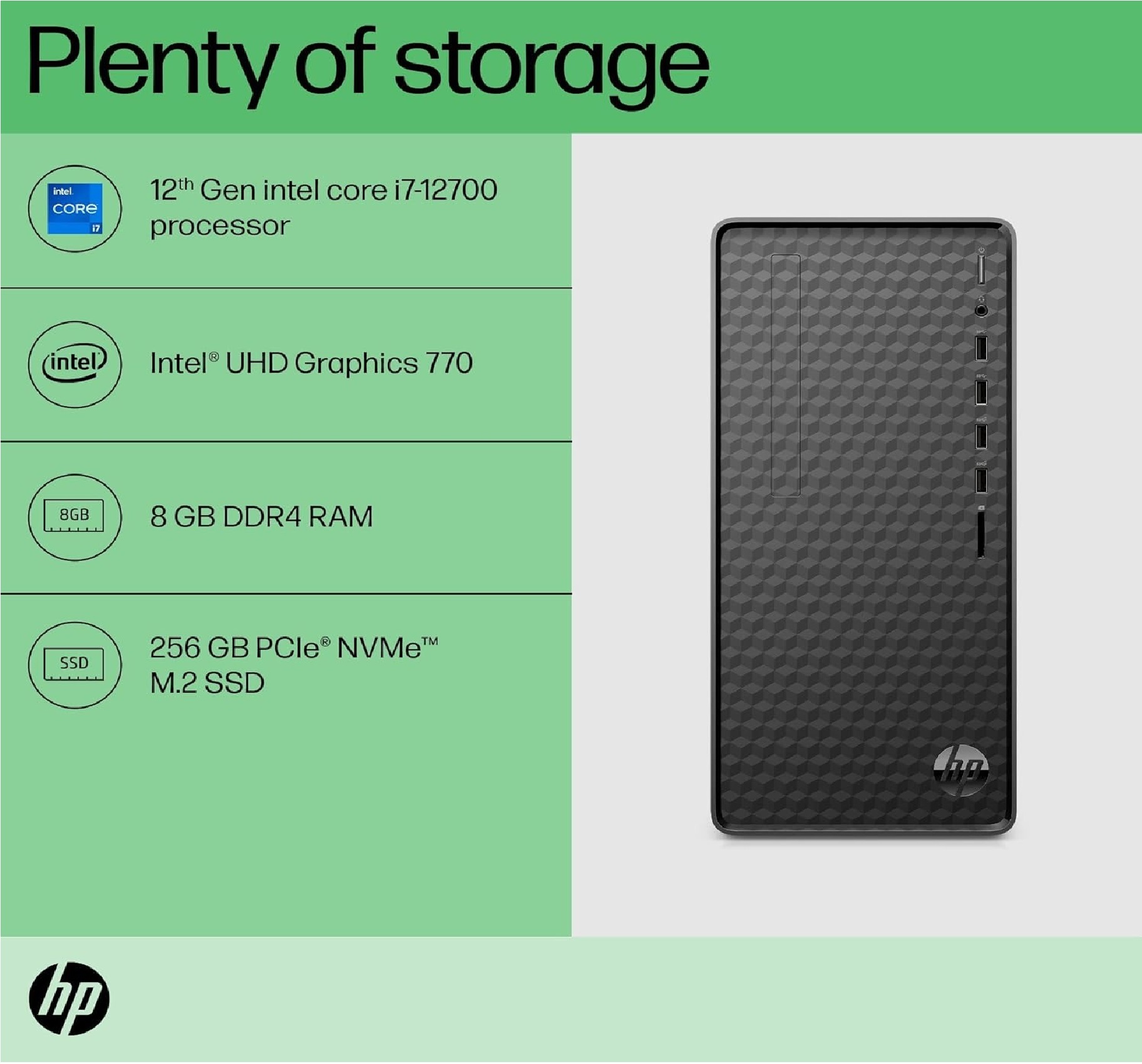
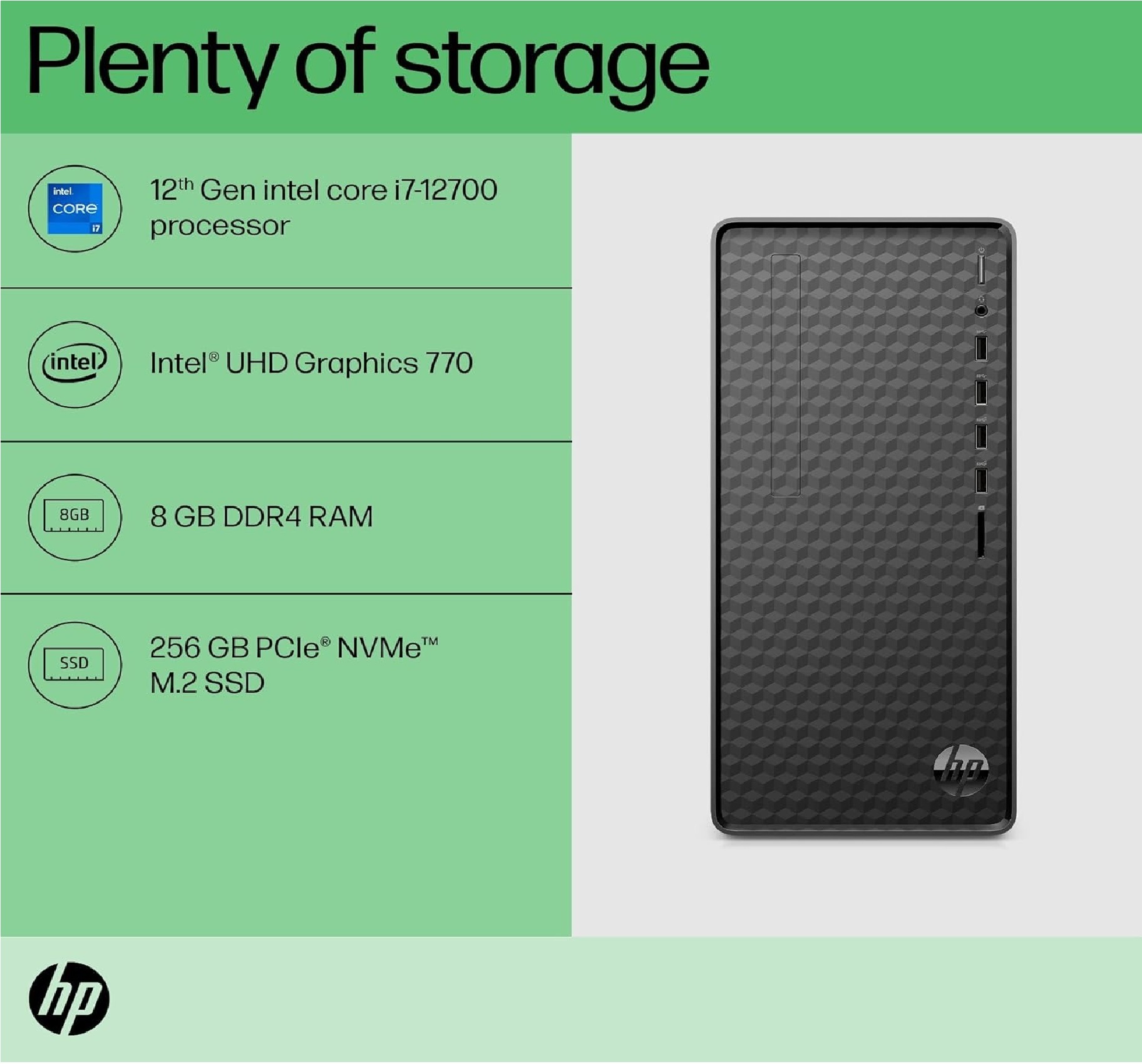
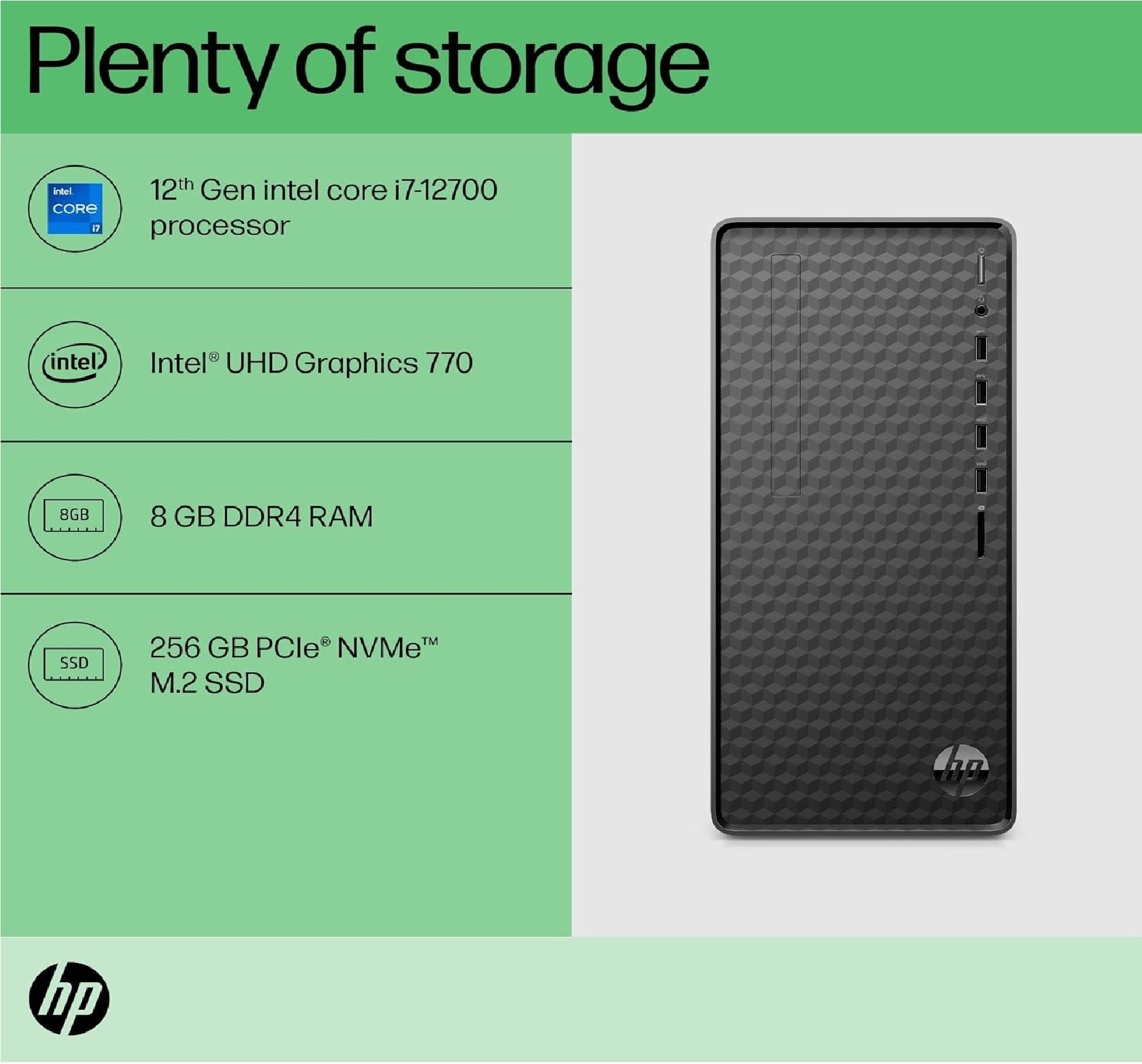
- Intel Core i7-12700
- Cache
- 25 MB Intel Smart Cache
- Screen Size
- 21.5 Inch
- Processor Main Frequency
- 2.1 GHz Base, up to 4.9 GHz Turbo
- Screen Resolution
- 1920 x 1080
- WiFi
- 802.11ac Wi-Fi
- Bluetooth
- Yes
- Monitor
- Included 21.5 inch LED Monitor
- CPU
- 12th Gen Intel Core i7-12700 (12 Cores, 20 Threads)
- Chipset
- Intel B660 Chipset
- Graphics
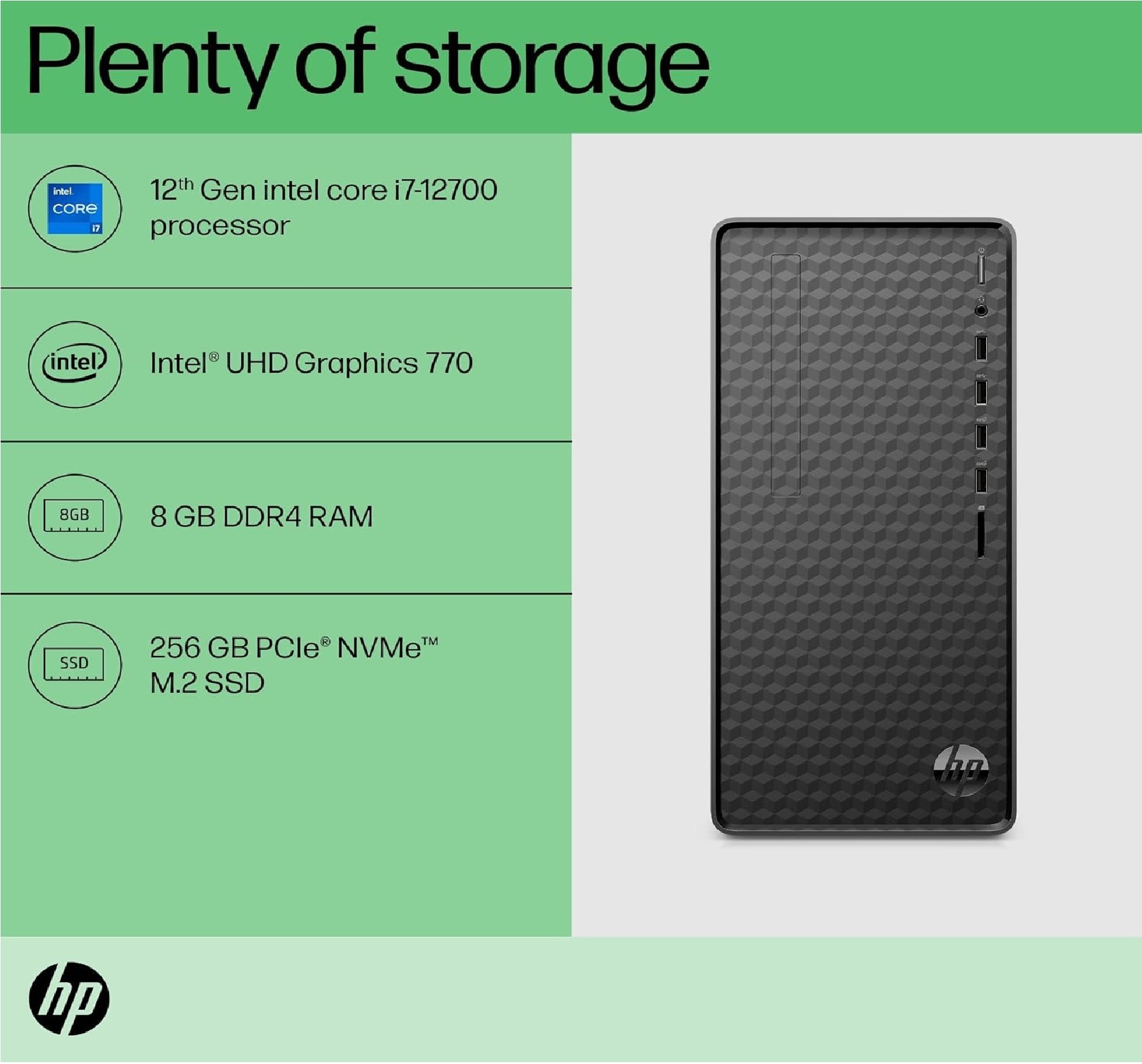
- Intel UHD Graphics 770
- Memory
- 16 GB DDR4 RAM
- Memory Speed
- 3200 MHz
- Memory Upgradable upto
- 64 GB
- ODD
- DVD-RW
- HDD
- 1 TB SATA HDD
- LAN
- Gigabit Ethernet (10/100/1000)
- Mouse
- Optical USB Mouse
- Keyboard
- USB Keyboard
- OS
- Windows 11 Pro
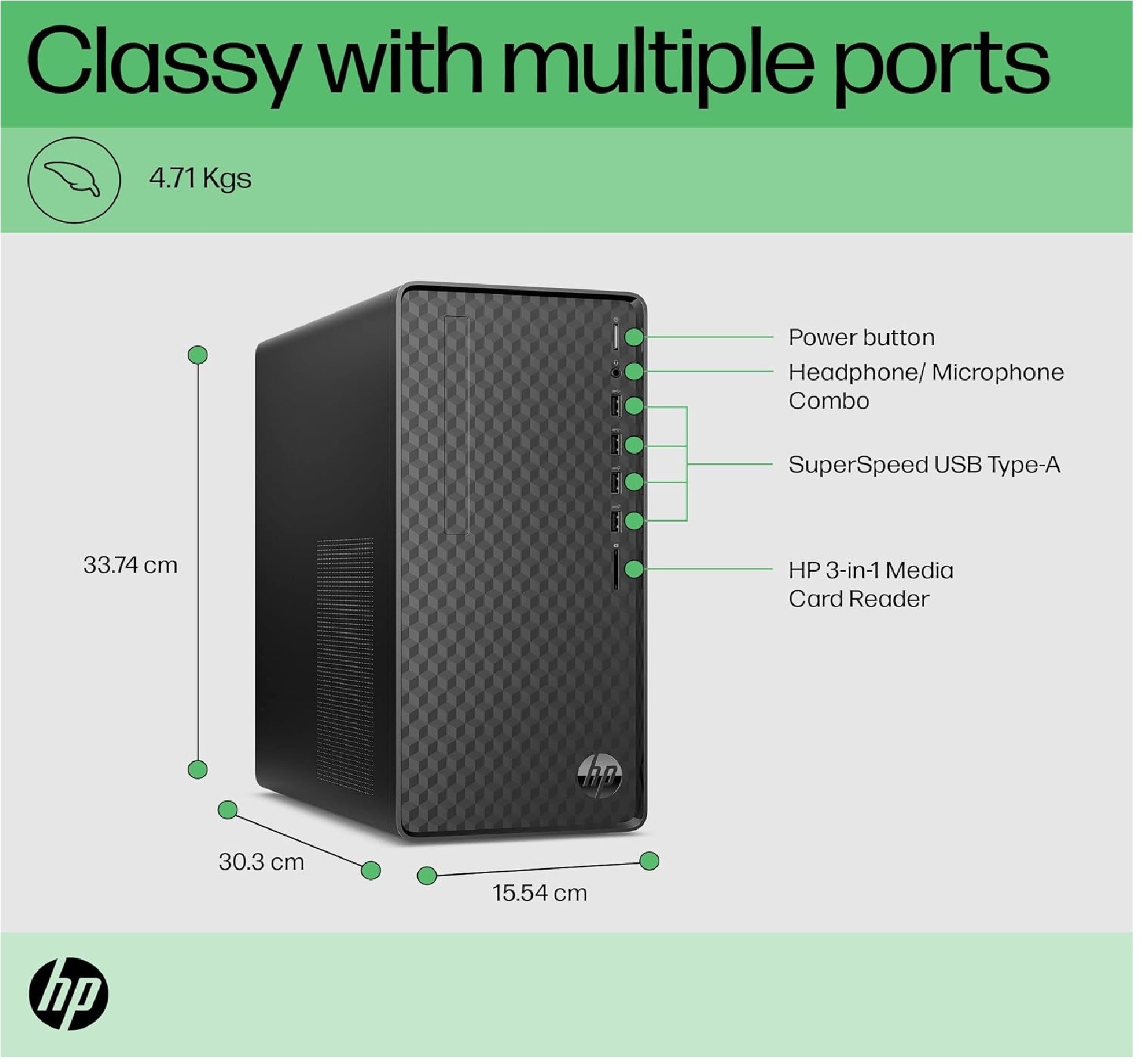
- Connectivity Options
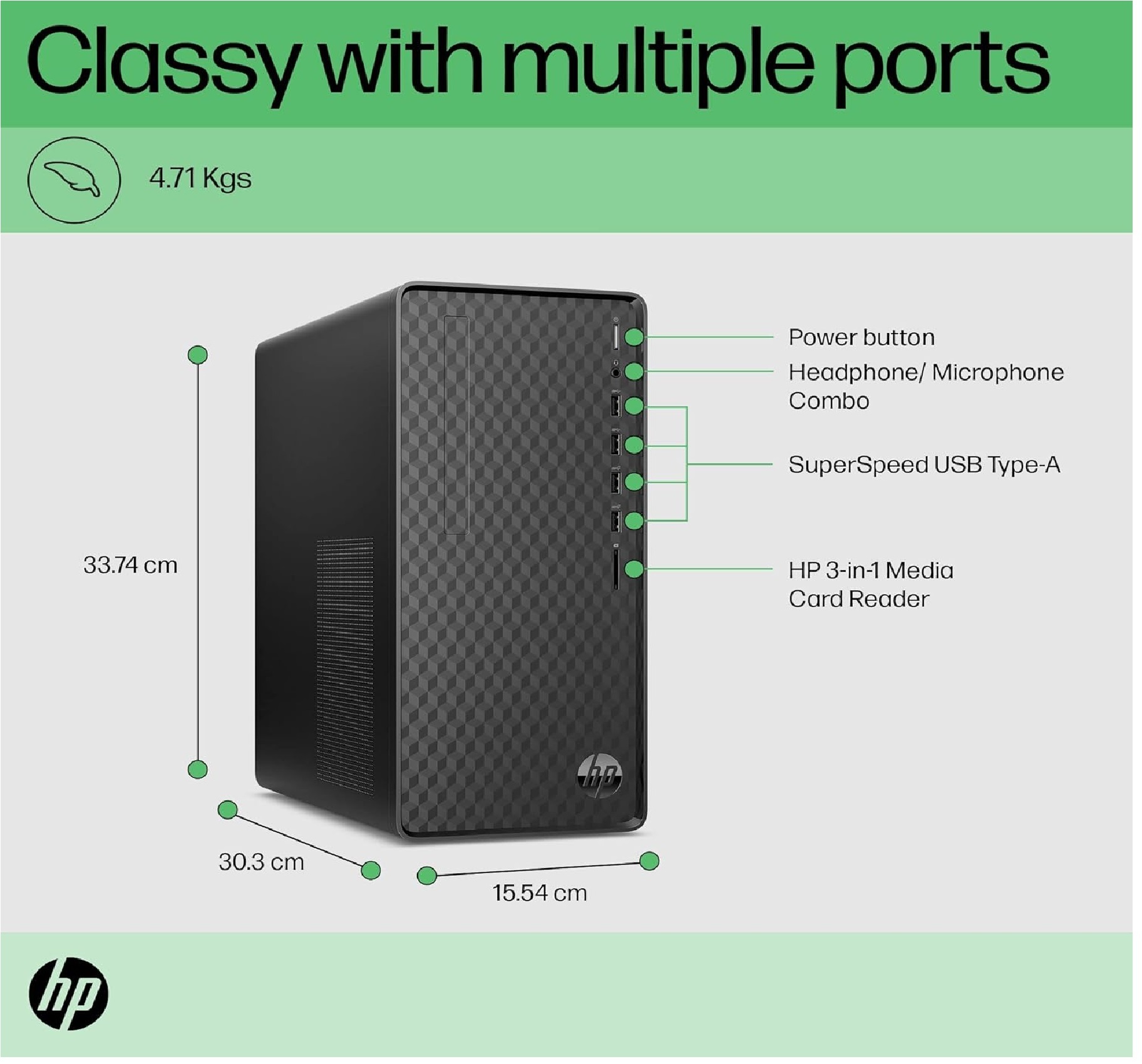
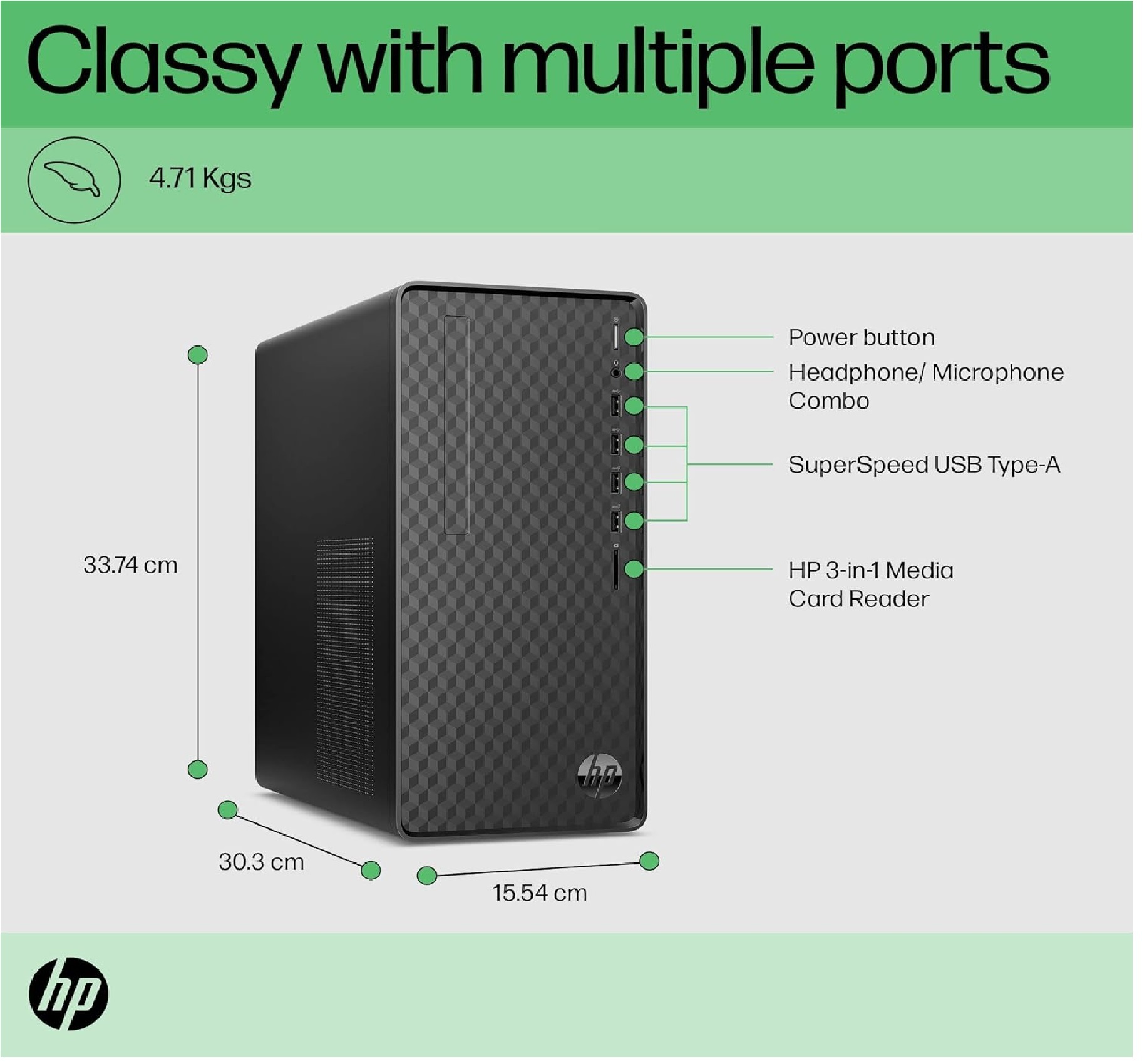
- USB 3.2, USB 2.0, HDMI, VGA, Ethernet, Audio In/Out
- Warranty Period
- 3 Years Onsite Warranty
- Security
- Kensington Lock Slot, TPM 2.0
- Ports - Rear
- 2 x USB 3.2 Gen 1, 2 x USB 2.0, HDMI, VGA, RJ45, Audio Jacks
- Color
- Black
- Storage Expansion
- 1 x M.2 (for NVMe SSD)
- Relative Humidity
- 10% to 90% (non-condensing)
- Audio
- High Definition Audio, Integrated Realtek ALC897
- Operating Temperature
- 10°C to 35°C
- Form Factor
- Micro ATX Tower
- Expansion Slots
- 1 PCIe x16, 2 PCIe x1
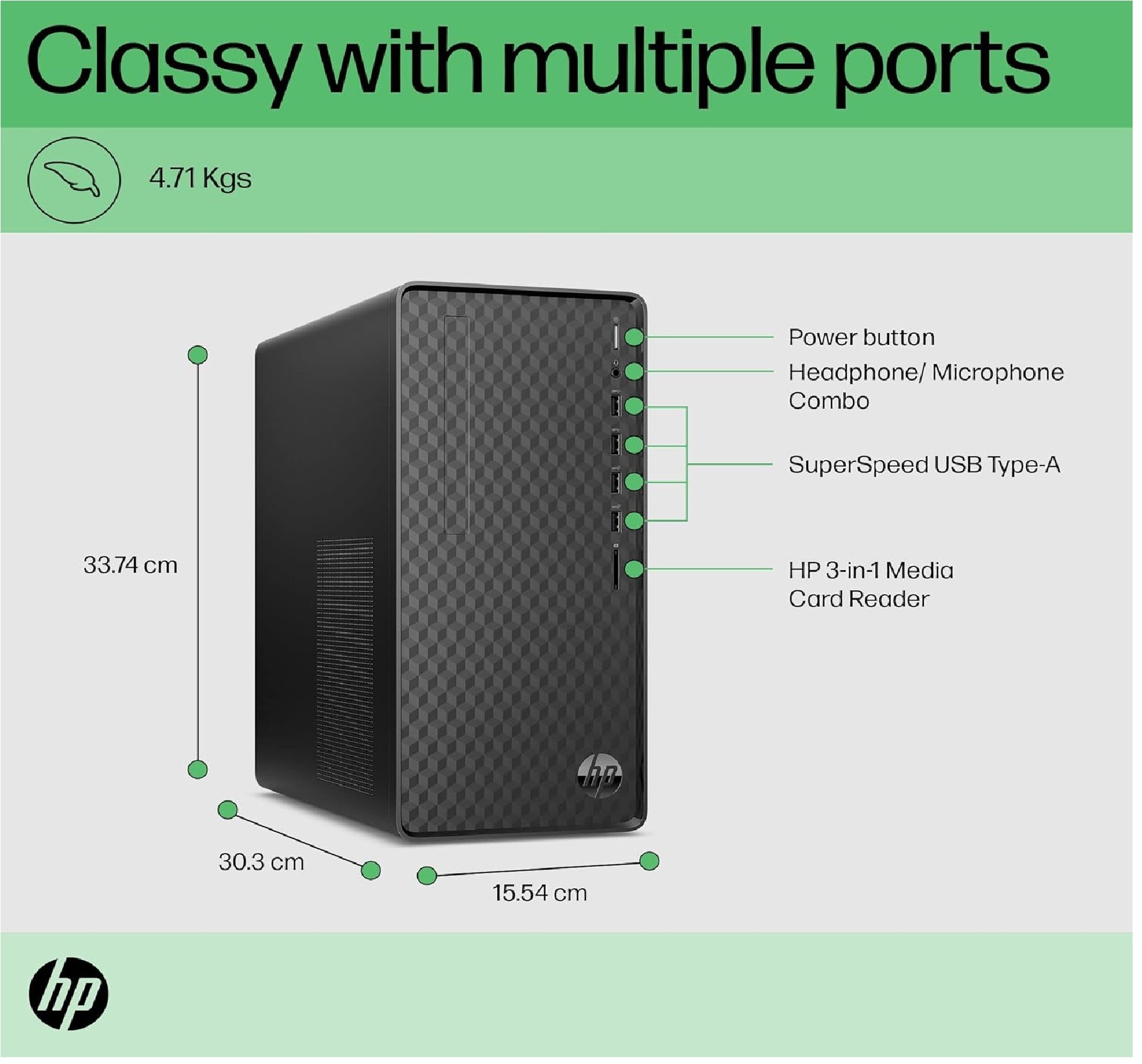
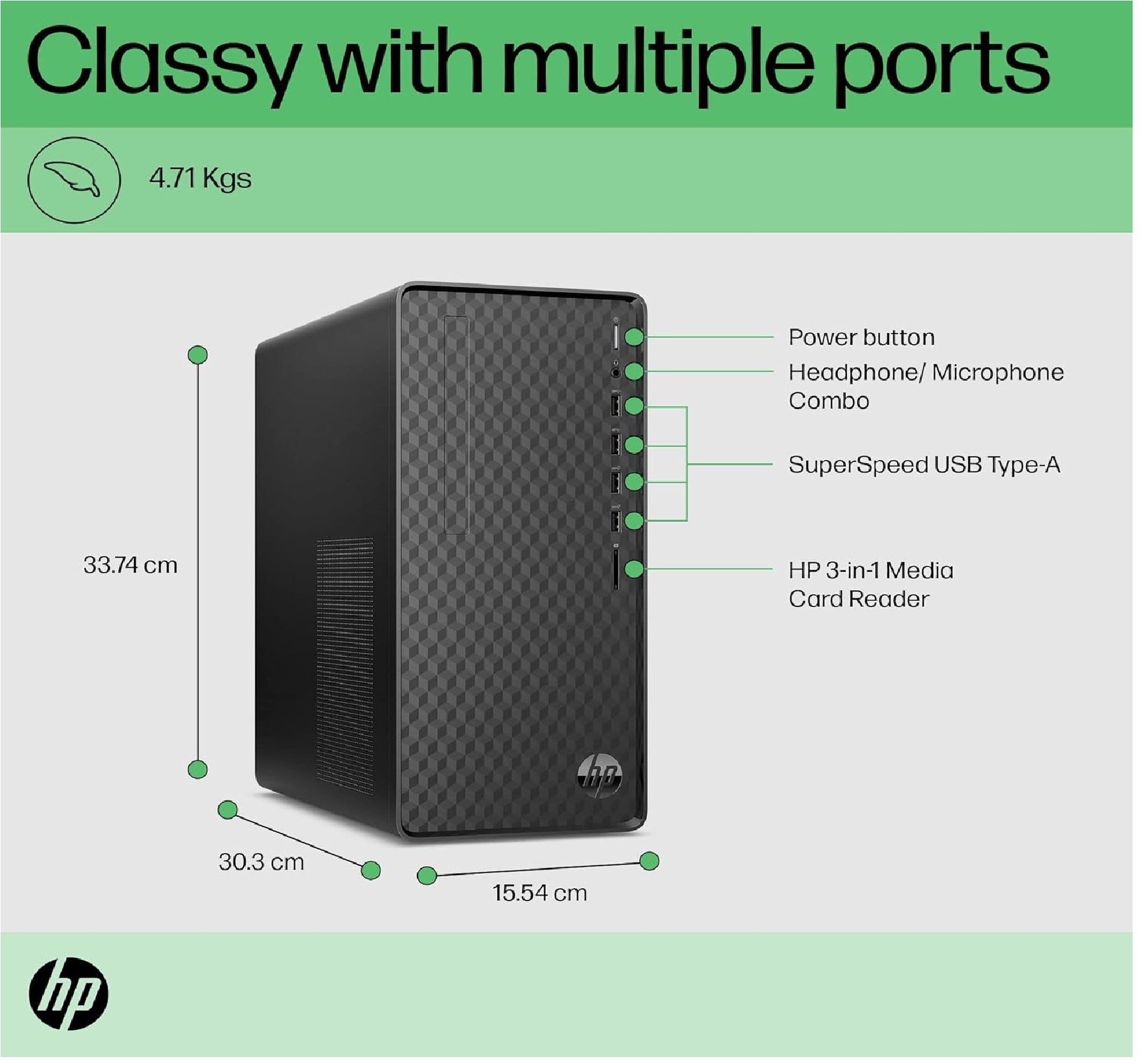
- Ports - Front
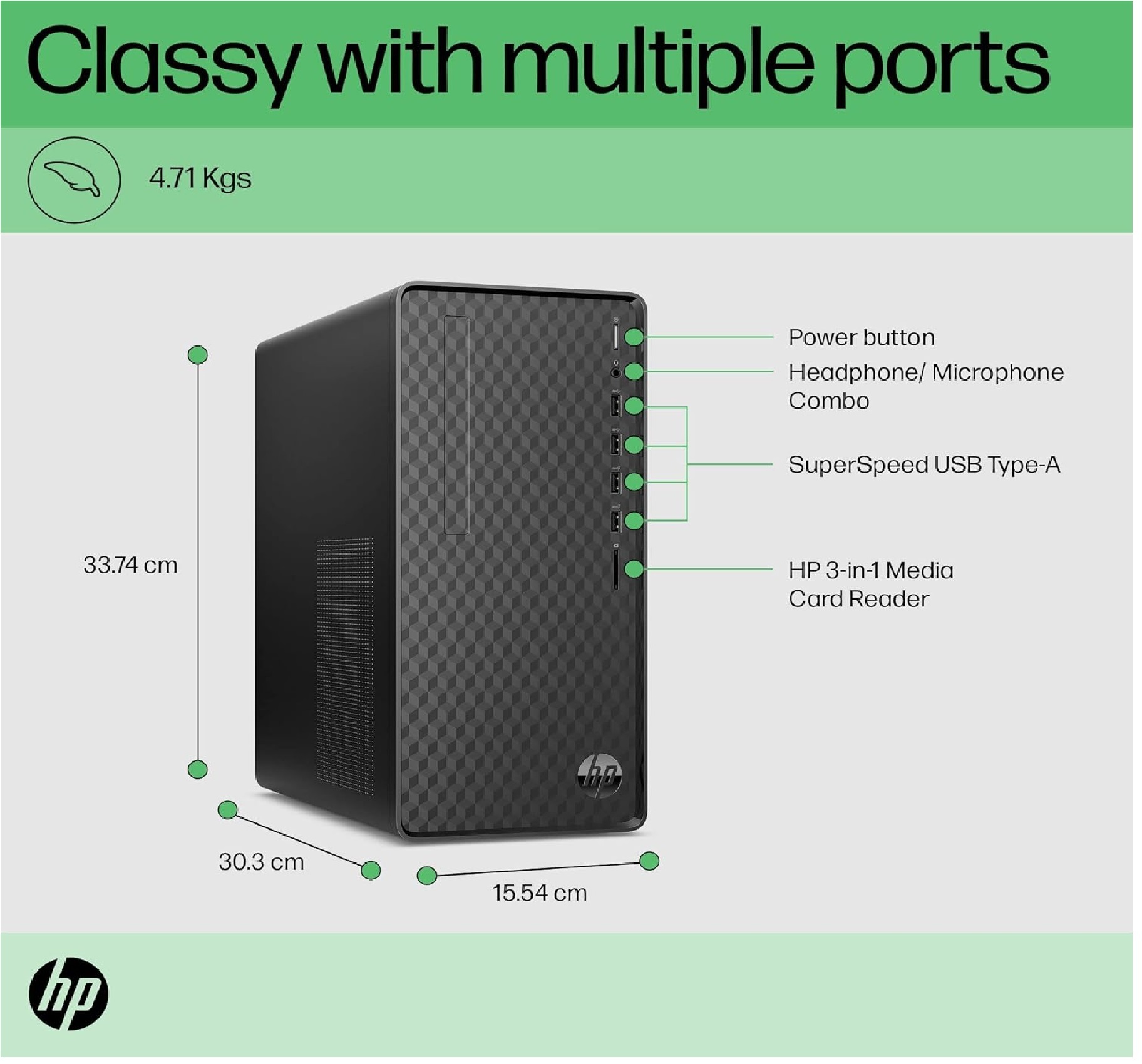
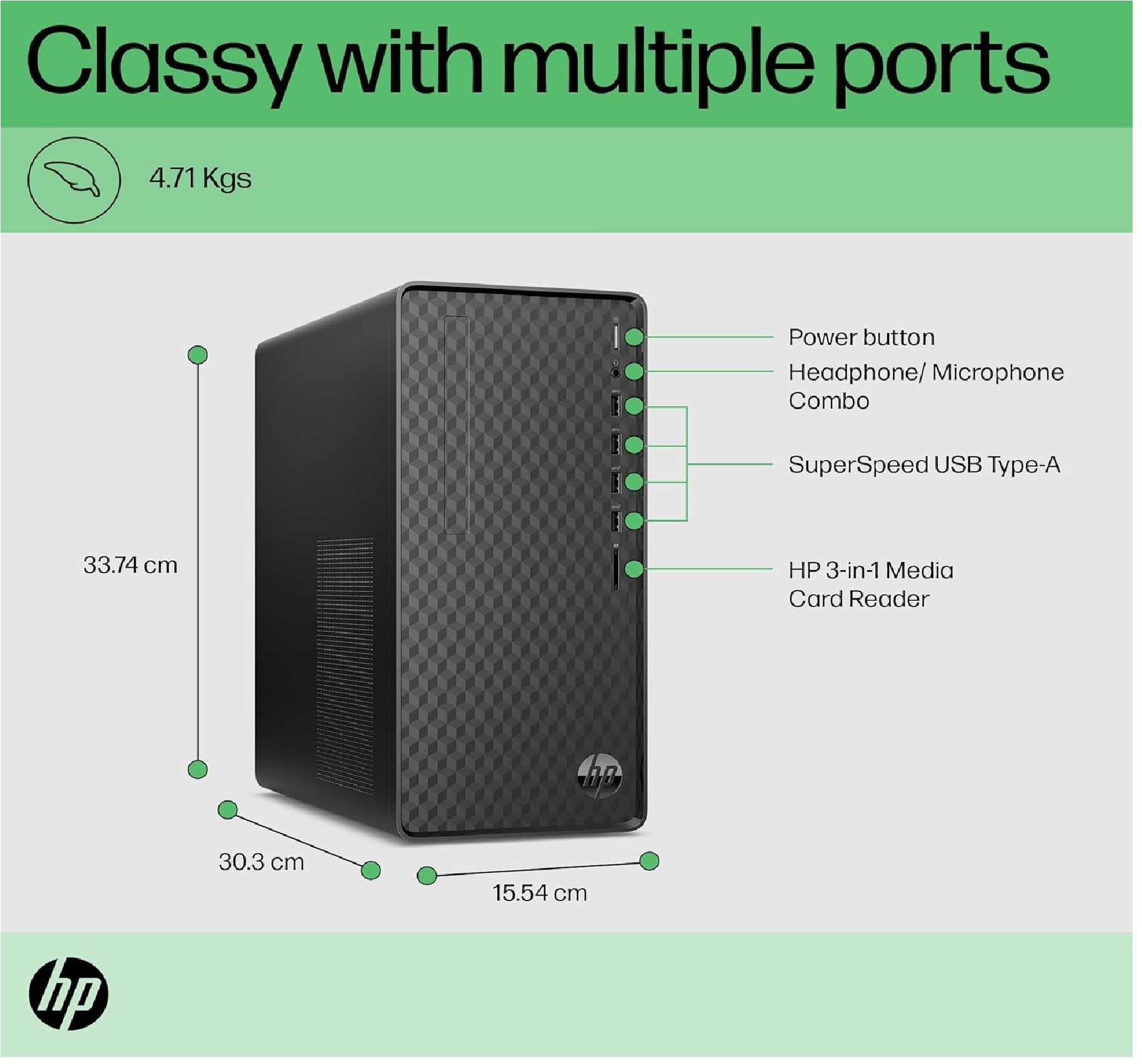
- 2 x USB 3.2 Gen 1, 2 x USB 2.0, Headphone, Microphone
- Power Supply
- 300W Active PFC
About HP Tower Pc 12Th Gen Intel Core I7-12700
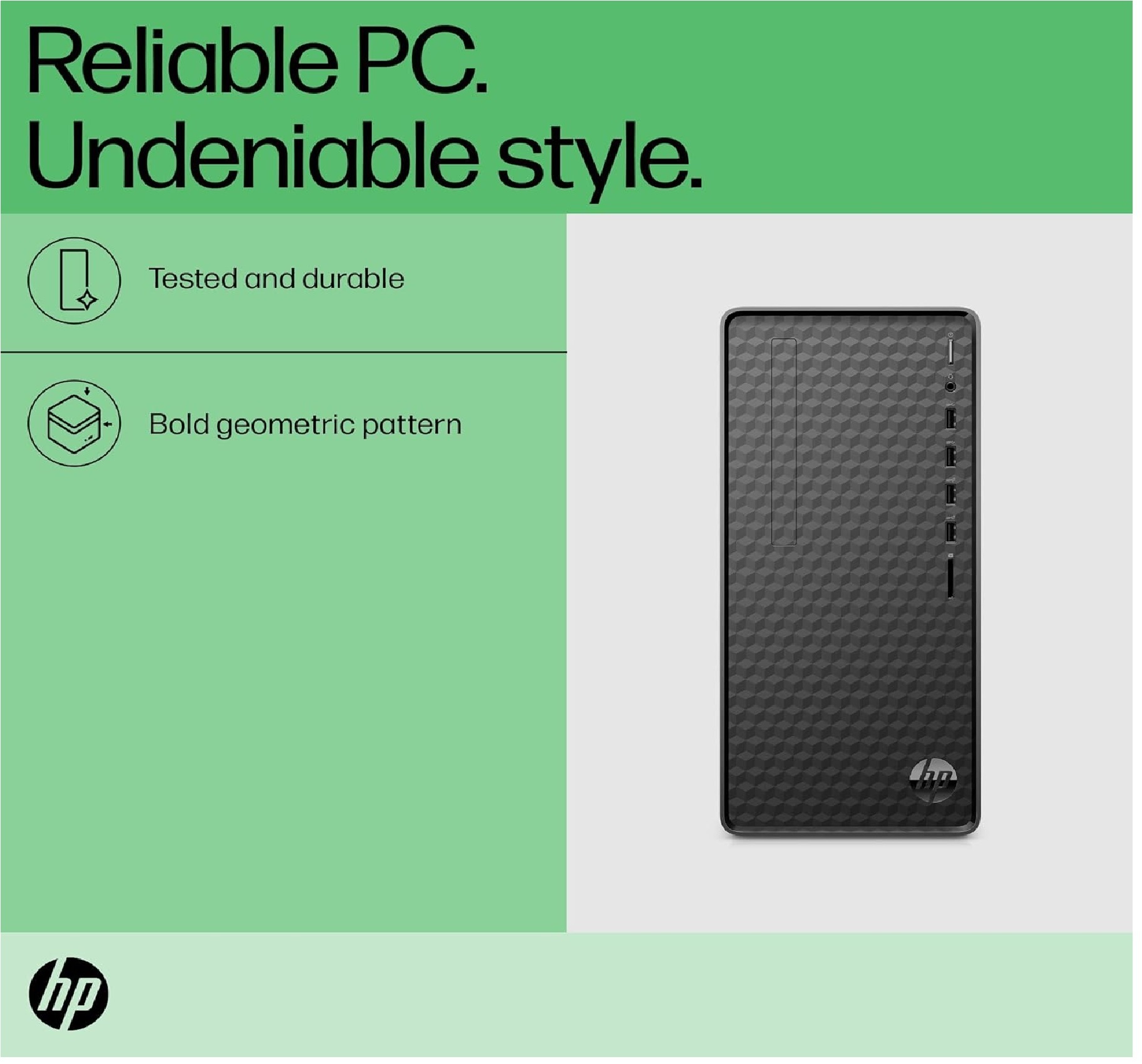
HP Tower Pc 12Th Gen Intel Core I7-12700 (8Gb/256 Gb Sdd/1 Tb HDD/Win 11/Mso/Dark Black) M01-F2791In,Windows 11 Home
| Brand | HP |
| Operating System | Windows 11 Home |
| Memory Storage Capacity | 1000 GB |
| RAM Memory Installed Size | 8 GB |
| Model Name | HP Desktop Tower PC |
| Included Components | Towe PC, HP Desktop |
| CPU Model | Core i7 |
| Colour | Dark Black |
| CPU Manufacturer | Intel |
Powerful Multitasking and Productivity
Experience smooth computing with the 12th Gen Intel Core i7-12700 processor, offering a base frequency of 2.1 GHz and turbo up to 4.9 GHz. With 16GB DDR4 RAM and support for up to 64GB, this PC can handle multiple applications and demanding workloads simultaneously, making it suitable for both professional and personal use.
Comprehensive Connectivity and Expansion
The PC provides a wide array of ports including USB 3.2, USB 2.0, HDMI, VGA, RJ45, and audio jacks on both front and rear panels, offering easy connections for devices and peripherals. With expansion slots and support for NVMe SSD, users can effortlessly upgrade storage and add components as needed.
Secure and Reliable Operation
Equipped with advanced security features like TPM 2.0 and a Kensington Lock Slot, this HP Tower PC ensures data protection and physical security. Its robust build and 3-year onsite warranty assure dependable performance for users, supported by service providers and suppliers across India.
FAQ's of HP Tower Pc 12Th Gen Intel Core I7-12700:
Q: How do I upgrade the RAM or storage on this HP Tower PC?
A: You can upgrade the RAM in the Micro ATX chassis by using the available DIMM slots, supporting up to 64GB DDR4 (3200 MHz). For storage expansion, use the M.2 slot for NVMe SSDs or add additional SATA drives as needed. Ensure the system is powered off and refer to the motherboard manual for proper installation.Q: What benefits does the 12th Gen Intel Core i7-12700 provide for everyday tasks?
A: The 12th Gen Intel Core i7-12700, with 12 cores and 20 threads, delivers exceptional processing power. It enhances multitasking, speeds up applications, and makes running demanding software smoother, benefiting users with faster performance for office work, creative tasks, and entertainment.Q: When should I contact HP service for warranty support in India?
A: You should contact HP's authorized service providers or call the HP helpline when you encounter hardware issues, malfunctions, or operational problems within the 3-year onsite warranty period. HP offers professional support for repairs and resolving technical concerns under warranty.Q: Where are the main connectivity ports located on the HP Tower PC?
A: The main connectivity ports, including USB 3.2, USB 2.0, audio jacks, HDMI, and VGA, are distributed on both the front and rear panels of the tower for convenient access. This setup allows easy connection of external devices, displays, peripherals, and networking cables.Q: What process should I follow to connect the included 21.5-inch LED monitor?
A: Connect the monitor to the PC using either the HDMI or VGA port located on the rear panel. Power on both devices and adjust the display settings in Windows 11 Pro to optimize screen resolution and configuration as desired.Q: Can I use Wi-Fi and Bluetooth on this PC, and what versions are supported?
A: Yes, the HP Tower PC supports wireless connectivity with built-in 802.11ac Wi-Fi for fast internet access and Bluetooth 5.2 for connecting compatible devices such as headphones, keyboards, and mobile phones. These features enable seamless integration into wireless environments.Q: What security features are included to protect my data and device?
A: The HP Tower PC offers security through hardware TPM 2.0 for encryption and authentication, and a Kensington Lock Slot for physically securing the tower. These features help protect sensitive information and prevent unauthorized access or theft.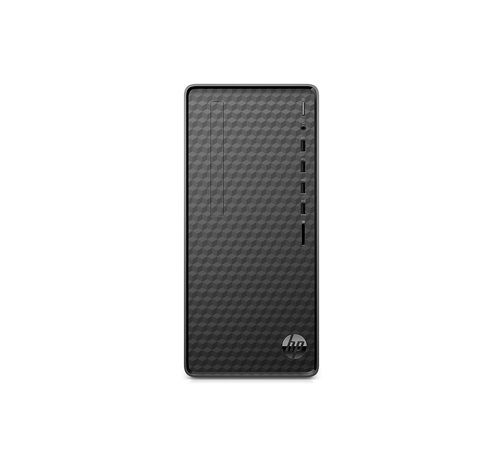
Tell us about your requirement

Price:
Quantity
Select Unit
- 50
- 100
- 200
- 250
- 500
- 1000+
Additional detail
Mobile number
Email

More Products in Desktop Computer Category
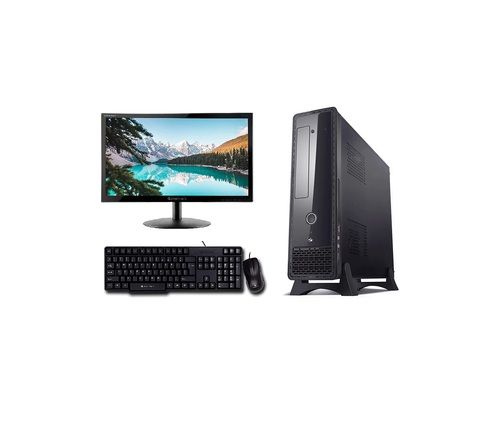
Core i5 Desktop Complete Computer System
Price 22000 INR / Number
Minimum Order Quantity : 1 Unit
Processor Type : Intel Core i5 (4th Generation)
Memory : 4 GB DDR3 RAM
CPU : Intel Core i5 (4th Gen)
Memory Speed : 1600 MHz
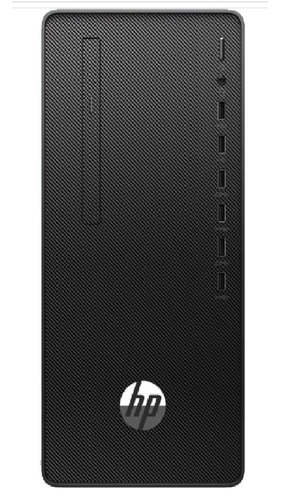
HP 285 Pro G8 Microtower PC
Price 27000.00 INR / Number
Minimum Order Quantity : 1 Number
Processor Type : AMD Ryzen 3 processor
Memory : 4 Gigabyte (GB)
CPU : AMD Ryzen 3 processor
Memory Speed : 4
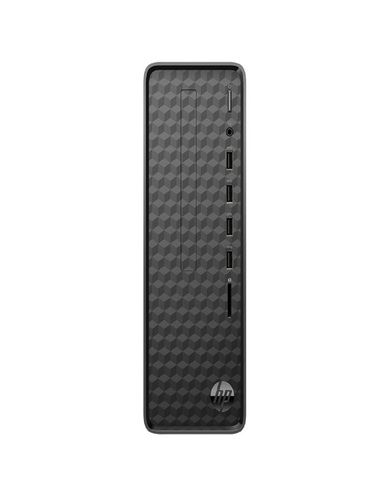
HP Slim Tower 12th Gen Intel Core i3-12100
Price 45000 INR / Piece
Minimum Order Quantity : 100 Units
Processor Type : HP Slim Tower 12th Gen Intel Core i3
Memory : 8GB RAM/512GB SSD Gigabyte (GB)
CPU : HP Slim Tower 12th Gen Intel Core i312100
Memory Speed : 8GB RAM/512GB SSD
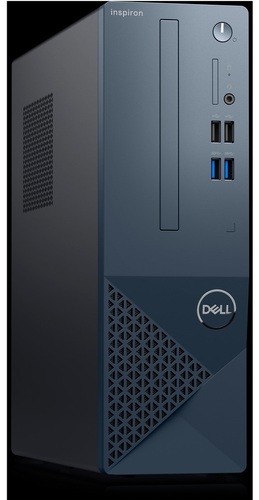
13th Gen Intel Core i5 13400
Price 65000 INR / Unit
Minimum Order Quantity : 100 Pieces
CPU : 13th Gen Intel Core i513400

Contact Details
HD INFOSYS & AUTOMATION
GST : 24ATMPR4329N1Z2
- Darshnam Trade Center-1, 24-Second Floor, Near Hotel Surya Palace, Sayajigunj,Vadodara - 390007, Gujarat, India
- Phone :07971191699
 Send Inquiry
Developed and Managed by Infocom Network Private Limited.
